


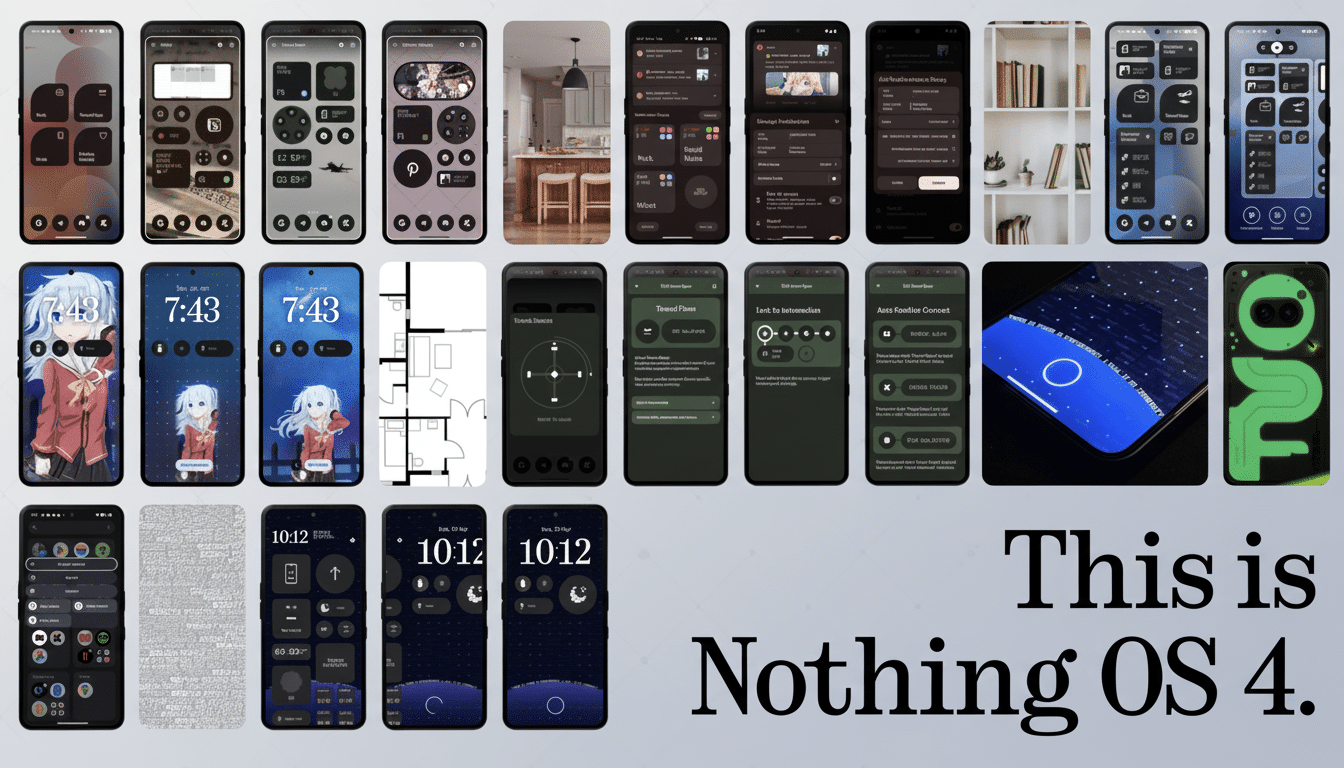
Nothing owners can now get hands-on with Android 16 as the company begins public testing for Nothing OS 4.0. The open beta comes to the Nothing Phone 2 and Phone 3, along with the Phone 2a and 2a Plus, offering an early glimpse at platform changes coupled with Nothing’s newest UI tune-ups.
What’s New in Nothing OS 4.0 on Android 16?
Nothing OS 4.0, in particular, applies a fresh coat of visual and functional tweaks over Android 16. The Quick Settings panel now provides a 2×2 grid layout for high-priority controls, such as the torch or hotspot, without the need to swipe from top to bottom on larger devices. Two new lock screen clock faces fit with the brand’s signature minimal aesthetic and make glanceable information even better.
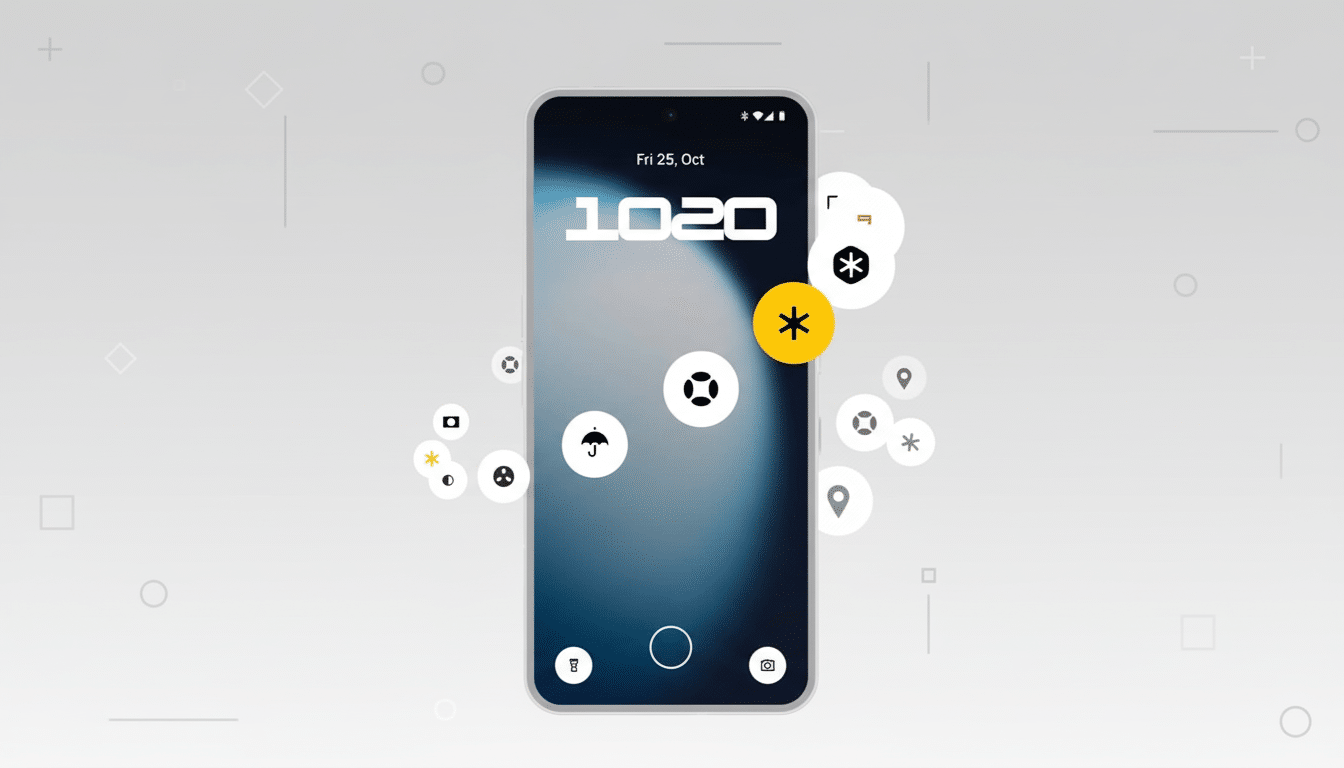
A new Extra Dark Mode lowers system blacks even darker than dark themes for late-night or high contrast use. On OLED displays it may also lead to reduced perceived glare and modestly improved power efficiency through more dimmed UI elements, a direction that has gained some traction in Android UX research cited by display testing firms and accessibility groups.
Multitasking is helped along by the Pop-Up View feature, which opens an app in its own floating window, rotates it as you rotate the device, and includes two optional floating icons that move around with your finger for quick app switching.
It’s a quality-of-life update for real-life situations where users are popping in and out of chat, maps, and media without being ready to fully split-screen.
Playground Integration and Essential Apps Features
Nothing is also expanding its modular ecosystem with support for Essential Apps, which allows you to make shareable widgets connected to the company’s Playground portal. Phone 3 can accommodate up to six Essential Apps widgets on your Home screen. Other supported phones can load only two. Nothing says these are temporary limits set in order to tune the balance between performance and resource usage, and there will be higher caps.
For power users, this is important because widgets are typically where background execution limits or rendering differences in new versions of Android start to pop up first. Early adoption also allows developers time to fine-tune refresh intervals, animations, and battery effects prior to the stable rollout.
Device-Specific Extras and Fixes for Nothing Phones
Owners of the Nothing Phone 3 will also get an AI usage dashboard within Essential Space that will highlight “large model activity.” In simple terms, it’s a transparency layer that reveals to you when your on-device or cloud AI features are working and how frequently they are used. As AI features proliferate across camera, voice, and system services, that level of visibility is consistent with evolving guidance on transparency from industry groups and privacy advocates.
The beta also includes a group of stability fixes for the flagship, which address Bluetooth and Wi‑Fi reliability, display brightness behavior, camera performance, battery life matters, and other such things that early adopters may have noticed on their own. With this, the Phone 2, Phone 2a, and Phone 2a Plus get the “Stretch” camera preset, and a cold start time reduction for system apps across all three is expected.
Who Can Install the Nothing OS 4.0 Open Beta
The open beta, which is live as of today, can be downloaded to the Nothing Phone 2 and Phone 3 — as well as the budget-friendlier Nothing Phone 2a and 2a Plus. There’s no word yet if the Phone 3a series will join them on that list. All the enrollment information is listed on the company’s Community page, where eligible devices can get in on the action and download the beta build over the air.
As with all pre-release software, you can anticipate buggy behavior, reduced battery life, and app compatibility hiccups while both Google’s Android 16 APIs and Nothing’s homegrown services continue to solidify. Back up first, make sure you have enough free storage space, keep your device charged during the installation, and consider the rollback path if you use your phone for mission-critical work. Developers will also want to ensure that their tooling is compatible with the latest Android SDK so they can uncover any behavior changes sooner rather than later.
Why This Open Beta Matters for Nothing OS 4.0 Users
Open betas are where platform-level changes and manufacturer ideas meet screens, eyes, and fingers. For Android 16, this means that developers can now test edge cases—foreground service limits, background task scheduling, notification behavior, media permissions—on real hardware with Nothing’s slim skin in the game. For you, it’s an opportunity to shape polish and priorities ahead of the stable release.
Nothing’s pace here is notable. Although most brands tend to wait until the platform is finished before they cast the consumption net far and wide, as it were, getting access to enrollment earlier squeezes that time gap between Google’s platform readiness and real-world OEM delivery. Assuming the company keeps up this pace, Nothing owners ought to encounter fewer shocks at stable rollout and a less harsh handoff for third-party apps that take advantage of Android 16’s new APIs.
Bottom line: If you don’t mind some pre-release oddities and want to see Android 16 combined with Nothing’s minimalist aesthetic, the open beta for Nothing OS 4.0 is there to try on recent Nothing hardware — and more models will join in soon.
