


NexDock 6th-gen lapdock arrives to make your Samsung phone a workstation-class CPU.
How does Mark Cuban do it? The new NexDock 6, which costs $229, is essentially an empty shell that provides the screen, keyboard, and trackpad (along with a battery and ports), while your Galaxy device running Samsung DeX — or another supported phone or tablet — does the compute work.
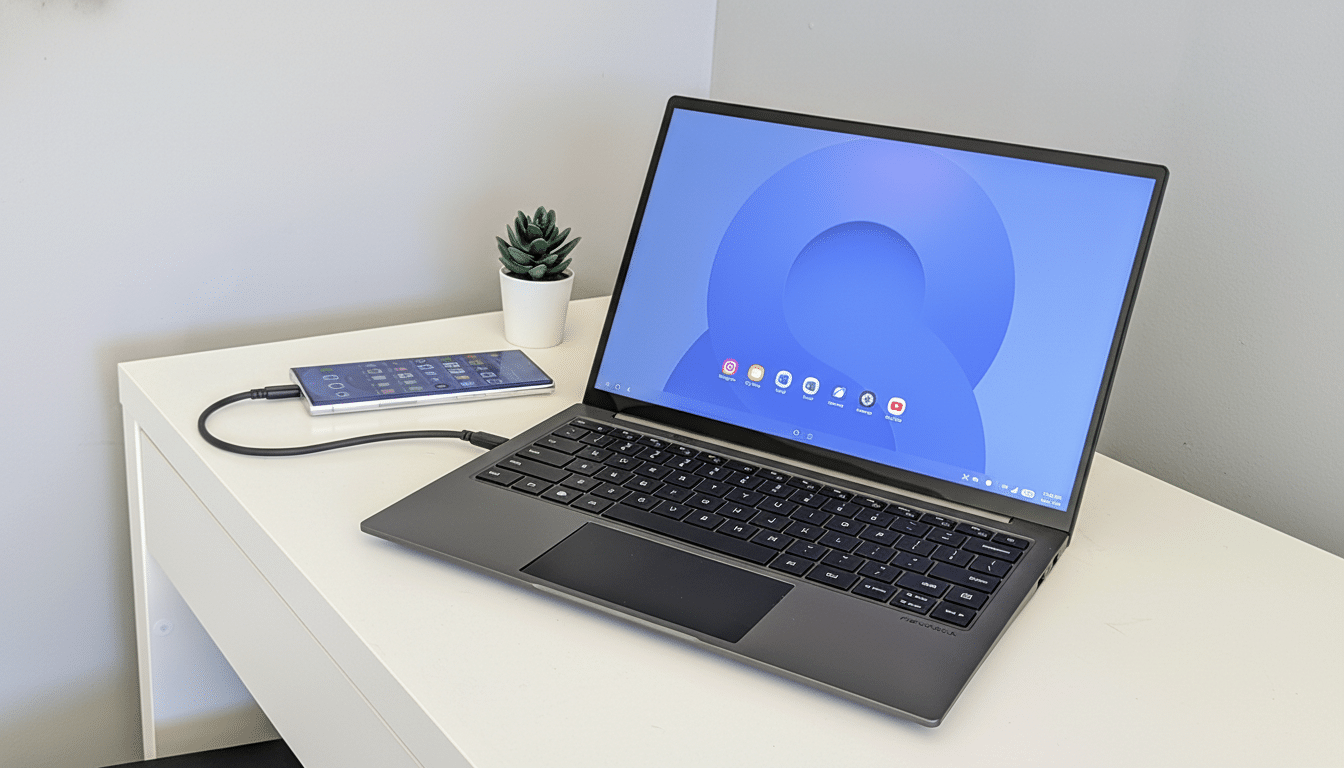
What the NexDock 6 is and how it works with DeX
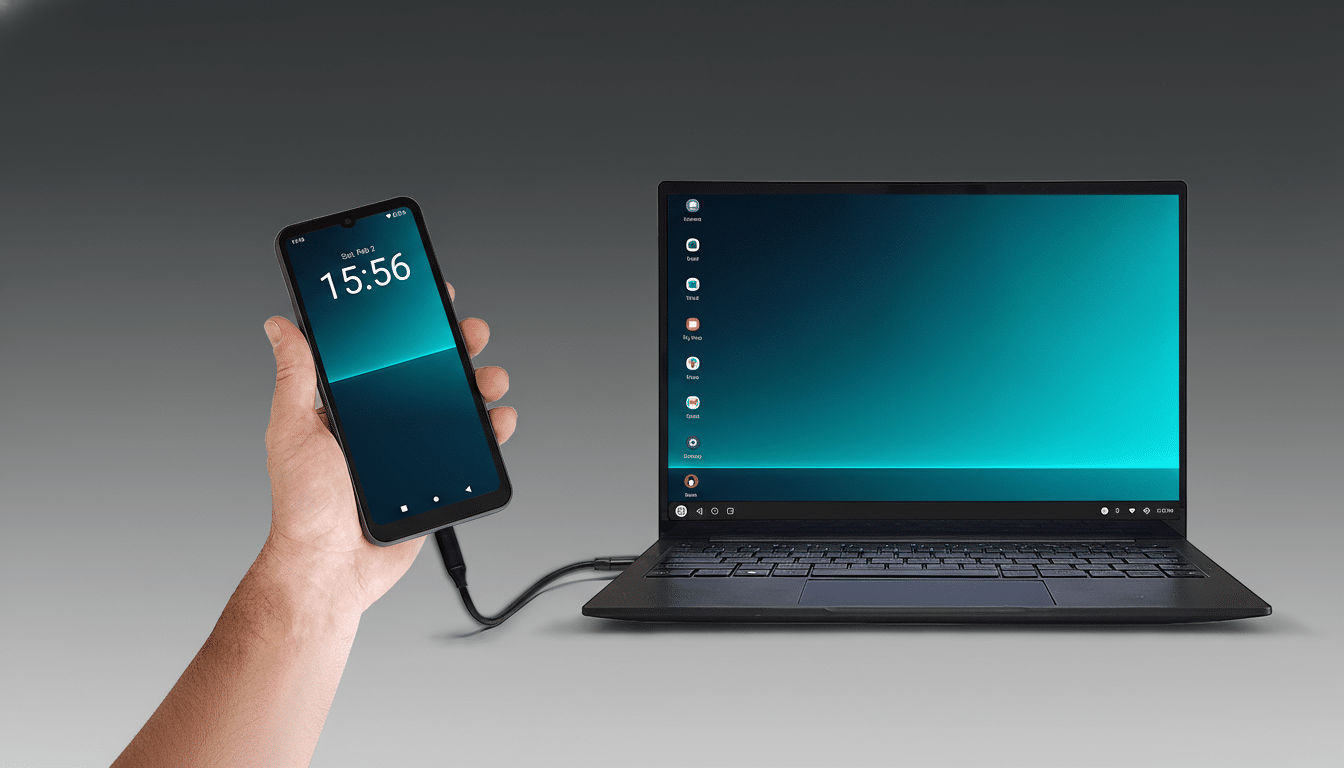
Consider NexDock 6 a laptop body with no brain. Plug in a Galaxy phone with USB-C and boot into Samsung DeX, and your apps are all there, within a desktop-like experience complete with resizable windows, keyboard shortcuts, and mouse support. The same hardware is compatible with Android desktop modes from other companies, Windows and Linux PCs, and handheld gaming systems that output video over USB-C — such as many popular devices supporting DisplayPort Alt Mode or SteamOS.
For someone who already has a capable phone, the appeal is clear. Your handset will be your CPU, GPU, storage, and modem, while NexDock is your full-screen display with a keyboard that you are used to using for real work, phone calls, or video conferencing.
Key Hardware Upgrades In This Generation
Its centerpiece is a 14-inch 16:10 touchscreen with a WUXGA resolution of 1,920 × 1,200. NexDock claims up to 400 nits of typical brightness, full sRGB coverage, and a 1,000:1 contrast ratio, as well as a low-blue-light coating to help reduce eye strain. The 16:10 aspect ratio is a boon for productivity, cramming more lines of code, email, or documents on the display than 16:9 panels of similar size.
Lapdocks have a history of dodgy trackpads — NexDock agrees, saying the prior models were iffy in this department. The company claims it redesigned the touchpad from scratch with smoother two- and three-finger gestures, improved palm rejection, and more consistent pointer performance with DeX, Windows, Linux, and SteamOS. That matters because it’s desktop-level Android gestures and precise cursor control that make or break using a tablet all day long.
Audio is also on the docket here with dual 2W bottom-firing speakers that are targeted to be louder and fuller than previous iterations — perfect for calls and the like. Power is supplied by a 38Wh battery that NexDock says should last about six to seven hours at moderate brightness. The USB-C video input can also back-charge your phone to 5V/2A, and when the pack is plugged in, it continues charging connected USB devices even while off, effectively serving as a small USB-C hub.
What This Means For DeX And Mobile Computing
Samsung’s DeX has matured into a credible desktop layer, and the timing is concurrent with phone hardware that can really handle it. Flagship chips like Qualcomm’s Snapdragon 8 Gen 3 regularly push a range of 7,000 to 8,000 in the Geekbench 6 multi-core test, which is more than sufficient for office apps, dozens of browser tabs and messaging, plus light photo edits. Put that headroom to use with a lapdock and you have a portable form factor that’s lighter than most laptops.
There’s also a pragmatic perspective for IT and transformation workers. Analysts have seen continuous expansion in the use of bring-your-own-device programs, while Samsung Knox offers enterprise-level management on its Galaxy phones. A DeX-compatible lapdock can help cut down on computing waste by making the phone you already upgrade every 24 months do double duty as your primary compute device while it’s docked.
Real-world use, benefits, and the key trade-offs
For daily use, the NexDock 6 is hard to argue with for anyone who travels or splits time between desks.
Plug in a Galaxy S24, and you can write documents, join Teams or Zoom calls, and even handle cloud drives with a real keyboard and large trackpad. Plug in a SteamOS handheld, and you also have a full typing surface for chatting, emulation front ends, or remote desktop clients when you’d rather not game.
There are caveats. While a standard 400-nit panel is bright enough indoors, in direct sun it’s another story. It’s true that some Android apps refuse to resize or behave strangely on the desktop, and a couple of DRM-protected streaming services also lock external display resolution. And sustained loads can heat up your phone and throttle it sooner than on a laptop with a larger thermal envelope. None of this is a deal-breaker, but they’re things to know before you ditch full PCs.
Price Availability And The Competitive Picture
The NexDock 6 is currently available for pre-order at $229 before shipping, with taxes and import duties added in applicable territories. Shipments are sent out from Hong Kong to over 30 countries globally. While US stock is reserved for a later date, it apparently doesn’t affect orders from the US, which ship out of Hong Kong with the same all-in pricing.
There are alternatives, from portable monitors paired with foldable keyboards to niche lapdocks from smaller vendors, but NexDock’s long history in this category and keen focus on DeX polish make it a standout. If you’re already sporting a high-power Galaxy phone and live in cloud apps, this may be the cheapest way to transform that pocket computer into a serious laptop.
