


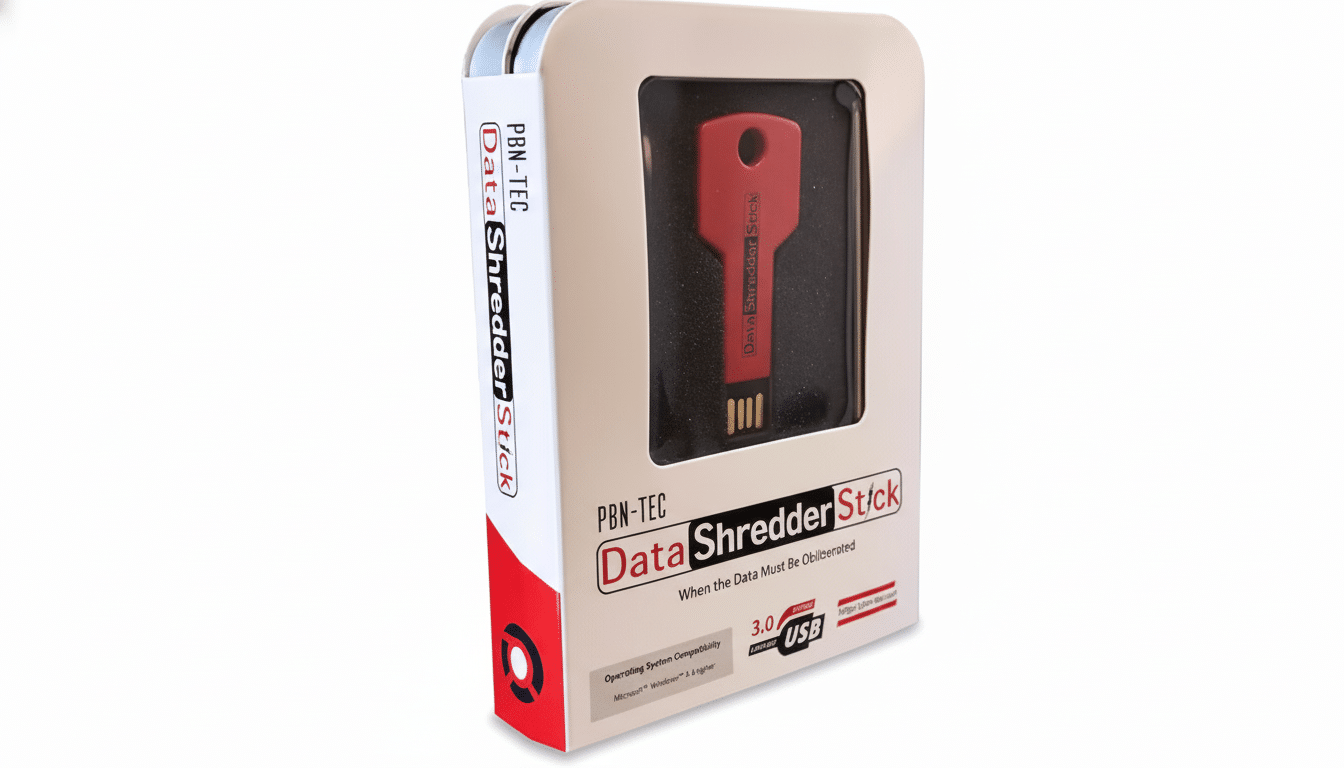
If and when you delete a file, it’s not usually gone for good. On most systems, “delete” just moves a pointer while the underlying data continues to lurk in place until another file overwrites it — all too often easy pickings for off-the-shelf recovery software. A consumer-grade utility, the Data Shredder Stick, seeks to fill that void by overwriting file remnants and free space so they can’t be resurrected with ordinary tools.
It’s a tiny concept with giant stakes. Old laptops sold on the internet, USB drives you find at the bottom of a drawer, or external hard drives used for work that are gathering dust among your junk can become quiet data leaks if they’re not cleaned out properly.
- Why Your Data Sticks Around When You Delete It Normally
- How Secure Erasure Works and Why Verification Matters
- Little Details About SSDs That You Shouldn’t Neglect
- What This Tool Adds to Everyday Secure Deletion
- Who Needs a Shredder and When to Use One Safely
- Built-in Options Available in Windows, macOS, and Linux
- Practical Tips for Data That’s Really, Truly Gone
Why Your Data Sticks Around When You Delete It Normally
When you hit delete, the file system goes for speed, not security. Most file systems do not scrub free space by overwriting; they mark it as available. That’s why undelete apps can sometimes be so effective: the content still sits there until some other file writes over it.
Real-world data tells us how frequently that oversight is a competitive liability. An analysis by Blancco and Ontrack discovered that 42% of the secondhand drives they bought had retrievable data on them. According to a separate study from the National Association for Information Destruction, around 40% of resold devices contained personally identifiable information. And those numbers persist even as most feel that breaches are riskier still.
How Secure Erasure Works and Why Verification Matters
Data erasure is essentially an issue of writing, not deleting. Without overwriting what was once in those sectors, you’re just clearing out info. “It’s just cleared space,” as @SK-logic says. Clearing free space is the typical way to go about regular old hard drives. The National Institute of Standards and Technology’s SP 800-88 Rev. 1 recommends that all information be destroyed by any of several methods, including a single effective overwrite, since in its view one write pass is enough to render the original data irrecoverable, and multiple-pass patterns may be unnecessary on modern disks.
What matters as much as the method is verification. Good tools can verify that blocks were written and, if desired, report whether assets have been sanitized — helpful for audits in health care or finance under HIPAA or GDPR regulations.
Little Details About SSDs That You Shouldn’t Neglect
Solid-state drives complicate shredding. Wear leveling refers to the fact that file data might be mirrored or shifted to other cells, so overwriting a single file path isn’t an absolute guarantee. In such cases, NIST also refers to device-native methods including ATA Secure Erase or cryptographic erase that command the underlying controller to make all cells empty, or to delete encryption keys, thus making data unreadable.
As a first step, full-disk encryption before you ever put sensitive data on the device is a strong baseline for everyday use. If you do have to retire or repurpose an SSD: “Use a crypto-erase or the manufacturer’s secure-erase utility, then verify.” For failed disks, certified physical destruction is still the order of the day.
What This Tool Adds to Everyday Secure Deletion
A plug-and-go USB device for Windows-based OS environments, the Data Shredder Stick automatically finds any Windows file system written by operating systems such as Vista, Server 2008, MS-DOS, or older versions of Windows. Open the app, throw files or folders at it to shred, or set it loose on previously deleted space throughout a drive. The mission is simple: erase targeted data so no one in the forensic field — or anyone using consumer recovery tools — will ever be able to restore it.
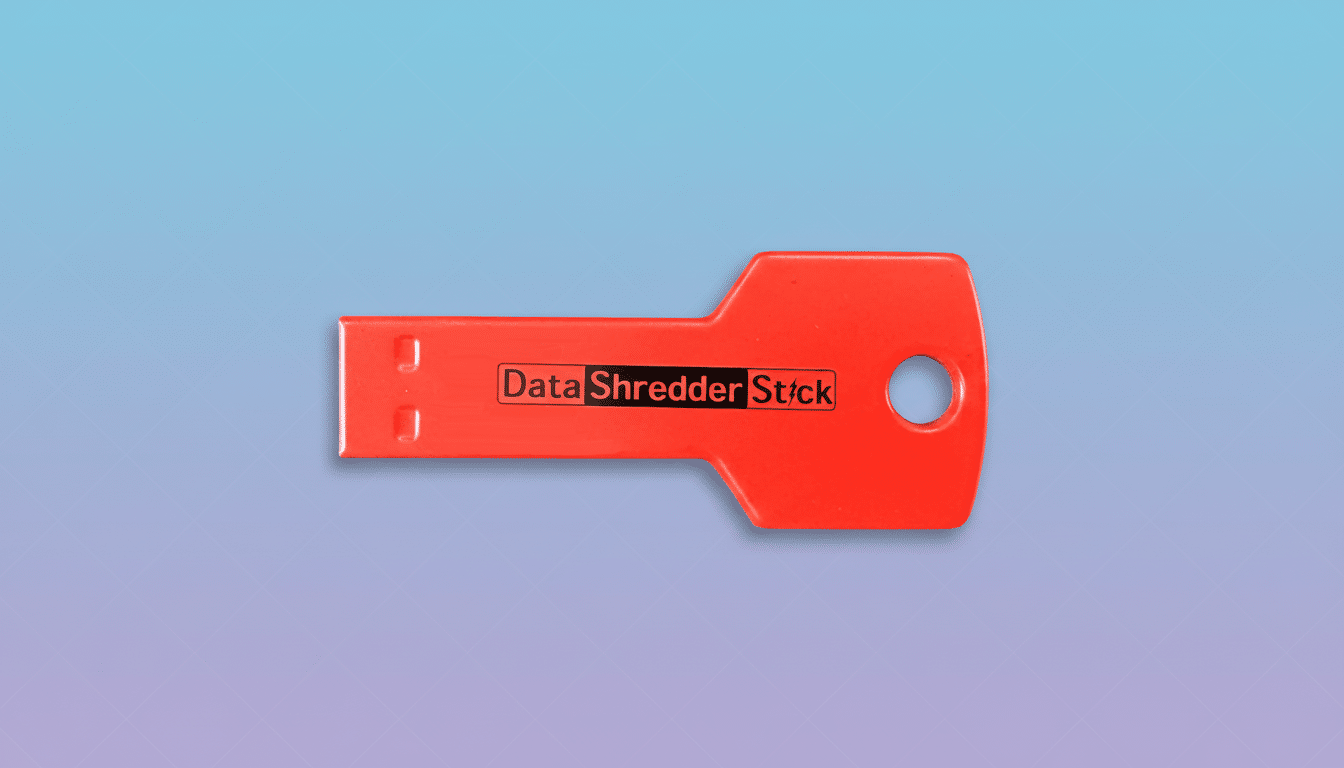
Since it runs from a portable stick, it’s perfect for ad hoc cleanup on any number of machines you might use the USB media with but don’t want to install anything on. In at least one practical way, it eliminates the friction that prevents many people from doing this right before trading in a laptop or passing on a disk.
Who Needs a Shredder and When to Use One Safely
For anyone reselling, donating, or recycling a computer, storage should be sanitized beforehand. That will affect families looking to empty out old electronics, freelancers with client documents, and small businesses that are retiring equipment that may hold HR records, invoices, or proprietary information. The danger is not theoretical: incident responders routinely track data exposure to insufficiently wiped or lost media.
Telecommuters, attorneys, physicians, and journalists with confidential sources are some of the professions that often perform frequent shredding of working files. As part of full-disk encryption and strong authentication, a shredder blocks the most common leakage.
Built-in Options Available in Windows, macOS, and Linux
Windows users can turn to the Sysinternals SDelete utility and BitLocker for encryption; macOS has FileVault as well as a recommendation for full-disk erase as opposed to “secure empty” on SSDs; Linux users tend to use shred, fstrim, and hdparm secure-erase commands. They are powerful but overwhelming or time-consuming for non-experts.
A dedicated program streamlines best practices into a more straightforward process (especially for wiping free space and shredding targeted folders) while lowering the risk of configuration errors.
Practical Tips for Data That’s Really, Truly Gone
Follow established guidance including NIST SP 800-88 Rev. 1. In the case of HDDs, employ a verification-based purge using overwriting. For SSDs, use crypto-erase or vendor secure-erase, and confirm it. Quarterly, log what is cleaned, who did it, and when. For media that can’t be sanitized and has failed, destroy the media at an approved destruction facility.
The conclusion is simple: don’t count on your recycle bin to guard your privacy. Deliberate sanitization of unwanted files, and learning how to use system tools (or using the Data Shredder Stick), is the difference between “deleted” and gone.
