


A compelling deal just landed for anyone eyeing a flexible work-and-play machine: a new, open-box ASUS Chromebook CM30 is selling for $149.99. That’s 54% off its $329.99 list price, bringing a tablet-plus-laptop setup into true budget territory without gutting the essentials.
What You Actually Get For $150 With This ASUS CM30
The CM30 is a detachable 2-in-1 that toggles between a slim tablet and a keyboard-equipped laptop. Its 10.5-inch WUXGA touchscreen (1,920 by 1,200) offers crisp visuals at roughly 216 pixels per inch, and the magnetic stand cover lets you prop it up at comfortable angles for typing, drawing, or streaming.
- What You Actually Get For $150 With This ASUS CM30
- Performance You Can Expect For Everyday Work And Study
- Why The Detachable Design Matters For Work, School, And Play
- Security Features And Long-Term Support Outlook For ChromeOS
- Open-Box Caveats To Consider And Smart Checks Before Buying
- How It Compares On Value Against Tablets And Budget Laptops
- Who Should Buy This 2-in-1 Chromebook At $150 Right Now
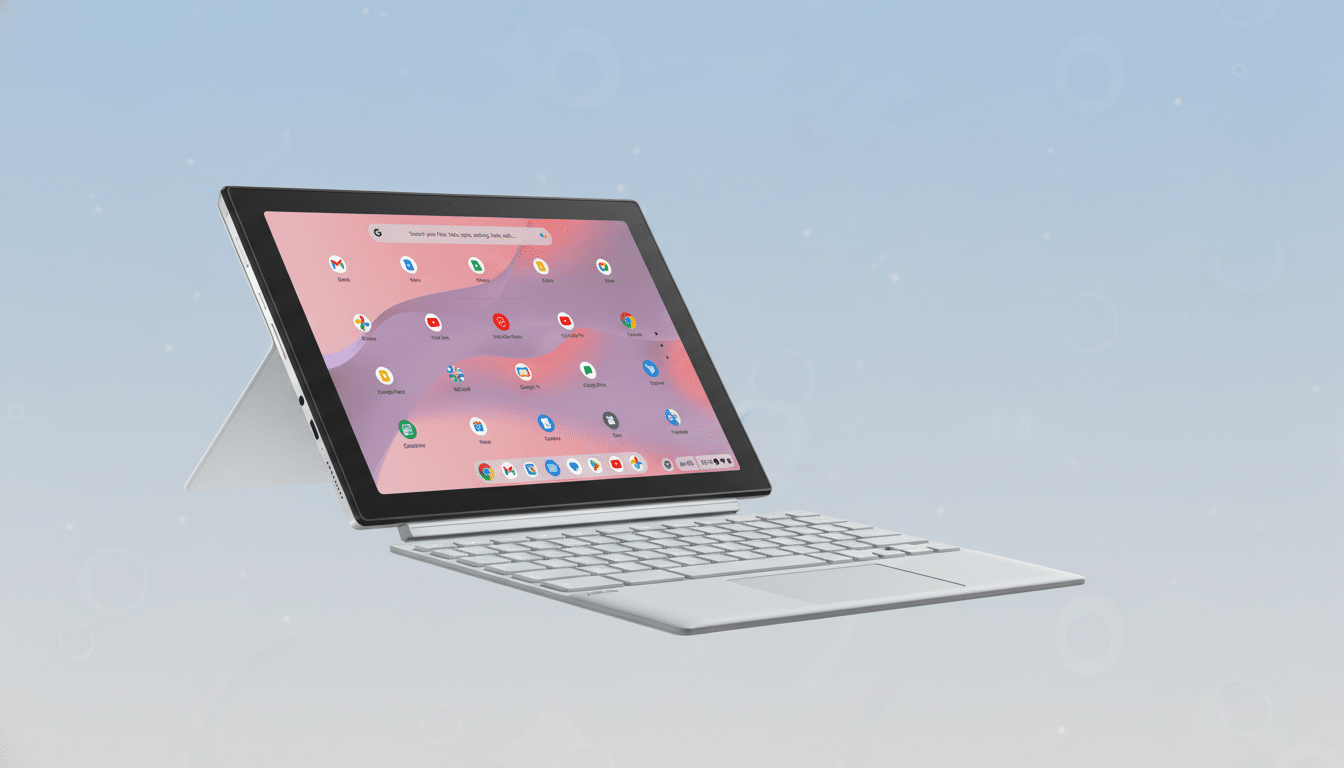
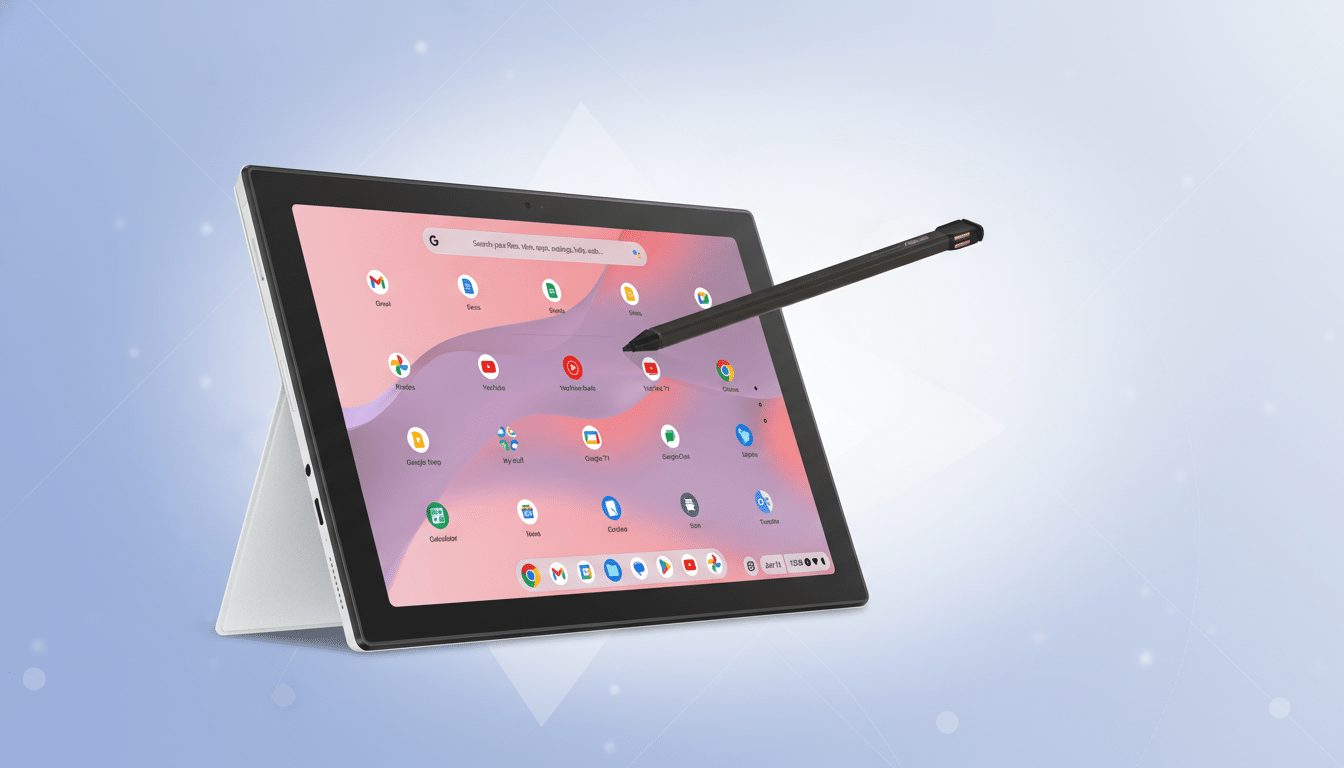
Under the hood, the MediaTek Kompanio 520 pairs with 8GB of RAM and 128GB of eMMC storage—plenty for ChromeOS, which thrives on efficient memory management and cloud-first workflows. A garaged, fast-charging stylus travels with the device, so note-taking and annotation are always within reach rather than buried in a bag.
Rounding out the package are dual 5MP cameras (front and rear) for video calls and casual photos, Wi-Fi 6 and Bluetooth 5.3 for modern connectivity, and a quoted battery life of up to 12 hours. For students, commuters, and on-the-go workers, that’s a well-rounded spec sheet at a price that undercuts most entry-level laptops.
Performance You Can Expect For Everyday Work And Study
Chromebooks in this class are built for the jobs most people do most often: dozens of browser tabs, Docs and Sheets, email, messaging, streaming, and video conferencing. The Kompanio 520 isn’t a heavy-lift processor, but with 8GB of RAM it feels snappy in ChromeOS for general multitasking. Android app support via Google Play broadens its utility for tasks like digital art, e-reading, or light photo edits.
If your workload leans toward 4K video edits or high-end gaming, you’ll want a more powerful system. But for typical productivity and schoolwork, the CM30’s component mix is right on the money.
Why The Detachable Design Matters For Work, School, And Play
Detachable 2-in-1s offer a different kind of flexibility than 360-degree convertibles. Pull the keyboard and you’ve got a light, handheld slate for reading or note-taking; snap it back on and it’s a comfortable typing experience. The bundled stylus aligns with the Universal Stylus Initiative (USI) ecosystem many ChromeOS devices support, making it easy to jot lecture notes, mark up PDFs, or sketch diagrams without juggling multiple pens.
Security Features And Long-Term Support Outlook For ChromeOS
ChromeOS devices benefit from verified boot, sandboxed apps, and seamless background updates—hallmarks that have made Chromebooks staples in education and shared environments. Google announced in 2023 that many Chromebooks will be eligible for up to 10 years of automatic updates, depending on the platform, which extends the useful life of models like the CM30. That stability, along with easy remote management, is one reason research firms such as IDC note continued strength for ChromeOS in classrooms and cost-conscious deployments.
Open-Box Caveats To Consider And Smart Checks Before Buying
“Open-box” typically means the device was returned or displayed but is otherwise new or like-new. Policies vary, so check the seller’s return window, restocking terms, and warranty coverage. Confirm the keyboard, stand cover, stylus, and charger are included. After setup, verify the automatic update timeline in ChromeOS settings and run a quick battery health check—simple steps that ensure you’re getting the full value of the discount.
How It Compares On Value Against Tablets And Budget Laptops
At $150, the CM30 undercuts many budget Windows laptops that often start around $250–$400 and weigh more, while also avoiding the accessory upcharges common in tablet ecosystems. For context, pairing a mainstream tablet with a first-party keyboard and stylus can easily climb well north of $400. Even Microsoft’s compact 2-in-1s typically cost more before you add a keyboard.
Who Should Buy This 2-in-1 Chromebook At $150 Right Now
Students who need a reliable writing and research machine, travelers who value a light device with long battery life, and households seeking a shared screen for browsing and homework will all find strong value here. Creatives who sketch or annotate documents will appreciate the garaged stylus, while frequent video callers get decent cameras and Wi-Fi 6 for steadier connections.
Inventory for standout open-box deals tends to ebb and flow, but at $149.99 this 2-in-1 Chromebook offers an unusually complete feature set for the money—precisely the kind of no-drama, high-utility purchase that makes budget tech feel like a smart win.
