


One of Netgear’s most popular Wi-Fi 6 models just saw a massive price drop, putting reliable whole-home connectivity within easy reach. The Nighthawk AX5400 dual-band router is down to about $124.97—roughly $250 off its typical $379.99 list price—representing a steep 67% discount on a workhorse that can genuinely modernize a home network without venturing into premium Wi-Fi 6E or Wi-Fi 7 territory.
For households juggling 4K streaming, cloud gaming, and a flood of smart-home devices, this deal is a pragmatic upgrade: strong throughput, broad coverage, and simple setup at a price that’s tough to beat.
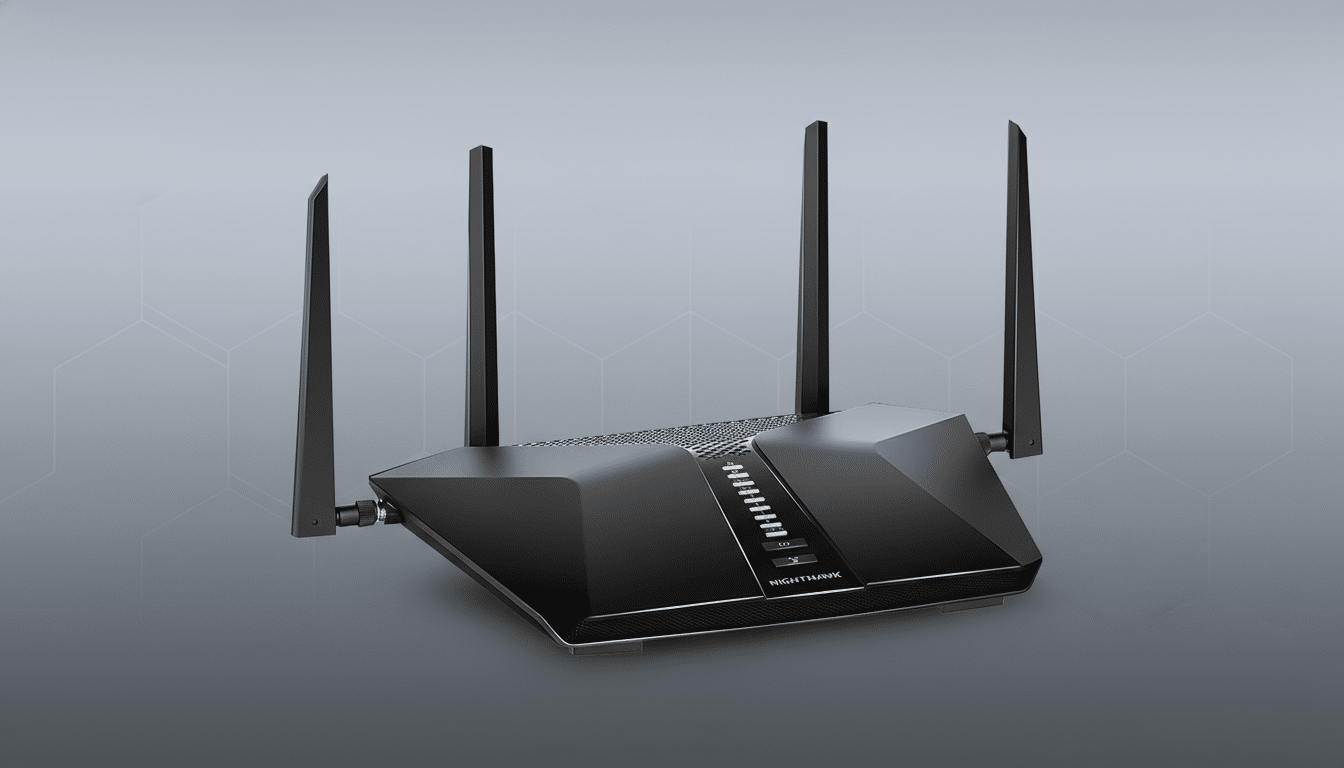
Why This Nighthawk Router Stands Out Right Now
Classed as AX5400, this Nighthawk combines a 2.4GHz band and a 5GHz band for an aggregate theoretical ceiling around 5.4Gbps. In plain English, it’s built for busy homes with dozens of devices. Expect coverage up to about 2,500 square feet and stable connections for 40+ clients when features like OFDMA and MU-MIMO are doing their job. In practice, that means smoother 4K streams in the living room while video calls and online matches continue uninterrupted elsewhere.
Hardware is practical rather than flashy: a Gigabit WAN port, four Gigabit LAN ports for hardwiring a gaming console or desktop, and a USB port for sharing storage across your network. Setup is straightforward with Netgear’s mobile app, and advanced users can still pop into the browser interface to tweak channel widths, enable WPA3 encryption, or split SSIDs if needed.
The AX5400 class often supports 160MHz channels on 5GHz and 1024-QAM, both of which help compatible devices hit higher real-world speeds. While theoretical numbers grab headlines, experienced testers know sustained throughput, latency control, and steering behavior matter more day to day—and this tier of Nighthawk has a strong track record in those areas.
Who Will See the Biggest Benefit From This Router
If your household sits on a cable or fiber plan anywhere from 200Mbps to 1Gbps, this router aligns well with your service. According to recent analyses from Ookla’s Speedtest Intelligence, median U.S. fixed download speeds have topped 200Mbps, which means many homes can fully exploit Wi-Fi 6 gains without stepping up to pricier multi-gig hardware. The Gigabit WAN on this unit will saturate typical plans, though it won’t unlock 2.5Gbps or 5Gbps tiers—something to keep in mind if you’re aiming beyond gigabit service.
Device density is another angle. Deloitte’s smart home research has charted a steady rise in connected gadgets per household, from TVs and tablets to cameras, thermostats, and robot vacuums. With OFDMA parceling the airwaves efficiently among many clients, AX5400-class routers are engineered to keep those devices responsive even as the headcount climbs.
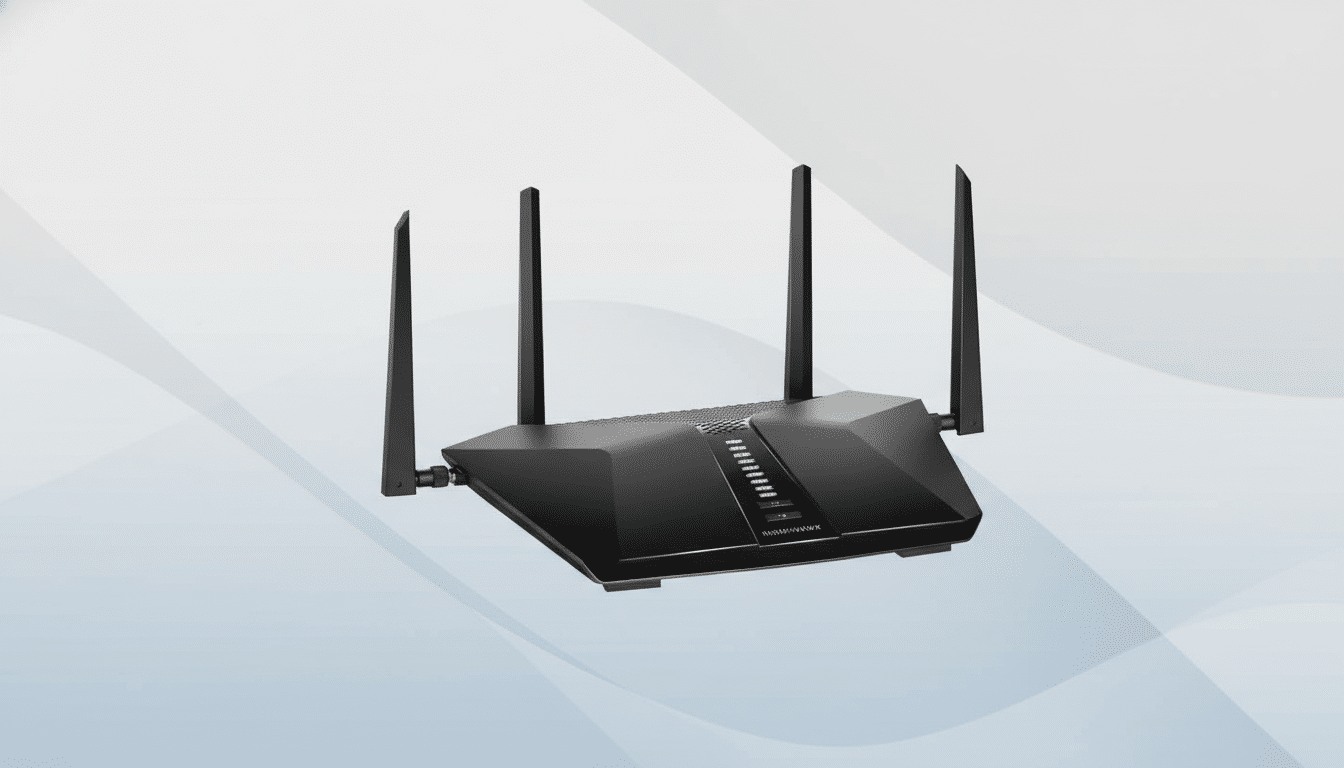
In a typical four-bedroom home, a centrally placed Nighthawk can keep a streaming stick, a gaming PC, two laptops on work calls, and a cluster of smart bulbs and sensors in sync without constant buffering. Walls and layout still matter, but for most single-family homes, this class of router is the sweet spot before you consider a mesh kit.
Security and Controls You Should Know Before Buying
Security is more than a checkbox. Netgear Armor, powered by Bitdefender, adds network-level threat detection for devices that can’t run antivirus, like smart TVs and cameras. There’s typically a trial included; after that, it becomes a paid subscription. Families may also value Smart Parental Controls for content filters, time limits, and device-specific rules—again, core features are free with premium options behind a subscription. Even without add-ons, you’ll have WPA3 support, guest networks, and automatic firmware updates to shore up baseline safety.
Deal Details and Buying Tips to Maximize Value
The headline is the savings: about $124.97 right now versus $379.99 list, cutting roughly $250 from the sticker and putting this router in budget-friendly territory. If you’re shopping on Amazon, verify whether the listing is new or renewed, confirm the exact model variant (look for AX5400 in the specs), and check the return window. Given the discount depth, stock can move quickly.
Before you click buy, consider your home’s layout. A single powerful router like this is ideal for apartments, townhomes, and many single-story or moderately sized two-story houses. If you have thick masonry walls or a sprawling multi-level layout, a mesh system may still be the better fit. Conversely, if your devices are mostly Wi-Fi 5 or Wi-Fi 6 and you don’t own any 6GHz-capable gear, there’s little reason to pay a premium for Wi-Fi 6E or Wi-Fi 7 today.
Once it’s in your cart, a few setup best practices go a long way:
- Place the router in a central, elevated position.
- Enable WPA3 if all your main devices support it.
- Consider 160MHz channels for newer laptops and phones.
- Keep firmware up to date.
These steps can easily deliver the most tangible speed and reliability gains—making this $250 markdown feel even bigger in daily use.
