


I’ve spent years shuttling back and forth between Kindle, Boox and reMarkable devices — filling margins with notes and devouring chapters in the bright sun or near darkness of a bedroom. So here’s the blunt take: E Ink is the rare tech that feels timeless and also still maddening. It nails the basics so perfectly you’ll forgive the rest — until the rest gets in your face.
Why E Ink Keeps Outreading the Screen for Hours
E Ink’s greatest strength is simple: it’s comfortable to look at for hours. These panels are reflective, so what they’re doing looks more like paper than it does the cast of a glowing slab, and that makes for fewer irritations that keep us all staring wide-eyed at midnight. Sleep scientists and ophthalmology organizations often cite emissive blue-light exposure as a risk of disruption, and a front-lit E Ink screen avoids much of that with the soft glowing nature of indirect illumination.
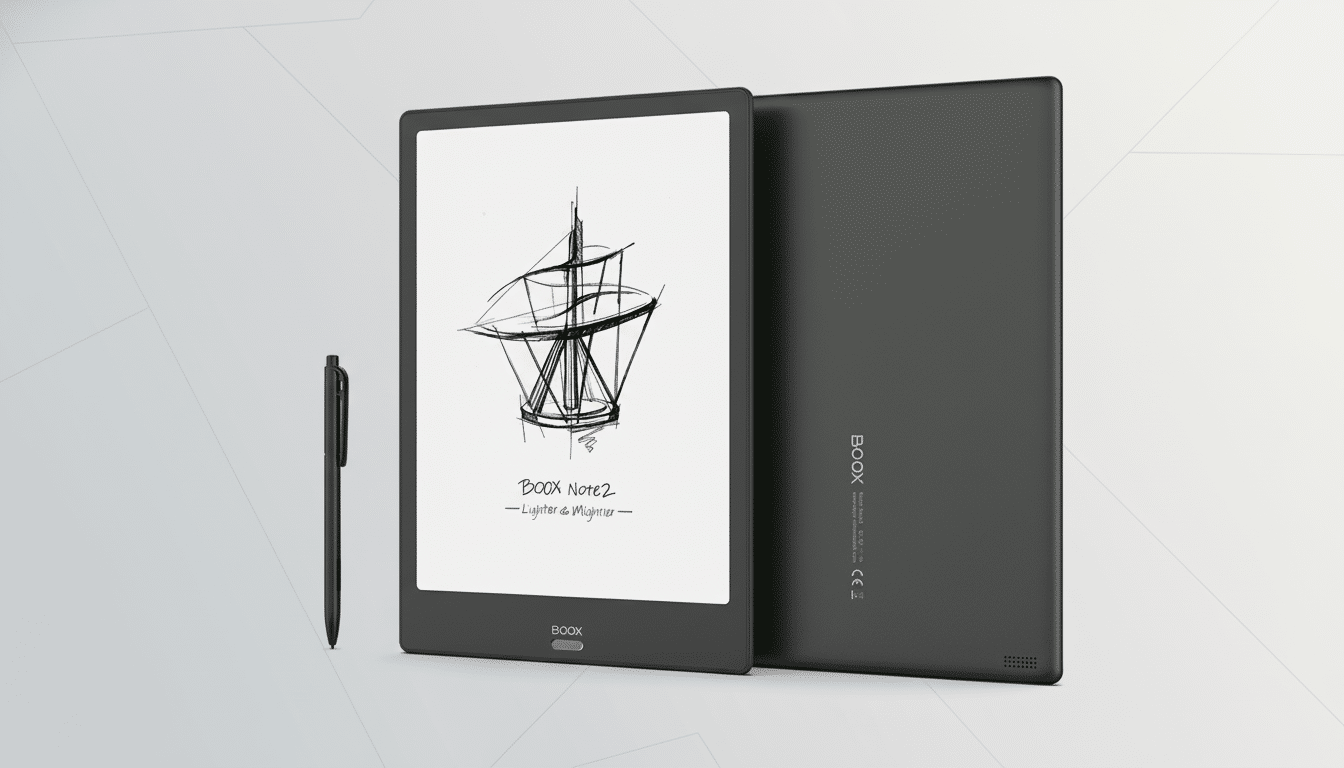
Out of doors, not only is it readable; outside, actually, it flourishes. While glossy LCDs can wash out and OLED displays struggle with glare, an E Ink display reads slightly better in the sun. So my Kindle lives in my beach bag, where it never complains. Oh, and battery life is smug-adjacent. While all of Amazon’s e-readers are rated in weeks or longer, other devices like the Kindle Scribe and Kobo’s recent Clara and Libra lines regularly hit multi-week stamina levels in real-world use. When you think of the 8-12 hours you’d see on a tablet, “charge it later,” becomes “charge it next month.”
Writing That Feels Like Paper, Only Better
E-paper is what surprises people when it comes to stylus work. The hardware is very Wacom EMR: thousands of levels of pressure sensitivity, a slightly textured surface and latency low enough to convince your claw that ink is flowing. Company materials peg the latency in the tens of milliseconds, and it shows: strokes land predictably, tilt and pressure react naturally, and you get that quiet, frictiony drag that normal tablets always struggle to similarly replicate without special nibs or matte films.
Kindle Scribe and Kobo’s larger models are also fine notepads for scribbling on books and PDFs. Boox brings flexibility: real Android, wide file support and serious PDF tools. For brainstorming, marking up drafts and meeting notes, these slates cut the spiral-bound mess and back everything up in the cloud. Paper (still) has soul, but E Ink has a search bar.
The Physics That Slow It Down on E Ink Screens
Now for the grit. E Ink shifts pigment particles around by applying electric fields to microcapsules. That analog charm also brings inertia. And in modern waveforms: a noticeable gap, tearing artifacts and that bloody black flash! Older e-readers took about a second to redraw a page; top panels now feel like they take some couple hundred milliseconds, depending on mode. OLED and LCD panels, meanwhile, lick along in single milliseconds, and touch pipelines on tablets aim for less than 20 ms end-to-end. The gap is not a matter of firmware, but physics.
The delay recedes into the background for linear work — turning pages, jotting notes. Request scrolling timelines, swift web apps or zippy U.I. animation — and the interface may as well be dragging itself through syrup. That mismatch is the upper bound for E Ink, as a general-purpose computing platform.
Color E Ink Is Better, But Still Muted Overall
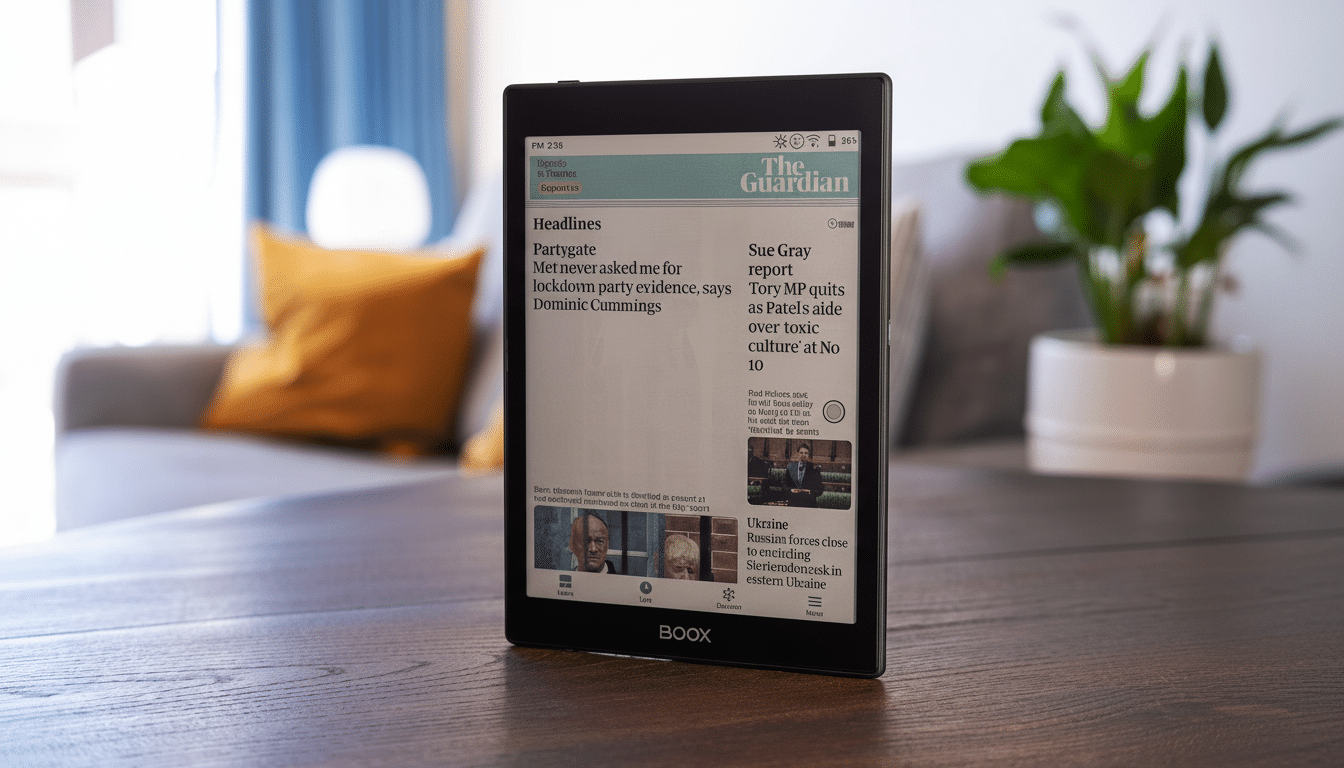
Color has gone forward, just not enough as far as the tablets are concerned. Screens using the E Ink Kaleido 3 need to layer a color filter over a 300 ppi black-and-white matrix, so you get effective color resolution around half that. Covers are more alive and comics are perfectly readable, but colors can be muted and gradients may band. E Ink’s Gallery 3 technology claims richer hues via four-color pigments, but you’ll have to make do with even slower refresh. It’s an ingenious materials science tale that is still immature for popular multimedia.
The Android Dream and the E Ink Reality Today
Onyx Boox made the dream come true: an E Ink tablet with the Google Play Store and desktop-like file control. Just install Kindle, Pocket, Notion or your favorite email client. But high-refresh displays are taken for granted by most Android apps. Even with aggressive partial-refresh modes and contrast boosting, Gmail stutters, Chrome drags on complex pages and any app that animates too frequently feels bad. Boox’s own hardware is capable; its software tools for PDFs and note layers are excellent, but the greater Android ecosystem just isn’t configured for electrophoretic screens.
My Hot Take After Living With All Three Brands
E Ink is so close to becoming amazing. As a reading machine, you can’t beat it. As a handwriting pad, it’s persuasive enough to replace legal pads. Unfortunately, as just a good tablet, it is still damn frustrating. The wish list remains: faster refresh and touch latency, higher-saturation color without clarity loss and system-level app adaptations that respect e-paper’s cadence.
If you’re just looking for books and nothing fancy, stick with Kindle or Kobo and enjoy the battery and eye friendliness. If you’re serious about writing and annotating, reMarkable gets touch and focus right. And if you need that flexibility, Boox is the power user’s pick—just know what you’re getting yourself into with regards to Android on E Ink. E Ink Corporation’s roadmaps continue to progress and, with each new generation, the differences become slim. Until the chemistry jumps, the best course is to regard these devices as specialists, not replacements.
That is the conclusion after months of marginalia and long chapters: love E Ink for what it does well, stifle the impulse to make it something that it isn’t, and you have yourself a calmer, longer-living screen that does its best work whenever the world is brightest and your Wi-Fi is off.
