


AI-facilitated “vibe coding” may be the rage on desktops, but dedicated mobile apps designed specifically for working with AI are barely breathing.
Fresh app store intelligence suggests that those downloads have been in the single digits, and the revenues equally low — and yet new entrants keep arriving backed by flashy demos and venture funding.
- Tiny installs and even tinier revenue for mobile AI coding apps
- Why phones are the wrong tool for the job
- There are already better options for developers
- Mobile is most useful behind the scenes with embedded AI
- Interest is high but conversion remains low for mobile AI coding
- What changes would be necessary for mobile vibe coding to click
Tiny installs and even tinier revenue for mobile AI coding apps
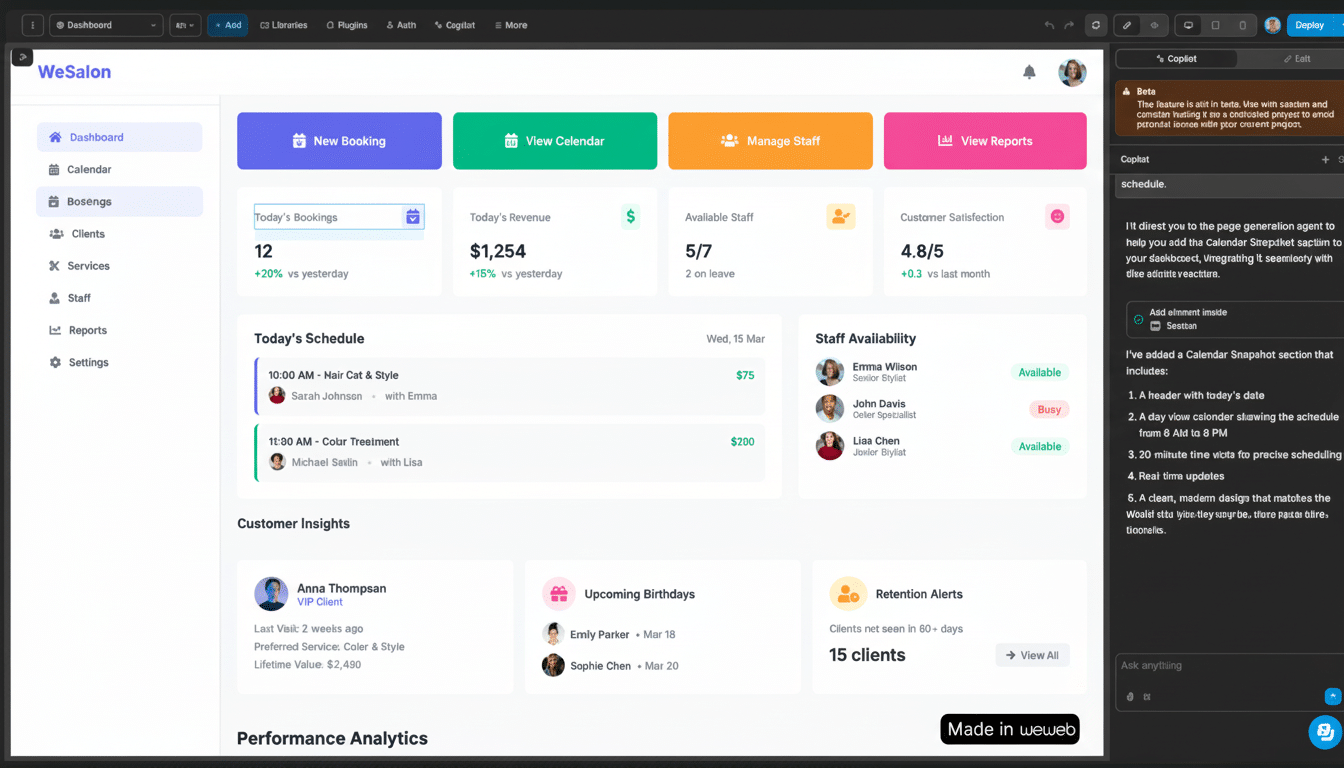
Not only have few mobile apps that purportedly offer AI-aided software development made any dent to date, according to an analysis by app intelligence firm Appfigures. Example: AI App Builder was first among these, with around 16,000 downloads and an estimated ~$1K spent by consumers. Vibe Studio has earned zero consumer revenue and about 4,000 downloads.
The pipeline of new arrivals still hasn’t shifted the picture. Vibecode, which has raised a $9.4 million seed led by Alexis Ohanian’s Seven Seven Six, launched with the pitch of creating apps from an iOS client. Appfigures doesn’t have quantitative data for the upstart, and it illustrates how new — and unproven — this mobile niche still is.
Why phones are the wrong tool for the job
Core software work often involves multi-file, context-heavy, precision-based tasks, and those are at odds with physically limited displays as well as touch interfaces. Power users with external keyboards hit friction, too, switching between terminals, logs, and repo diffs on a phone. The sandbox for local files, background tasks, and good old-fashioned shell interactions is inconvenient, while true multitasking in split-screen view remains more of a step backward than a leap forward in terms of productivity.
Then there’s the AI stack itself. Big models shine when they are given access to long, cross-file context — precisely the sort of payload that tugs at mobile bandwidth, battery, and patience. On-device models are getting better but constrained by memory and thermal budgets, while in-the-cloud inference on spotty networks slows things down just when unfiltered feedback is the most valuable. That disparity erodes the “instant copilot” promise.
There are already better options for developers
Desktop workflows are miles ahead. What GitHub Copilot, Cursor, JetBrains AI Assistant, and Claude Code have in common is they all live where developers are already living their day; inside full IDEs that come with integrated terminals and test runners and debuggers and CI hooks. The way from AI suggestion to commit, PR, and deploy is just as easy on a laptop, the original deep work gold standard.
On the other hand, a new breed of browser-based environments like Codespaces, Gitpod, and Replit allow developers to boot projects in seconds on any machine, and transition seamlessly into an IDE when work becomes intense. Against that backdrop, mobile “vibe coding” apps see side-task status at best: reviewing snippets, finding a rubber duck to ask for help, or jotting down an idea — useful, but not worth a separate subscription for most.
Mobile is most useful behind the scenes with embedded AI
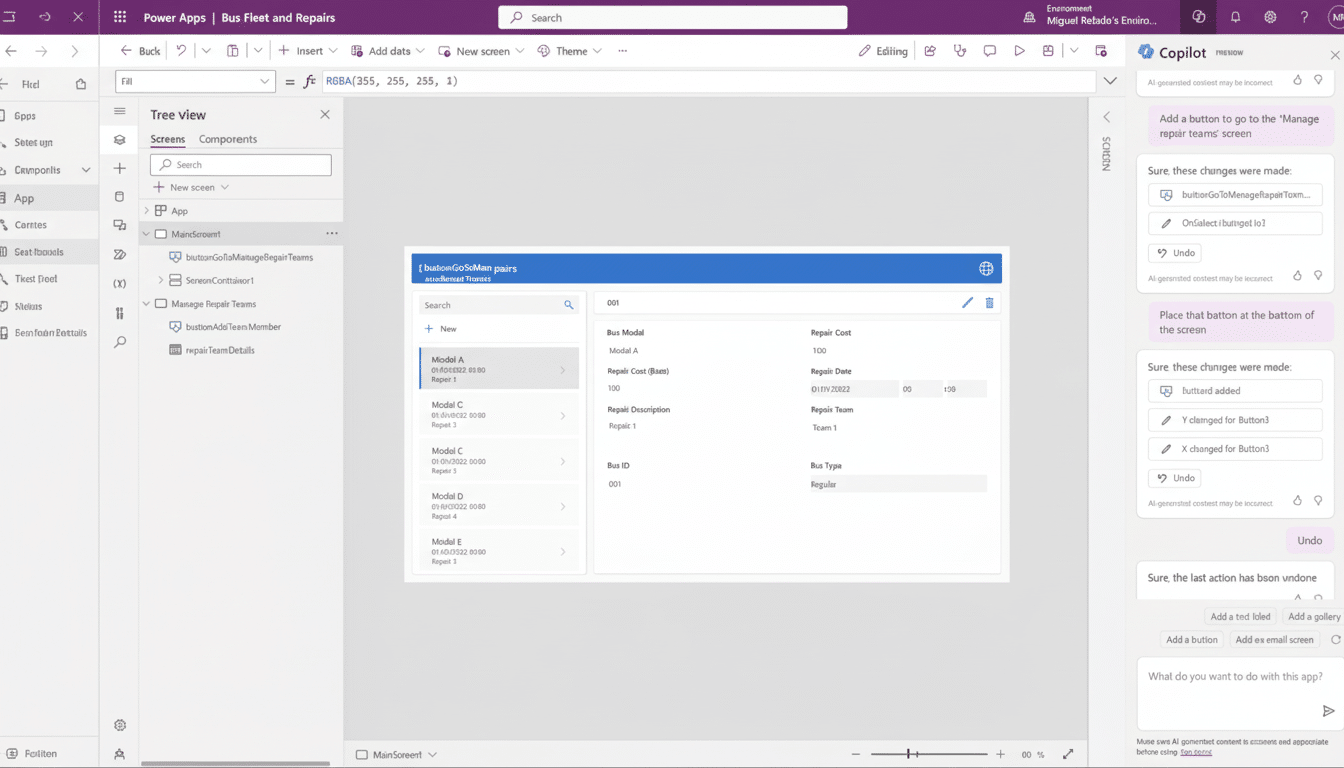
AI is also living its best life on mobile, not as coding apps, but in consumer and pro tools that quietly bake in AI features.
RevenueCat, which is the payments infrastructure for tens of thousands of apps, tells us it processes purchases in more than half the AI-generated iOS apps on the market. A bunch of the vibe coders are running subscriptions through RevenueCat’s MCP server courtesy of desktop apps like Cursor and Claude Code, and shipping AI-infused mobile apps that consumers can actually use. The monetization will occur in the AI-driven outputs, not mobile code inputs.
Interest is high but conversion remains low for mobile AI coding
Developer sentiment isn’t the problem. According to the recent Stack Overflow Developer Survey, an overwhelming majority of respondents are already using or looking to work with AI tools. The Information’s reporting shows the majority of developers have experience with vibe coding — and, citing software intelligence from Jellyfish, Business Insider has noted that AI is being introduced across the board in team processes. The intent is clear — but it’s translating to desktop and web rather than downloads for coding-on-a-phone apps.
There’s also a business-model gap. It’s hard to ask people to pay for a second IDE that you can only use on mobile when their company is already expensing desktop seats. Discovery in the app stores skews toward entertainment and utilities, not niche pro tools, spiking acquisition costs for a category with uncertain retention.
What changes would be necessary for mobile vibe coding to click
To make dedicated mobile vibe coding click, a few things need to come together:
- First-class Git and SSH support on iOS and Android
- Richer, faster local file access
- Low-latency, privacy-preserving on-device models
- Better input ergonomics — be it foldables, tablets, or keyboard-first setups
- Clear jobs-to-be-done where mobile wins (incident triage on-call, quick PR edits, or scaffolding a prototype), rather than pursuing parity with desktop IDEs
The takeaway: the hype is real, the use cases are real — but for now, your phone isn’t yet where vibe coding pays off. Until that workflow is genuinely mobile-native, these dedicated apps will be more of a rounding error as AI value accrues within the mobile products developers build away from desktop.
