


Microsoft has confirmed that multiple critical zero-day vulnerabilities in Windows and Office are under active attack, with real-world intrusions leveraging “one-click” exploits that require little to no user effort to succeed. Emergency fixes are now available, and the company is urging rapid patching as criminals race to fold the bugs into phishing and malware campaigns.
What Microsoft fixed in the latest security updates
The most serious issue, tracked as CVE-2026-21510, resides in the Windows Shell, the component underpinning the operating system’s user interface. Microsoft says all supported Windows versions are affected. Exploit chains observed in the wild can bypass SmartScreen, the safeguard that normally flags suspicious links and files, enabling code execution after a single click on a malicious link or shortcut.
A second exploited bug, CVE-2026-21513, targets MSHTML, the legacy browser engine inherited from Internet Explorer and still present for backward compatibility. Attackers have been abusing it to sidestep built-in Windows defenses and plant malware, including via Office content that invokes MSHTML behind the scenes. Microsoft also closed additional zero-day holes reported as actively exploited, according to independent reporting from veteran journalist Brian Krebs.
Security researchers from Trend Micro’s Zero Day Initiative noted that a reliable, one-click path to remote code execution is unusual and especially dangerous at scale. A Google spokesperson separately characterized exploitation as widespread, warning that successful attacks can silently run code with elevated privileges—conditions that often precede ransomware deployment or covert data theft.
How the one-click Windows and Office attacks work
These intrusions hinge on social engineering. A common scenario involves an email or message that lures a user to click a shortcut, URL, or seemingly benign file. If the SmartScreen bypass is triggered, Windows may execute attacker-controlled code without the usual warning banners, providing a beachhead for malware loaders, credential theft, or lateral movement.
Office comes into play when a booby-trapped document invokes MSHTML components, a tactic seen repeatedly over the past few years. Despite Internet Explorer’s retirement, MSHTML persists to keep older applications functioning—an architectural reality that continues to attract threat actors looking for dependable exploit surfaces inside enterprise workflows.
Why this matters now for Windows and Office users
Windows still powers the vast majority of desktops globally—StatCounter puts its market share near 72%—and Office remains the default productivity suite across many sectors. That ubiquity makes any zero-day that trims user friction, like a one-click exploit, disproportionately valuable for both financially motivated groups and state-backed operators.
The human element remains the leading breach catalyst: Verizon’s latest Data Breach Investigations Report attributes 68% of breaches to user actions such as clicking malicious links or opening weaponized files. When a single click can bypass a key guardrail like SmartScreen, defenders lose precious seconds—and often visibility—at the exact moment it counts most.
What teams should do immediately to reduce risk
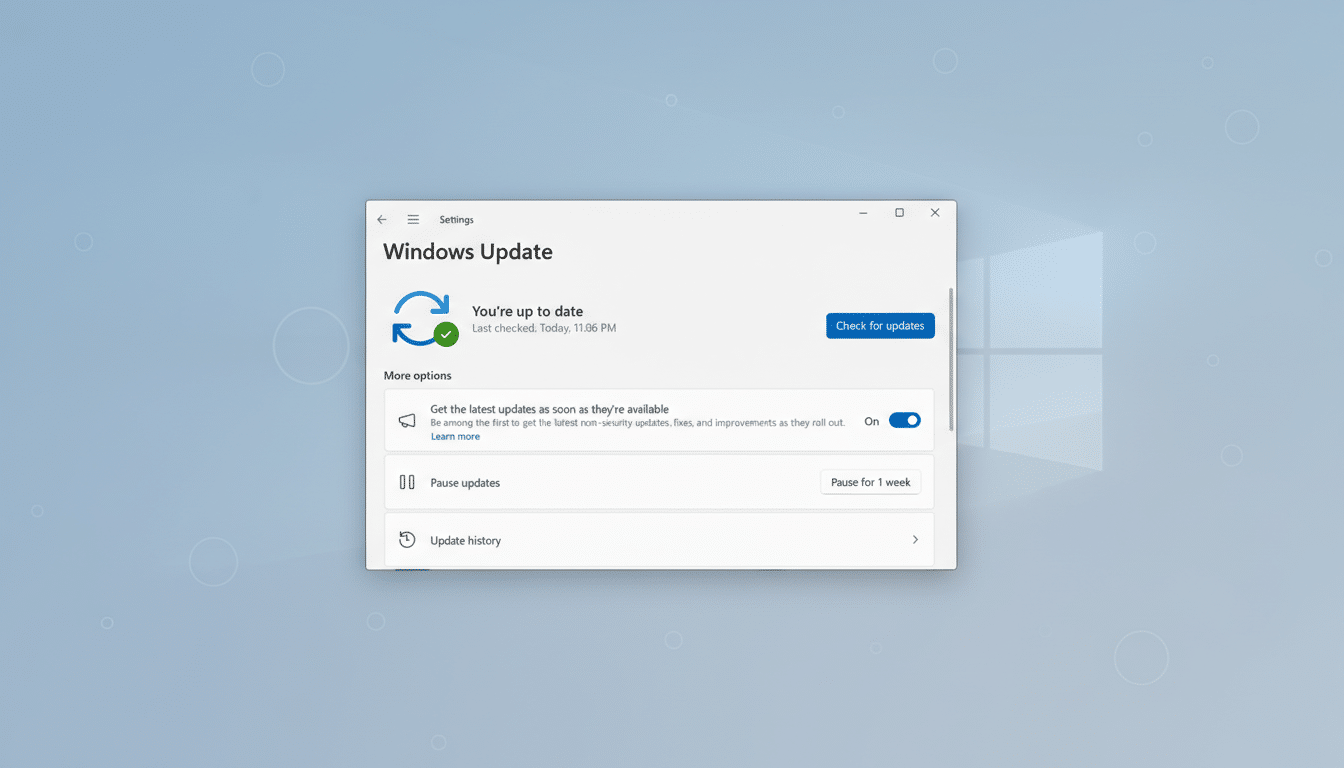
- Patch without delay. Apply the latest Windows and Office updates via Windows Update, WSUS, or your EDR/patch management platform. Prioritize systems where users regularly open external documents or interact with the web and email—laptops, VDI pools, and frontline endpoints.
- Harden Office. Enforce Protected View for files from the internet, block VBA macros from the web, and consider Attack Surface Reduction rules that curb Office from spawning risky child processes. If feasible, restrict or monitor MSHTML usage through application control and script policies.
- Bolster detection. Tune EDR to flag SmartScreen anomalies, suspicious shortcut or URL file executions, and unexpected MSHTML invocations. Watch for rapid process chains (e.g., explorer.exe to script interpreters or LOLBins), sudden registry changes tied to persistence, and outbound connections to newly registered domains.
- Reinforce user awareness. Brief staff that polished lures are circulating and that a single click can be enough. Emphasize reporting of odd prompts, downloads, or documents that demand extra steps to view content.
What to watch next as exploit activity accelerates
Expect public exploit reliability to improve quickly now that patches and technical details exist; opportunistic actors typically pivot fast. Government agencies like CISA often add actively exploited CVEs to their Known Exploited Vulnerabilities catalog, accelerating patch deadlines for regulated entities and shaping industry response.
Microsoft’s security teams, Google’s threat researchers, and independent analysts will likely publish further indicators of compromise and TTPs as investigations mature. Organizations should incorporate those signals into detections and validate that mitigations remain effective even if attackers iterate on delivery techniques.
The bottom line: with exploitation already in progress, speed matters. Apply the updates, tighten Office and browser-adjacent controls, and assume sophisticated phishing will continue targeting the weakest link—the first click.
