


Microsoft is preparing to give Windows 11 users something many have been asking for since launch: the ability to move the taskbar. According to reporting from Windows Central, the company is fast-tracking development of a movable taskbar with options to position it at the top, left, or right of the screen in addition to the bottom. It would mark a notable reversal from early Windows 11 design choices and a concrete response to long-running user feedback.
The move aligns with Microsoft’s recent emphasis on fixing everyday pain points in Windows. Senior leadership has signaled a renewed focus on performance, reliability, and restoring user agency in customization—a theme that’s already visible in changes like the return of taskbar labels and ungrouping in Windows 11 last year.
Why Taskbar Position Still Matters for Many Users
For power users and professionals, taskbar placement is more than aesthetics. On ultrawide and 4K monitors, placing the bar on the left or right maximizes vertical space for code editors, timelines, and spreadsheets. Top placement can shorten pointer travel for common actions, tapping into well-known Fitts’s Law benefits at screen edges. And for multi-monitor setups, a vertical taskbar on a side display can reduce clutter while keeping status indicators in peripheral view.
Accessibility is another factor. Users with motor limitations or those who prefer a consistent layout across Linux, macOS, and older versions of Windows have long cited repositioning as a small tweak with outsized productivity gains. It’s no surprise that “move the taskbar” has remained one of the most upvoted items in Microsoft’s Feedback Hub since Windows 11 debuted.
What To Expect From The Movable Taskbar Update
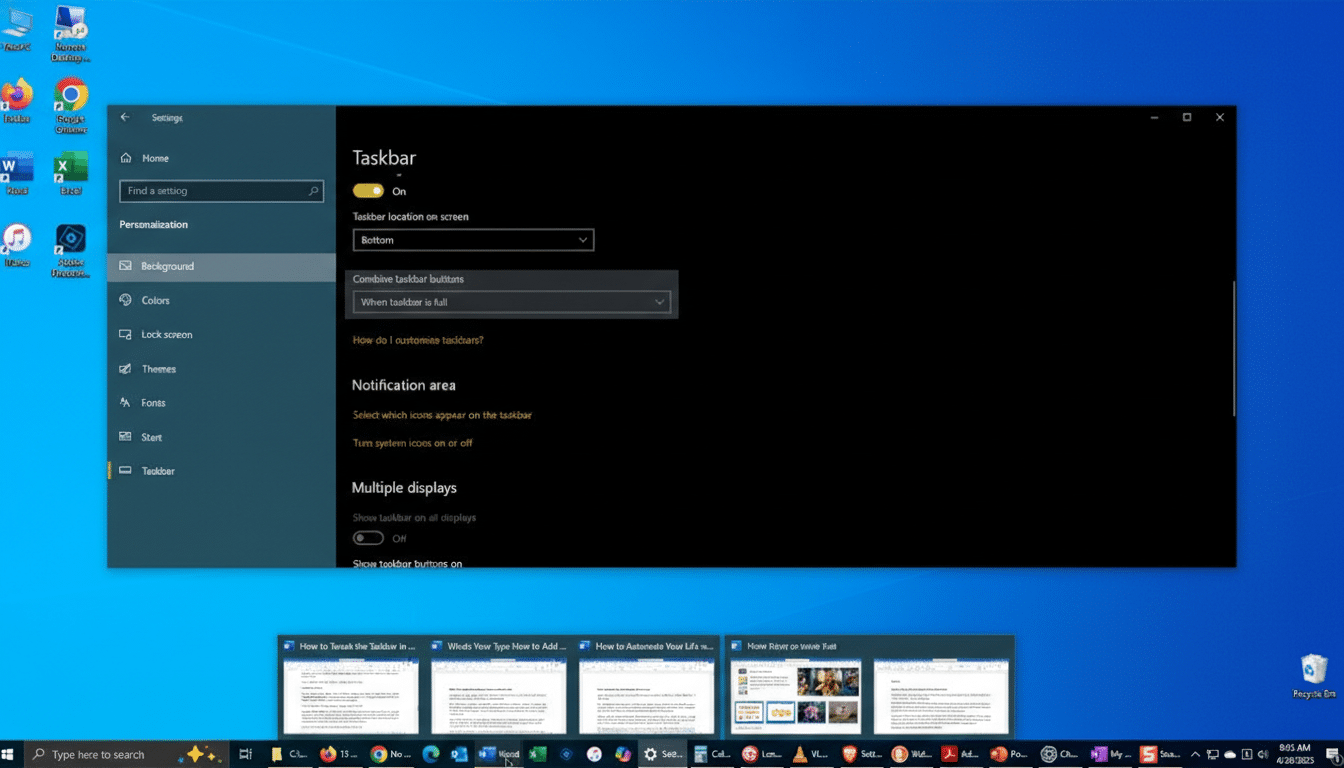
Sources indicate Microsoft is testing options to dock the taskbar to all four screen edges, restoring a capability present in Windows 7 and Windows 10 but removed in Windows 11’s initial redesign. Also in development is finer control over taskbar size, potentially allowing users to reduce height rather than only expanding it to two rows as Windows 11 currently permits.
This would build on recent customization returns, including the “never combine” behavior and labels for taskbar buttons, which rolled out to Windows 11 in 2023. Together, these changes suggest Microsoft is balancing its modern design system with the practical workflows that millions developed over decades of Windows use.
A Course Correction With Technical Trade-Offs
Bringing back a movable taskbar isn’t trivial. Windows 11 overhauled shell components, the system tray, and overflow behaviors, while adding new elements like Copilot and Snap features. Side-docked and top-docked taskbars must handle notification toasts, overflow menus, auto-hide, and multi-monitor rules without regressions or visual glitches. High-DPI scaling, language directionality, and tablet postures add further complexity.
That engineering lift helps explain why Microsoft previously deprioritized the feature. But with core shell modernization maturing, the company appears ready to take on the remaining work. The payoff could be fewer support tickets for IT teams and less reliance on third-party utilities like StartAllBack or ExplorerPatcher, which many users adopted as temporary workarounds but which can break when Windows updates land.
How And When Taskbar Repositioning Could Roll Out
If Microsoft follows its usual playbook, taskbar repositioning will first appear in Windows Insider builds across the Canary and Dev Channels, with a controlled feature rollout and telemetry to measure stability. Assuming positive results, a broader release could land in a mid-year Windows 11 update, as Windows Central’s reporting suggests.
Parallel efforts hint at a broader rethink of top-of-screen interactions. The PowerToys team recently previewed a Command Palette Dock experiment that lives at the top edge, offering fast access to shortcuts and media controls. A top-docked taskbar could complement that, creating consistent affordances for keyboard-first and pointer-driven workflows.
Implications For Workplaces And IT Management
For enterprises, restored taskbar mobility could be paired with Group Policy or MDM controls to standardize defaults while allowing user choice. Organizations that deploy vertical monitors for trading floors, content production, or call centers stand to benefit immediately. And by integrating the option natively, Microsoft reduces the compatibility risks that come with shell tweaks from unsupported tools.
Expect Iteration And Some Caveats In Early Builds
Don’t be surprised if the first release ships with limitations. Historically, vertical taskbars have needed refinements for pinned app labels, live badges, and overflow. Multi-monitor rules and auto-hide timing may also see tuning based on Insider feedback. That’s normal and, if anything, a sign Microsoft intends to harden the experience before calling it complete.
Still, the direction is clear. Restoring a movable taskbar won’t grab headlines like AI features, but it addresses a real, daily friction point for millions of users. If the summer timing holds, Windows 11 could soon look a bit more like the Windows many people have been missing and a lot more like a platform listening to its users.
