


Microsoft’s latest Patch Tuesday lands with 55 security fixes, including six zero-days and two critical vulnerabilities, plus a continued refresh of Secure Boot certificates meant to block modern bootkits. It’s a high-stakes drop: several flaws are already exploited, and admins must weigh urgency against the risk of fresh instability.
According to Microsoft’s Security Response Center and corroborating analyses from patch management firms such as Action1 and Rapid7, the zero-day set includes elevation-of-privilege and security feature bypass issues that attackers have leveraged to gain SYSTEM-level access, disrupt networking, or weaken endpoint defenses. Even though only two bugs carry a critical rating, the active exploitation shifts this release firmly into “patch sooner” territory.
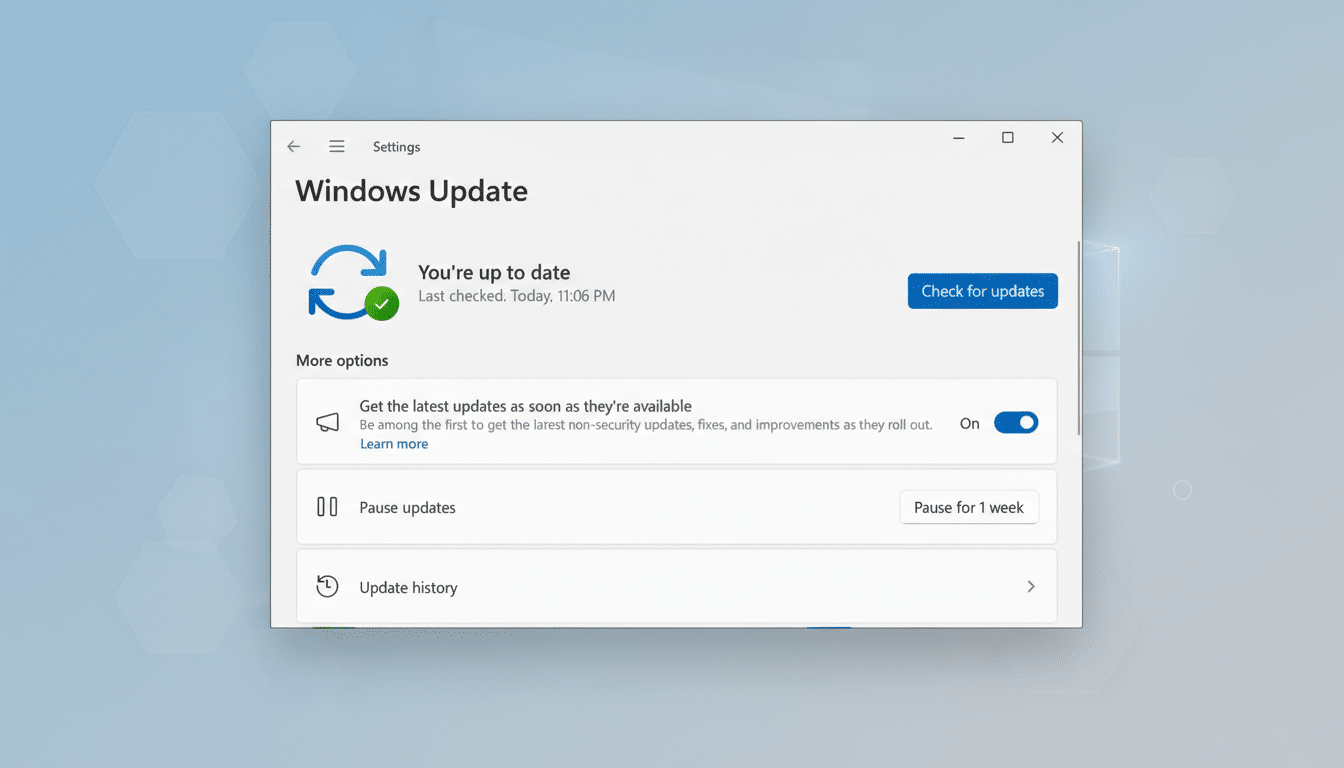
What the Latest Patch Tuesday Fixes Across Windows
The vulnerability tally is notably smaller than the prior cycle’s triple-digit wave, but the mix is consequential. The update addresses Windows kernel and networking components alongside platform features, narrowing multiple paths to code execution or privilege escalation and closing several defense bypasses that adversaries favor for post-exploitation.
On the reliability side, Microsoft lists fixes for Windows 11 that resolve full-screen gaming stutters and WPA3-Personal Wi‑Fi connection failures on some devices. Windows 10 picks up corrections for Chinese font rendering, certain GPU-related glitches, File Explorer custom folder naming, and a Secure Launch issue that caused some devices to restart instead of shutting down or hibernating. These are the kinds of paper-cut bugs that frustrate users and admins—and their inclusion suggests Microsoft is attempting to balance security with quality-of-life improvements.
Secure Boot Certificates and Bootkit Defense
Beyond vulnerabilities, Microsoft is refreshing Secure Boot trust to counter bootkits that load before the OS. This effort updates the UEFI revocation database (DBX) and refreshes certificates so only trusted bootloaders execute. It’s a direct answer to threats like BlackLotus, which demonstrated that attackers could slip under the OS and persist invisibly.
Because some older or improperly signed bootloaders may be blocked once revocations take effect, Microsoft is staging enforcement and continuing the rollout across supported systems. Windows 10 devices generally need to be covered under the Extended Security Updates program to receive ongoing protections, while Windows 11 remains fully in scope. Admins running dual-boot environments or legacy drivers should pilot these changes first to avoid unexpected boot failures.
Is This Update Another Buggy Mess or Stable Release
Recent Patch Tuesday cycles have seen rocky landings, with issues serious enough to trigger out-of-band fixes. That history makes many shops understandably cautious. Early signs this time are calmer, but large, security-heavy releases sometimes expose edge cases only visible at scale—particularly around networking stacks, credential providers, and virtualization-based security features.
A practical approach is risk-weighted: for endpoints facing internet exposure or running high-value workloads, prioritize installation. For the rest, a short, ringed rollout—canary devices first, then broader groups—can surface regressions without delaying protection across the fleet. Monitor Microsoft’s known issues dashboard and advisories from vendors like Qualys, Tenable, and CrowdStrike for emerging wrinkles.
Advice for Home Users and Admins on Patching
Because six zero-days are in play and some are exploited, the security case for updating is strong. Home users should install promptly and reboot to complete Secure Boot and kernel changes. If problems arise, the update can be rolled back via Windows Update’s “Uninstall updates” page.
Enterprise teams should snapshot or ensure recent backups, stage deployment with their management tool of choice (Intune, Configuration Manager, or Windows Update for Business), and prepare Known Issue Rollback policies. After patching, verify endpoint protection status, check Event Viewer for Secure Boot or driver warnings, and validate high-sensitivity scenarios: VPN connectivity, Wi‑Fi stability, full‑screen gaming/workstation GPU tasks, and shutdown/hibernate behavior on Secure Launch‑capable hardware.
The bottom line: this release materially reduces risk, hardens boot integrity, and cleans up a handful of nagging bugs. It may not be flawless—big Windows updates rarely are—but with exploitation confirmed and Secure Boot trust on the line, smart, staged patching beats waiting on the sidelines.
