


A rare deal makes a full Microsoft Office Professional 2021 license easily accessible for just $34.97, and sweetens the pot with a free training bundle. For those who would rather make a one-time purchase instead of committing to a subscription, this is an irresistible way to lock in the classic Office desktop apps and receive guided lessons on how to actually master them — no coupon code needed.
Everything included with your Office Professional 2021 license
This is a lifetime license for one Windows PC, so you pay once and keep the software forever. That bundle consists of Word, Excel, PowerPoint, Outlook, OneNote, Publisher, Access, and the free version of Teams. That lineup makes a difference: Access and Publisher are Windows-only, so their inclusion means this is the Professional tier that usually targets business users who require database tools and light publishing capabilities.
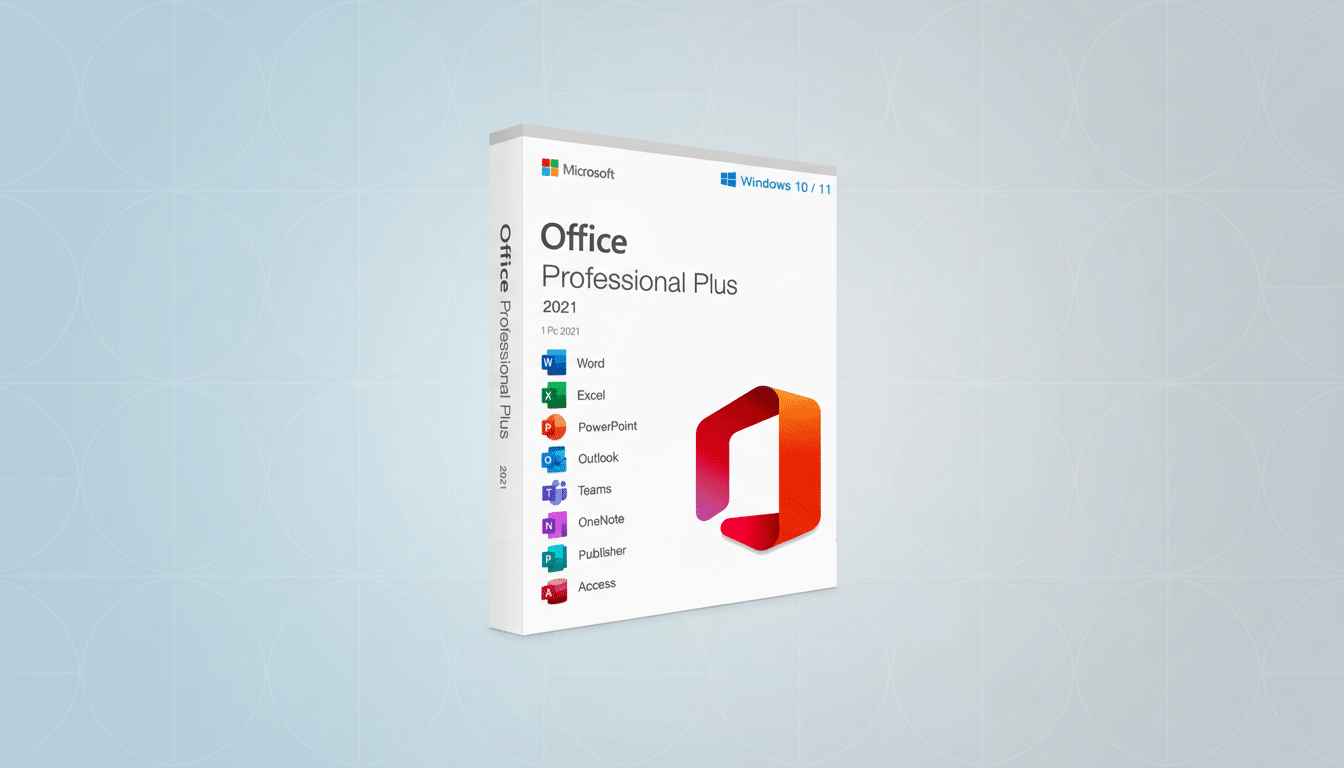
As it’s Office 2021, you’re receiving the final feature set for that release — security and stability updates afterward, sure; rolling feature upgrades of the Microsoft 365 variety, though — not so much. For many buyers, particularly those who work offline or from a dedicated workstation, that trade-off is also a selling point: bye-bye recurring fees; hello the tried-and-true, local-first desktop applications.
Added value: free Office training bundle included
The standout freebie is a training package that includes 42 tutorials totaling some 25 hours of video instruction in Word, Excel, Access, and PowerPoint. The curriculum moves from basic skills to more advanced techniques — such as PivotTables, VLOOKUP and its modern counterpart XLOOKUP, conditional formatting, and presentation design workflows — and nudges you to practice right in the apps so that the knowledge sticks.
That’s not fluff. The distinction between basic and intermediate Excel in the wild can be how long a manual task takes — two hours or two minutes with a formula. Even Microsoft has been promoting XLOOKUP as the more powerful alternative to VLOOKUP, since it’s easier to audit and works in either direction (so you won’t break as many spreadsheets). The integration of Access is particularly compelling for small business customers who already have a powerful tool (and potentially some existing lightweight databases) — training here can serve to demystify forms, queries, and relationships enough for these businesses to break from error-prone spreadsheets for certain jobs.
How a perpetual Office 2021 license compares to Microsoft 365
Microsoft 365 Personal usually can be had for about the price of this every six months and comes with additional cloud extras such as 1 TB of OneDrive, collaboration features, multi-device installs, and regular feature updates. It’s the perfect choice for people who live in the cloud, switch devices often, or want access to the latest AI-driven features as they arrive. Meanwhile, a lifetime Office 2021 license is best for your own PC, expected workflows, and companies that ban or avoid subscription software.
A rough rule of thumb: If you don’t need cloud storage, co-authoring, or new features — if your apps are stable as they are today — a perpetual license can quickly pay for itself. For comparison, Microsoft’s own perpetual licenses tend to list in the hundreds of dollars; there aren’t many third-party seller situations that get it down below $35 like this.
Who this Office Professional 2021 deal is best for
- Solo professionals who are ready to standardize on a single Windows PC and want the added productivity of Outlook, Access, and Publisher as well as the service they need for uninterrupted work.
- Students or career changers that require credible Office skills and want formal training beyond YouTube snippets.
- Small groups operating fixed desk spaces, offline hours, or no budgets that lean toward upfront costs versus per-use costs.
Product features
- Word
- Excel
- PowerPoint
- Outlook
- OneNote
- Access
- Publisher
Full-featured versions of Word, Excel, PowerPoint, and OneNote. Store your files in a password-protected online SkyDrive folder to access — or share — whenever needed.
Key caveats to know and practical buying tips
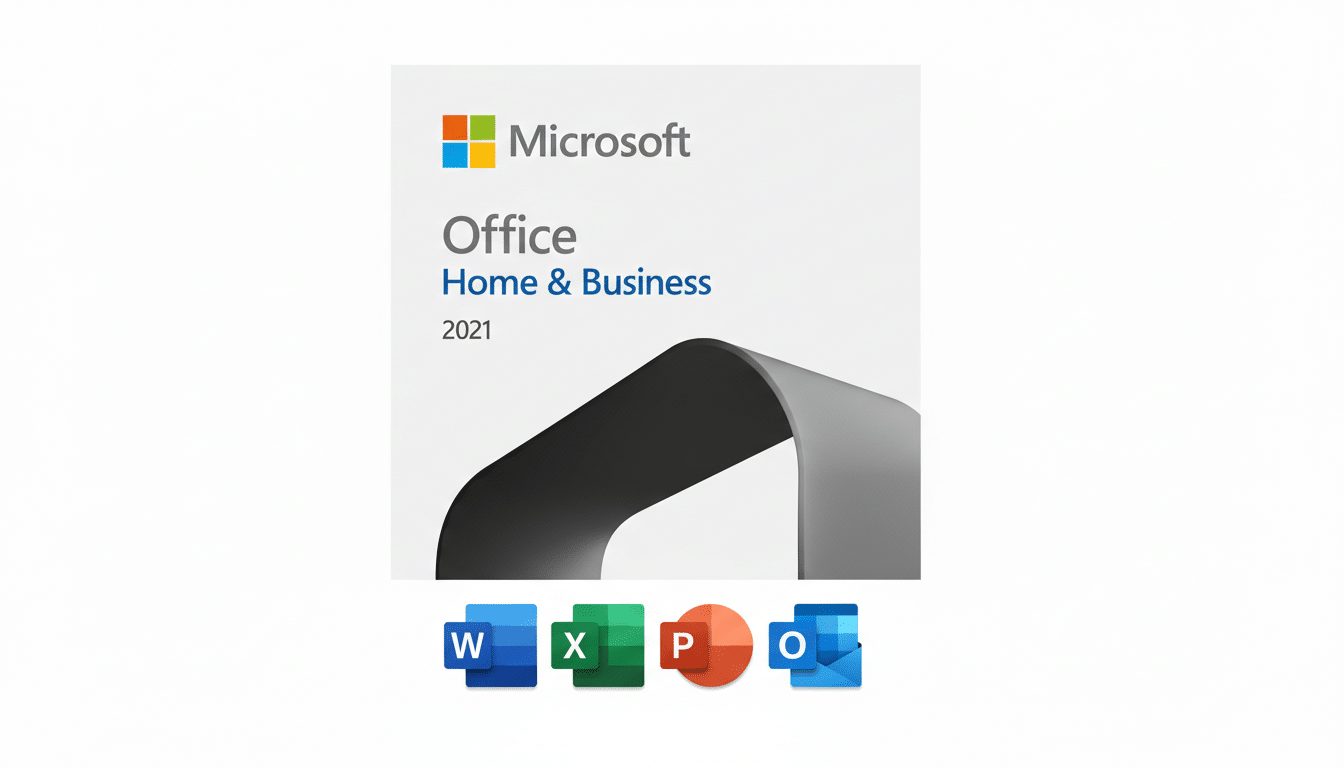
Before you buy, be sure the platform is supported: Office Professional 2021 with Access and Publisher supports only Windows; Mac users generally require Office 2021 Home & Business, which does not include those apps.
The Teams app that comes with it is the free version for basic meetings and chat, not part of the enterprise tier.
As with any heavily discounted software, check to make sure that the seller is reputable and investigate how activation works as well as what happens if you need a refund. A legitimate key should activate through Microsoft’s regular methods and register with your device. Also be aware: Office 2021 will not receive big new features over time, nor does it come with newer AI-powered add-ons like Copilot; for those things, a Microsoft 365 plan is the safer bet.
Finally, the training is nothing more than a bonus if you don’t use it. Schedule time to watch the lessons and implement what you have learned in your own spreadsheets and documents. A few hours invested in learning XLOOKUP, PivotTables, or Access queries can help end repetitive work and prevent errors that cost many times more than the license you didn’t buy.
Bottom line: For $34.97, which gets you a perpetual Office Pro 2021 license plus a heavyweight training bundle, this is an unusually good value for Windows users who want old-school desktop apps without the subscription and some of the know-how to use them well.
