


A steep price cut on a lifetime Microsoft Office license is making it easier to upgrade your productivity stack without locking into another subscription. The Home and Business 2024 edition for Mac or PC is now available for $99.97, down from a list price of $249.99 — a roughly 60% discount that undercuts a year of most individual subscription suites.
It’s a straightforward proposition: pay once, install the apps locally, and work offline whenever you want. For freelancers, students, and small-business owners who prefer predictable costs and familiar tools, this kind of deal can be a smarter long-term bet than renewing a yearly plan.
What This Microsoft Office 2024 Offer Includes
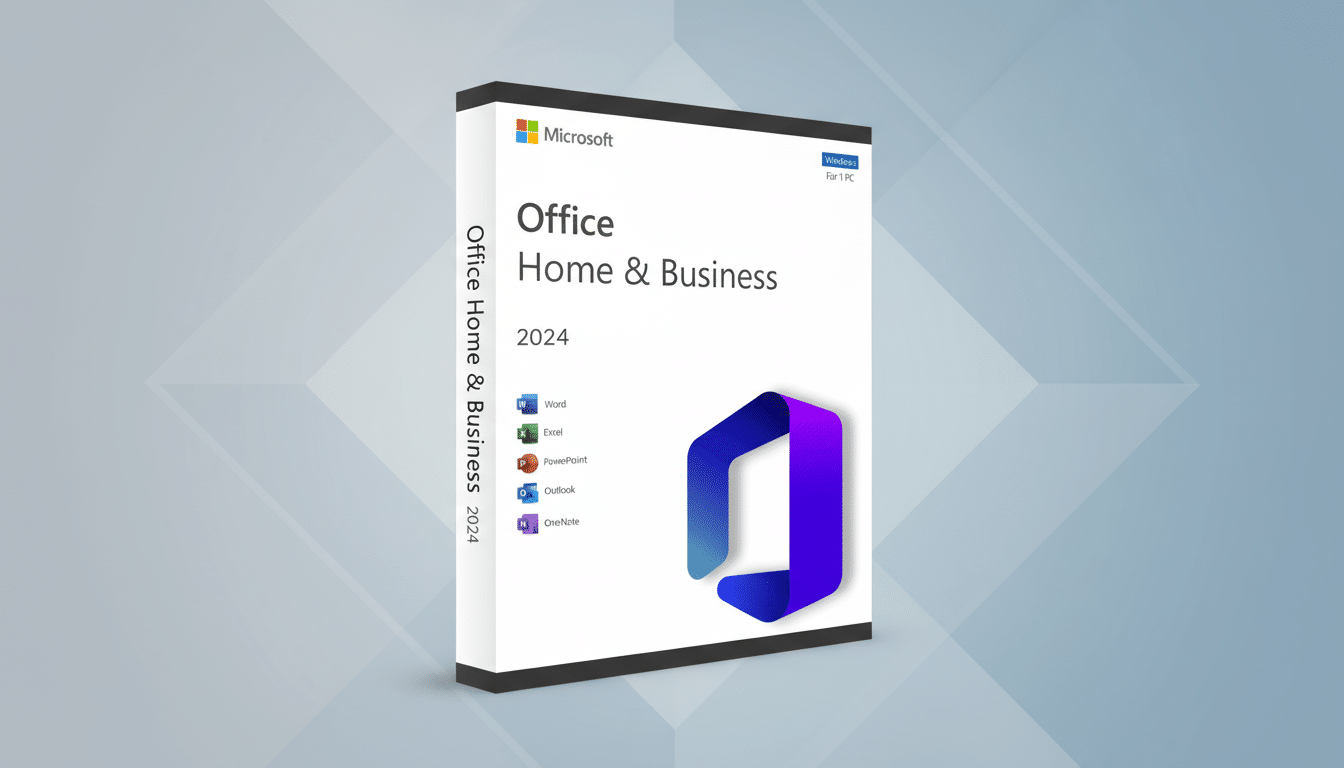
The license unlocks five core apps: Word for document creation, Excel for spreadsheets and data modeling, PowerPoint for presentations, Outlook for email and calendar, and OneNote for structured note-taking. The package is compatible with both Windows and macOS, so mixed-device households and cross-platform teams can standardize on the same suite.
Because this is a perpetual license, you get ongoing security updates but not the rolling stream of new features found in Microsoft 365 subscriptions. Crucially, you install the software directly on your machine and can keep working without an internet connection — useful for travel days, high-security environments, or simply staying focused.
How It Stacks Up Against Subscriptions in 2024
Microsoft 365 Personal typically runs $69.99 per year, while the Family plan is $99.99 per year for up to six users and includes 1TB of OneDrive storage per person. At $99.97, this perpetual license reaches cost parity with the Family plan in about a year for a single user and breaks even with the Personal plan in roughly 17 months. After that, the one-time license can be the cheaper path if you don’t need cloud storage, multi-user sharing, or continuous feature drops.
Microsoft’s recent earnings disclosed continued double-digit growth for Office 365 commercial revenue, and analyst firms like Gartner and IDC routinely list Office apps among the most-used workplace tools. The takeaway is simple: if you rely on Word, Excel, and PowerPoint every day, owning a perpetual license can feel like buying the tool instead of renting it — especially when you work primarily on one device.
Notable 2024 Enhancements to Core Office Apps
This release refines several everyday workflows. PowerPoint adds built-in presentation recording with voice narration and video, useful for client briefings and asynchronous training. Word strengthens its writing aids with more contextual suggestions via Editor, helping tighten grammar and tone. Excel’s data tools continue to expand with improved analysis and charting refinements, while Outlook’s accessibility checks and mailbox organization get smoother. Feature availability can vary by platform, but the upgrade focus is squarely on speed, clarity, and accessibility.
Keep in mind that advanced AI features such as Copilot and expansive cloud collaboration are tied to Microsoft 365 subscriptions or add-ons. If your workflow depends on real-time coauthoring in the cloud, massive shared storage, or AI-generated summaries and slide drafts, a subscription still makes sense.
Who Should Consider This Microsoft Office Deal
Solo professionals who build proposals in Word, budget in Excel, and pitch in PowerPoint — but don’t need multi-terabyte cloud storage — will see the fastest ROI. Students and educators who often work offline will appreciate that the apps stay fully functional without an internet connection. Households that mix PCs and Macs can simplify support by standardizing on a single, familiar toolkit.
A practical example: a consultant creating monthly performance decks and quarterly forecasts can leverage PowerPoint’s recording to deliver updates asynchronously, while Excel handles scenario modeling. Over a couple of years, the savings versus renewing an annual subscription can fund other essentials — a backup drive, a webcam upgrade, or a better microphone for those recorded presentations.
Buyer Checklist Before You Click: Key Steps to Take
Confirm system requirements for your device; modern Office releases generally support Windows 10 or 11 and recent versions of macOS. Verify whether the license is for one device and whether transfers are allowed when you upgrade hardware.
Ensure activation occurs through your Microsoft account and that the seller provides clear documentation and support. Look for straightforward refund and replacement policies in case of activation issues.
Finally, remember that pricing and availability can change quickly. If a one-time, cross-platform license aligns with your workflow, this 60% drop is a timely way to lock in the Office apps you already use every day — and start the year with less subscription sprawl.
