


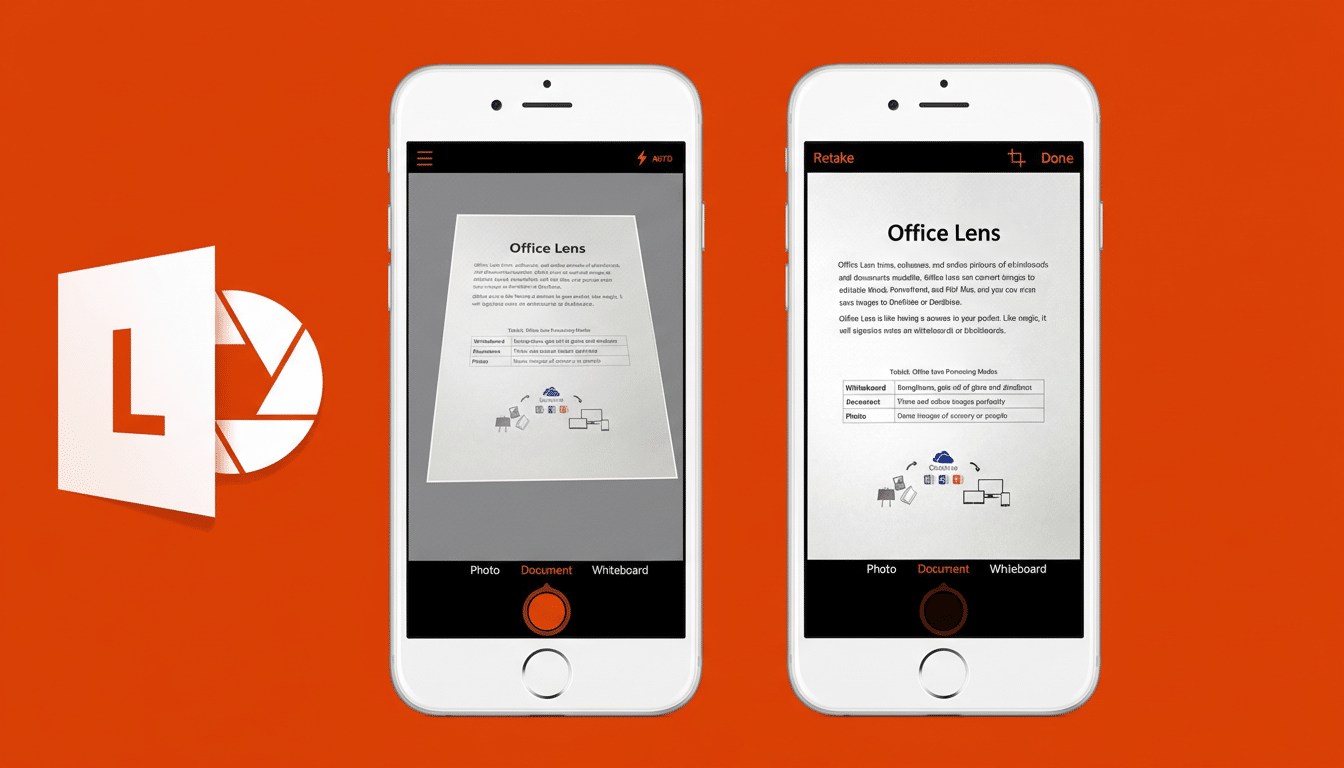
Microsoft is phasing out its Microsoft Lens mobile scanner, and retirement has now begun. The company has revised its support page to indicate the app will vanish from major app stores in weeks, and text recognition for new images will similarly stop shortly after. Especially if you’re still using Lens to snap pictures of receipts, whiteboards or paperwork, the window for making the switch and retaining your files is only open briefly.
What’s changing and when Microsoft Lens will stop working
Microsoft’s current strategy is being rolled out in stages. First there’s the retirement kick-off, and then the app will be pulled from the Apple App Store as well as Google Play. A few weeks afterward, its text recognition feature will be disabled in the installed app. That means you will be able to use Lens to capture new documents for only a limited time from now; thereafter, the app’s main function will be as a viewer for scans you already have.
- What’s changing and when Microsoft Lens will stop working
- What happens to your current Microsoft Lens scans
- How to migrate safely now and protect your Lens files
- Best alternatives to consider after Microsoft Lens ends
- Why Microsoft is killing the standalone Lens app now
- Bottom line and immediate next steps for Microsoft Lens
This timeline was reported by Microsoft in support documentation, which was highlighted by independent reporting from Windows-centric websites. There isn’t a reason given for the move, but the message is pretty clear: That standalone Lens app is getting sidelined.
What happens to your current Microsoft Lens scans
Per Microsoft’s guidance, previously taken files will still be viewable within the app if you haven’t signed out and reinstalled the app. That caveat matters. Depending on what software or device you’re using, you may lose the ability to reinstall Lens if you uninstall it (especially after a pulled download), and your locally stored scans could be hard to recover, if not impossible.
Play it safe by exporting and backing up important documents now. Consider anything that exists only within Lens to be deemed “at risk,” then move the material in question to a cloud drive or your desktop where you can control versions and keep a close watch.
How to migrate safely now and protect your Lens files
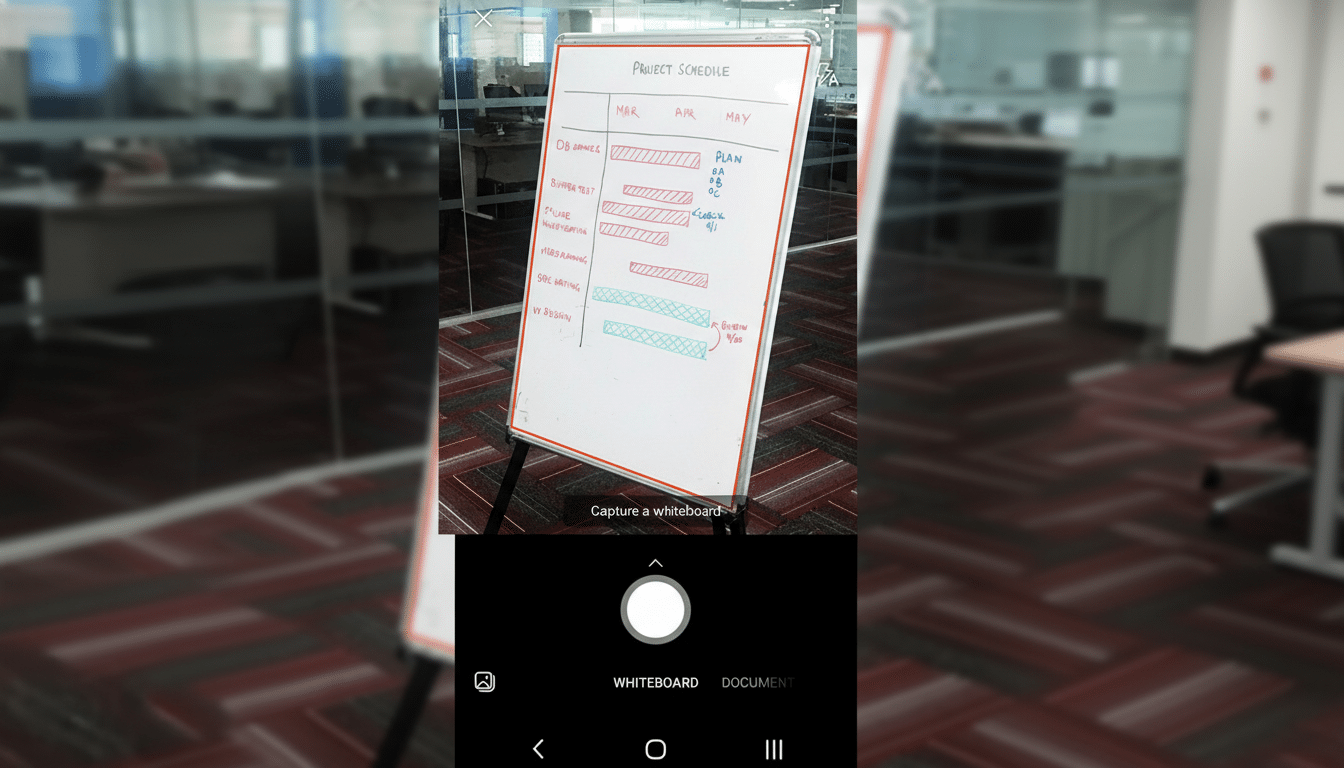
- Begin by taking inventory of what you have. Open Lens, sort by most recent and by size, and tag must-keep items.
- Export to PDF for multi-page documents, or as JPEG for images and whiteboards.
- Save to a long-term cloud service — OneDrive, Google Drive, iCloud Drive or Dropbox — and verify the files sync to a different device.
- If you rely on searchable text, ensure your new app has native or cloud OCR that preserves the text layer upon export.
- Spot-check a few samples, then search within the resulting PDFs to confirm OCR accuracy.
- For sensitive materials, review the app’s encryption and data-handling policies. Many scanners upload images to process OCR, which can be problematic for health, financial or legal documents.
Best alternatives to consider after Microsoft Lens ends
- OneDrive: Microsoft’s OneDrive mobile app has a built-in scanner that offers document, whiteboard and business card scanning. It integrates closely with Microsoft 365 and can save to shared folders, a boon for teams.
- Adobe Scan: Solid OCR, automatic edge detection, and a clean output to PDF make this a handy choice. It integrates naturally with Acrobat for editing and signing workflows, and enhanced features are available if you subscribe to Acrobat.
- Google Drive: Its built-in scanner for Android is fast, easy and offers a way to format results so they can be edited in a page layout program such as Adobe InDesign. It’s great for quick captures and having images filed automatically — especially if your organization already uses Google Workspace across the board.
- Apple Notes: The free iPhone and iPad Notes app includes a strong scanner, complete with automatic cropping, color modes (e.g., grayscale), signatures and easy sharing. It’s best if you’re an Apple die-hard who wants everything in iCloud.
- Dropbox Scan and Genius Scan: Both are favored by freelancers and small businesses for bulk scanning, batch naming and OCR that doesn’t let them down. Look for automatic upload rules, custom naming templates and per-folder destinations to help automate day-to-day work.
Sidenote on security: Do your own research into any tool’s recent track record. A popular scanner was briefly booted from an app store several years ago for a third-party ad module problem before returning. Incidents like that are a reminder of the importance of offline OCR and transparent data policies.
Why Microsoft is killing the standalone Lens app now
Microsoft has not provided a detailed explanation, but the decision aligns with a larger trend: rolling utility features into core productivity apps instead of relying on separate tools. Parts of Lens scanning already exist in OneDrive and Microsoft 365 mobile apps, preventing code duplication and extra maintenance. The practical conclusion for us mere mortals is also simple: move to an app with support behind it and stay in your connected pasting life.
Bottom line and immediate next steps for Microsoft Lens
If you’re a regular Microsoft Lens user, now is the time to act. Export your important scans, select a new source and run a test project to make sure you’ve kept the quality, all metadata and everything is searchable. Once Lens vanishes from app stores and scanning is cut off, options for recovery narrow rapidly. A little prudence now will spare you painful surprises down the line.
