


Microsoft has released a second out-of-band emergency update for Windows in rapid succession, urging users to install it as soon as possible. The patch, identified as KB5078127, targets a widespread regression that blocked Outlook and other applications from opening or saving files stored in cloud services such as OneDrive and Dropbox.
What The Emergency Patch Fixes For Cloud File Access
The core issue addressed by KB5078127 was introduced by a recent security update and hit productivity hard. Apps that rely on file system integrations with cloud storage—most notably Outlook when PST files live in OneDrive—failed to open data or save changes. For organizations that redirect user folders to OneDrive or rely on Dropbox, this broke everyday workflows.
Microsoft says the emergency release also rolls up the fixes from its prior out-of-band update that resolved problems with remote connections to Windows Cloud devices and with Secure Launch. Security improvements from the recent cumulative update are included as well, but without the regressions that sparked the latest round of complaints.
How To Get And Install The KB5078127 Update Now
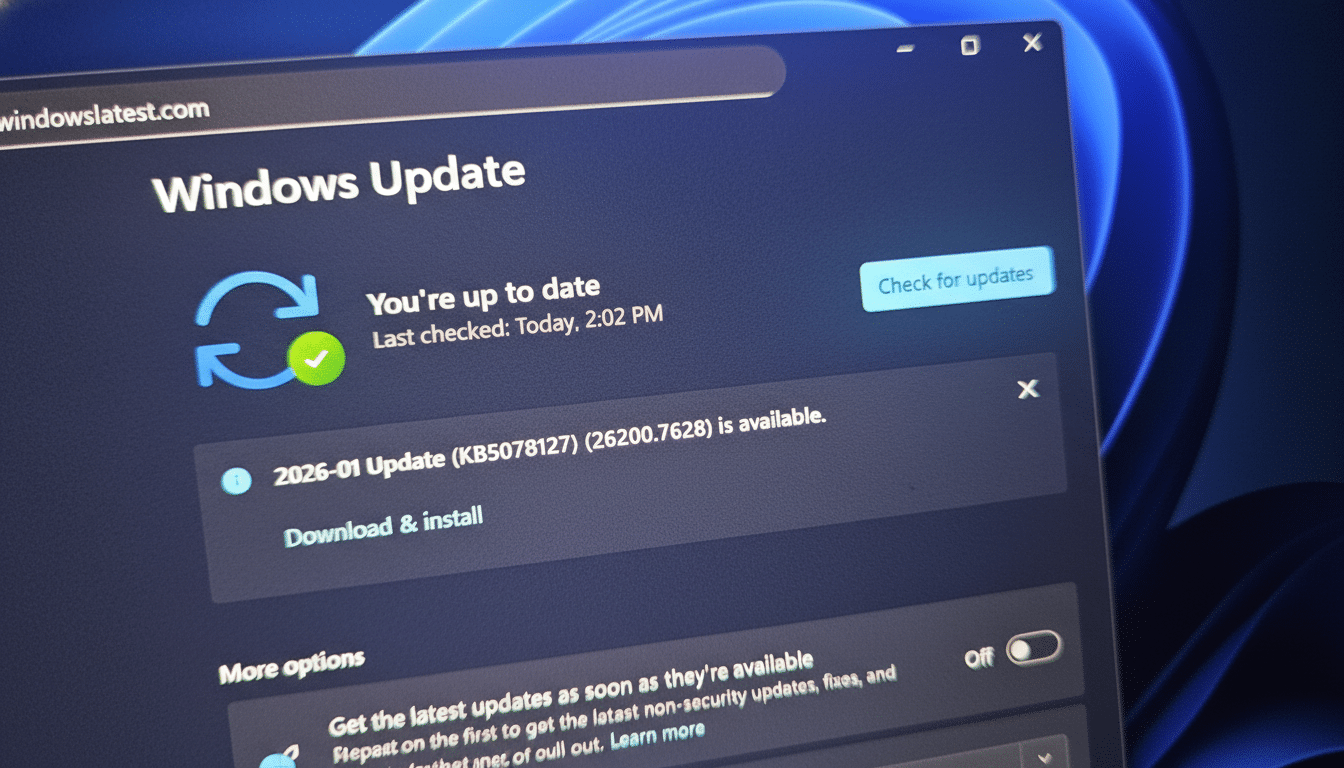
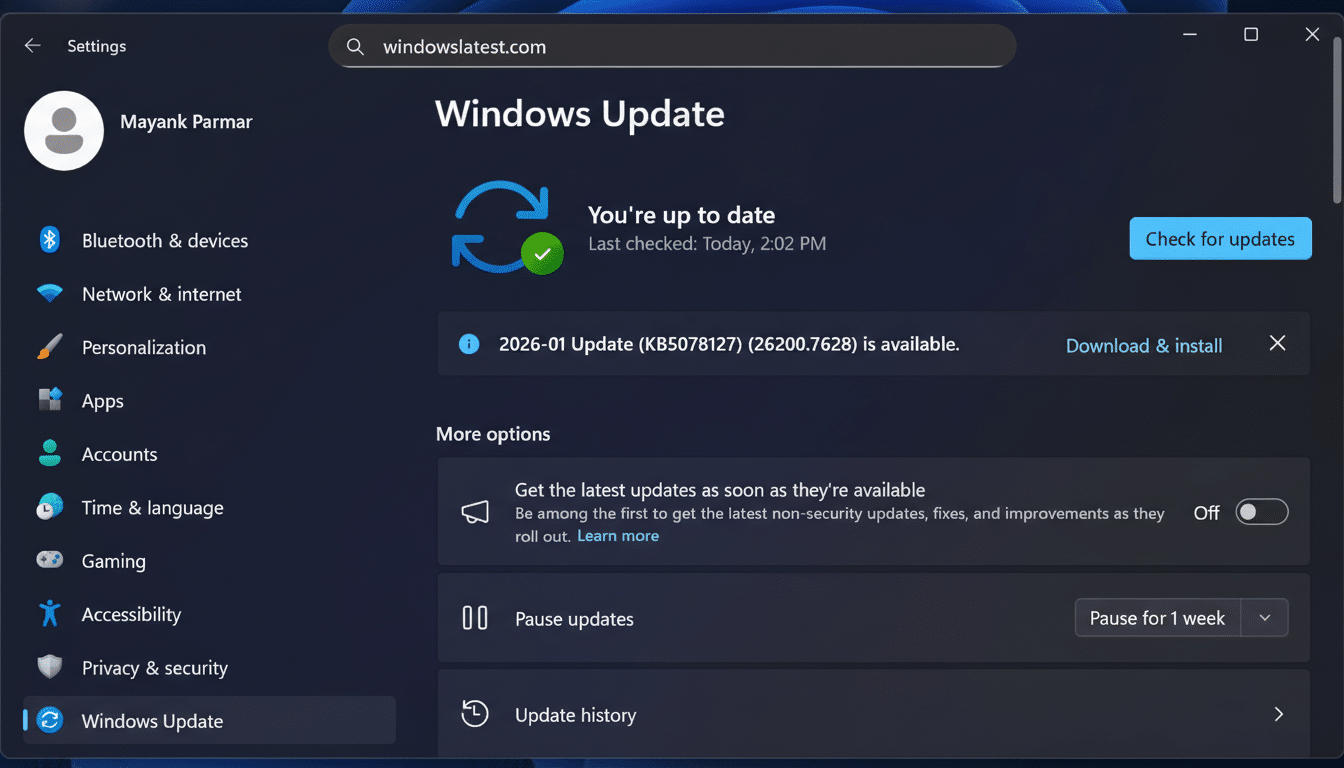
On consumer PCs, open Settings and navigate to Windows Update, then select Check for updates. The KB5078127 package should appear and install automatically; a restart is required to complete the process. You can confirm success by viewing Update history and verifying the patch is listed.
IT administrators can pull the package via Windows Server Update Services or Microsoft Intune and deploy in rings. If it is not yet offered to a device, retry later or obtain the standalone installer from the Microsoft Update Catalog. Given the nature of the regression, most environments will want to accelerate approval rather than waiting for standard maintenance windows.
Known Side Effects, Troubleshooting, And Boot Failures
While Microsoft works to stabilize the release stream, a separate glitch linked to the recent security update has surfaced: some Windows 11 devices on versions 25H2 and 24H2 are failing to boot with a black screen and the stop code UNMOUNTABLE_BOOT_VOLUME. Reports from the AskWoody community and a Microsoft support note indicate the issue is limited but serious for those affected.
If your system is stuck at that black screen, use the Windows Recovery Environment to perform manual recovery.
- From Troubleshoot > Advanced options, try Startup Repair first.
- If that fails, choose Uninstall updates and remove the latest quality update.
- Or use System Restore if a restore point is available.
Devices with BitLocker may prompt for a recovery key during this process. Microsoft has acknowledged the problem and is investigating.
Why Microsoft Is Issuing Back-To-Back Emergency Updates
Out-of-band (OOB) updates are reserved for break-fix scenarios that cannot wait for the next scheduled Patch Tuesday. Microsoft can sometimes mitigate non-security regressions with its Known Issue Rollback feature, but when the change touches core security components or widely used services like cloud storage redirection, a full OOB patch is often the only practical path.
The quick succession of emergency releases reinforces ongoing questions about Windows quality assurance. It also shows the security response machinery is moving fast to correct bad behaviors introduced by recent changes. Historically, Microsoft’s monthly releases address dozens of vulnerabilities across the platform, and that volume—combined with the diversity of Windows hardware and app stacks—creates a tightrope between urgency and reliability.
Practical Guidance For Windows Users And IT Teams
For everyday users, the advice is simple: install KB5078127, reboot, and test Outlook and any apps that read and write to OneDrive or Dropbox. If Outlook still refuses to open a PST stored in the cloud, temporarily move the PST to a local drive and let the patch finish propagating across services; then return it to the preferred location once normal behavior resumes.
For administrators, prioritize devices that rely on cloud-backed document libraries or that host Outlook data files in redirected folders. Stage the rollout, but keep the tempo brisk. Monitor for boot failures and ensure you have a recovery plan: verified backups, recent restore points, and bootable recovery media. Document a rollback path via Windows Recovery so help desks can act quickly if a machine encounters the UNMOUNTABLE_BOOT_VOLUME stop code.
The bottom line: this emergency update is designed to resolve a productivity-stopping bug without undoing the latest security protections. Apply it promptly, keep an eye on known issues, and be prepared to use recovery tools if you are among the unlucky few who hit a boot snag.
