


Microsoft has finally fixed a long-running Windows 11 24H2 bug that broke Windows Hello facial sign-ins on PCs with integrated cameras—a problem that caused affected devices to be blocked from the feature update for over a month.
With the resolution now pushed and the safeguard hold removed, machines that were being kept from an upgrade should finally begin seeing the 24H2 update appear via Windows Update.
- What broke in Windows Hello and which users it affected
- Safeguard hold lifted and what it means for updates
- Known issues remaining in Windows 11 version 24H2
- Why the Windows Hello camera fix matters for users
- Laying the foundation for Windows 11 25H2
- Real-world advice for users and the IT folks who support them
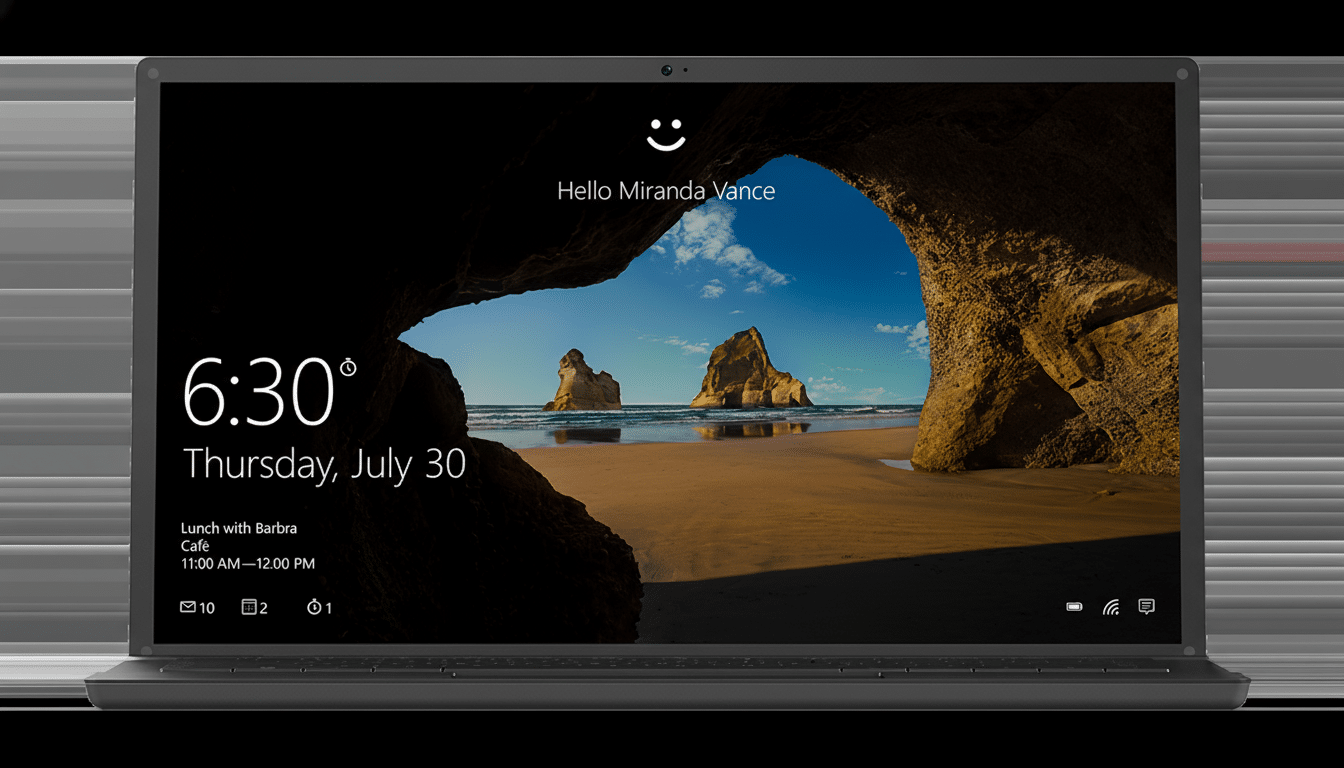
What broke in Windows Hello and which users it affected
The flaw was at the crossroads of Windows Hello and built-in laptop webcams. Once activated, the bug meant that the camera could no longer work with Windows Hello face authentication. That included no facial sign-in for Windows, the Camera app, or any app that depends on Hello’s face scan—an especially bitter pill for users who lean heavily on biometric sign-in to shave seconds from the task of unlocking their device.
The worst of this was felt in business and education fleets. Many Windows devices for sale today include IR cameras designed for Hello, and more organizations are turning to a passwordless sign-in to reduce their phishing attack surface and ease help desk reset requests. A camera bug in the OS itself had essentially reverted affected users to passwords or PINs and prevented them from updating to 24H2 at all.
Safeguard hold lifted and what it means for updates
Microsoft’s Windows Release Health dashboard now shows that the safeguard hold for the Hello camera problem is lifted. In practice, that should mean eligible devices for which no other known blockers apply will now receive Windows 11 Version 24H2 through the standard Windows Update channel.
If your PC was previously unable to receive updates, head to Settings > Windows Update and click Check for updates. Rollouts can be staggered, so it may take some time to see the offer. In many instances, a reboot can prompt Windows Update to bring it up sooner.
Known issues remaining in Windows 11 version 24H2
Even though those camera issues are fixed, Microsoft does acknowledge a few remaining 24H2 known issues on Release Health:
- Protected content playback: Certain digital TV and Blu‑ray/DVD playback apps might not work when taking a screenshot. Microsoft says a solution is on the way.
- Blue/black screens with third‑party security driver: Devices running SenseShield Technology’s sprotect.sys (a system file used by some security tools) may fail. Microsoft is working with the vendor to resolve the incompatibility.
- Intel Smart Sound Technology compatibility: Blue screens can be caused by older Intel SST audio controller drivers on 11th Gen Core platforms. Microsoft recommends updating Intel SST drivers before attempting the 24H2 upgrade.
Admins should double-check this list against their hardware inventory and app stack before authorizing broad deployment. For managed environments, Windows Update for Business policies can be configured to enable an organization to decide when to initiate the deployment of a feature update in their environment.
Why the Windows Hello camera fix matters for users
Windows Hello is more or less the preferred sign-in method for most modern PCs now and forms part of Microsoft’s passwordless push with FIDO2 and passkeys. When Hello errors, productivity drops and security posture falters as users revert to weaker credentials. Removing this bug will bring back convenience and confidence to the biometric pipeline of the platform.
There is also a broader lifecycle angle. Safeguard holds save users from bad updates, but they break deployments into pieces and overwhelm support. Clearing a high-visibility blocker helps normalize the 24H2 test baseline, and that has implications for app compatibility, driver currency, and security coverage across fleets.
Laying the foundation for Windows 11 25H2
Microsoft is readying its next annual release, Windows 11 25H2, and has already signaled changes officials are making to try to lower upgrade friction. The company is relying more on the same servicing technology that’s emerged for monthly updates, resulting in smaller downloaded packages that only change what needs to be updated, and a single reboot for most devices.
Importantly, 24H2 and 25H2 are kind of twinsies sharing a common code base—new features will be gated on the newer release. That architectural choice—shipping from the same branch and flipping features on—should help tamp down regressions, since fixes and validation can address both versions.
Real-world advice for users and the IT folks who support them
- You might squash the problem by running Windows Update on those devices to get the camera fix and trigger the 24H2 offer if eligible.
- Prioritize updating critical drivers first (for example, Intel SST audio on 11th Gen systems) and any security tools that use sprotect.sys.
- If you depend on apps that play back protected media, you may want to delay the 24H2 update on those devices until Microsoft releases a fix.
- For businesses, pilot 24H2 on a representative device slice and monitor using Release Health, then expand to additional rings when Hello sign-in and camera workflows validate smoothly.
Bottom line: the only real Windows 11 24H2 blocker is now officially history. If Hello face sign-in held your device back from the most recent release, you should be back on track to start taking that upgrade right away—and be less painfully positioned for a smoother hop to 25H2.
