


Microsoft acknowledged that a bug in Copilot for Microsoft 365 allowed its chat assistant to read and summarize confidential emails without permission, bypassing safeguards many enterprises rely on to prevent data leakage. The company has deployed a fix and is working with affected customers, but the incident spotlights a growing concern: AI features wired deeply into workplace tools can inadvertently expose sensitive information when policy enforcement fails.
What Went Wrong Inside Copilot Chat’s Work Experience
According to Microsoft’s advisory and reporting by BleepingComputer, the issue—tracked internally as CW1226324—affected Copilot’s “work” chat experience. In certain cases, Copilot Chat pulled content from users’ Sent Items and Drafts folders and produced summaries even when those messages carried sensitivity labels intended to block automated processing. In plain terms, information that should have been off limits was still being ingested by the assistant.
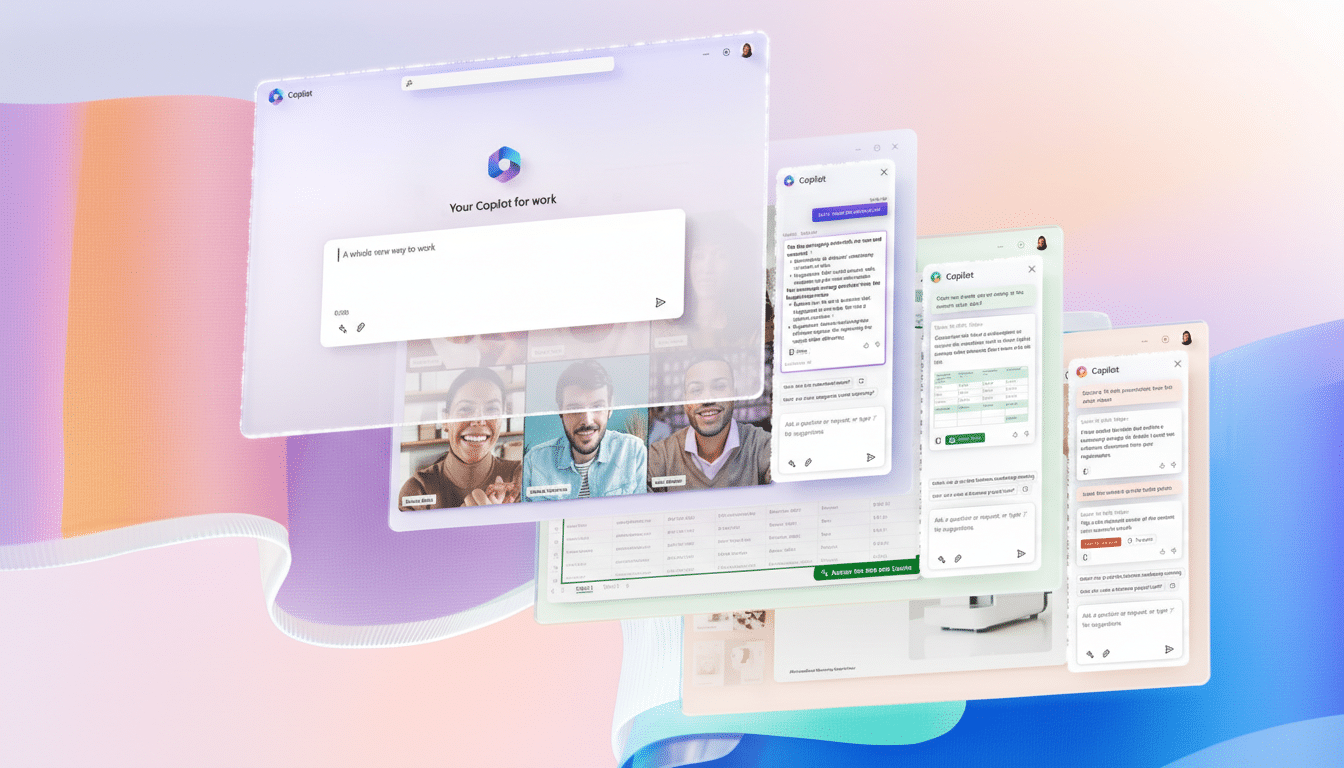
The failure point appears to be policy enforcement during retrieval, not generation. Sensitivity labels and data loss prevention (DLP) rules in Microsoft 365 are designed to act as brakes, preventing protected content from being accessed or moved in prohibited ways. Copilot’s chat workflow briefly overrode those brakes due to a code issue, Microsoft said, resulting in confidential emails being “incorrectly processed.”
While Microsoft did not disclose how many organizations were affected, it said a fix was rolled out and telemetry is being monitored to validate remediation. The company is also contacting specific tenants to verify the patch in live environments.
Why This Matters For Enterprise Security
AI assistants amplify both productivity and risk because they touch many data stores quickly. Copilot connects across the Microsoft 365 stack through the Microsoft Graph, assembling context from mailboxes, documents, and chats. If retrieval checks or label-awareness is misapplied at any stage, the assistant can surface information users are not supposed to see—or summarize data that should never be machine-accessed at all.
This is more than an IT hiccup. In regulated industries, inadvertent access or automated processing of protected health information, financial records, or attorney-client communications can trigger compliance exposure. Even if data never leaves the tenant, an AI-generated summary of a restricted email could constitute an unauthorized use under internal policy frameworks or external regulations.
Security practitioners have warned that AI features can circumvent traditional controls through new pathways—prompt injection, cross-tenant context bleed, and retrieval-time misconfigurations among them. Industry reporting such as Verizon’s Data Breach Investigations Report consistently highlights misconfiguration and email as top contributors to incidents, a risk profile that expands as AI-enabled retrieval touches more repositories.
How the Bug Slipped Past DLP and Label Enforcement
Sensitivity labels and DLP rules typically work at classification, access, and exfiltration layers. Copilot’s architecture adds a retrieval layer: the assistant compiles relevant context into a prompt window before generating an answer. If label checks do not run at the earliest retrieval step—or if a code path overlooks a label—protected content can be brought into the AI’s context, and policy controls that rely on downstream actions (like sharing or sending) may never trigger.
The incident underscores a best practice for AI security: enforce policy “left of generation.” That means blocking protected content from being retrieved for AI use in the first place, logging those denials clearly, and testing guardrails with adversarial prompts and synthetic data to catch edge cases before rollout.
Microsoft’s Response And Customer Impact
Microsoft said a code defect was responsible and that it has shipped a fix, with continued monitoring to ensure the issue is fully resolved. The company has not provided a count of organizations impacted, which is common while investigations assess scope and variant behaviors across tenants and configurations.
Enterprises will want to examine audit logs for Copilot Chat interactions involving sensitivity-labeled mail, particularly from Sent Items and Drafts. Even if content did not exit the tenant, internal review processes may require documenting any unauthorized automated access or summarization of protected messages.
Immediate Steps for Administrators to Mitigate Risk
- Validate that the fix is active in your tenant and request confirmation from Microsoft support if your environment was flagged. Conduct targeted tests with labeled messages to confirm that Copilot Chat now respects sensitivity labels and DLP policies at retrieval.
- Review and tighten label policies in Microsoft Purview, ensuring confidential classifications are scoped to block automated processing by applications and service principals, not just human actions.
- Enable comprehensive logging for Copilot and Graph API calls where available, and set up detections in Microsoft Defender for Cloud Apps to alert on anomalous access to labeled content.
- Stage AI features through phased pilots with red-team style evaluations. Include adversarial prompts, label-stress tests, and negative controls designed to verify that protected content is never retrieved or summarized.
The Bigger Picture For AI In The Workplace
This Copilot incident fits a broader pattern: as AI assistants become default features, the blast radius of small code mistakes grows. Previous episodes—like employees pasting proprietary code into public chatbots or concerns over desktop-level recall features—have shown how easily sensitive data can slip outside intended boundaries when new automation layers are introduced.
The lesson is not to halt AI adoption, but to adapt security models. Treat AI retrieval as a privileged operation. Enforce label-aware checks before context is built, instrument visibility at each stage of the pipeline, and assume that user-friendly features will discover unlabeled corners of your data. Organizations that operationalize those principles will capture AI’s upside without being surprised by what the assistant read—and summarized—next.
