


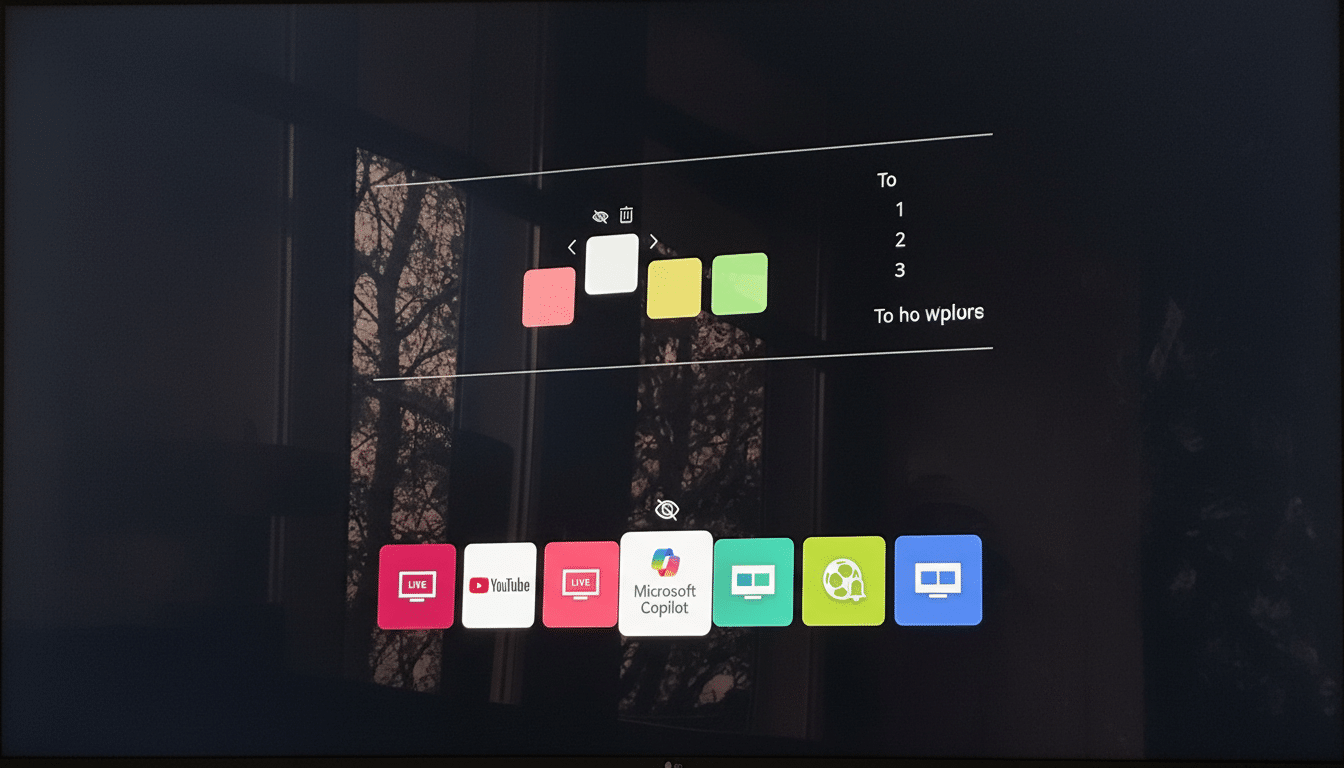
LG has started rolling out a Microsoft Copilot app on some smart TVs following a software update — much to the annoyance of those who find their once-sleek home screens littered with an unremovable AI icon. The quiet rollout has provoked outcry as some users insist they never wanted an in-app digital assistant — and are dismayed that the tile appears to be permanent.
Early feedback from TV owners suggests that the Copilot tile launches a web shell instead of an integrated app, and although users try to delete it, they’re blocked. The only surefire method for many to ensure it vanishes is to disconnect the TV from the internet — an impractical solution that also removes streaming capabilities and future updates, some users say.

What Changed for LG TVs After the Latest webOS Update
Owners first noticed the Copilot icon after a webOS update pushed over the air to recent builds of the OS. The tile is pinned near the top of their home screen and functions as a system app. LG has not publicly announced or released a changelog for the addition, and LG did not respond to requests for comment on this story from multiple publications.
This is part of a wider trend toward TV manufacturers pushing AI assistants right into the living room experience — whether you want one or not. That means, in practice, the TV’s interface now features a high-profile entry point for Microsoft’s assistant even if you never open it.
Not the Native Copilot App LG Promised at CES
LG and Microsoft had a Copilot integration on display at the CES technology conference, promising conversational searches, content recommendations, and contextual Q&A in the middle of shows. At the time, LG presented it that way as a feature reserved for its newest OLED evo models.
What’s arrived instead — according to users’ accounts and those of an independent reporter who gave it a try — appears to be more of a web shortcut than a fully baked, functioning native app tightly integrated with the webOS platform.
And that distinction is important: A browser-based experience can seem slower and be simpler for manufacturers to push ubiquitously, but it also limits transparency and control around permissions versus a regular app you can uninstall.
Why an AI That Never Leaves Gets Big Reactions
Smart TVs already generate a significant amount of viewing data through automatic content recognition (ACR) and ad IDs. The nondeletable AI entry point only adds to worries about what is going through the platform, and what it means for users to consent. The setup flows on many TVs subtly push people to enable ACR; privacy settings are something that can easily get buried, the Digital Lab at Consumer Reports has also warned.
Past incidents underline the stakes. Vizio settled with US regulators after it collected viewing data without proper consent, and a study by academic researchers at Northeastern University and Imperial College London found that more than 89% of Roku channels and up to 69% of Fire TV channels contacted tracking domains — irrespective of the presence of some privacy controls. Given that backdrop, the introduction of an AI icon that will always be there, with no off switch, “feels like another creeping loss of control to many households,” she continued.
Regulators on both sides of the Atlantic have increasingly been putting pressure on big platforms to crack down on dark patterns and to offer greater options for uninstalling preloaded software. TVs are a gray area, but it’s the same principle: core system features are one thing; pinned promotional tiles that can’t be deleted and undeletable add-ons are another.
How LG’s Move Stacks Up Against Samsung’s Approach
Samsung started preloading the Microsoft Copilot app across its 2025 smart TVs in late summer. On Samsung sets, Copilot is available through the microphone button on the remote to recap a show or recommend what to watch, and answer questions such as who played an animated character. The company positioned it as an aid to make TV-watching better, but not a replacement for current voice controls.
LG’s execution seems less graceful and more sudden, with a pinned icon and what appears to be a web wrapper instead of the deeply integrated assistant that was previewed on stage. How much they hear from consumers, however, will depend on whether either brand ultimately opts to allow the sign-in to be hidden or at least fully deleted.
What LG TV Owners Can Do Now About the Copilot Tile
If you’re seeing the Copilot tile on your LG TV, your options are scarce for now:
- Review Home settings to see if you can rearrange or hide tiles. On some versions of webOS, the “board” can be reorganized, at least so Copilot avoids prime placement.
- Check the privacy settings under General or User Agreements and turn off Viewing Information and targeted advertising where possible. This won’t get rid of Copilot, but it minimizes the amount of data shared via the TV.
- Use network-level blocks for Copilot’s web endpoints via your router or a DNS blocker. That can stop the web app from loading, although the icon may linger.
- As an extreme last resort, turning the TV offline makes the tile unusable or hidden, but it also kills streaming apps and security updates. This approach is too costly for most users, and reasonably so.
The Bigger Picture for TV Platforms and Forced AI Apps
TV manufacturers are rushing to get AI features out the door because they drive engagement and advertising, which has come to play an enormous role in platform revenue. That business imperative smacks head-on into customer desire that a television — as opposed to your phone or PC — should be simple, predictable, and not under someone else’s control.
LG can also redeem itself by explaining what data Copilot has access to on its TVs, presenting clear opt-in requests, and providing a dependable means to remove or hide the icon. Until that happens, forcing an unremovable AI app out as part of a screen update is not just innovation — it’s also bloatware nobody asked for on the biggest screen in my house.
