


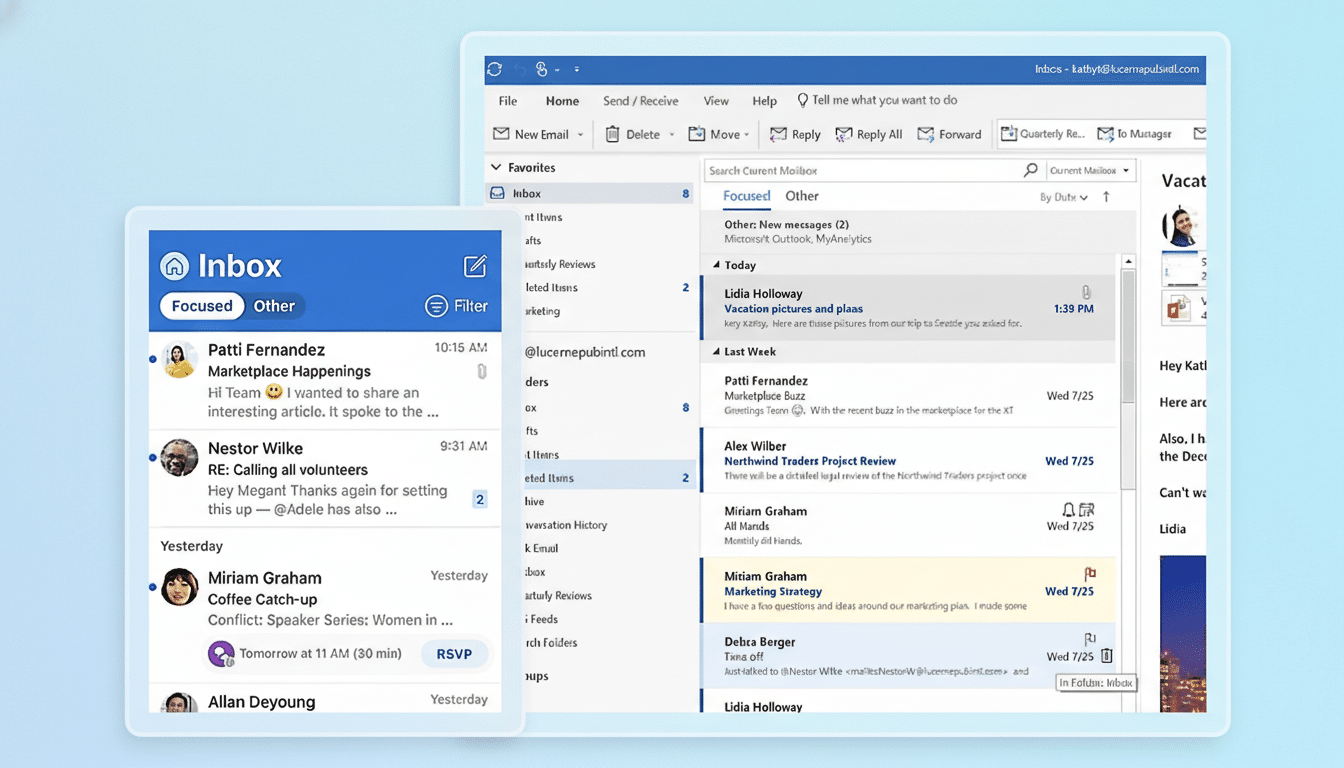
Outlook is experiencing a widespread Microsoft 365 disruption, leaving many users unable to send or receive email and forcing teams to scramble for alternatives. Reports indicate spillover effects for related services, and even Microsoft’s own service-health pages have been intermittently difficult to access for some customers.
What Users Are Seeing During the Outlook Disruption
Many Outlook clients are timing out or showing messages stuck in the Outbox. Others report missing new mail or delayed delivery. A common error observed by admins is the “451 4.3.2 temporary server issue” response, a transient 4xx SMTP code that signals the service is currently unable to process the request but should accept the message later.
- What Users Are Seeing During the Outlook Disruption
- What Microsoft Says About the Outlook and 365 Outage
- Scope and Who Is Affected Across Microsoft 365 Services
- Why This Happens on Large Microsoft 365 Platforms
- What You Can Do Right Now to Mitigate Email Impact
- What to Watch Next as Microsoft Restores Services

These symptoms appear across Outlook on the web, desktop, and mobile for affected tenants. Some Teams users are also seeing degraded chat or meeting join reliability, and email security scans tied to Defender for Office 365 may be slow or inconsistent during the disruption.
What Microsoft Says About the Outlook and 365 Outage
Microsoft has acknowledged the outage on its 365 status channels and says engineers are actively rebalancing traffic across regional infrastructure. The company describes a phased recovery approach: parts of the platform have been stabilized, but additional load balancing is required to clear persistent impact and return service to normal capacity.
In plain terms, Microsoft is shifting customer traffic away from stressed systems and onto healthy capacity, monitoring each change to avoid knock-on effects. That indicates pressure within a specific slice of the service rather than a full platform failure, which aligns with intermittent errors and partial functionality some users are reporting.
Scope and Who Is Affected Across Microsoft 365 Services
The most visible impact is Outlook, though Microsoft 365 is a tightly integrated suite and issues can cascade across Exchange Online, Teams, and related services. Outage-tracking services such as Downdetector show a sharp spike in customer reports concentrated in major U.S. metros, suggesting a broad footprint with regional variation in severity.
Some administrators also note trouble loading the Microsoft 365 Service Health dashboard, a common side effect during large incidents when status pages and telemetry endpoints experience heavy demand.
Why This Happens on Large Microsoft 365 Platforms
Large SaaS platforms routinely employ global load balancing, caching, and regional capacity pools. When a subsystem becomes saturated or unhealthy—whether due to a code issue, a misconfiguration, or a capacity imbalance—traffic must be redistributed. That process can cause intermittent failures, throttling, or delays until the system converges on a stable state.
Microsoft 365 has experienced several notable disruptions in recent months across both Microsoft 365 and Azure. The broader trend highlights how tightly coupled dependencies—identity services, networking, security filtering, and regional data centers—can amplify the blast radius of what begins as a targeted fault. A past industry-wide incident tied to a third-party security update also illustrated how upstream software changes can ripple through cloud ecosystems.
What You Can Do Right Now to Mitigate Email Impact
For end users, avoid repeatedly resending stuck emails; most 4xx errors indicate temporary conditions and messages will queue for retry. If Outlook desktop is failing, try Outlook on the web or a mobile client as a workaround, but expect inconsistent results while recovery is underway.
For IT admins, monitor the Microsoft 365 admin center’s Service Health and Message Center for incident updates. Use Exchange Online message trace to confirm 4.x transient failures versus 5.x permanent bounces. Communicate a temporary playbook to staff: queue non-urgent mail, shift critical communications to a backup channel, and document affected workflows for post-incident review.
If your organization uses hybrid or third-party SMTP relays, verify connectors and failover paths. Keep an eye on security tooling that relies on Microsoft APIs; rate limits or stale telemetry can produce false alerts during recovery.
What to Watch Next as Microsoft Restores Services
Expect Microsoft to provide a preliminary incident summary followed by a post-incident report detailing root cause and mitigation steps. Customers typically look for clear explanations around capacity management, load-balancing policies, and safeguards to prevent recurrence.
Microsoft 365 carries a financially backed monthly uptime SLA that targets at least 99.9% availability. If your tenant experienced material impact, track official communications for any service-credit guidance. In the meantime, recovery indicators to watch include decreasing 4xx error rates, shrinking message-queue delays, and full restoration of the Service Health portal.
The bottom line: Outlook disruption remains the headline issue, with Microsoft actively rebalancing infrastructure to restore normal mail flow. Most messages should be delayed rather than lost, and service stability is likely to improve as the platform absorbs traffic on healthy capacity.
