


I’ve spent time with every frame and generation of Meta’s Ray-Ban smart glasses in addition to testing the new waveguide “Display” preview. The tl;dr version: the new model is a solid incremental improvement in camera quality, audio quality and battery life. But not everyone will need the upgrade, and the Display version changes the long-term picture. Here’s how you should decide with clear, real-world expectations.
What’s new on the second-generation Ray-Bans
The headliner is video capture. The second-gen Ray-Bans retain a 12MP sensor but upgrade the videography to 3K, resulting in significantly sharper clips than the first-gen’s effort at 1080p, and still shooting at an aspect ratio of 4:3—perfect for vertical formats and reframing (though not so hot for traditional widescreen edits). In side-by-side comparisons, we see less blurriness in detail compared with the first gen in foliage, signage, and low-contrast textures.
- What’s new on the second-generation Ray-Bans
- Who should get the updated model and why
- First-gen still makes sense for the budget buyer
- What about the Ray-Ban Display preview?
- Everyday reality: comfort, battery and audio
- Privacy, safety, and etiquette while filming in public
- Bottom line: which Ray-Ban smart glasses should you buy?
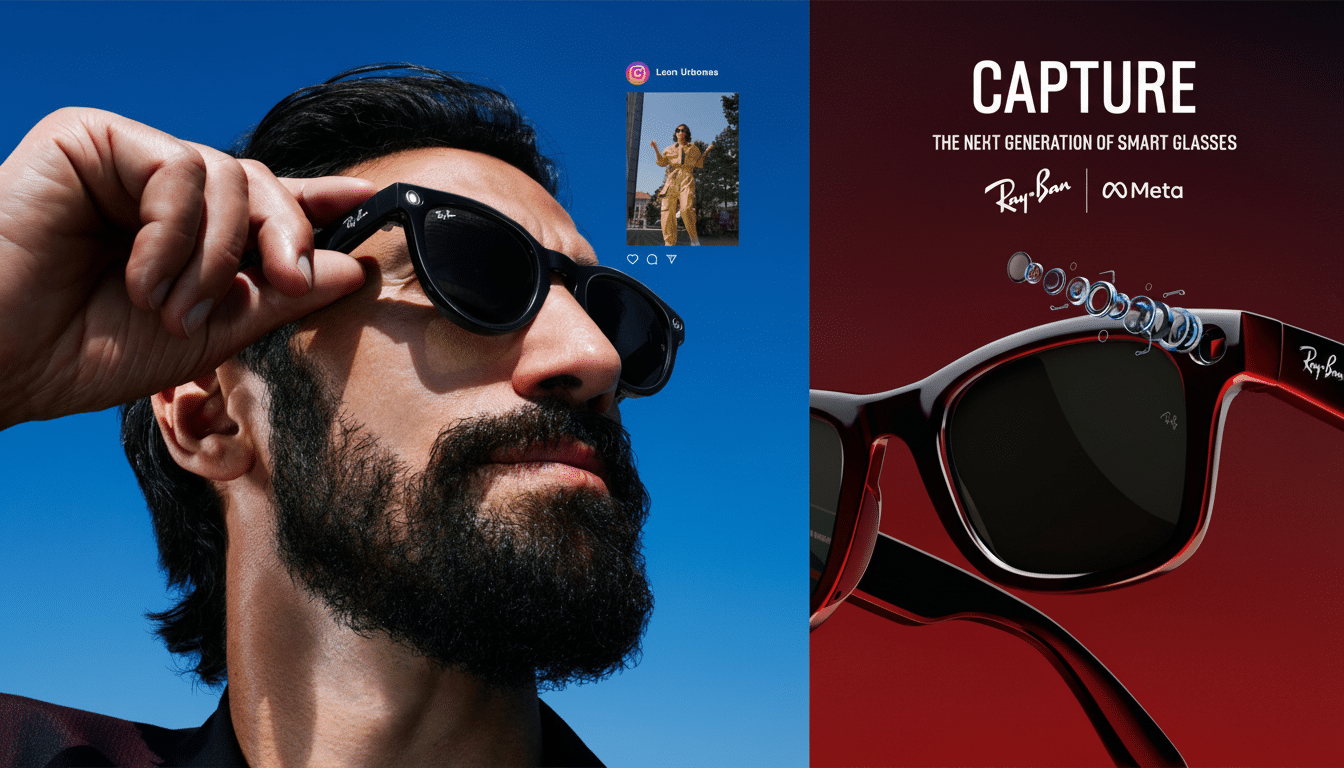
Battery life is the other major win. Meta claims up to eight hours of listening on a charge and up to 48 hours total with the charging case, as opposed to about four and 32 hours, respectively, on the first gen. In reality, my average workday of mixed use in short video bursts, music testing and calls as well as asking the voice assistant questions typically yielded 3–5 hours before I returned to the case, which quickly topped off the glasses enough to get through an entire day.
Audio is louder and clearer with less leakage, and the five-microphone array does a better job isolating your voice amid street noise. The touch controls are more responsive, the fit options wider and the frames now have splash resistance (IPX4), a small but appreciated real-life nod. Instagram and Facebook live streaming is more seamless, and the on-glasses assistant works faster.
Who should get the updated model and why
Even if you shoot hands-free video for social media, the 3K upgrade alone is worth it. If you’re the sort of creator or parent, cyclist or traveler who prizes the “what you’re seeing, right now” footage, you’ll appreciate how those finer image and audio help to keep everything steadier. The better battery life also counts for commuters and people out in the field; making fewer stops at the case makes it feel like you’re really carrying around your daily-use glasses, not some novelty.
Another angle: the on-device assistant. Meta has emphasized multimodal capabilities like scene-aware responses, object descriptions and translation on the glasses. The company has said many of these AI tricks will come to first-gen hardware, but the second gen executes them with less latency and better mic pickup—simple performance improvements that tally up when you’re using voice all day long.
First-gen still makes sense for the budget buyer
The first gen is frequently available for less than the original $299 through promotions and refurbished programs. If your use case is largely audio, occasionally photos and experimenting with the on-glasses assistant, then the three-year-old original remains a compelling entry. And both generations have the same classic shapes (Wayfarer, Headliner, Skyler) and lens options (clear, tinted, transitions and prescription through optical partners).
You are losing that sharper 3K video, the longer run time and better speakers. For anyone who expects to publish a lot of clips—or film in mixed light—the second gen pays for itself in far fewer re-shoots and cleaner edits. Meanwhile, the savings on first gen are impossible for casual users to ignore.
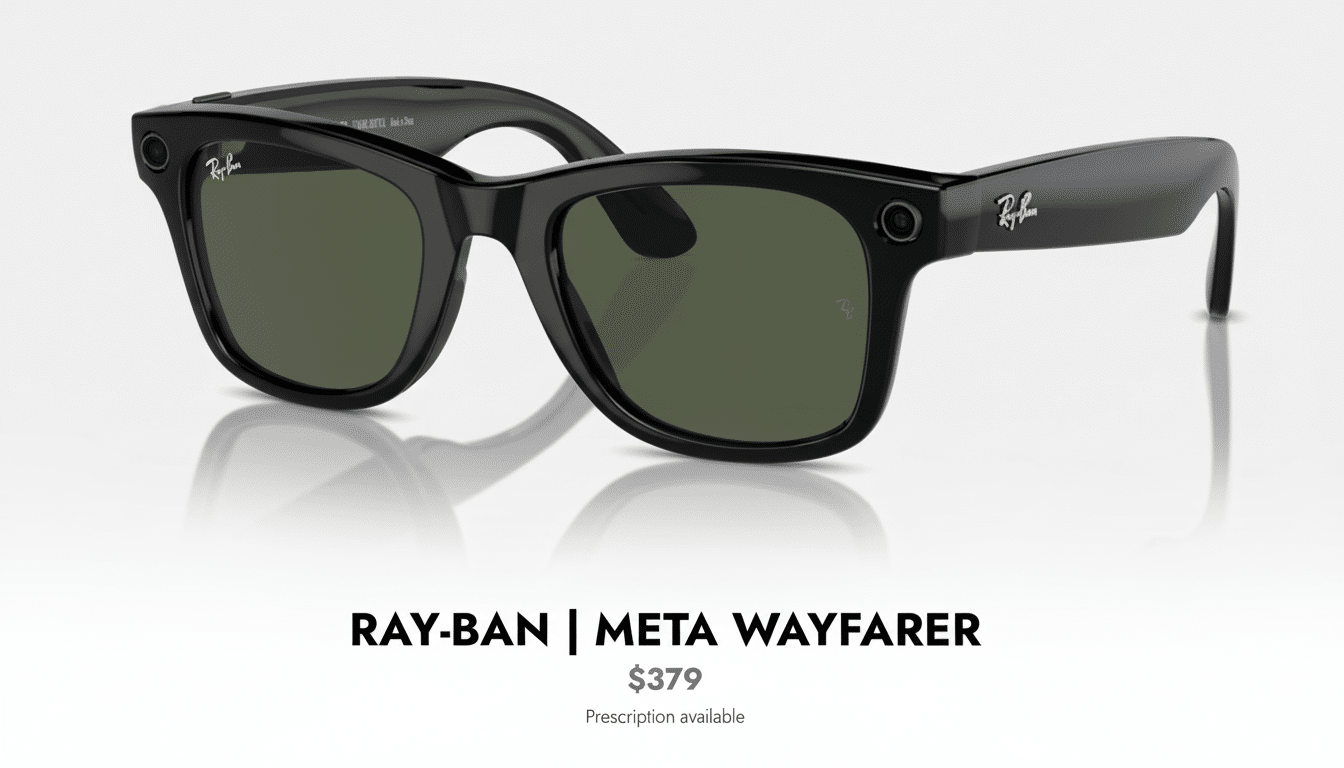
What about the Ray-Ban Display
preview?
Meta and Luxottica displayed a prototype of Ray-Ban Display, which adds a waveguide overlay with navigation cues, prompts and a camera viewfinder. It’s the most down-to-earth version of everyday AR I’ve tested, since it emphasizes glanceable info over big visuals. But supply is constrained and the software roadmap is still developing.
If a lightweight heads-up layer is all you really want—turn-by-turn arrows, brief alerts and glances at AI answers—waiting now makes sense. If you need something to buy and trust now, the shipping second gen is an easy pick. Industry analysts like IDC and CCS Insight continue to call smart glasses a niche but growing category; definitely purchase for what’s available now, not the promise of something better.
Everyday reality: comfort, battery and audio
The glasses are comfortable to wear for hours and hours, though the charging case is still pocket-bulging. With regular short clips, you’re looking at 90–120 minutes before you’ll be thinking about a top-up; with audio-first use, four to eight hours is realistic. Calls are serviceable in coffee shops, and when kept to low levels, the speakers can be loud enough that you won’t miss your earbuds while listening for traffic.
For optics, transitional and clear lenses work well indoors; polarized tints help outside but can make viewing screens more complicated. Prescription support is still a highlight, but consult your optician to check fit and weight: lens thickness can alter comfort.
Privacy, safety, and etiquette while filming in public
The recording LED is required and cannot be turned off. There are a couple of rules: Camera coherence is key (use it, narrate when you’re filming; avoid sensitive spaces). Groups like the Electronic Frontier Foundation and university privacy labs have pushed for transparency and consent where wearable cameras are involved—common sense that also shields your footage from uncomfortable surprises.
Bottom line: which Ray-Ban smart glasses should you buy?
Pick the second gen if you are serious about hands-free video, don’t mind a much larger price tag and want more battery life, and you use the assistant regularly. Choose the first gen if you’re just price conscious, and if your primary focus is audio with some occasional clips and you want to see what smart glasses are like but don’t want to spend a ridiculous amount of money. Hold off for the Display version only if a minimalist heads-up view of your digital life is your paramount concern and you’re fine with wading into a fledgling software ecosystem.
Smart glasses are at last mostly useful all the time, instead of some of the time. The second-gen Ray-Bans were the first ones I wanted to keep wearing all day long, and more than any single spec reason, that’s why they’re easy to recommend.
