


McAfee is rolling out a significant upgrade to its Scam Detector, aiming to block QR code “quishing” and conversational scams in messaging apps at the moment of risk—before a user taps, scans, or replies. The move targets one of the fastest-shifting fronts in consumer cybercrime, where attackers now blend into everyday habits like scanning restaurant menus or answering a text from a coworker.
The timing reflects a clear trend. Law enforcement and consumer protection agencies have warned that QR codes and smishing are becoming an easy on-ramp for credential theft and malware. The FBI’s Internet Crime Complaint Center has documented record losses from cyber-enabled fraud in recent years, while the agency has issued public service announcements cautioning about tampered QR codes on parking meters and public signage. Security researchers also note that scammers increasingly use natural, chat-like conversation to bypass link filters and trick victims into sending money or credentials.
What’s New in McAfee’s Scam Detector Update
The update introduces real-time QR code scanning that evaluates where a code will take you—before the browser is launched. Instead of letting a device resolve the code and then react, Scam Detector decodes and inspects the destination, checking domain reputation, redirects, encryption, and brand impersonation cues to spot fake login portals or drive-by malware sites.
On the messaging side, McAfee says the tool now analyzes conversational context in popular chat apps and SMS to flag social engineering even when no link is present. That includes telltale patterns like urgent payment demands, requests to move the conversation off-platform, unusual account recovery prompts, or sudden changes in tone from a known contact—common markers of account takeover and business email compromise tactics adapted to chat.
According to the company, these capabilities will be included with core subscriptions at no additional cost and will roll out broadly to existing users. The goal is to shift protection from post-click remediation to real-time prevention.
Real-Time QR Checks Aim To Stop Quishing
QR codes have become ubiquitous—menus, payment terminals, pickup lockers, device logins—which makes them an attractive disguise for attackers. Incidents in multiple U.S. cities have shown scammers placing lookalike stickers on parking meters to capture payments through bogus portals. The FBI has warned that malicious QR codes can also redirect victims through multiple domains to hide their trail.
McAfee’s approach tries to break that chain. When a user scans a code, Scam Detector evaluates the embedded URL in real time. Beyond simple blocklists, the system can look for homograph tricks (like Punycode meant to mimic a brand), mismatched SSL certificates, credential fields that appear before a trusted login, suspicious redirects, or URLs hosted on newly registered domains—signals often correlated with phishing kits.
Crucially, the app intervenes before the site loads, surfacing a clear warning and recommended action. For everyday users, that means fewer split-second decisions when you’re standing at a kiosk or scanning a sign in a crowded venue.
Catching Scams Hidden in Chat Threads and Texts
Social engineering has increasingly moved into chat, where messages feel personal and urgent. Scammers hijack real accounts or spoof a colleague to ask for a quick favor, a gift card purchase, or a “verification” code. Industry reports, including annual analyses from Proofpoint and the Verizon Data Breach Investigations Report, have highlighted the rise of pretexting and smishing as dominant attack patterns.
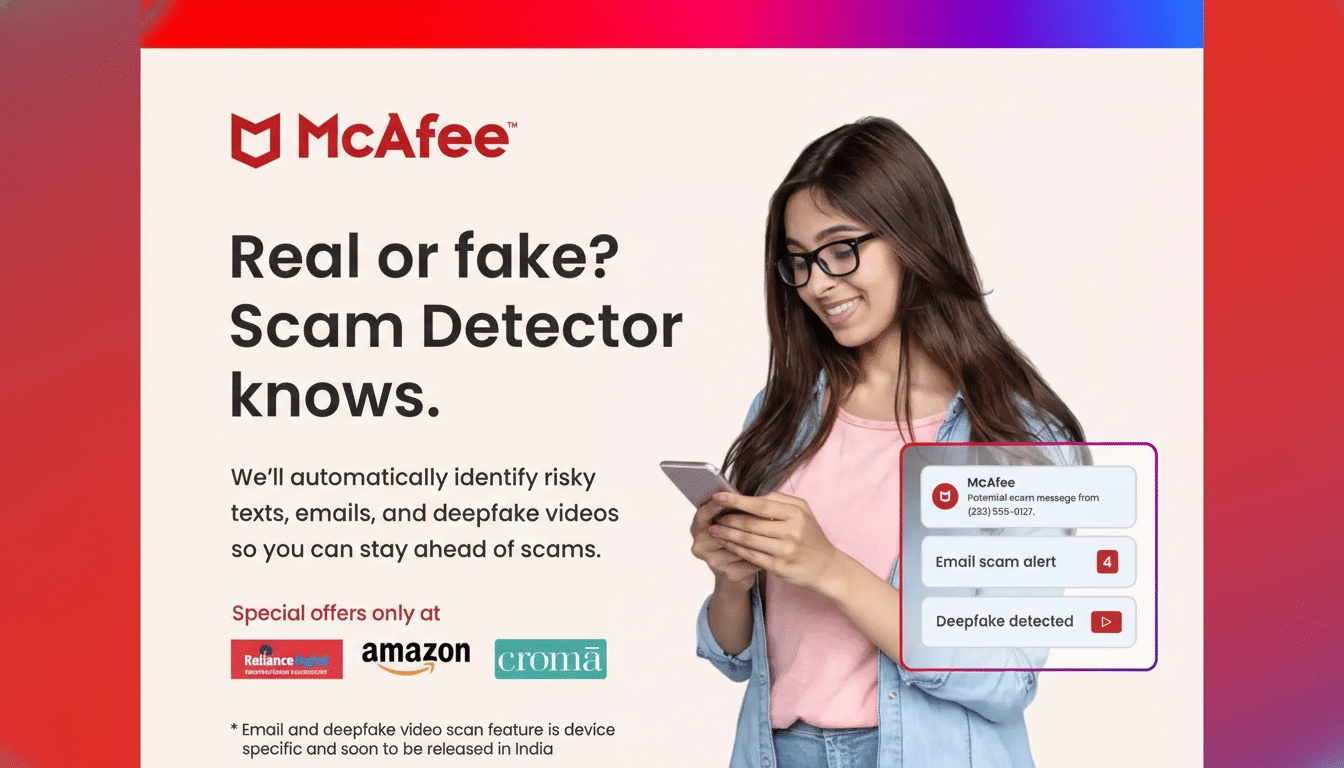
McAfee says the upgraded detector looks at language signals, context, and behavioral cues—things like pressure to act now, requests for secrecy, unusual payment methods, or an abrupt switch to crypto—alongside technical checks on any embedded links. Because many messaging platforms are end-to-end encrypted, consumer security tools typically analyze notifications and visible text on-device rather than decrypting content; McAfee positions its scanning to respect app permissions while still providing practical warnings.
Real-world examples it’s designed to flag include a “friend” asking for a two-factor code, a shipping text that asks you to update payment details on a lookalike site, or a job recruiter moving the interview to a side channel and asking for fees. These scams often convert at worryingly high rates precisely because they mimic ordinary conversation.
Why This Matters to Everyday Users and Families
Consumer losses to digital fraud remain high, and text-based scams are among the most reported. The FTC has repeatedly noted that text messages are a leading contact method for imposters, while law enforcement warns that QR codes can serve as a frictionless doorway to phishing. By stopping risky actions before they happen—rather than cleaning up after a compromise—tools like Scam Detector can reduce exposure windows and decision fatigue.
McAfee’s broader strategy leans on AI-driven analysis across deepfake detection, identity monitoring, and scam intelligence. The company is positioning these upgrades as everyday defenses that work across the routine tasks we all perform on phones: scanning a code, reading a text, replying to a colleague. Combined with platform safeguards from device makers and carriers, layered tools may be what it takes to blunt a threat landscape that keeps getting faster and more human-like.
Bottom line: If you’ve ever hesitated before scanning a code or answering an odd message, this update is built to add an informed pause at exactly the right moment—when a split second can mean the difference between staying safe and getting stung.
