


There’s a quietly transformative tweak coming in Apple’s next macOS release, known as Tahoe, for anyone who works on the move: your Mac can now automatically join your iPhone’s Personal Hotspot.
It’s a little quality-of-life adjustment, but it removes some friction from a daily task and is part of an even greater shift away from hunting for public Wi‑Fi and toward having always-available mobile data. The feature appeared in developer builds and came to light first from publications that monitor Apple’s betas, including MacRumors.
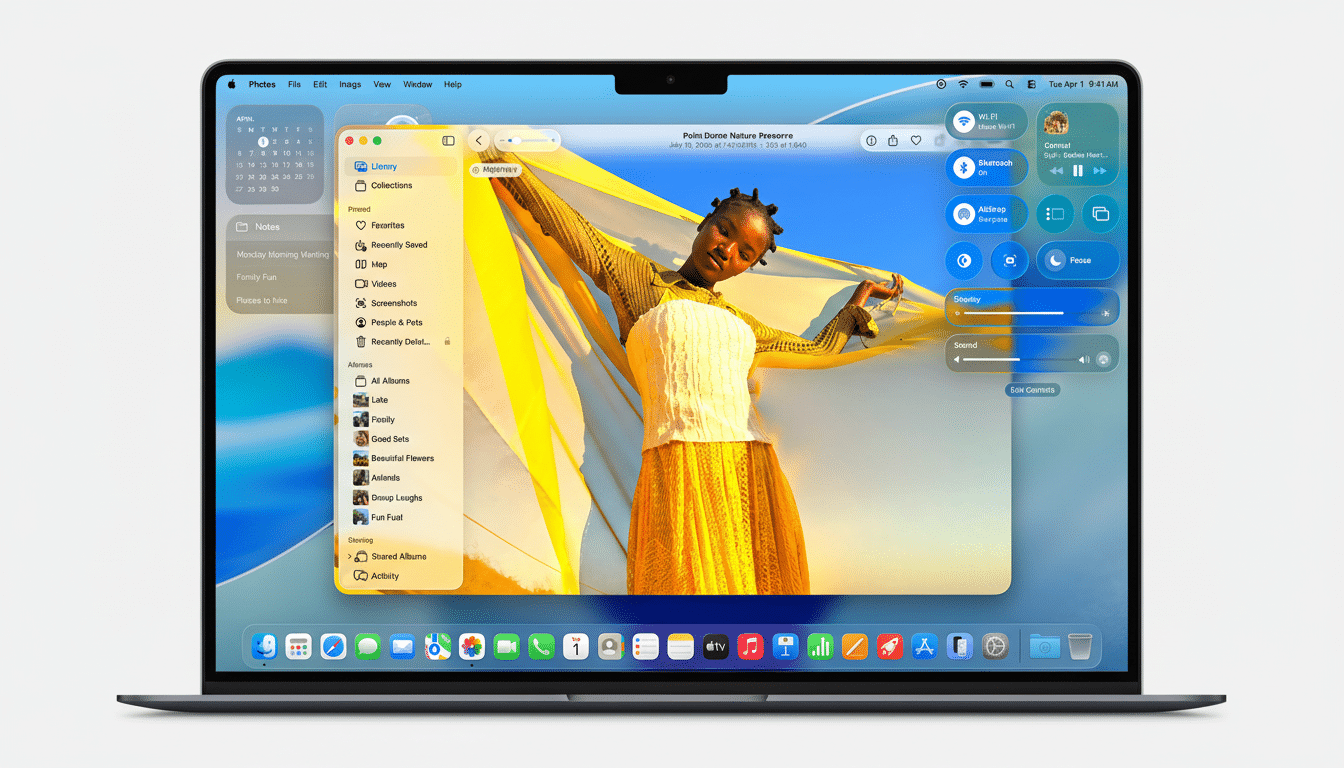
Automatic iPhone hotspot: How it works on macOS
For years, Instant Hotspot allowed a Mac to join an iPhone without entering a password, as long as both were signed in to the same Apple ID. The rub was that it was interactive — you still had to click to approve the connection. On macOS Tahoe, a new setting allows your Mac to take that leap on its own when it requires the internet and no Wi‑Fi you know is around.
You’ll find it in Settings > Wi‑Fi, as “Ask to Join Hotspots,” and you have three options: Always, Ask to Join, and Automatic. Opt for Automatic instead and your Mac will surreptitiously tether to your iPhone (or another Apple device on your iCloud account) when necessary. This isn’t a free-for-all — automatic joining capability is restricted to devices you use, and it will communicate with your device over Bluetooth and Wi‑Fi (through Apple’s Continuity framework) for discovery and secure handshaking.
The same is true on the latest iPadOS build, which means a laptop replacement in the form of an iPad on the go could be even more plausible for travelers. As with the Mac, the feature is limited to devices owned by the user, not to phones in the vicinity.
Why automatic iPhone hotspot joining matters now
Mobile data is fast and nearly everywhere, but many people shuffle along with a phone tether rather than risk chancy café Wi‑Fi. Ookla’s testing finds median 5G downloads topping 150 Mbps in a host of U.S. metros, and latency still generally trending low — perfectly good for cloud docs, big downloads, and even video calls. In that particular context, eliminating an additional click every time you access your Mac while riding a train, in a rideshare, or at a client site has real impact over the course of a day.
Security is another angle. Public networks are easy to use but can be flawed and misconfigured; corporate security teams generally prefer employees to connect with trusted sources. It’s an automatic tether to a known iPhone, which makes it less likely that you would be tempted to leap on some random Wi‑Fi access point simply to get online.
Battery life, data caps, and smart default settings
Auto-tethering doesn’t change physics: being a hotspot is one of the more power-hungry tasks a phone performs. If you think you’re going to be using it for extended periods, keep the iPhone connected to a charger and pay attention to how hot it gets. Apple has incrementally optimized hotspot management — Instant Hotspot can wake the phone for a few moments and put its radios to rest when it’s idle — but sustained uploads and downloads are still going to tear through your battery, regardless of how efficient Apple has made it.
Data policies also matter. A lot of carrier plans now have a separate bucket (or cap) for high-speed hotspot use and throttle hotspot sharing after that. These allowances are more apparent thanks to the FCC’s broadband labels, mandated for major mobile plans today; it’s worth verifying your plan’s tethering limit. macOS’s status menu will indicate you’re on a Personal Hotspot, so at least you’ll have a visual reminder to be mindful of big updates or cloud-sync jobs.
Crucially, macOS won’t pull you off a stable, preferred Wi‑Fi network in pursuit of your phone. Automatic will kick in whenever your Mac is in need of a connection and can’t find something better. If you prefer to have a manual gate in front of tethering — say, so background processes don’t just see the hotspot and latch on to it — all you need is “Ask to Join.”
Tips to set up automatic hotspots and edge cases
To use the feature, both your Mac and iPhone must be signed in to the same Apple ID with two-factor authentication enabled, and Bluetooth and Wi‑Fi need to be switched on for both. Under the Continuity umbrella, you usually don’t even have to turn Personal Hotspot on manually on the iPhone; your Mac can summon it when required. If you move between multiple iPhones or iPads, the Mac will show you which device it picked in the Wi‑Fi menu and let you switch if necessary.
In managed environments, IT can control hotspot use through mobile device management profiles; IT can block tethering or require users to accept prompts in line with corporate data policies. In other words, the Automatic option may be absent in company-issued Macs or iPhones, even if it’s present on personal devices.
And let’s be clear, automatic joining is something that applies to Apple’s ecosystem. Although macOS can also tether to some Android smartphones in the standard way, these hands-free parts of Continuity — discovery, authentication, and silent join — are intended for iCloud-connected Apple devices.
A tiny switch that’s massive on convenience
The auto-join option in macOS Tahoe won’t be a headline feature of the release, but it’s nice to see Apple chip away at a pain point that millions suffer through several times a day. That, paired with faster cellular networks and Apple’s long-standing Continuity play, makes the Mac feel more naturally connected by default — no taps, no prompts; only internet when you lift the lid.
