


Not an ultra-deal per se, but you don’t see a flagship-quality laptop for budget money very often, and when you do, it sort of catches your attention.
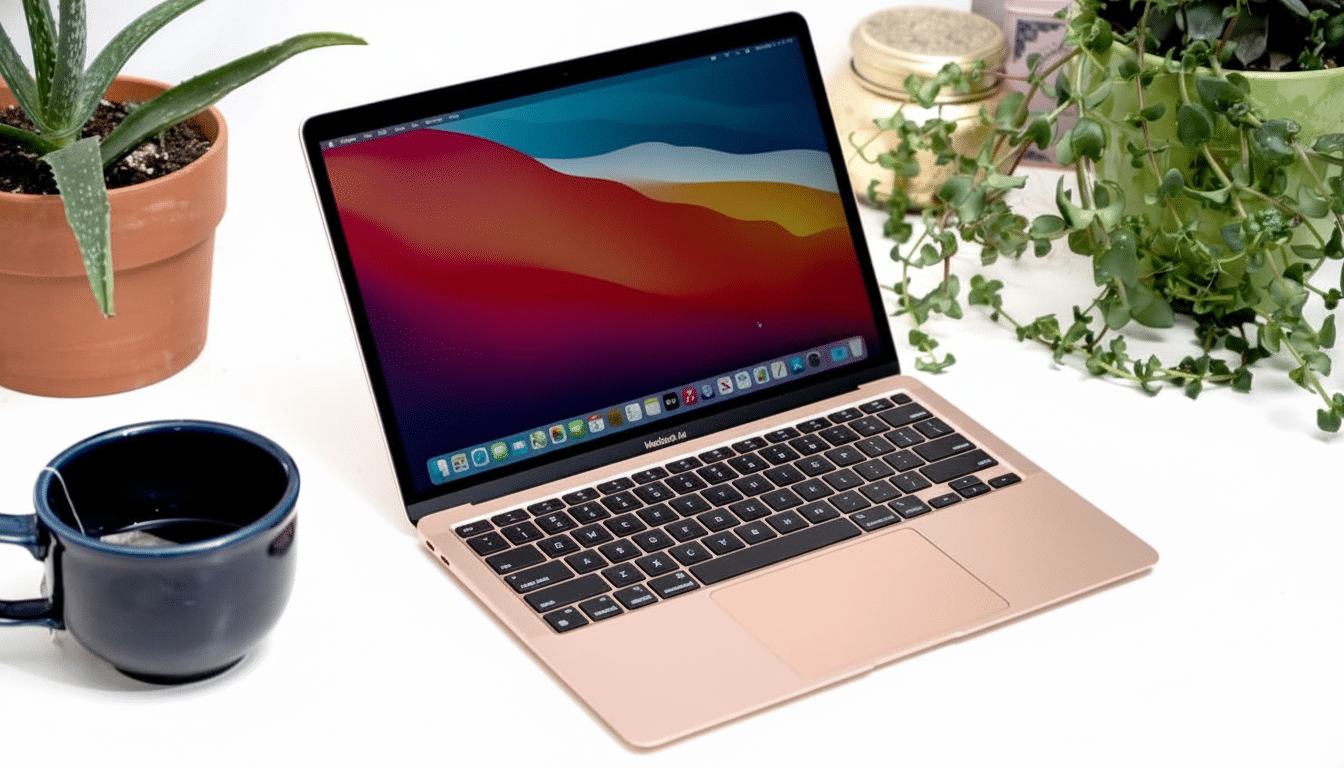
If you’re a student, a regular traveler, or just someone who wants the best features of macOS without the high price tag, this is your stand-out MacBook Air deal.
- Why the M1 MacBook Air is still special today
- What “under $400” tends to get you on a refurbished M1 Air
- Refurb reality check: what to verify before you buy
- M1 vs M2/M3 Air: the value math for real-world use
- Who this is for: the users who benefit most from M1 Air
- How to get the best sub-$400 model without surprises
- Bottom line: why this sub-$400 M1 Air deal stands out

Why the M1 MacBook Air is still special today
The first generation of Apple’s M1 chip blew away expectations for laptops. Independent testing, including from AnandTech, Laptop Mag, and PCMag, found that the fanless MacBook Air could outperform many Intel-based ultrabooks of its time while running in creepy silence and without adding any heat to your lap. In Geekbench 5, the M1 usually registers about 1,700 in single‑core and above 7,000 in multi‑core — numbers that still feel quick in day‑to‑day use.
Battery life is another headline. Apple rated the M1 Air for up to 18 hours of video playback, while third‑party reviews consistently found it capable of lasting a full day in mixed use. Combining that endurance with instant wake and whisper‑quiet operation is a combination that’s hard to find at any price, let alone less than $400.
The Retina display features a resolution of 2560×1600 pixels and supports the P3 wide color gamut for even more vibrant greens and reds than sRGB. Add two Thunderbolt/USB 4 ports (either port can charge the laptop), Wi‑Fi 6, a 3.5mm jack, and a chassis that tips the scales at just 2.8 pounds, and you get a design that still feels modern.
What “under $400” tends to get you on a refurbished M1 Air
At this price, you’re usually getting a Grade A or Grade B refurbished 2020 MacBook Air with M1 chip, 8GB of unified memory, and a 256GB SSD. Some have the 7‑core GPU, while others pack the 8‑core version; each copes with everyday tasks, light photo work, and casual video edits within apps such as iMovie or Final Cut better than older Intel models.
Meanwhile, equivalent new Windows laptops at comparable prices tend to sacrifice screen quality, battery life, or build. Chromebooks under $400 can serve web‑first users well, but they aren’t going to keep up with the M1 Air in terms of CPU performance or available macOS apps for creative work.
Refurb reality check: what to verify before you buy
These ultra-low prices always mean refurbished merchandise. Not a downside — done well, it’s smart value. Look for:
- Ultra Grade A cosmetic condition, commonly referred to as “like new.”
- Battery health of roughly 80 percent or more, and a decent cycle count; Apple designs batteries to be good for 1,000 cycles, but individual units can differ.
- A plainly spelled‑out return window (at least 14 days) and a warranty of at least 90 days, ideally longer, from the refurbisher. Most refurbishers offer proof of testing and sanitation of components.
- An Apple‑compatible 30W charger and USB‑C cable included, with Find My deactivated and any previous Apple ID removed from the device.
Groups that advocate for consumers, as well as reliability surveys conducted by entities such as Consumer Reports, consistently rate Apple laptops very high in terms of longevity. And when you factor in long macOS support windows, the M1 platform is likely to be relevant for years under typical workloads.
M1 vs M2/M3 Air: the value math for real-world use
Apple’s latest M2 and M3 MacBook Airs are faster, especially on sustained GPU tasks and heavier multitasking. For most performance benchmarks, M2 achieves roughly 15–20% higher CPU performance than M1, and this gap is further widened by M3. But those gains rarely change the feel of web work, office apps, and light creative tasks — the bread‑and‑butter uses for an Air.
More important are the starting prices of these new M3 Air configurations, generally two to three times as expensive as a refurbished M1 deal under $400. If your workflow doesn’t need additional GPU cores or 16GB of RAM or more than 256GB of internal SSD storage, then M1 is a solid value‑for‑performance ratio.
Who this is for: the users who benefit most from M1 Air
- Students and writers seeking an ultra‑portable machine with long battery life and a top‑tier keyboard and trackpad.
- Workers who live in browsers, spreadsheets, and video calls, but want a color‑accurate display for creative work on the side.
- Travelers who need a lightweight, quiet companion that sips power and wakes up in an instant.
And skip the M1 Air at this price if you need 32‑bit float color workflows, large Xcode projects with a bunch of simulators, heavy 4K multicam edits, or local AI model training — that kind of work is going to benefit from more RAM, faster GPUs, and larger internal SSDs.
How to get the best sub-$400 model without surprises
That’s a fluctuating price, so just note that refurb marketplaces and authorized resellers pop up with M1 Air units every now and then in the $385–$399 range. To stack the deck in your favor, be on the lookout for coupon codes, open‑box inventory, and seasonal overstock clearance. Cross‑reference the serial number on the receipt to verify age and warranty status through Apple’s support site.
Bottom line: why this sub-$400 M1 Air deal stands out
Under $400, the M1 MacBook Air offers a blend of speed, silence, battery life, and construction quality that no sub‑$500 PC laptop can approach. If you don’t mind getting a refurb and can live with 8GB/256GB, it’s the best MacBook Air deal out there — punching way above its weight (or price) class and ready to remain useful for years.
