


A standout ergonomic mouse just got easier on your wallet — and your wrist. The Logitech MX Vertical is currently available for $69.99 as a limited-time deal, with additional savings unlocked via an on-page coupon at Amazon. That puts one of the most respected vertical mice within striking distance of its historical low, making this a compelling moment to upgrade your daily setup.
Why this vertical mouse design matters for comfort
The MX Vertical’s 57-degree angle is designed to keep your hand in a more neutral “handshake” position, reducing forearm pronation and easing strain on the wrist during long sessions. Instead of hinging movement at the wrist, the posture encourages using the shoulder and arm, distributing effort more evenly across larger muscle groups.
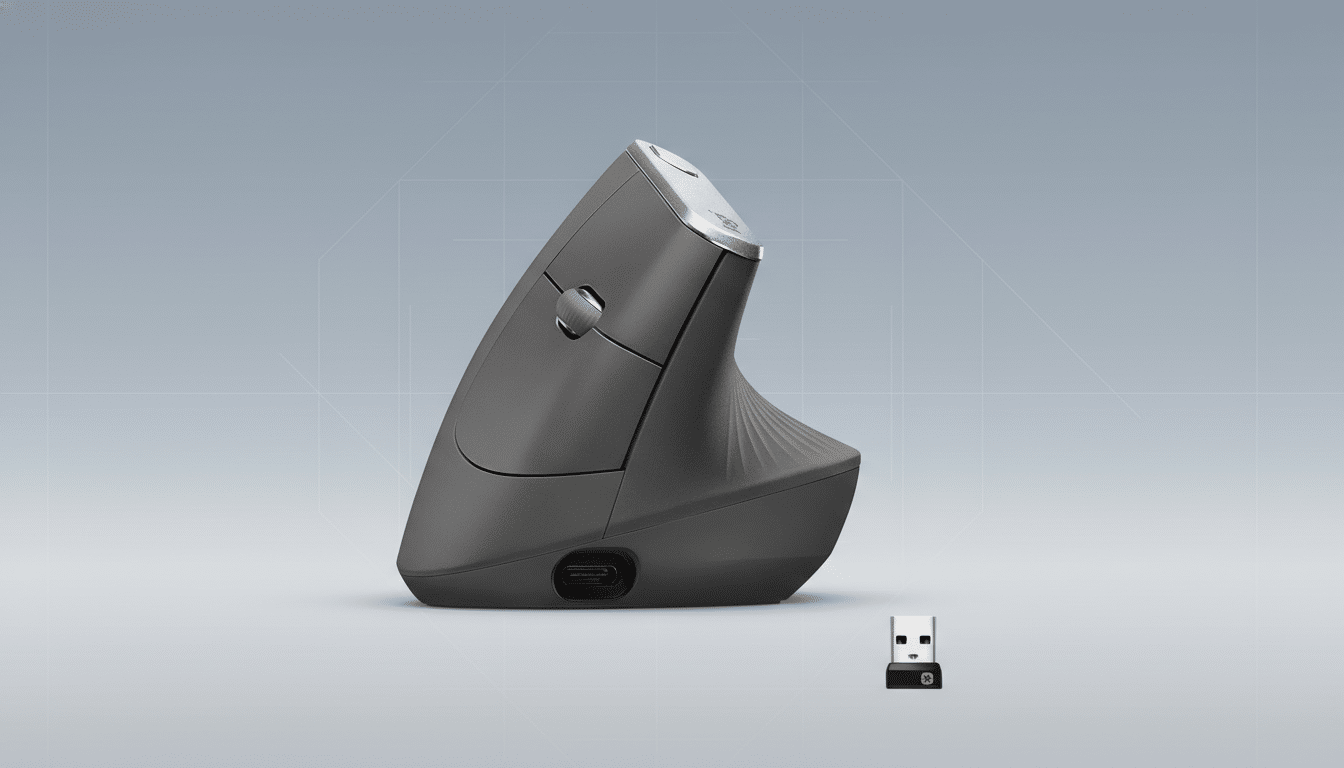
Ergonomics researchers have long flagged prolonged wrist deviation and forearm pronation as risk factors for discomfort and repetitive strain. Studies published in Applied Ergonomics and human factors literature report reductions in pronation torque and extensor muscle load when using vertical mice compared to traditional flat designs. Logitech’s own testing cites a roughly 10% reduction in muscular activity with the MX Vertical versus a standard mouse, aligning with guidance from NIOSH that emphasizes neutral postures and reduced repetitive stress.
Translation for everyday work: if you’re logging hours in spreadsheets, code editors, or creative apps, a vertical mouse can be a low-effort change that helps stave off nagging wrist aches over time.
Key specs of the MX Vertical that still hold up today
Despite debuting a few product cycles ago, the MX Vertical remains feature-rich. Its 4,000 DPI high-precision sensor is well-suited to large or high-resolution displays, and on-device DPI switching lets you jump between pixel-precise edits and quick cursor sweeps without diving into software menus.
Four customizable buttons can be mapped via Logitech’s Options+ software to streamline workflows — think app switching, mic mute, or macro shortcuts. Power users will appreciate multi-computer control with Logitech Flow, which allows you to move the cursor across machines on the same network and even copy files and text between them as if you were using a single extended desktop.
Connectivity is flexible: pair over Bluetooth, use the included Unifying USB receiver, or go wired with the USB-C cable. Battery life is rated at around four months per charge under typical use, and a quick one-minute top-up delivers up to three hours of runtime — handy when deadlines loom.
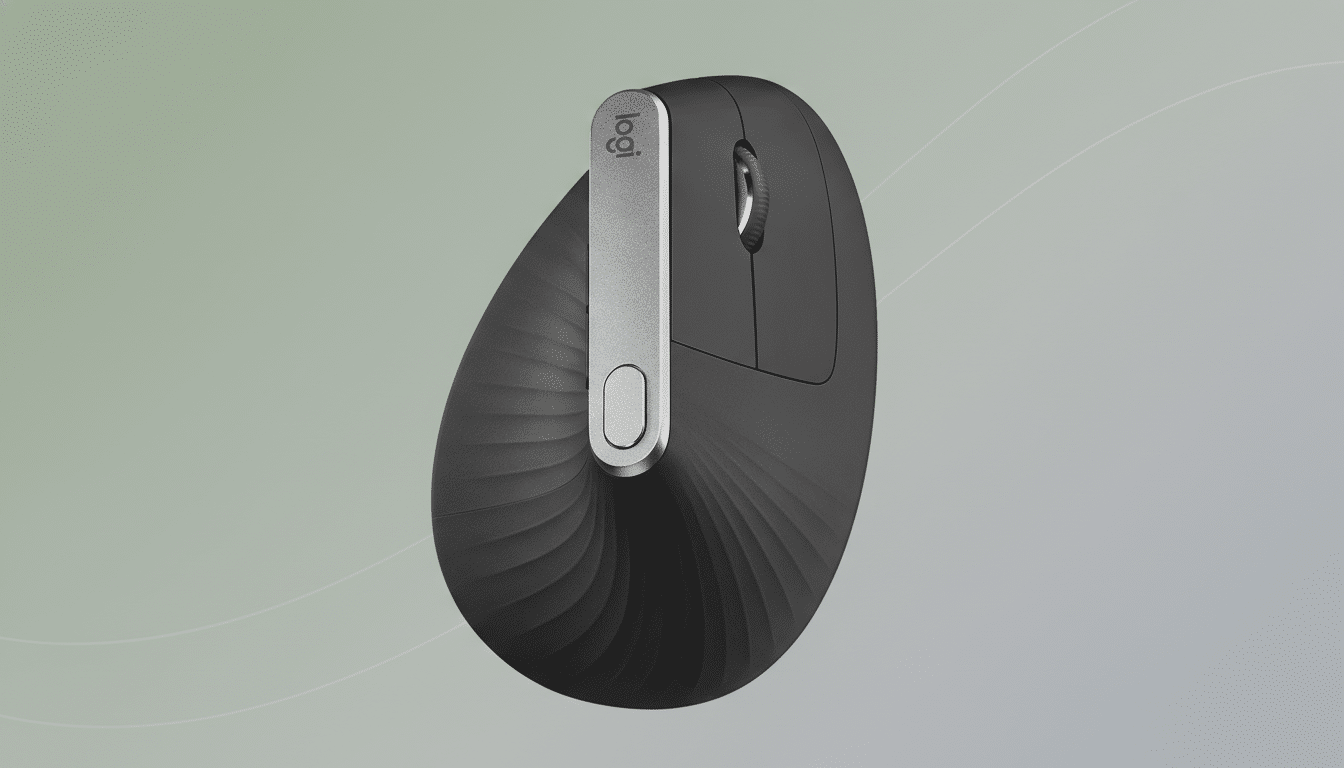
Deal snapshot and price context for Logitech MX Vertical
The current $69.99 sticker with an on-page coupon is a steep markdown that has hovered just a few dollars above the mouse’s known floor, which price trackers have pegged near $63.79 at rare moments. While not a record-breaker, it’s close enough that waiting may not net a meaningful difference — and inventory swings on ergonomic gear can be unpredictable during promotions.
If you’ve been eyeing a vertical mouse, this is what value looks like: premium build quality, robust software, and cross-device features at a midrange price. Competing ergonomic models exist at lower prices, but few match the MX Vertical’s sensor performance, multi-device finesse, and long-term support.
Who will benefit most from a vertical mouse like this
Heavy mouse users — remote workers, developers, analysts, designers — stand to gain the most. The MX Vertical is sized for medium to large hands; those with smaller hands might prefer the Logitech Lift, which carries a similar design language in a more compact chassis and also comes in a left-handed version. For specialized ergonomic needs, Evoluent’s VerticalMouse line is another reputable option, while budget vertical mice from brands like Anker offer an entry point with fewer features.
Expect a brief adjustment period. Most users acclimate within a few days, after which precision and speed return to normal. If you’re navigating early signs of wrist or forearm discomfort, pairing a vertical mouse with desk height checks, a supportive armrest, and periodic microbreaks follows best practices echoed by occupational health experts.
Tips to maximize this purchase and set up for success
Before checkout, make sure the on-page coupon is applied — that’s where the biggest savings lock in. After unboxing, install Logitech Options+ to remap buttons and set per-app profiles; enable Flow if you juggle multiple computers on the same network. Set DPI to a lower range for editing tasks and a higher range for general browsing to reduce unnecessary wrist movement. Keep the USB-C cable handy for those quick emergency charges.
Bottom line: with the MX Vertical dipping to $69.99, this is a timely chance to invest in ergonomics without compromising on performance. Your wrist will notice — and so will your productivity.
