


LG is now pushing Microsoft Copilot, through a webOS update, to its smart TVs and owners are complaining they can’t uninstall it. The change came in response to a flood of user complaints that were started by Tom’s Hardware, with Engadget staff confirming that we found Copilot preloaded (and uninstallable in any practical sense aside from the ability to hide its icon from your home screen).
What Changed for LG TVs with the New Copilot Update
After a recent software update, Copilot can be found alongside core apps on the webOS home screen. It does not have a regular uninstall feature in settings, as most third-party applications do. According to postings on Reddit’s r/mildlyinfuriating, users reported the behavior and quickly garnered huge amounts of attention — the lead post received more than 36,000 upvotes along with thousands of comments from frustrated TV owners.
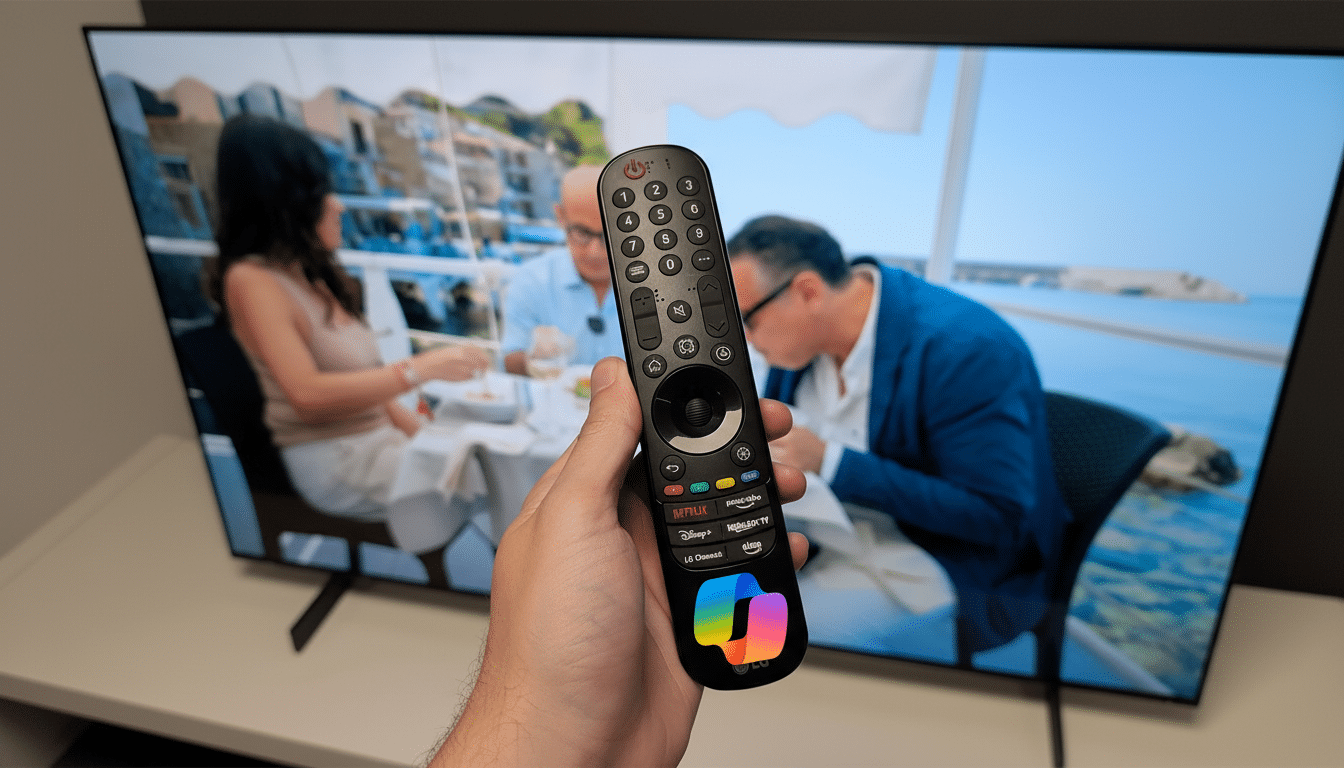
LG permits the Copilot tile to be removed; however, it’s still on your device. That distinction is important: Even a hidden app can get updates, ask for permissions, or pop up in voice prompts. To households who prefer to treat their TV as an appliance more than a computing tool, having a nonremovable AI assistant kicking around falls solidly into the “bloatware” category.
Why the Nonremovable Copilot on LG TVs Matters Now
Smart TVs are paid for by software and advertising, not just hardware margins. webOS from LG includes ad content recommendations and targeted ads around LG’s ad business. Embedding a cloud-connected assistant would further enrich that software stack and could increase the number of data avenues, from search and voice to app usage and engagement.
Privacy advocates point to missteps by the TV industry in the past as cautionary tales. In 2017, the Federal Trade Commission settled with Vizio over its undisclosed habit of capturing viewing data, a case that revealed just how deeply a TV can mine behavioral patterns. Although there’s no suggestion that Copilot on LG TVs is collecting undisclosed data, its presence without the ability to delete will raise concerns among users who are already suspicious of ambient tracking and growing AI features in the living room.
There is also a competitive and consumer choice angle. In the U.S. and EU, regulators have inquired about “hard-to-remove” defaults and dark patterns that nudge users into services. Pushing an AI assistant onto devices without a clear opt-out could be inviting discussions about fair design — especially as those assistants become more ingrained in search, content discovery, and shopping.

What Copilot Can and Can’t Do on LG Smart TVs
It is still unclear what value Copilot claims to offer on a TV. On PCs and phones, it can draft text, answer questions, or control apps. For a TV, this could look like content search, quick facts, smart home controls, or voice navigation. Yet until features seem essential — and controllable — a lot of owners regard it as preloaded software they never asked for, taking up space and possibly gathering information.
Workarounds for LG TV Owners Concerned About Copilot
- Hide the Copilot tile: Hold down or enter home screen edit mode to remove it from view. This is more of a hiding option, not an uninstall for the app.
- Lock the app: Utilize webOS parental controls to PIN-lock Copilot so it can’t be accidentally launched or so young ones sneaking about can’t navigate into it.
- Review permissions: In settings, review voice and microphone settings, and personalized ad settings. Wherever possible, opt out and turn off voice wake if you don’t use it.
- Network-wide blocks: Some advanced users can block Copilot-related domains at the router or server level using a DNS filter like Pi-hole. This breaks some functions and might even end silent background calling altogether, but it can also produce error dialogs.
- Alternatively, an add-on device: A streaming stick or box allows you to effectively skip parts of webOS and only play with the others, though it won’t take Copilot off the TV.
A More Comprehensive Agenda Toward Embedded AI
TVs have often shipped with nonremovable system apps; the arrival of generative AI assistants marks a new level of lock-in, however. Microsoft is winding Copilot through Windows and services; TV makers crave an assistant that delivers more search and commerce; content providers clamor for deeper hooks into discovery. The upshot? A tug-of-war for who controls that first screen you see when you turn on the television — and which service mediates your next click.
Consumer advocates have pleaded for transparent options rather than compelled defaults. The F.T.C. cautioned companies not to use misleading design strategies to make opting out more difficult than opting in. European regulators have raised similar concerns about default settings and consent. If they “must be there” in TV operating systems, AI assistants will need equally prominent controls too: a true uninstall path or, at the very least, a clearly marked system toggle that actually turns off the service.
What LG and Microsoft Should Make Clear to Owners
Customers are seeking straight-up answers: Why is Copilot required? What TV data does it analyze, and can owners completely turn it off? Is there a plan to include an uninstall option or system-wide off switch? It would help to have a solid paper trail and easy-to-see levers that an implementation team or user can manipulate, signaling their preferences regarding machine intelligence for those interested in the technology but wary of its risks — and making incremental improvements feel not just like a benefit we tolerate for some ideal end point, but something we invite and enjoy because the quality of our experience is significantly increased.
For now, by refusing to allow us to delete Copilot, LG only aids a trend: Your TV is no longer just a display. It’s a software platform, the most powerful apps of which may arrive via update — whether invited or not.
