


Lenovo’s latest Yoga 9i Pro Aura converts the sorry old touchpad into a creative tool, putting pen-enabled input right on the glass surface.
The company’s Force Pad approach means you can sketch, annotate, and sign documents right on the touchpad using an included stylus, giving your laptop more creative muscle without the clutter of adding a tablet.
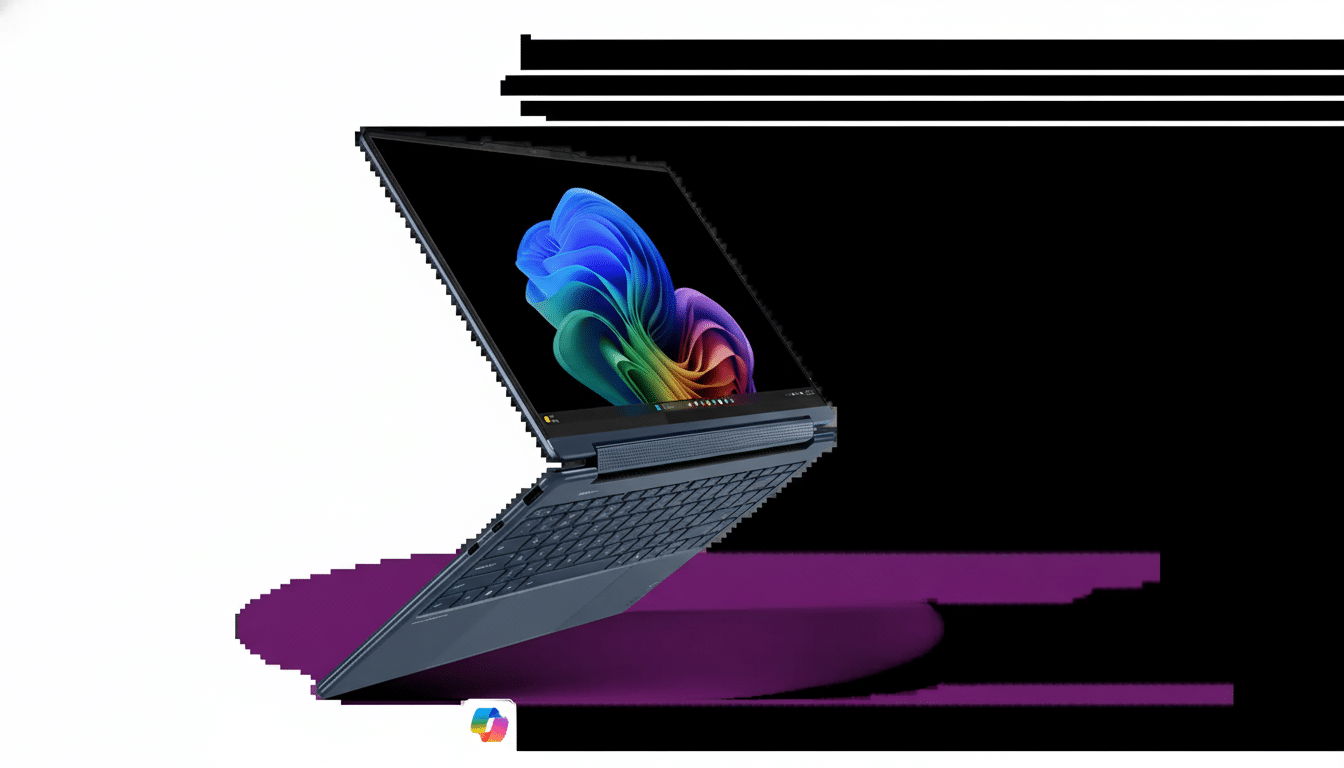
A Touchpad That Works As A Drawing Surface
In addition to just moving the cursor around, the Yoga 9i Pro Aura’s touchpad transforms into a drawing mode that recognizes stylus input. Lenovo’s execution is geared toward fast ideation and light adjustments — picture storyboarding a scene, annotating a PDF, or brushing with a mask in a photo — things that don’t usually merit firing up an entire pen display or tablet. Most crucially, it leaves the keyboard deck as your “workspace,” relegating the main display to be used strictly as a canvas or timeline.
The pen-on-touchpad concept is unusual for laptops, and Lenovo is relying on established pen tech to make it feel natural. The Yoga 9i Pro Aura comes with a stylus (in the past, Lenovo has offered Wacom-enabled pens in this family), and I’d expect there’s some kind of software layer that will work with Windows Ink so that apps such as OneNote, Photoshop, or Fresco treat the touchpad as if it were a pen input device when drawing mode is activated.
Why This Matters For Mobile Creators and Artists
What the traveling artist, student, or editor gains is speed and slim kit. Lots of 16-inch laptops have about a 5- to 6-inch-wide touchpad, which is smaller than your average tablet but still generous and appropriate for doodling, signing, or precise tweaking. It’s a nice compromise: pressure-sensitive pen control (rather than just a finger) without an extra peripheral, cords, or separate driver stack.
That broader spec sheet of the 9i Pro Aura also complements this workflow. Key to that is its 16-inch PureSight Pro Tandem OLED panel that should appeal directly to creators with deep contrast and a wide color gamut, while the high-end Intel Core Ultra silicon plus up to GeForce RTX 50-series laptop graphics prove it’s designed for heavy lifting in Adobe Creative Cloud, Blender, and other GPU-accelerated applications. The drawing touchpad is the fine-tool accessory to that horsepower.
How It Compares To Previous Trackpad Experiments
PC makers have repurposed the touchpad before — Asus transformed it into a second screen with ScreenPad and a virtual numpad with NumberPad, while high-end Windows and Mac laptops use haptic feedback to mimic clicks. But the pen-enabled drawing on the touchpad is its own kind of angle: it starts treating trackpads as if they were small graphics tablets, and not display panels or keypads. Apple’s Force Touch, for example, knows when you’re pressing down but does not support stylus input on the pad itself.
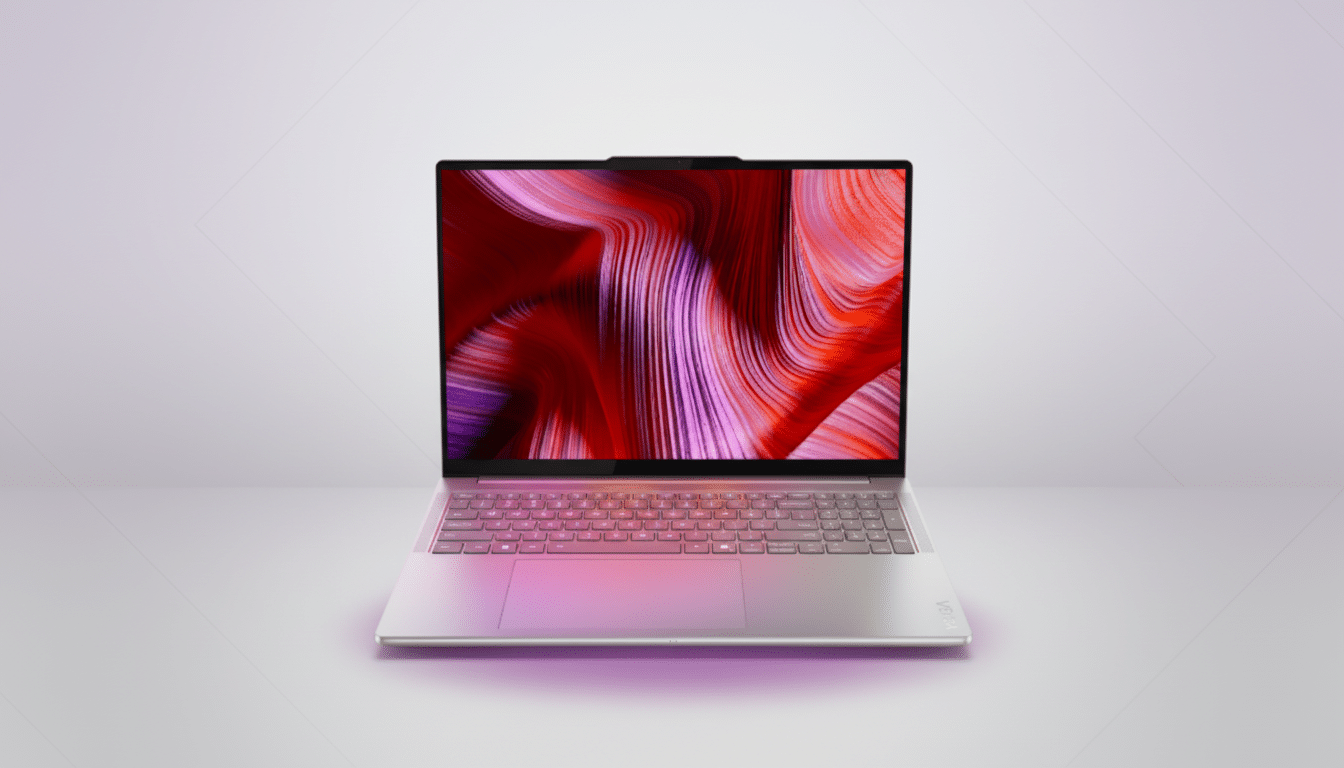
For one, for those keeping track at home, a compact pen tablet like the Wacom Intuos Small has an active area of around 6.0 by 3.7 inches. Most laptop touchpads are around that size side to side, although a bit shorter top to bottom, so expect the Yoga’s drawing surface to be most effective for sketching, notes, and targeted edits, not long hours of illustration work. That’s still a pretty meaningful upgrade for anyone who spends time in meetings, lectures, or airport lounges.
Practical Considerations And Remaining Questions
Execution will matter. The difference between a clever demo and something you use every day is good palm rejection, smooth pressure curves, and low-latency inking. App-level support is key too: creators will want the touchpad to appear as a pen device in Windows apps, with consistent behavior between Adobe software, Clip Studio Paint, and Microsoft Whiteboard.
Ergonomics also come into play. If you prefer to work horizontally, then short bursts of drawing are comfortable, but long sessions still want a bigger tablet or maybe a 2-in-1 screen that tilts. It’s like Lenovo is promoting this as an always-there buddy for casual to moderate pen work — which happens to be where many users say a lot of their most frequent usage occurs (i.e., marking up docs, drawing diagrams).
The Idea Spreads Up And Down The Yoga Line
Lenovo is not keeping the feature to itself. The company is also introducing its Force Pad approach to other Yoga models, which include the Yoga Pro 7i Aura and select Slim 7i Ultra Aura configurations. The more general rollout suggests the pen-on-touchpad can be superior to a novelty and become a hallmark feature across high-end Windows laptops.
Bottom Line: What This Drawing Touchpad Could Mean
By transforming the touchpad into a screen for drawing, the Yoga 9i Pro Aura bridges a real-world gap between touchpad-only control and full-fledged pen displays. It’s not going to replace a dedicated tablet for artists, but it could well become your go-to tool for quick, precise pen input when you don’t have much space or time. If Lenovo gets latency, palm rejection, and app compatibility right, though, this small patch of glass may prove to be the feature creatives find most compelling.
