


I recently went hands-on with Lenovo’s new ThinkPad X1 Carbon and the best thing about it appears to be invisible at first. The company quietly re-architected the laptop’s interior to revolve around a new Space Frame motherboard, and it makes repairability something more than a checklist line item — while maintaining the silhouette ThinkPad loyalists have come to expect.
The feature you can’t see: Lenovo’s Space Frame design
Space Frame is Lenovo’s double-sided motherboard design that arranges components across the front and back of the board, and therefore opens up more space to do things like make parts modular and easy to reach.
- The feature you can’t see: Lenovo’s Space Frame design
- Why this changes the math on repairability for IT teams
- Performance and display hold up under demanding use
- Hands-on build impressions from early testing
- A quiet rebuttal to throwaway laptops and e-waste concerns
- Early verdict: a familiar ThinkPad made far more fixable
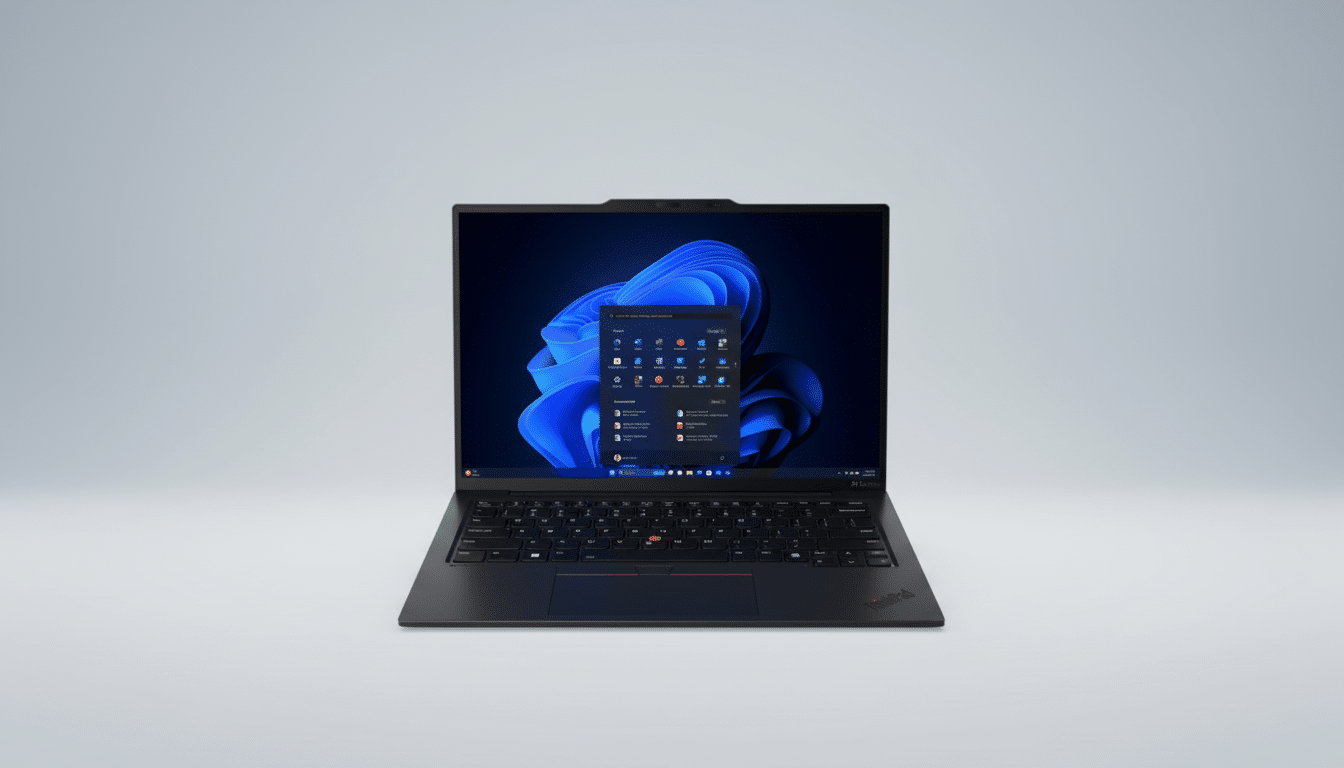
With the bottom cover removed — a feat achievable with standard tools — USB ports, the battery, keyboard, speakers, and fans are all within easy reach for swapping parts. iFixit gave it a 9 out of 10, which is extremely high for a premium ultrabook and a clear signal that this isn’t lip service to the right-to-repair movement.
It’s remarkable for how little this redesign advertises itself on the exterior. The X1 Carbon feels and looks like a ThinkPad: It has the familiar matte-black top, red TrackPoint on the keyboard and spill-resistant keys, as well as an exquisite haptic touchpad. No bulges, no screws through the deck — nothing but its ageless profile — and the only form of maintenance is radically different than on every previous model.
Why this changes the math on repairability for IT teams
For those in the IT department, the most common field failures are prosaic: frayed USB-C ports, weary fans, and batteries too far gone to get a proper cycle. On the majority of ultrabooks, these need expensive tear-downs or entire new boards. The X1 Carbon’s design means that a worn port or noisy fan is a parts-bin repair quantified in minutes, not days. That adds up to less downtime and more life — the kind of real-world win that often trumps raw benchmark numbers.
The environmental aspect is equally important. According to the Global E-waste Monitor, the world produced around 62 million tonnes of e-waste in the past year, and little more than 20% was collected and recycled appropriately. Extending the usable life of a laptop by just one refresh cycle has outsized effects against that backdrop. The EU Commission right-to-repair activities and the US FTC “Nixing the Fix” report both highlight serviceable design as a real lever for waste and cost.
Performance and display hold up under demanding use
The redesign doesn’t sideline specs. Lenovo outfits Intel’s latest Core i7 Tiger Lake H chips with next‑gen integrated graphics, sustained power up to 30W, and support for up to 64GB of LPDDR5x memory clocked at 9600 MT/s — all intended for multicore-punishing tasks including multitasking, code compilation, or AI-assisted workflows that can concurrently spike CPU and NPU utilization.
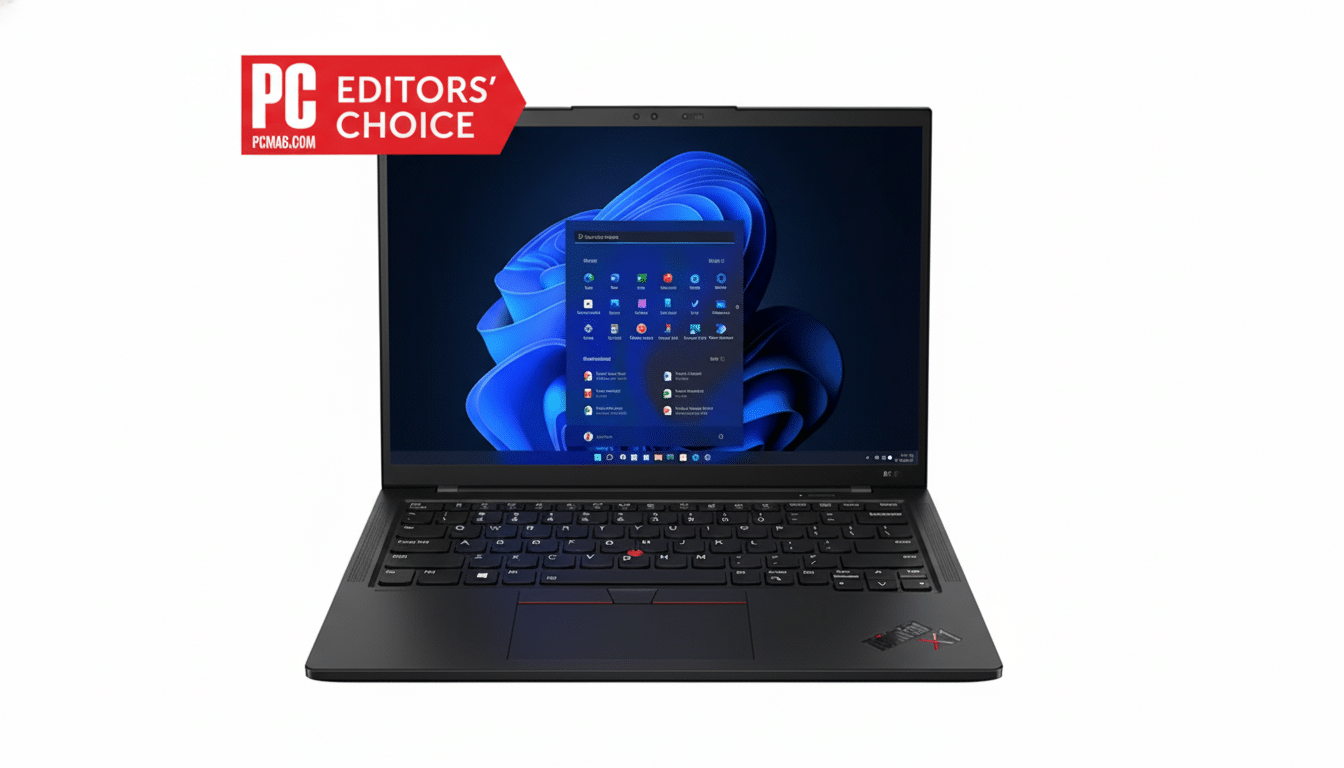
The screen is a 14-inch 2.8K OLED that packs a rated for 500 nits punch, for crisp text and deep blacks as well as HDR-friendly contrast. It wasn’t at the expense of eye comfort in my short time with the unit either — PWM flicker was undetectable at typical office brightness levels and overhead glare remained well controlled by an anti-reflective finish.
Hands-on build impressions from early testing
The chassis is as stiff as you'd expect from previous X1 Carbons, with virtually no flex in the deck and a hinge that smoothly opens one-handed. The keyboard is still a highlight — good click sounds, nice deep key travel, and quiet action — while the haptic touchpad gave me clicking precision from any spot on the pad with accurate palm rejection during fast typing sessions.
Thermals were within reason during a fast cycle of browser tabs, light photo editing, and a local AI summarization job. The fans revved up but didn't become jarringly loud, and the palm rest never became uncomfortable. The major point: the thermal solution is also serviceable, so dusting or replacing fans in the future won’t require a trip to a specialized shop.
A quiet rebuttal to throwaway laptops and e-waste concerns
Framework proved there’s a market for modular laptops, and Fairphone did it in smartphones. Lenovo’s move is significant because it extends that ethos to a flagship enterprise ultrabook already deployed at scale. If a top-tier vendor can demonstrate that high-end, thin-and-light machines don’t have to compromise on repairability — well, it’s a twist to the old trade-off between sleekness and serviceability.
Buyers monitor total cost of ownership closely, and being able to replace a $20 port module instead of a $400 board, or slot in a fresh battery onsite, can shave real dollars off multi-year fleet budgets. It also enables organizations to achieve more stringent sustainability targets with no compromise on performance or design.
Early verdict: a familiar ThinkPad made far more fixable
The ThinkPad X1 Carbon’s secret feature? It doesn’t stand out in any specific way. Space Frame doesn’t alter the way that the laptop looks or feels; it alters what years of daily use and ownership look like. With its competitive specs, great OLED display, and enterprise-ready construction, it’s a classic device given new life — a piece of history with an ideal opportunity to influence where premium laptops go from here.
