


The latest Lenovo gaming prototype takes a standard 16-inch laptop and makes it a travel ultrawide. An on-stage demo showed the Legion Pro Rollable’s OLED panel unfurling horizontally when commanded to do so, stretching initially to 21.5 inches and then reaching a maximum size of 23.8 inches. It’s the first time I’ve seen a notebook screen literally unfurl into a larger battlefield, bringing the spectacle of a desk-bound ultrawide monitor without the baggage.
The premise zeroes in on something genuinely lacking. Ultrawide displays are a dream for sim racers, ARPG grinders, and creators alike, but they’re not portable in the least. Lenovo’s concept rolls out the extra panel area whenever you need it and stashes it away in seconds.
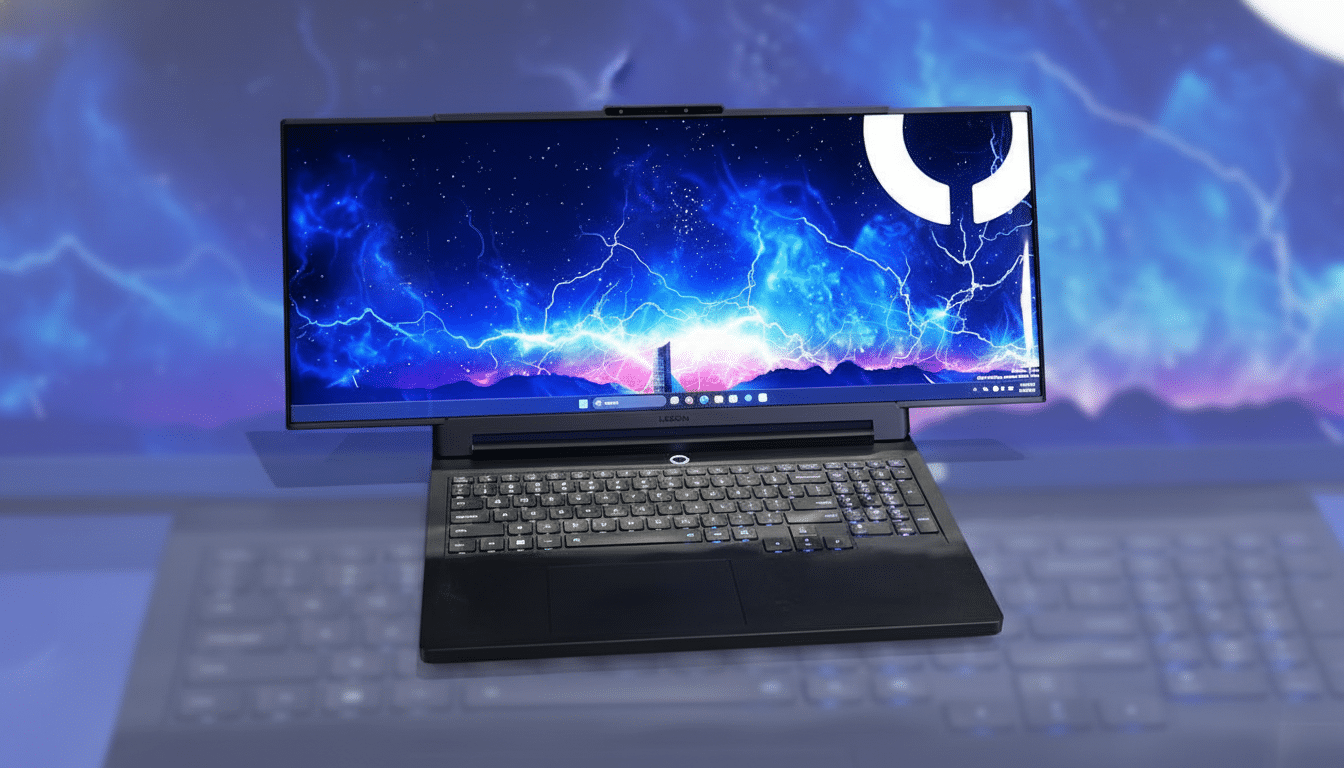
A Closer Look at the Expanding Rollable Display Mechanism
A combination of keys is used to activate the mechanism. Press and hold the function button, then tap the right arrow — the OLED curls out from behind its bezel to stop at one size along the way before reaching its largest mode. Lenovo makes the three growth stages easy to read: Focus (16 inches), Tactical (21.5 inches), and Arena (23.8 inches). Figured that out on your own?
It wasn’t just the smoothness — the rollout went off without any drama even in its prototype form. The OLED’s dynamic range and color pop is immediately immersive, and a built-in tensioning system keeps the panel taut so that the image doesn’t ripple when you’re interacting. Lenovo also employs low-friction contact points in order to limit wear as the sheet makes its way.
There are trade-offs. The unit is noticeably thicker and heavier than a typical gaming notebook, and the lid has the telltale faint impressions where the display rolls out — similar to artifacts seen on foldable phones or dual-screen PCs. I also noticed a couple of small discoloration flecks on the panel, both reminders that this is early hardware. Lenovo says the mechanism should last for thousands of cycles, but long-term durability will be a significant question.
What’s Inside a Rollable Laptop: Components and Design
The display is a rollable OLED on a flexible substrate that folds into or out of the body and is hidden behind a reinforced frame. When you activate expansion, both rails slide horizontally and a portion of the panel that was previously hidden in the lid turns up into place, securing itself under tension. The prototype has stolen the chassis DNA from the Legion Pro 7i, and Lenovo stuffed it top to bottom with state-of-the-art silicon for the demo, though final specs don’t even matter at this point as all of it is conceptual until this bolts onto a product.
Mechanically, rollables are more complex than foldables: you need consistent tension across the widened span, supports that don’t skew over time, and a surface that won’t scratch the OLED’s protective layer. It’s those engineering particulars — not just the raw performance parts — that will decide if this can ship at scale.
Why Ultrawide on a Laptop Matters for Gaming and Work
Ultrawide screens broaden peripheral vision and clutter less of your heads-up display, particularly in driving, flight sims, and open-world titles. It also works for video editing and large canvases in DAWs. But even with the increasing buzz, Steam Hardware Survey currently lists ultrawide resolutions at a low-single-digit percent share of gaming PCs — an adoption ceiling that I can’t help feeling is being shaped by the size and portability limitations.
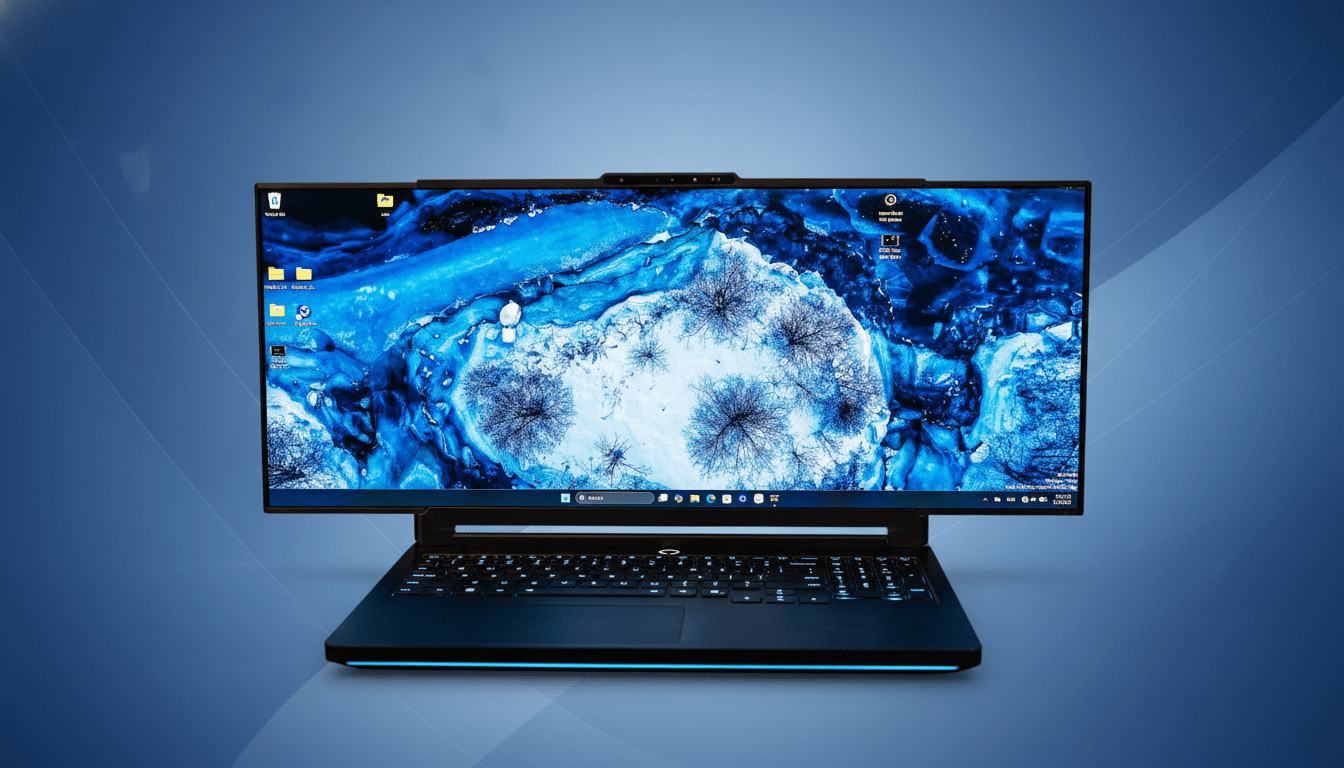
A rollable renders the form-factor problem moot in a way the multi-screen attempts never did. Razer’s own Project Valerie slapped three different panels on a laptop years ago; it was dramatic but heavy and fussy. Asus’ two-screen portables are genius, but they fracture your view. Lenovo’s version delivers a single, seamless display that only pops up when you want to see it.
Performance is the caveat. The more horizontal pixels you’re sending to the GPU, the heavier the load, so frame rates will inevitably drop in wider modes. Technology like DLSS, FSR, and dynamic resolution scaling can soften the blow, but the system will have to have enough headroom for smooth play as the screen widens.
Software and Resolution: The Hard Part of Mode Switching
Today’s challenge isn’t just mechanics. Windows would expose only a single ultrawide resolution — 3,348 x 1,280 — in the demo unit to avoid desktop clipping across modes. Ideally, the OS would consider each stage as a proper resolution mode and switch between them on the fly with no flicker or user action.
That necessitates closer coordination between Microsoft, GPU vendors, and panel makers as EDID and DisplayID information needs to vary as the display grows. Game support is another obstacle; as much as PCGamingWiki logs increasing ultrawide support, games will still require clean field of view behavior and menus that reflow rather than stretch overwhelmingly. Anticipate Lenovo chasing after devs to make mode-switching an in-game cinch.
What It Means for Rollable PCs and the Road Ahead
Lenovo has been teasing rollable tech for a while now — first with commercial-focused concepts and now one centered around gaming. “DSCC analysts emphasize the increasing level of investment in flexible OLED tooling, however cost, yield, and warranty confidence continue to be gating factors across the industry.”
If that happens, these are going to be the magic pillars for me: lighter hardware and less obvious rails, perfect Windows handoffs between modes, and clear communication of performance trade-offs at each size. Nail those, and the pitch is potent — you carry a regular laptop with you, then summon an ultrawide when it’s mission time.
It’s premature, but the value proposition is clear. A rollable Legion that unrolls into an ultrawide could, at last, bridge desk and backpack by distilling a favorite desktop experience down to a single screen with shape-shifting versatility.
