


If you’re in search of a free alternative to Nova Launcher that exhibits much the same power, speed, and modern sensibility, Lawnchair is the runaway favourite. It marries Pixel Launcher’s home-screen polish to a wide range of features without getting so big and bloated in the process; it even succeeds where every other Material-style launcher fails—at it. For people who feel anxious about Nova’s waffling update schedule or just want something newer, more familiar right now, Lawnchair hits that sweet spot.
Why Lawnchair beats other free launchers
Lawnchair’s biggest advantage is its Pixel-first design focus. It takes the look and feel many Android users already know—clean home screens, intuitive gestures, sensible defaults—and ensures it’s fast even on mid-range hardware while scaling beautifully on the 120Hz flagships. Animations seem snappy, app drawer transitions don’t judder, and long-press menus are nice and poppy. That balance of restraint and responsiveness is what most lightweight launchers aim for but few maintain once they start adding in features.
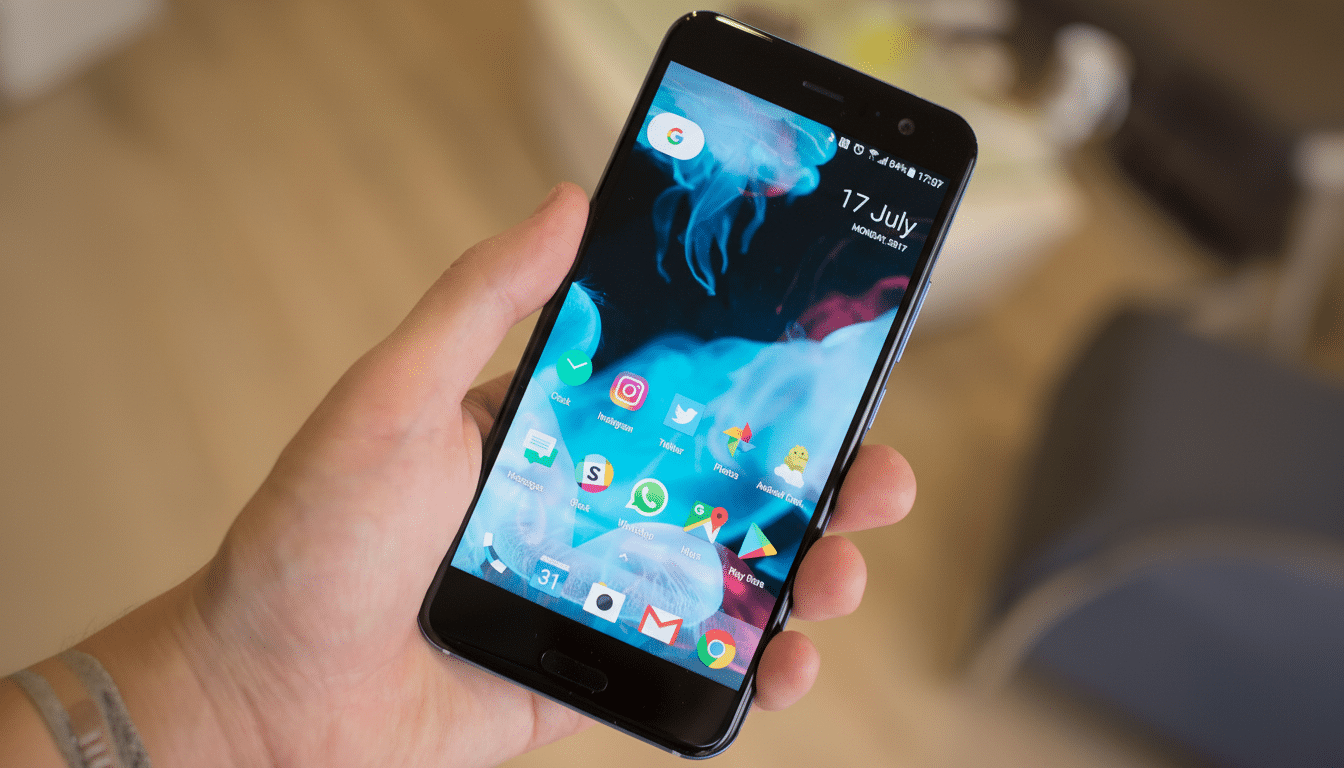
And Lawnchair isn’t one of those alternatives that tries to keep up with novel gimmicks—no, this app puts function before form. It works with Material You theming, adaptive icons, and Pixel touches you might already be accustomed to, including At a Glance (which gets deeper with SmartSpacer). The result is a launcher that’s great for people who just want something that works and doesn’t require deep customisation, yet doesn’t feel foreign next to Android’s current design language.
Real-world features that make a difference
Get an automatically sorted app drawer with Caddy (Lawnchair 15 introduces Caddy: an easy and simple way to organise the apps installed on your device).
It’s called beta for a reason—occasional misclassifications do occur, but it is already useful to anyone who prefers browsing over typing. If you are a minimalist, you can ignore it and continue to use the traditional alphabetical drawer.
There’s also headroom for the power user. The existence of an experimental 20×20 grid sounds extreme, but it’ll benefit those with widget-heavy setups that live on a barely populated home screen. Icon packs are supported, and customisation goes further than simply swapping out icons: Lawnchair lets you change fonts across the launcher, even allowing you to bring in your own OTF or TTF files. Free launchers hardly ever offer that level of control over typography, and it is simply not there in Nova’s basic package.
Search is quick and useful, if not as customizable as Nova with Sesame—in terms of its outward appearance at least—covering the basics: apps, contacts, and settings shortcuts. Gestures occur where you’d expect—swipe down for notifications is a personal favourite—and you can hide apps, lock the layout, and back up your setup so that hours of fine-tuning don’t go to waste.
Performance, privacy, and the price tag details
Performance is where Lawnchair quietly shames many competitors. The lightweight design of the launcher results in fewer animation hitches, consistent frame pacing, and a snappy cold start. That is a big deal on older chipsets and budget phones, not only flagship units. Lawnchair is mentioned time and again in community testing and user reports across Android forums and subreddits when it comes to slimming down home screen lag without losing all the features you know and love.
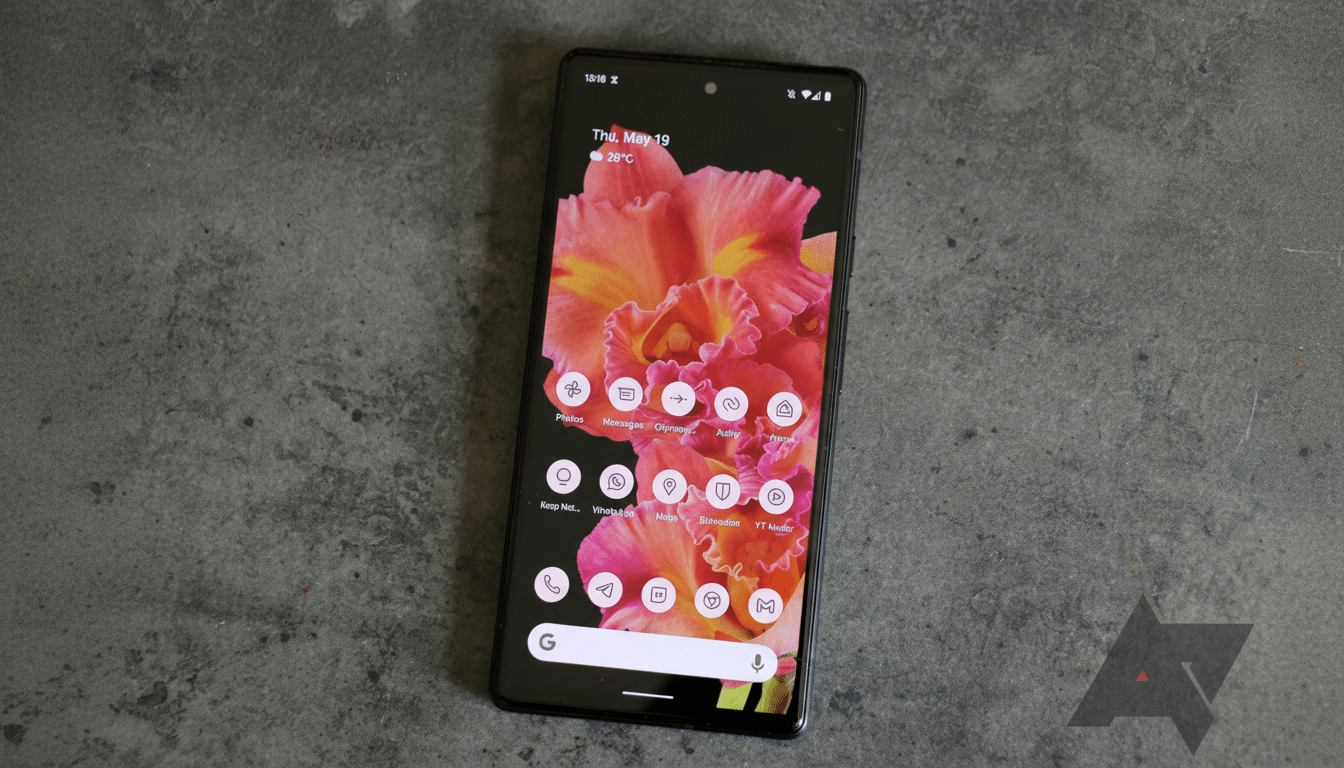
Just as importantly, Lawnchair is open-source and ad-free. Development is out in the open, with issue tracking and betas offered to testers, and it operates under a system of community donations rather than lock-in or feisty upsells. For those wary about privacy and telemetry, a transparent codebase could be an attractive differentiator to many other paid-for launchers.
How it stacks up against Nova Launcher today
Nova gained its reputation over a decade by providing unparalleled depth: you’ll find custom gestures, deep folder behaviours, and search integrations that power users love. If you depend upon features like the swipeable actions that work on folders or docks spanning multiple pages, you may miss them in Lawnchair—for now. Lawnchair isn’t that—Lawnchair is about speed, Pixel-style consistency, and carefully selected options that cover the 95% of things most people actually do.
What makes the difference now is momentum. With questions about Nova’s future updates remaining, Lawnchair relaunched on the Play Store and GitHub with regular betas, a clear roadmap, and a focus on usability and performance. For a free option that you can download without hesitation, that arc matters as much as any individual feature.
Practical migration tips for current Nova users
Start with the basics: snap screenshots of your current home screen, jot down which grid size and icon pack you’re using if applicable, then set up your new Lawnchair configuration with Material You active to match it. Pin your most-used folders or apps to the dock: Lawnchair unites search bar and dock in a single tidy one-row setup that feels great to navigate one-handed. If you have deep queries (like numbers or just the classic notepad‑type file names) in your search history, temper expectations and count on well‑organised folders or Caddy’s auto‑grouping for jump‑right‑to’ing.
And finally, if you are an At a Glance fan, let’s not forget pairing Lawnchair with SmartSpacer will give you richer calendar, weather, and contextual info. And when you like what you’ve done with the setup, save a backup so that you can experiment without fear.
Bottom line: the free choice that may work right now
Lawnchair gets the balance right for what most people are going to want out of a custom launcher: Pixel-grade polish on top of features you actually care about, with enough customisation to stand out from Google’s default look and feel—and performance that doesn’t leave you feeling ripped off at the price tag (which is $0), and an open development approach that invites users to contribute.
Nova still has special powers and a devoted fanbase, but for anyone looking for a free, modern, future‑looking launcher today, Lawnchair is the best and easiest recommendation to give and live with.
