


Kobo’s eagerly awaited page-turn accessory is now selling in stores. It’s available to buy now and works with all current Kobo ereaders. A tiny Bluetooth controller that’s designed for one thing: flipping pages without having to touch your screen.
What the Kobo Remote Does and How It Works
The remote pairs over Bluetooth for the simplest, most reliable page-turning from up to 30 feet away. There are no clip-ons, there are no screen-tapping dongles, just a single-piece design in black or white at an MSRP of $29.99. Kobo says it works across its entire lineup, so whether you read on a Libra Colour, Clara Colour, Sage, or Elipsa 2E, your device can be propped up and in arm’s reach as you continue to turn the page with little effort.
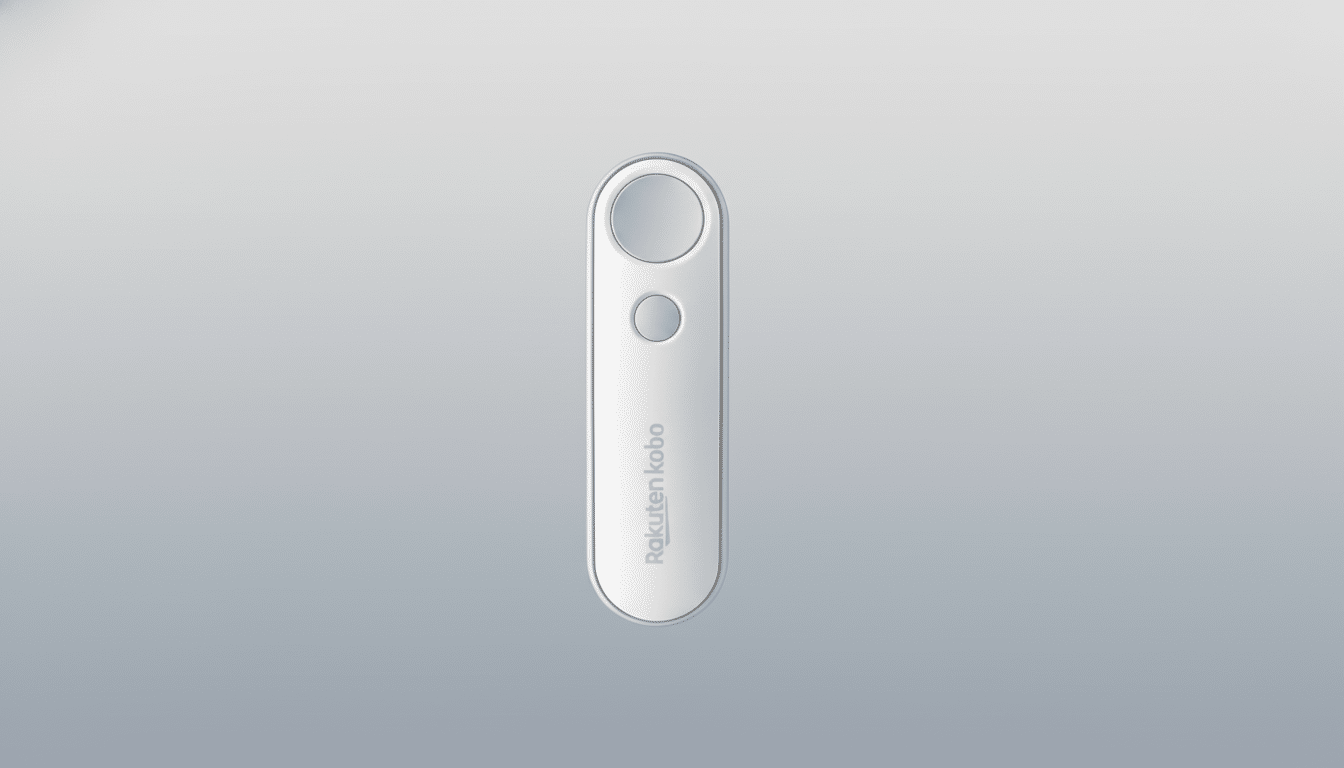
Ergonomics are front and center. The low-profile shape means the micro-reaches and wrist twists add up less over marathon sessions. Readers who consume hundreds of pages at a time — or who like to leave their gloves on when reading, cook while they read, or use the treadmill as they read — enjoy hands-free page-turns with hardly any motion.
Why It Matters for E-reading and Accessibility
Physical page buttons are great on devices such as the Libra Colour, but a remote offers flexibility even those built-in keys can’t always provide. Place your reader in a bookstand, turn it to the side of your monitor during study sessions, or prop it up on a pillow, and you can still have an unconsciously smooth reading experience. Accessibility is another subtle win: Assistive tech experts frequently point to less repetitive strain and fewer thumb taps as beneficial for readers who face mobility or dexterity struggles.
This also cements a trend that has been developing on social platforms, where hands-free page-turn machines tally millions of views. A lot of those solutions depend on two-piece gadgets that more or less jut out and physically tap your screen. Kobo’s accessory connects directly via Bluetooth, so you should see fewer false taps and no blocked display.
How It Stacks Up to Kindle and Other Alternatives
In the absence of its own remote, there are various third-party options or more niche hacks that Amazon users rely on. By releasing an official controller, Rakuten Kobo is the first established ereader brand to produce a natural-feeling one-piece remote for mass-market hardware. The move follows in the footsteps of other reading-adjacent categories — sheet-music tablets and prompters have long come with Bluetooth remotes, after all — but brings that convenience to general book consumption.
Why would Kobo owners be interested? It’s custom-designed to support the port (so it doesn’t need the default firmware USB driver), works out-of-the-box, provides consistent firmware behavior, and is an accessory designed in-house using the same industrial language as their readers. It’s a modest upgrade that edges the ecosystem closer to becoming a full, purpose-built reading setup.
Setup and Compatibility Across Kobo Devices
Pairing is easy to do, and Kobo uses a simple technique. Go to your Kobo ereader’s Bluetooth settings, put the remote in pair mode, and accept. When connected, page-forward and page-back are instantaneous with no on-screen overlay appearing. Because it’s Bluetooth, you don’t have to attach anything to your bezel or case and can position the reader at whatever angle feels best.
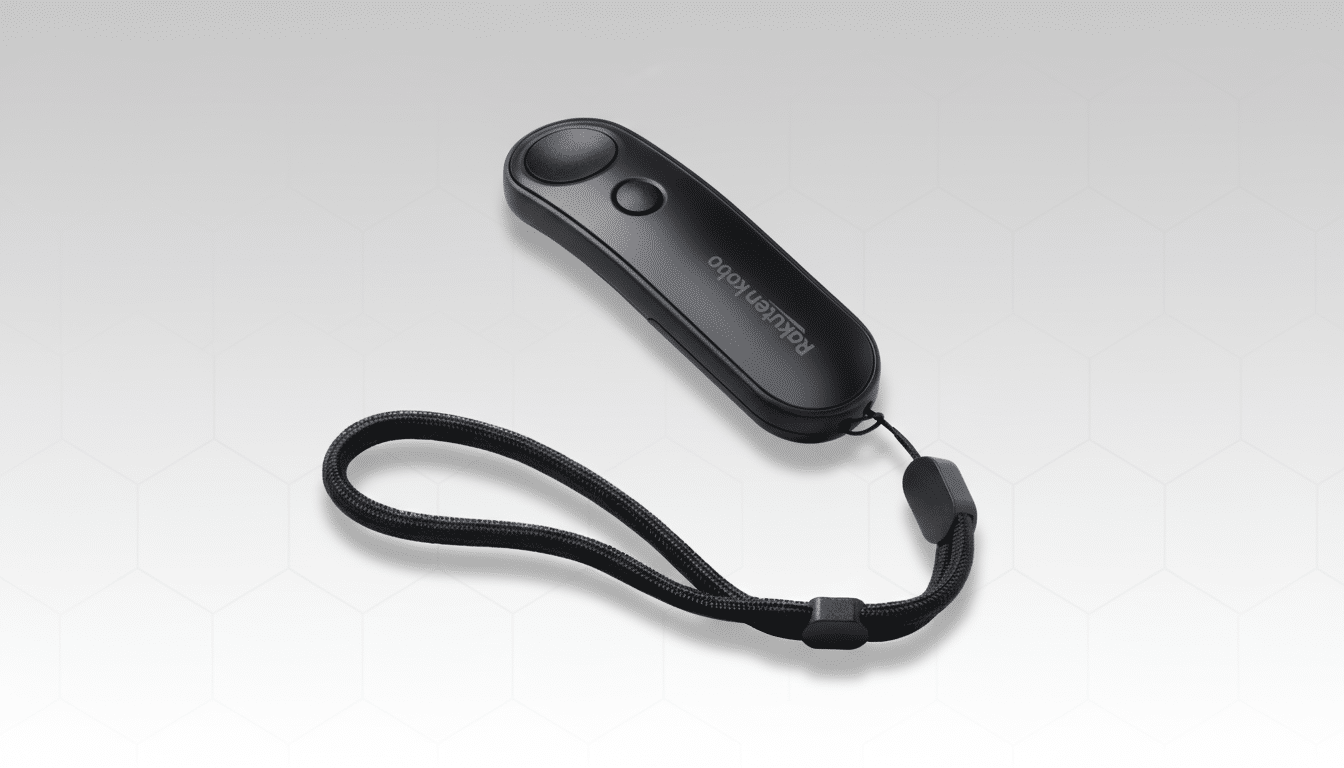
Kobo says the remote is compatible with its current and recent devices, spanning compact 6-inch models to larger note-taking readers. That wide compatibility means that families with multiple Kobos will have one accessory they can switch between devices.
Price, Availability, and Practical Buying Advice
Priced at $29.99, the Kobo Remote is also markedly cheaper than many of those third-party setups that require additional brackets or clip-ons, while avoiding the compromises associated with screen-tapping accessories.
The handful of color options — black or white — also match Kobo’s most popular finishes, and the minimalist build slides into any pocket or case sleeve with ease.
If you already have a Kobo with physical page buttons, the remote still has value for stand use (you mount the arm to a chair or bedside table), winter reading while wearing gloves, bedtime reading under a warm blanket pile, or any situation in which motion reduction is a boon. For buttonless models like the Clara Colour, it’s even more of a quality-of-life upgrade.
The Bottom Line: A Simple, Useful Reading Upgrade
Kobo’s matching remote is designed to be straightforward, not clever — it simply makes reading easier, more versatile, and more convenient.
By making a dead-simple, first-party solution that’s universal for its entire catalog, Kobo fills a gap its biggest rival hasn’t and gives ereader aficionados something they can slip into their pocket that will have outsized influence on their everyday use.
