


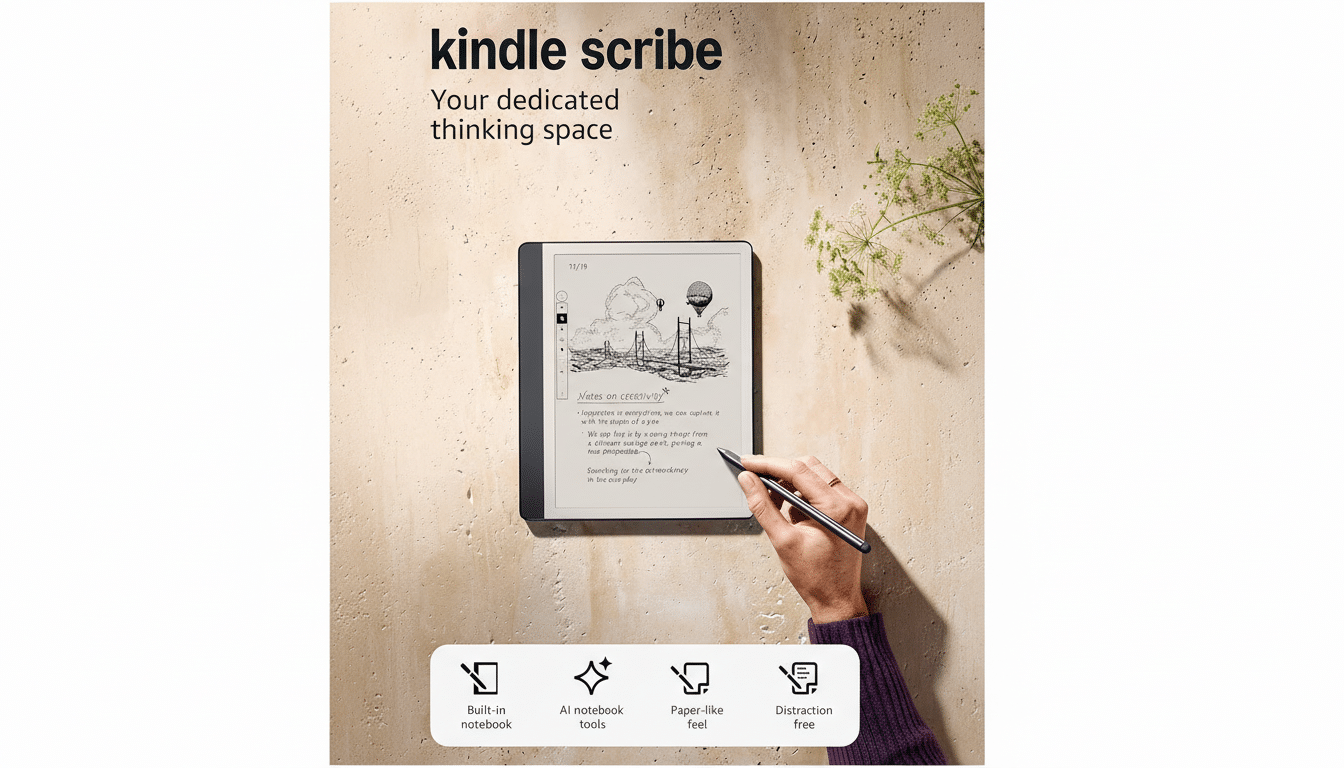
Amazon is pushing its pen-first e-reader beyond passive note capture, rolling out generative features for Kindle Scribe that turn handwritten scribbles into structured, searchable, and even actionable content. The update adds AI-powered note summaries, cleaner handwriting output, and semantic search, plus a new Alexa+ tie-in that can convert notebook jottings into reminders, to-dos, and calendar events.
It’s a notable shift: Scribe is evolving from a digital notepad into a smart notebook that helps organize ideas after the ink dries, with tools designed to reduce cleanup and nudge notes into workflows without leaving the e-ink page.
- New AI Tools on the Page for Summaries and Search
- Alexa+ Turns Notes into Workflows and Reminders
- How It Stacks Up Against Rivals in Note-Taking
- Hardware Still Matters for the Kindle Scribe Experience
- Real Uses and Practical Limits for Everyday Note-Taking
- Bottom Line: Kindle Scribe’s AI Tools Add Real Utility
New AI Tools on the Page for Summaries and Search
The headline feature is automatic note summarization. Write a page of meeting minutes or lecture notes, and the system can condense it into bullet points. This is the kind of lightweight assistance knowledge workers and students actually use: fast, skimmable recaps that surface key points while keeping the original context close at hand.
Handwriting refinement is the second pillar. If your script gets hurried or uneven, Scribe can render a cleaner version while preserving intent. Unlike old-school OCR that simply converts to typed text, this approach respects the handwritten feel many users prefer on e-ink while improving legibility for sharing or archiving.
Search is getting smarter, too. Instead of relying only on exact word matches, Scribe can find notes based on a description of what you wrote. That suggests an embedding-driven, semantic approach similar to what enterprise tools have adopted, narrowing the gap between messy real-world capture and fast retrieval. Gartner has pointed to summarization and semantic retrieval as practical near-term wins for generative AI in productivity, and Scribe’s update lands squarely in that lane.
Alexa+ Turns Notes into Workflows and Reminders
Deeper integration with Alexa+ is where scribbles become actions. Jot “Follow up with Dr. Lee about results” or sketch a checklist, then ask Alexa+ to create a reminder, a to-do, or a calendar event from that content. You can also offload organization—send a notebook to the cloud and ask for guidance or specific details later, essentially using voice to query your own notes.
Alexa+ is a subscription offering, so the most advanced assistant features won’t be universal. For users embedded in Amazon’s ecosystem, however, the pairing is a clear productivity play: Kindle for distraction-free capture, Alexa+ for orchestration. Think of it as bridging pen-first cognition with hands-free execution.
How It Stacks Up Against Rivals in Note-Taking
Competitors like reMarkable 2, Kobo Elipsa 2E, and Onyx Boox have long offered handwriting-to-text and robust tagging. Where Scribe’s update stands out is in generative summarization, semantic search, and assistant-driven action. For many users, those features reduce the friction between “I captured it” and “I acted on it.”
Amazon also brings the weight of its ecosystem. If your books, lists, and home devices already orbit Alexa, upgrading a handwritten note to a scheduled reminder or shared task feels less like a workaround and more like a native workflow.
Hardware Still Matters for the Kindle Scribe Experience
The core Scribe experience remains the same: a 10.2-inch, glare-free e-ink display at 300 ppi, a pressure-sensitive pen with a built-in eraser, multi-week battery life, and storage starting at 16GB. None of the AI tools change that foundation; they layer intelligence on top of the paper-like reading and writing people buy Scribe for. E Ink Corporation’s display tech still delivers the eye comfort that keeps long annotation sessions sustainable.
That’s an important point in a category where speed doesn’t always win. E-ink’s deliberate pacing encourages focus. Adding AI that cleans, summarizes, and retrieves after the fact preserves that calm capture experience while offloading the busywork.
Real Uses and Practical Limits for Everyday Note-Taking
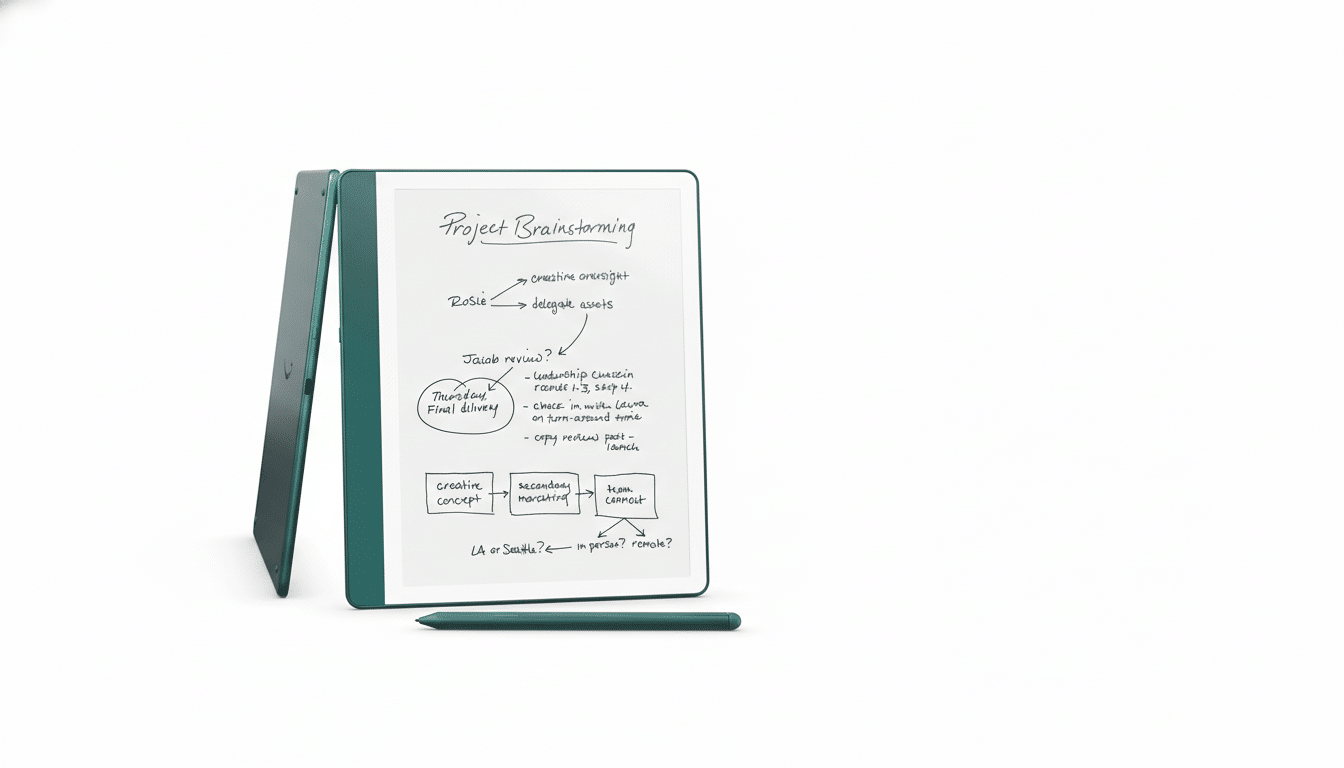
Consider a project manager sketching a sprint plan: Scribe can distill the whiteboard-style page into bullet points, then Alexa+ can spin off due-date reminders. A student can outline a chapter by hand, request a summary to study from, and later ask by description to pull up the note that mentioned “oxidative phosphorylation steps.”
Generative tools aren’t infallible. Summaries can miss nuance, and handwriting refinement might smooth over emphasis. The sensible workflow is to treat AI output as a helper layer—useful for speed and organization, with the original ink nearby for accuracy. As with any cloud-enabled feature, privacy-minded users will want to review share and sync settings; Amazon’s documentation typically explains how notebook data is processed when assistant features are invoked.
Bottom Line: Kindle Scribe’s AI Tools Add Real Utility
By turning handwriting into summaries, smarter search results, and assistant-driven actions, Kindle Scribe is graduating from digital paper to a genuinely helpful companion for planning, studying, and follow-through. If you use Scribe mainly to read, nothing changes. If it’s your daily notebook, these tools could save real time and push your notes to do more of the work for you.
