


Amazon is pushing a new Kindle Scribe software release that does more than tidy up bugs. Version 5.19.2 lays fresh groundwork for AI-powered note tools while quietly adding visual touches that some Colorsoft owners are already seeing, widening the experience gap between color-capable Kindles and earlier monochrome models.
What Version 5.19.2 Delivers on Kindle Scribe
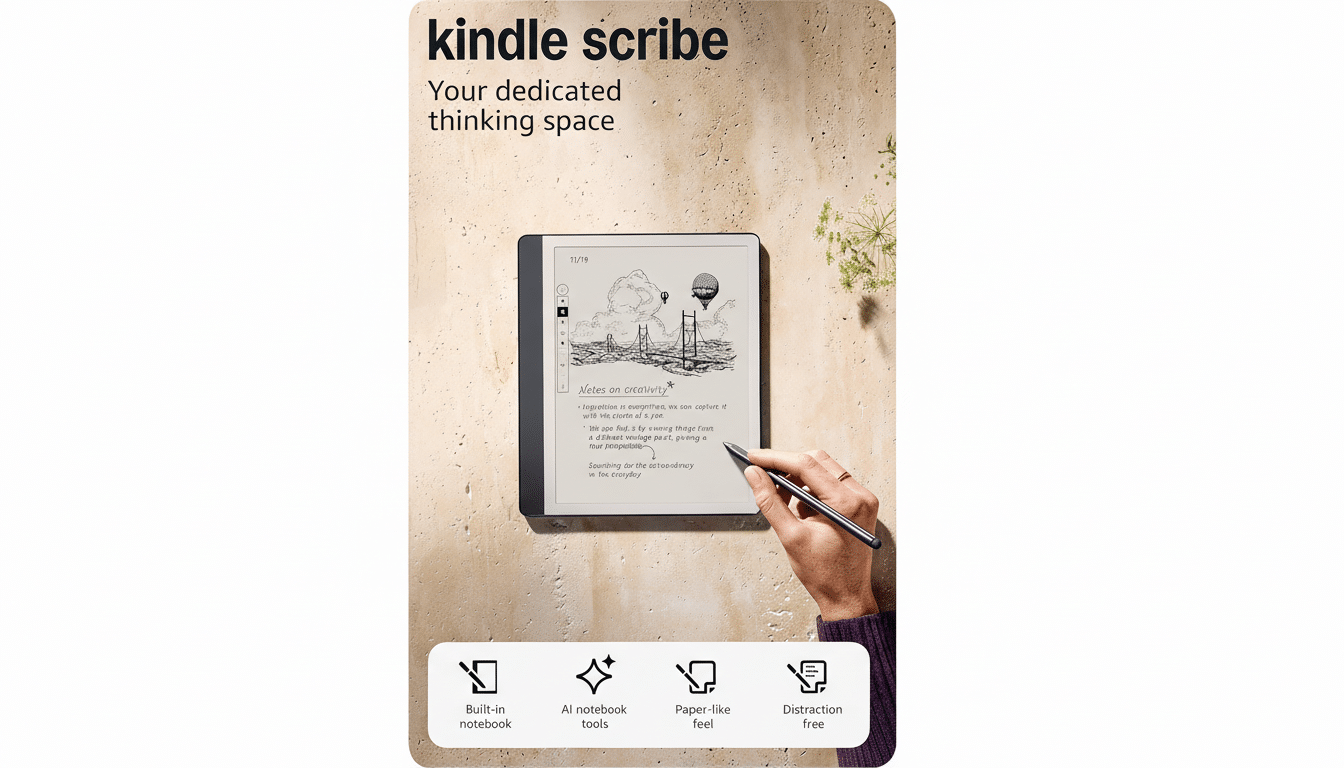
The headline change is deeper integration with Alexa+, Amazon’s subscription AI assistant. The update expands the ability to send notebooks to Alexa+, which can then summarize long pages of handwritten notes, answer questions about what you wrote, and transform scribbles into actionable items such as calendar events, to-dos, and reminders. It’s a step toward turning the Scribe from a passive notepad into an active collaborator.
Amazon is also introducing a new cloud sync control for documents imported from Google Drive and OneDrive. This setting gives users more say in how imported files propagate across devices, a practical quality-of-life fix for professionals who shuttle PDFs and drafts between ecosystems.
As usual, Amazon notes general performance improvements and bug fixes. The company has posted device-specific installers on its software downloads page, though feature availability can vary by model, and some tools may appear gradually as server-side toggles roll out.
Alexa+ Turns Kindle Scribe Notes Into Actions
The Alexa+ angle is the most consequential shift. Instead of parking your meeting notes on a digital shelf, you can ask the assistant to distill action items, extract dates, or generate a recap to share with your team. For students, that could mean fast chapter summaries from lecture scribbles; for knowledge workers, quick follow-ups and scheduled reminders directly from a whiteboard sketch captured on Scribe.
This plays into a broader industry trend: AI that respects context. Rather than generic chatbot output, Alexa+ uses the content you explicitly send from Scribe, improving relevance while maintaining a straightforward opt-in flow. Analysts have pointed to this kind of task-aware AI as the next wave for productivity devices, and Amazon is clearly steering the Scribe toward that future.
Cloud Control for Google Drive and Microsoft OneDrive
The new sync control is subtle but meaningful. Many Scribe users store living documents in Google Drive or Microsoft’s OneDrive—think annotated contracts, research PDFs, or creative drafts. Granular control over how those imports sync can reduce version conflicts, limit unwanted bandwidth use, and keep your library tidy across Kindle apps and devices.
In practice, this can streamline workflows where a document is reviewed on Scribe, adjusted on a laptop, then re-opened on Scribe for final markup. It’s not flashy, but it addresses real friction in hybrid cloud environments.
Colorsoft Perks Widen the Gap Between Kindle Models
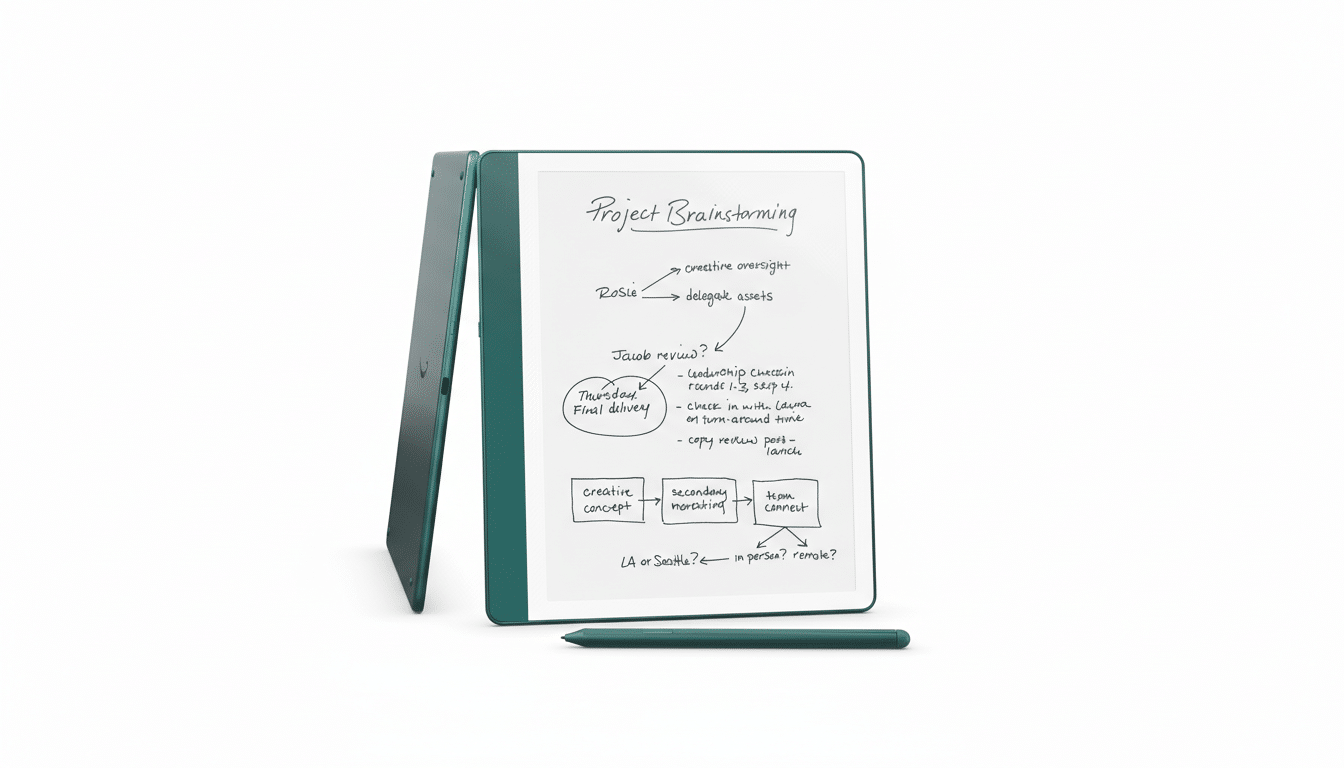
Here’s where the split shows: some Colorsoft owners report a new green highlight option and colored bookmarks after installing 5.19.2—additions not called out in Amazon’s brief notes. On a color-capable display, even a single extra highlight hue can make study sessions or editorial markups faster to scan, while colored bookmarks offer lightweight project tagging.
That may sound minor, but it underscores a growing divergence. The core AI and notebook features benefit all Scribe users, yet Colorsoft models are beginning to accrue small, high-impact advantages that are only possible on color e-paper. We’ve seen similar dynamics with competitors like Onyx Boox and Kobo’s color e-readers, where color annotations and labels meaningfully change how readers organize dense material.
What It Means for E‑Note Buyers Considering Scribe
For current Scribe owners, 5.19.2 is a thoughtful, if modest, upgrade: smarter notes via Alexa+ and better control over cloud imports. For shoppers, the message is more strategic. Amazon is building an AI-first notebook platform and letting color models layer on visual conveniences that make daily use more efficient.
If your workflow hinges on research, study aids, or multi-stage editing, those color touches—however incremental—add up. If you’re primarily reading and jotting occasional notes, the AI handoffs and sync controls will matter more than display tech.
Rollout Notes and Caveats for the Kindle Scribe Update
As with most Kindle releases, not every feature appears the moment you update. Amazon typically uses a phased enablement, so Alexa+ integrations and any model-specific perks may surface over time. And while Alexa+ unlocks the most powerful note actions, it remains a separate subscription, so some users will see limited changes unless they opt in.
Bottom line: version 5.19.2 doesn’t overhaul the Kindle Scribe, but it clearly signals Amazon’s priorities—tightening the loop between handwriting and AI assistance, and quietly letting Colorsoft devices flex their color-aware advantages. That gap isn’t just cosmetic; it’s shaping how people will use e-notes day to day.
