


I got my hands on the Kindle Scribe Colorsoft at Amazon’s fall devices showcase, and a couple of thoughts came across immediately: it’s genuinely fast, and it’s impressively thin. In short demos—writing, sketching, and paging through documents—the Scribe Colorsoft felt like a clean break from the sluggish performance that plagued the first Scribe.
Amazon announced this updated Scribe alongside the rest of its wider device lineup, but the e‑reader takes a bit more spotlight than usual. Onstage, the product lead Panos Panay played up speed and design; in person, those talking points rang true.
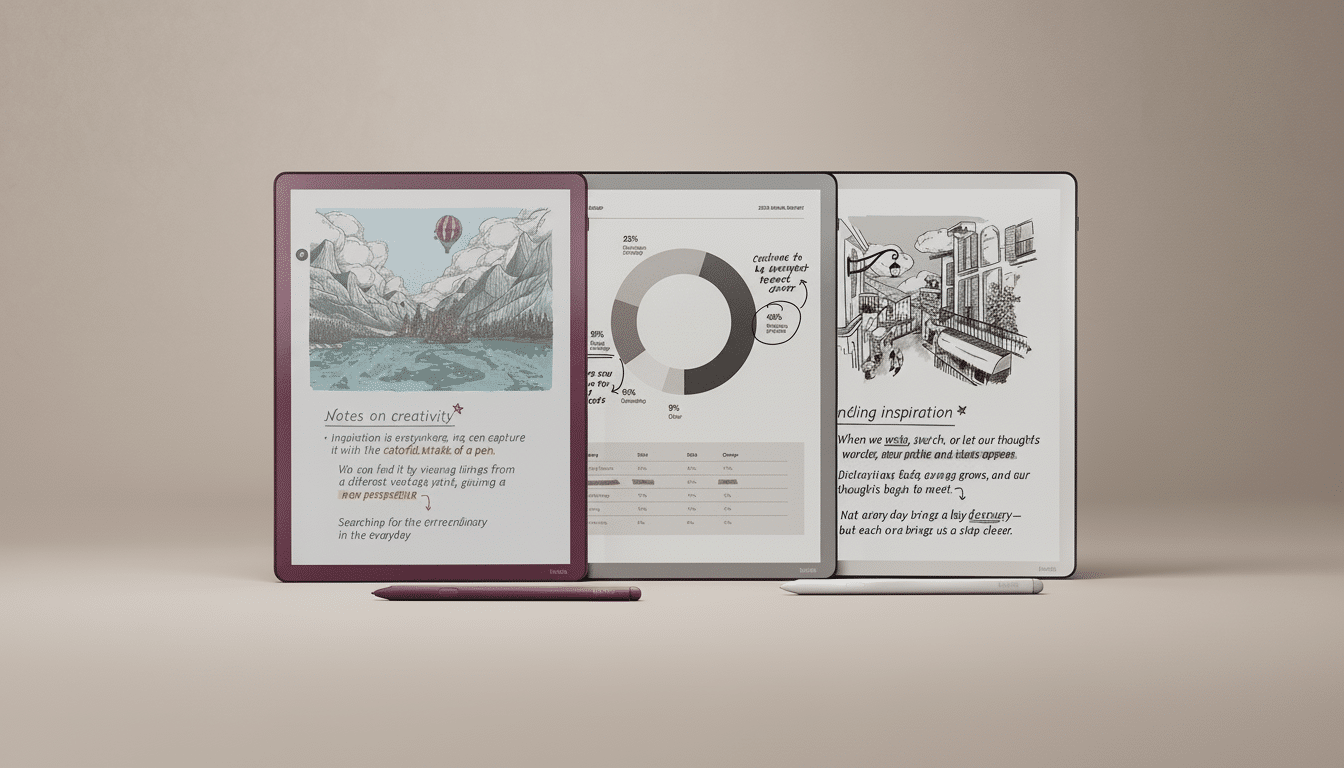
Design and build: thinner chassis and balanced feel
Now the Scribe Colorsoft goes into a precision‑machined aluminum chassis that is only 5.4 mm thick. That’s a touch slimmer than an iPad Air’s 6.1 mm, and you feel that difference in the hand. The weight displacement slants to the thicker bezel side, so it naturally rests in the left hand while you write with your right. This is the first Scribe that really looks and feels like a high-end notepad replacement.
The finish also does a better job resisting fingerprints than on earlier Kindles, and the display’s anti‑glare layer goes far in tamping down reflections under harsh lighting. The stylus magnetically docks along the edge, firmly in my demo, and its flat sides mean it’s less likely to get caught on a bag when you slip it inside. The industrial design overall feels more polished than the original Scribe ever quite did.
Performance and pen experience are faster and more precise
Amazon’s claim that the new Scribe is up to 40 percent faster thanks to a custom chip does show. Page turns, opening big PDFs, and switching pen tools all occur with much less delay than on last year’s model. This matters because reviewers panned the first Scribe for lag; writers at a number of outlets blasted the delay between pen strokes and on‑screen ink. This time the strokes hit as soon as the nib touched the display.
Pen feel is excellent. Pressure and tilt result in predictable line weight, and palm rejection was on point even as I swiped quickly from one side of the page to the other. Latency felt closer to dedicated note tablets such as reMarkable 2 than to the old Scribe. For scale, Apple quotes as low as 9 ms latency for the Apple Pencil on iPad; e‑paper can never reach such a level of snappiness, but the Scribe Colorsoft comes close enough that you don’t wonder if it’s slowing you down when jotting down notes.
Screen and color: subtle hues and readable e‑paper
The shift to color isn’t chasing after saturated, tablet-like punch. Instead, colors look airy and paper‑true—ideal for taking notes, jotting ideas, specifications, and other shopping lists in muted color without glare thanks to a tint that literally holds the line while you read. Even under bright light, the display is still legible, a signature of e‑paper as provided by E Ink Corporation and one of its biggest selling points over LCD or OLED tech.
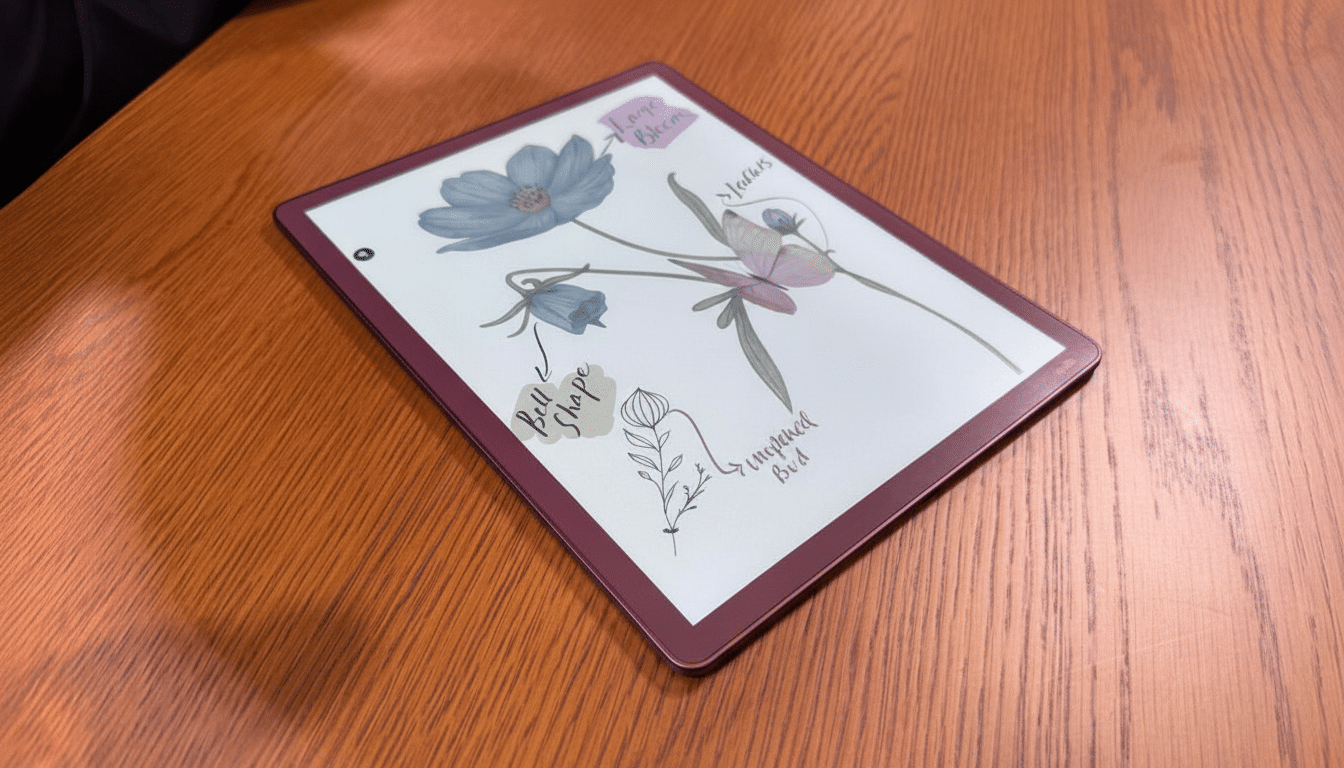
Color also triggers subtle but impactful upgrades: the ability to color‑code your highlights, clearer markup on PDFs when there is more than one editor, and easier-to-read diagrams. If you refer to technical docs, cooking instructions, or coursework, the distinction is more than cosmetic. You’ll still want a traditional tablet for movies or photo editing, but that’s not what the Scribe is designed for.
Software and sync: workflow tools and smarter features
Amazon is now treating the Scribe as it should have been treated all along—like a workflow tool rather than something that only happens to accept pen input. A revised home screen presents your library, notebooks, and files side by side, while a new Quick Notes feature allows you to jot down an idea without drilling down through menus. But, most critically for me at least, the ability to import and export natively to Microsoft OneDrive and Google Drive removes a lot of the hassle associated with importing Word docs and PDFs into Kindle (or exporting them out of Kindle).
One ingenious feature draws on the company’s video platform: AI‑powered “Story So Far” roundups. Now that feature, which has already been used on Prime Video to recap shows, is coming to Kindle to help readers re‑enter books after a long absence. Used responsibly—clearly labeled and optional, with perhaps an option to isolate the two forms of reading from each other so spoilers don’t leach over—it might be a genuine boon to busy readers and students.
Price and early verdict: premium, promising first look
At $629.99, the Scribe Colorsoft is at the high end of the e‑note market. Rival e‑paper notebooks such as the Kobo Elipsa 2E and the Onyx Boox Note Air 3 C usually clock in lower, but with that you forgo deep bookstore integration, a more refined pen experience than before, or even genuinely helpful cloud and AI features. There’s no release date just yet beyond a Coming Soon, and it has pre‑holiday written all over it.
From my time with it, the Kindle Scribe Colorsoft is just the speed and finish this product line was looking for. If you are a member of the Kindle ecosystem and seek a distraction‑free, color‑capable notebook for reading, annotating, and organizing daily life, this model seems ready for prime time. I’ll wait to pass any judgment until I’ve actually used the screen at home, but these initial low‑light, fast, and razor‑thin refinements seem exactly like what Scribe needed.
