


If a sideloaded book on your Kindle starts blocking you with an “Invalid ASIN” error when recently it functioned just fine, take my word that you’re not imagining things. The most recent software bug keeps knocking personal documents and non‑store titles over, so many readers have been unable to open new books. Amazon has confirmed the issue on its official Kindle forum and says it is actively working to address the bug. In the meantime, there are two practical workarounds to let you keep reading.
What’s happening with sideloaded titles right now
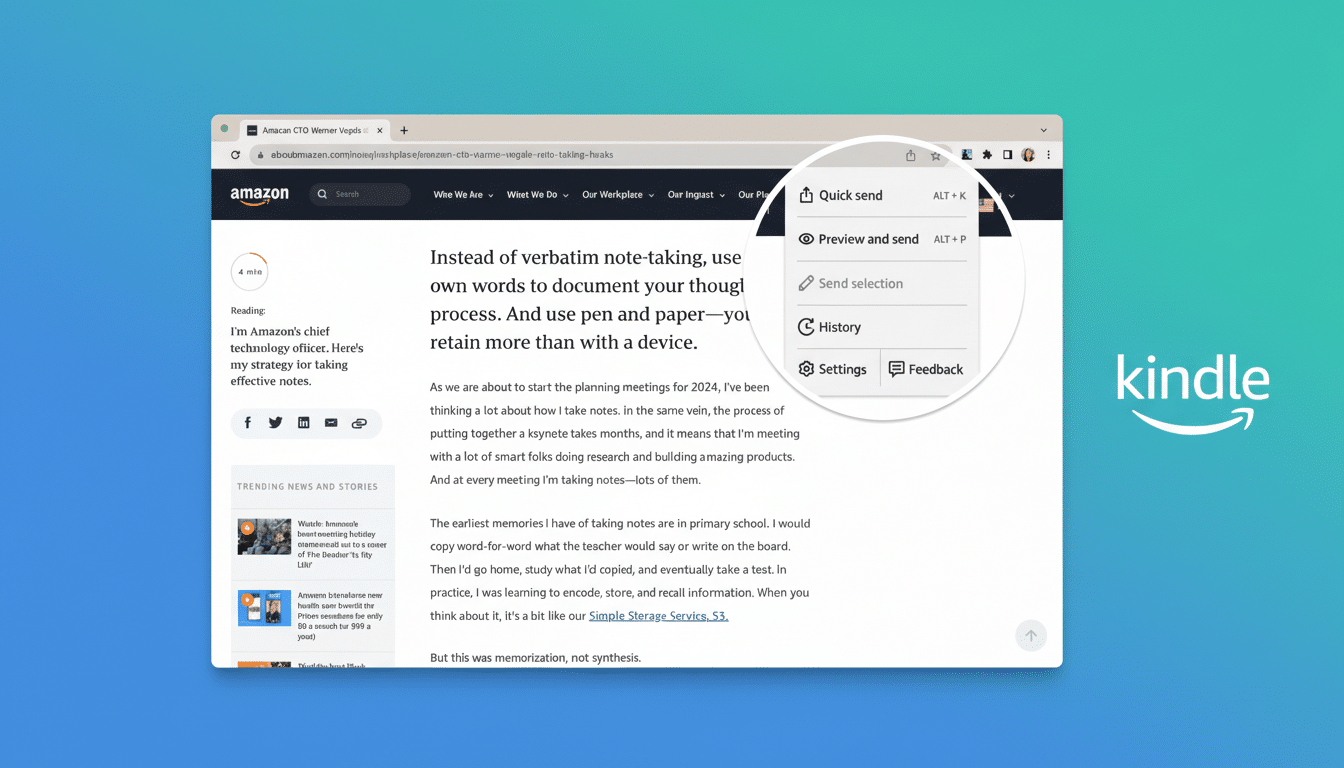
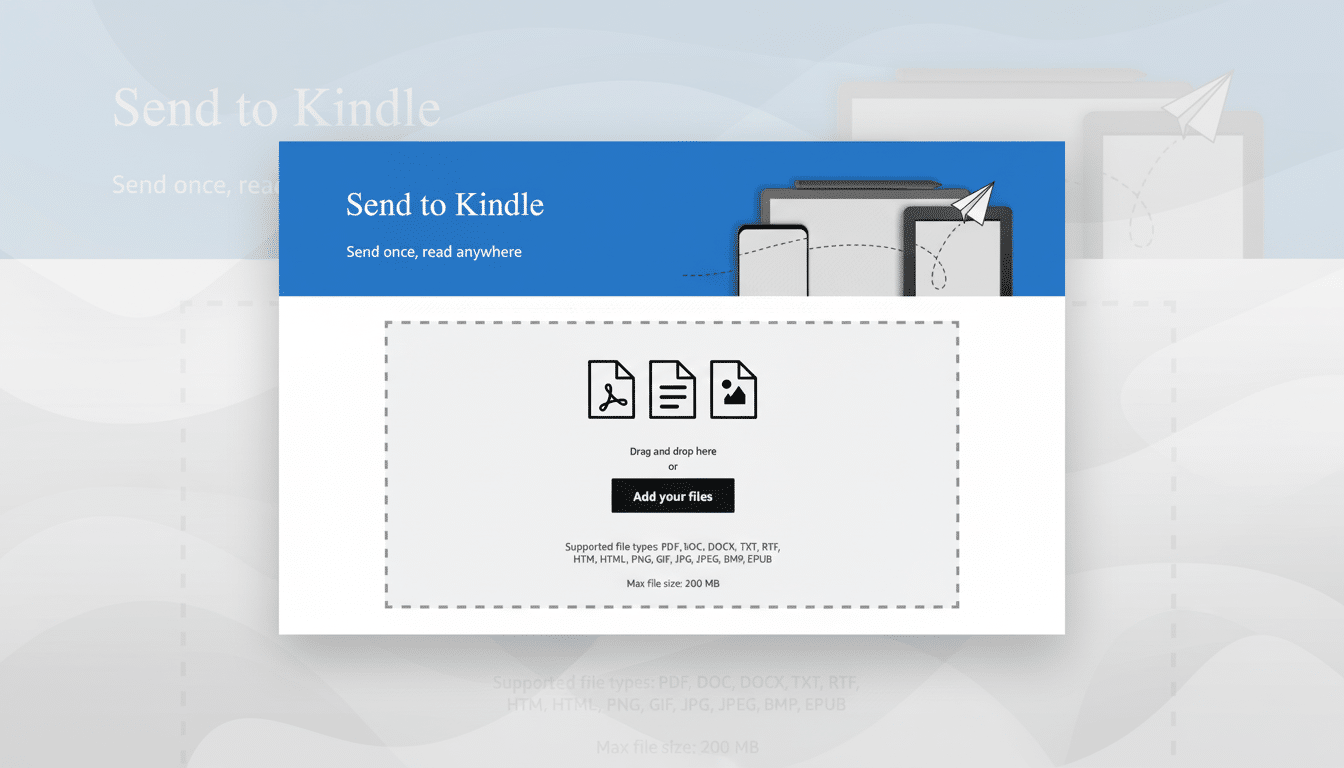
Reports started accumulating early this week in the r/kindle community and other e‑reader forums: new sideloads, sent by USB or Send to Kindle, throw back “Invalid ASIN” errors and occasionally boot readers off onto the store itself.
- What’s happening with sideloaded titles right now
- Why the ASIN check is touching a nerve with readers
- Who’s affected right now across Kindle models
- Workarounds that actually work until a fix arrives
- What Amazon has said about the Invalid ASIN issue
- What to do while you wait for Amazon’s fix
- Bottom line on the Kindle ‘Invalid ASIN’ sideload bug
Curiously, previously opened books continue to function, but the bug appears to affect first‑launch for new files as opposed to pre‑existing library content.
Users describe a loop: They tap on a freshly added book, see the error, and are then sent to a purchase screen. The behavior has manifested following a recent firmware update, and it isn’t universal across all devices or libraries. Some owners of popular models like the Paperwhite, Oasis, and Scribe are also reporting the same symptoms.
Why the ASIN check is touching a nerve with readers
ASIN is the Amazon Standard Identification Number, an internal ID that the Kindle Store uses to track purchases, sync, and features like annotations across devices. Sideloaded items are usually classified as personal documents and may be assigned a placeholder ID (not a retail ASIN). If the system assumes those files are store items when you launch them, the validation will fail — hence the “Invalid ASIN” message.
Two aspects support this theory: The problem mostly seems to concern first opens of newly imported books, and the error often disappears once readers navigate away from the initial launch screen. That suggests a bug in the opening routine, or a possible library indexing step, in a new update — not some wide‑reaching policy change or DRM enforcement move.
Who’s affected right now across Kindle models
(Most reports are EPUB or MOBI/AZW3 sideloaded via USB, or emailed over through Send to Kindle.) The issue covers various Kindle generations, indicating it’s a software‑level mishap rather than a hardware‑related one. Some folks are having more luck with it now, but not everyone is seeing it — which is to be expected due to staggered firmware rollouts and regional update timing. If your library is mostly made up of store purchases, you might not even experience the glitch.
Workarounds that actually work until a fix arrives
Until Amazon issues a patch, readers have found some success with two simple fixes:
- Use Go To from the overflow menu: Tap once in a book to reveal the three‑dot menu, select Go To >, and then jump directly to a chapter or the table of contents. This works for some readers; it opens the text normally but can get stuck for subsequent ones.
- Briefly disable wireless: Turn on Airplane Mode before opening the book. Sometimes, cutting the network stops the redirect to the store and lets you launch the file. Once you’ve opened it once, you can try re‑enabling Wi‑Fi.
If you manage your files with Calibre, ensure that your sideloads have a proper table of contents and clean metadata; though it won’t solve the bug itself, it may improve your success with the menu‑based workaround because “really clean” e‑books are less likely to upset the Kindle display engine.
You don’t have to factory reset, deregister, or reconvert your entire library — those steps often don’t help and can lead to new hassles.
What Amazon has said about the Invalid ASIN issue
Amazon’s forum reps have acknowledged the sideloaded content problem and say they’re working on it. No timeline has been made public, though resolutions to reader‑blocking bugs typically come via an over‑the‑air firmware update or a silent back‑end change. Updates are applied automatically to your Kindle as soon as they become available.
What to do while you wait for Amazon’s fix
- Do not purge your device: Don’t do a factory reset or deregister unless support tells you to — factory resets and deregistration will not fix a firmware bug, but they will erase annotations and collections.
- Have a backup: Keep your sideloaded files backed up to a computer or cloud service. If you use Send to Kindle, keep your original files in case you decide to re‑transfer after a fix.
- Continue reading on another device: The Kindle apps on phone or tablet may also open the same sideloaded documents, depending on format and delivery technique used.
Bottom line on the Kindle ‘Invalid ASIN’ sideload bug
A firmware bug is preventing some newly sideloaded Kindle books from opening with an “Invalid ASIN” error, but the restriction itself is obscure, and Amazon has it on the radar. For now you’ll have to use the three‑dot Go To trick or toggle Airplane Mode to work around it and wait for the incoming fix. Sideloading is a fundamental feature for most e‑readers; this feels like moving backward — not away from personal document support.
