


The switch to USB‑C on recent iPhones did more than retire a drawer full of old cables. It quietly turned the phone’s bottom edge into a flexible I/O lane for power, data, audio, and displays. That matters for portability, but it also has a sustainability angle: the European Commission’s common charger rules were designed to reduce cable clutter and cut e-waste, with regulators projecting 11,000 tons less electronic waste and hundreds of millions of euros in annual consumer savings once standardization takes hold.
If you’ve only used that port for charging, you’re leaving performance and convenience on the table. Here are seven expert-approved ways to make it earn its keep.
- Share Power With Reverse Charging for Accessories
- Move Files Faster With USB 3 Speeds on Pro Models
- Record and Store Directly to External USB‑C Drives
- Present on TVs, Monitors, and Projectors via USB‑C
- Use Full‑Size Peripherals with Hubs and Adapters
- Upgrade Sound with Wired Audio Gear and DACs
- Tether or Go Wired for Internet with USB‑C and Ethernet
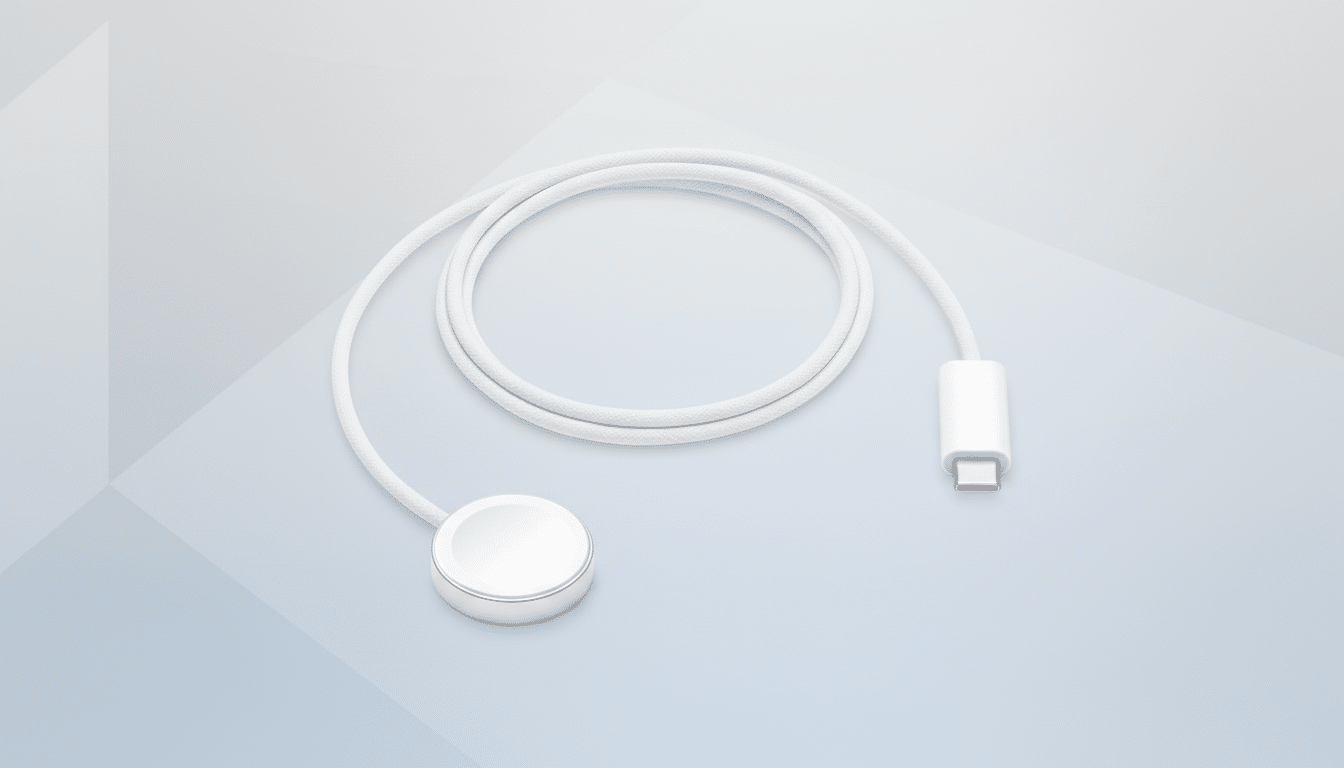
Share Power With Reverse Charging for Accessories
Your iPhone can lend a lifeline to small gadgets. Apple Support notes that the USB‑C port can deliver up to 4.5W to accessories, enough to top up an Apple Watch, AirPods case, or a friend’s earbuds. It won’t fill a laptop, but in the wild—airport gates, conference corridors, trailheads—that trick turns your phone into a pocketable power bank for emergencies.
Pro tip: use short, high-quality cables to minimize losses, and keep an eye on your own battery if you’re far from an outlet.
Move Files Faster With USB 3 Speeds on Pro Models
On Pro models, the USB‑C port supports USB 3 speeds up to 10 Gbps when paired with a SuperSpeed-rated cable, according to Apple’s specifications and the USB-IF’s naming standards. That’s a night-and-day difference versus the 480 Mbps of USB 2 on non‑Pro models. For creators, it means offloading a 50 GB ProRes shoot in minutes rather than the better part of an hour.
Even for everyday users, wired transfers are a reliable way to shuttle big photo libraries and local backups without saturating Wi‑Fi.
Record and Store Directly to External USB‑C Drives
Plug in a USB‑C SSD or a thumb drive and your iPhone can save and read files directly in the Files app. On Pro models, you can even record ProRes 4K at 60 fps straight to external storage—a workflow Apple highlights for filmmakers to bypass internal storage limits and keep thermals in check during long takes.
For best results, use drives formatted exFAT or APFS, and aim for SSDs rated for sustained writes if you’re capturing high-bitrate video. Photographers can also add an SD card reader to ingest shots on location.
Present on TVs, Monitors, and Projectors via USB‑C
Thanks to DisplayPort over USB‑C, recent iPhones can feed external screens—Apple specifies up to 4K HDR—via a USB‑C to DisplayPort cable or a USB‑C to HDMI adapter. That covers slide decks, demo apps, and review sessions without hunting for AirPlay support in unfamiliar rooms.
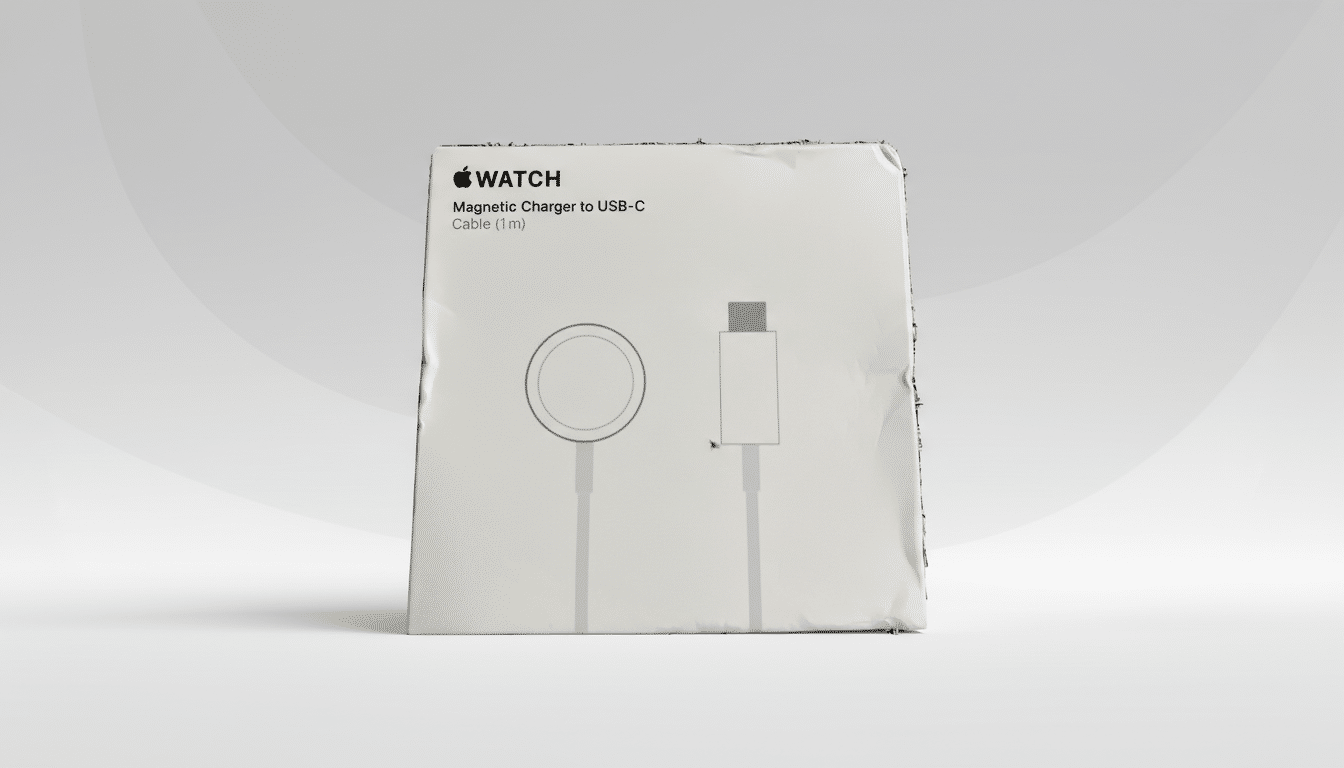
Some apps offer second‑screen experiences that go beyond mirroring, giving you a cleaner stage on the big display while controls live on the phone. It’s a minimalist presenter’s dream: phone, cable, done.
Use Full‑Size Peripherals with Hubs and Adapters
USB‑C opens the door to class‑compliant accessories. A wired keyboard turns long emails and document edits into a sane task. Journalists can plug in a USB microphone for cleaner voiceovers. Musicians can connect MIDI controllers for sketching melodies on the road. And for rock‑solid connectivity at events, a USB‑C to Ethernet adapter gives you a low‑latency line that Wi‑Fi can’t match.
Most of these accessories are plug‑and‑play under USB standards; no drivers, no drama. A small USB‑C hub can fan out ports when you need power pass‑through plus peripherals.
Upgrade Sound with Wired Audio Gear and DACs
Digital audio over USB‑C isn’t just for legacy headphones. It’s a path to higher fidelity. Plug in USB‑C earbuds or add an external DAC, and you can feed lossless streams with precision timing. Apple Music’s Hi‑Res Lossless catalog, for instance, can reach up to 24‑bit/192 kHz when paired with a capable DAC—beyond what Bluetooth can deliver.
Creators benefit, too: class‑compliant audio interfaces let you capture vocals or instruments with lower noise and better preamps than the phone’s onboard mic, a setup many podcasters rely on while traveling.
Tether or Go Wired for Internet with USB‑C and Ethernet
Wired Personal Hotspot over USB typically offers steadier throughput and lower latency than Wi‑Fi or Bluetooth tethering, a difference you feel during video calls or large uploads. On the flip side, iOS also supports USB‑C to Ethernet adapters, so your iPhone itself can use a wired connection in venues where wireless is congested or restricted.
For IT-managed environments, a cable can be the path that satisfies security policies while keeping your session stable.
One port now covers charging, transferring, recording, presenting, creating, and even rescuing other devices. Between Apple’s support for pro workflows and industry standards like USB-IF’s SuperSpeed and DisplayPort Alt Mode, the iPhone’s USB‑C connector has become a genuine utility jack. Travel lighter, work faster, and get more from the gear you already carry.
