


Spotted scuffs on a fresh-out-of-the-box iPhone 17 in the store — or your own? Apple says a lot of the disconcerting “scratches” people are seeing aren’t actually scratches, but remnants from old MagSafe display stands. The company has informed several outlets that the markings can be cleaned up, but not before admitting that the iPhone 17 Pro’s anodized aluminum frame may still ding at high-wear corners over time.
What Apple Says Is Causing iPhone 17 Storefront Scuffs
Apple’s unusual statement attributed and reported by CNET says that frequently the scuffs on demo units are actually material transferred from aging MagSafe stands, not gouges in the finish. The company says the marks should wipe off, and is working to refresh in-store charging accessories that could lead to repeat occurrences.
- What Apple Says Is Causing iPhone 17 Storefront Scuffs
- How to Safely Remove iPhone 17 Scuffs and Transfer Marks
- iPhone 17 Pro Reports Show Real Corner Chipping Issues
- Why Anodized Aluminum Often Shows Edge and Corner Wear
- What to Do If Your iPhone 17 Shows Actual Damage
- Prevention Tips to Keep Your iPhone 17 Finish Looking New
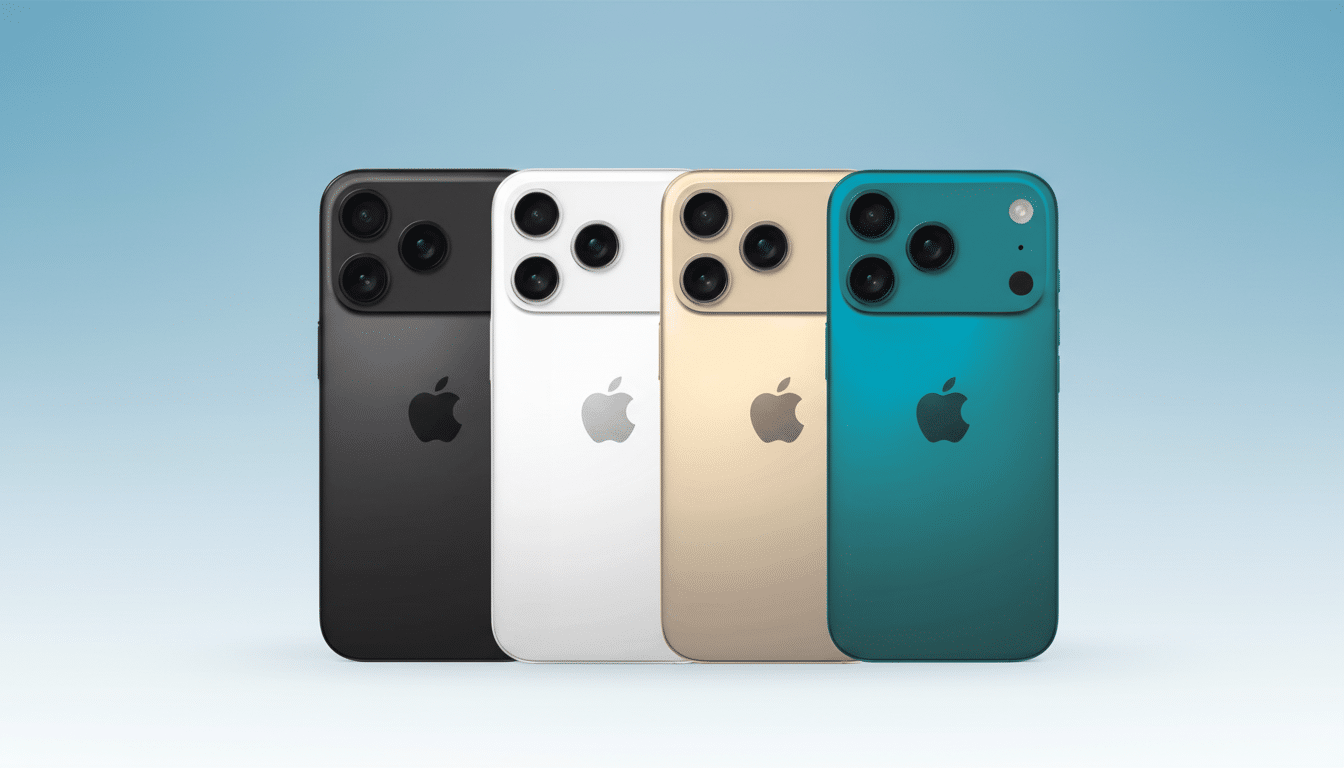
That makes a difference: residue can be wiped away; an actual scratch or chip cannot. Apple also says the Pro models have an anodized aluminum frame with a hard protective layer that meets industry microhardness standards, but it may still exhibit wear over time.
How to Safely Remove iPhone 17 Scuffs and Transfer Marks
If the spot appears to be a scuff or grayish stain, consider it residue at the outset. Turn off the phone, take it out of any case you may use, and gently wipe over it with a clean, dry, lint-free microfiber cloth using minimal pressure.
To remove stubborn transfer, dampen the cloth with some water and wipe down. Apple’s cleaning advice also includes a willingness to use 70% isopropyl alcohol wipes if these guidelines aren’t doing the trick, but don’t use bleach as it may discolor the finish. Never use abrasive pads, paper towels, polishes, or cleaners containing bleach or hydrogen peroxide: They can scratch the finish or remove dye from anodized aluminum.
Never use the following on your iPhone’s finish:
- Abrasive pads or paper towels
- Polishes or household cleaners containing bleach
- Hydrogen peroxide–based cleaners
If the mark disappears, then it was a smudge. If you can catch it with your fingernail, it’s damage to the coating or glass and won’t rub out.
iPhone 17 Pro Reports Show Real Corner Chipping Issues
In addition to residue, some iPhone 17 Pro and Pro Max owners are posting images of small chips around the camera bay and on the outer corners, with wear on a deep blue finish showing more readily.
Teardown and repair experts at iFixit say this makes sense for anodized coatings at sharp corners, which have the thinnest protective layer.
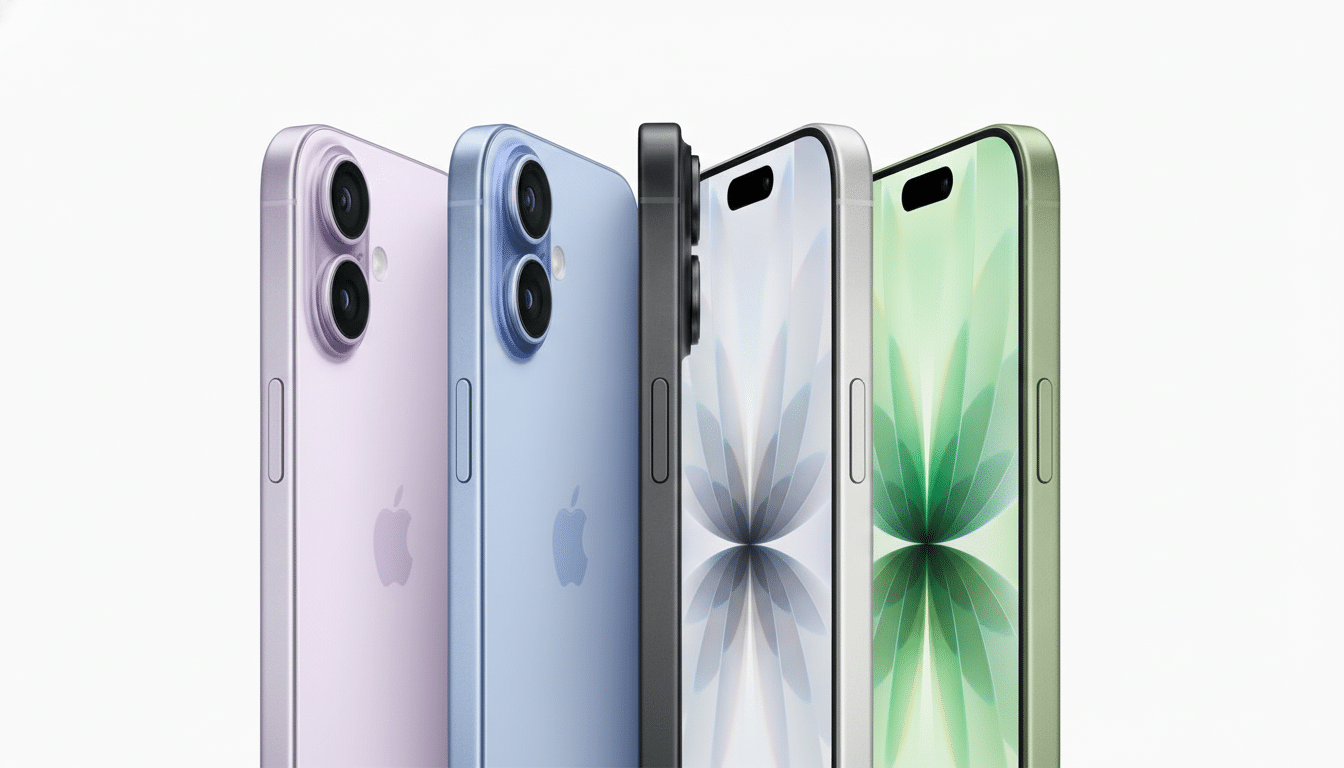
Stress testing from the JerryRigEverything channel adds nuance: keys and coins left transfer marks on the Pro’s frame and glass that could be wiped clean, but a more aggressive contact at the camera-bump corners caused paint to chip. The glass back performed in pretty standard fashion by modern standards — glass typically picks up marks around Mohs level 6 and deeper grooves at 7 or so — so casual pocket grit is still the more pressing risk than keys.
Why Anodized Aluminum Often Shows Edge and Corner Wear
It imparts to the surface of aluminum a hard, oxidized layer that can be dyed for coloration. It’s extraordinarily scratch-resistant over flat surfaces, but can be more brittle at edges and corners. Repeated micro-impacts — dropping the phone on a table, rubbing against grit, contact with the camera ledge — can lead to small chips wherever the layer is thinnest. Which is why flat faces commonly age well while corners are the first to show wear.
Non-Pro iPhone 17 models are made from non-chipping materials, most notably ceramic-infused glass, which doesn’t exhibit the same edge chipping pattern on a metal frame; however, glass can still be scratched by sufficiently hard debris.
What to Do If Your iPhone 17 Shows Actual Damage
First, attempt the cleaning process above. If the mark remains visible and you can feel it, the damage is most likely a chip. Periodic wear and tear is typically excluded in a standard limited warranty, but store employees may consider borderline incidents (especially during the return window). If the damage is caused by an impact or a drop, AppleCare+ coverage lessens the cost of repairing accidental damage, but there’s usually a service fee.
If you care a lot about wear on the finish in the long term, a thin case or protective skin will absorb any edge impacts before the coating does. A raised camera bezel on a case adds some protection to the bump itself, and with a good screen protector you’re mitigating against damage from one of the true sources of most glass scratches: silica dust.
Prevention Tips to Keep Your iPhone 17 Finish Looking New
Simple habits can reduce visible wear and keep residue from accumulating.
- Don’t place the phone down on abrasive surfaces; brush off dust or sand from a table first.
- Keep your pockets clear of quartz-filled rocks from the beach or job site.
- If you use MagSafe chargers, check the ring for damage and keep it clean to avoid transfer.
- Don’t forget: with a microfiber cloth and light pressure, you can clean most marks faster than with harsh chemicals.
The bottom line: If, after handling them in-store or using one every day, your iPhone 17 displays faint lines, Apple’s instruction to just wipe them off is spot on. Actual scratches and corner chips are another matter — they happen with anodized aluminum over time, but you can minimize them through careful handling and putting a real case on the phone.
