


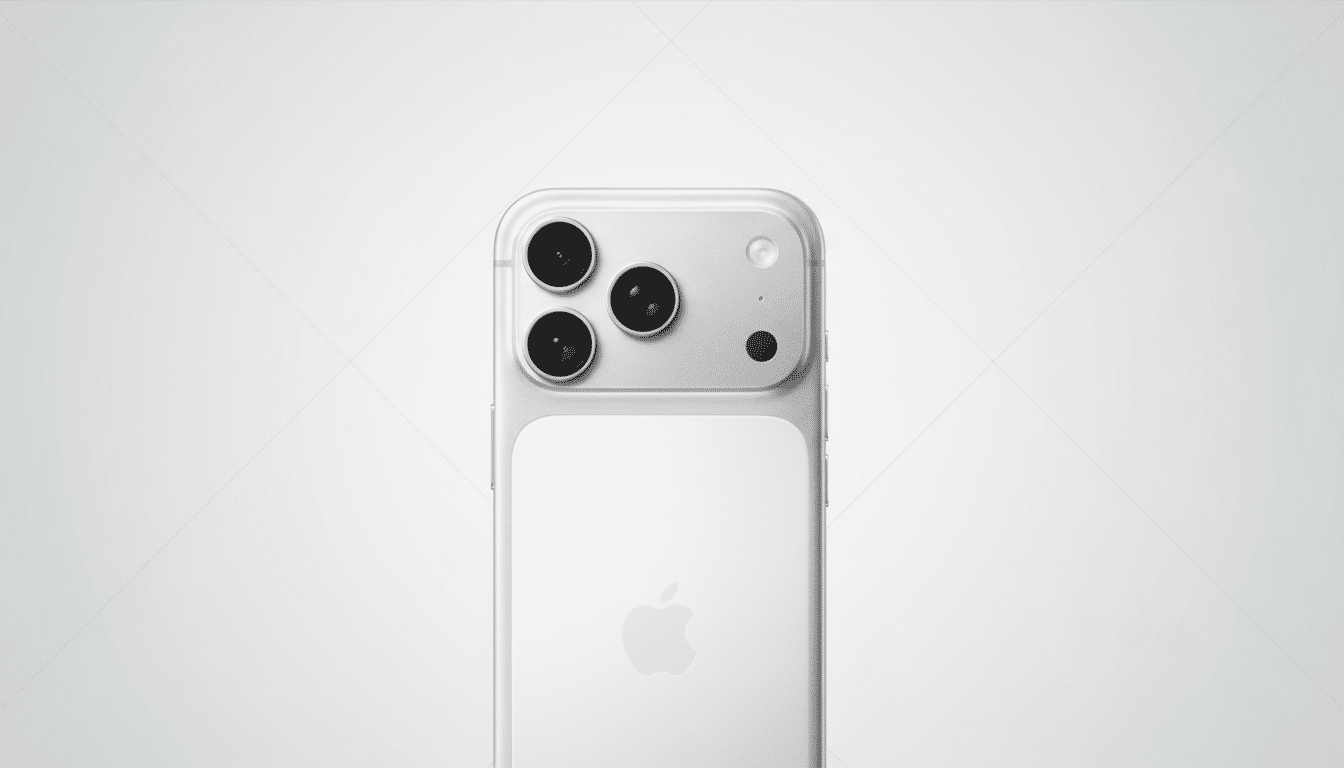
Apple’s latest flagships arrive with speedier silicon and a redesigned telephoto camera, but they silently do away with a photo trick relied on by many Pro users. Portrait mode no longer has Night mode. The feature debuted on the iPhone 12 Pro series and had been a staple of every Pro model since—until now.
The switch means you can’t get those shallow‑depth‑of‑field portraits using Apple’s long‑exposure Night processing after dark in restaurants, at concerts, or during evening soirées. Early customers surfaced the omission on Apple’s Support Community and Reddit; an investigation by 9to5Mac noticed that Apple’s own support page says Night mode Portrait is part of older Pros, but not the 17 Pro models, suggesting this is a conscious choice rather than a launch bug.
- What Changed and Why It Matters for Night Portraits
- Evidence That Removing Night Portraits Is Intentional
- Plausible Technical Reasons Behind the Removal
- Practical Workarounds You Can Use Right Now
- How Leading Rivals Handle Night Portrait Photography
- Will Apple Bring Night Portrait Mode Back to Pro Models
What Changed and Why It Matters for Night Portraits
Night mode Portrait brought together two of Apple’s most useful camera innovations: multi‑frame, long‑exposure processing for brighter, cleaner low‑light shots, and Portrait depth mapping to separate the subject from the background. On iPhones equipped with LiDAR, it allowed for faster autofocus and more accurate edge detection in dark settings. It was the go‑to setting for many shooters of candid indoor portraits and moody street photography.
Without Night mode Portrait, you can still take a Night mode photo and you can still take a Portrait—but not both at the same time. That drags the iPhone 17 Pro closer to competitors that split out their computational night modes from their bokeh effects, and would subtly rework how you should be thinking about low‑light portraiture on Apple’s top phones.
Evidence That Removing Night Portraits Is Intentional
User reports were followed by checks against Apple’s online manuals. In sections that describe how to take Night mode Portraits, the iPhone 12 Pro through 16 Pro are mentioned, but the iPhone 17 Pro and 17 Pro Max are noticeably omitted. That falls in line with community tests that suggest the Night icon doesn’t show up at all on new Pros when Portrait mode is enabled, even after updates.
Apple has not offered a public rationale or timeline for how the feature might be fixed. Apple historically does call out features that are absent because of early software bugs in its release notes or support articles; there’s no mention of any such indicators here.
Plausible Technical Reasons Behind the Removal
The most plausible theory links the change to Apple’s new 48MP telephoto with up to a 4x optical zoom on the iPhone 17 Pro series. On iPhone, Portrait mode is dependent on the telephoto perspective as a way to avoid wide‑angle distortion, and this sensor, lens, and stabilization stack changes in tandem with Apple’s Imaging Pipeline challenges at long focal lengths.

Longer focal length is a magnifier of camera shake and subject motion, and Night mode frequently depends on multi‑second exposures. Even with sophisticated stabilization and sensor binning, Apple might have felt the hit rate and consistency weren’t up to its quality bar. There are thermal limits and processing latency at 48MP too, especially if you’re stacking a lot of frames for building a depth map in the dark.
Practical Workarounds You Can Use Right Now
But there are still ways to achieve a similar look. Shoot first in plain Night mode—ideally at 1x with the main 48MP camera for optimal signal‑to‑noise—then add background blur later in the Photos app. The camera on newer iPhones frequently collects depth data automatically; if you notice the Portrait toggle in Photos, tap it and slide the f/ switch to your desired setting.
If the Portrait toggle is not available, consider third‑party apps that offer computational blur or depth capture. Apple’s own Studio Lighting presets remain accessible to standard Portraits in brighter scenes. As with any time your phone may be slightly shaky, lock focus on people’s eyes and ask them to stay as still as possible during the exposure to minimize motion blur.
How Leading Rivals Handle Night Portrait Photography
On Google’s more recent Pixels, they combine Night Sight with portrait blur, relying on strong subject segmentation and multi‑frame stacking, while Samsung’s Galaxy S Ultra line gives you a dedicated “Portrait” mode in low light with aggressive noise reduction. Results are mixed: some prioritize detail retention, while others ramp up brightness at the expense of texture. Apple’s old Night Portraits normally did an impressive job of balancing skin tones and highlight control, which is why their absence on the new Pros stands out to fans.
Will Apple Bring Night Portrait Mode Back to Pro Models
Apple does not tend to remove capabilities without a plan, and it has restored camera features after tuning pipelines in previous iOS releases. Whether it’s due to the new telephoto hardware or an image‑processing limitation, a software fix may come in the future—or not, if Apple decides to restrict Night Portrait to the wide camera. For now, though, photographers upgrading from an older Pro will want to account for this change in their shooting process.
We’ll keep a close eye on Apple’s support pages and release notes. Until then, the iPhone 17 Pro is a powerhouse, but it does lose ground to its predecessors in one very specific niche: low‑light portraits.
