


I switched from a Kindle to an iPad Mini for everyday reading, and the change stuck. After months of nights turning pages on Apple’s smallest tablet, I don’t miss e-ink. The iPad Mini won on comfort, flexibility, and the kind of reading I actually do—novels, yes, but also PDFs, long-form articles, and comics.
Giving the Kindle Its Due on Battery and Comfort
Kindle still leads on essentials: battery life measured in weeks, feather-light weight, and a glare-free e-ink panel fine-tuned for marathon sessions. The Paperwhite’s 300 ppi text is wonderfully crisp, and a distraction-free OS helps you stay in the book. Price matters too—entry Kindles undercut any iPad by a wide margin.
- Giving the Kindle Its Due on Battery and Comfort
- Why the iPad Mini Won Me Over for Daily Reading
- Reading Beyond Novels: PDFs, Comics, and More
- Any Book From Any Store: Flexibility Across Apps
- Speed, Tools, and Accessibility That Enhance Reading
- Eye Strain and Sleep Concerns Are Manageable
- Battery and Distractions in Real Life, Managed Simply
- Value That Outlasts Sticker Shock Across Uses
- The Bottom Line: Why I’m Not Going Back to E-ink
If your reading is almost entirely front-lit novels and you prize one-handed comfort, Kindle remains a smart buy. That’s the baseline I measured against.
Why the iPad Mini Won Me Over for Daily Reading
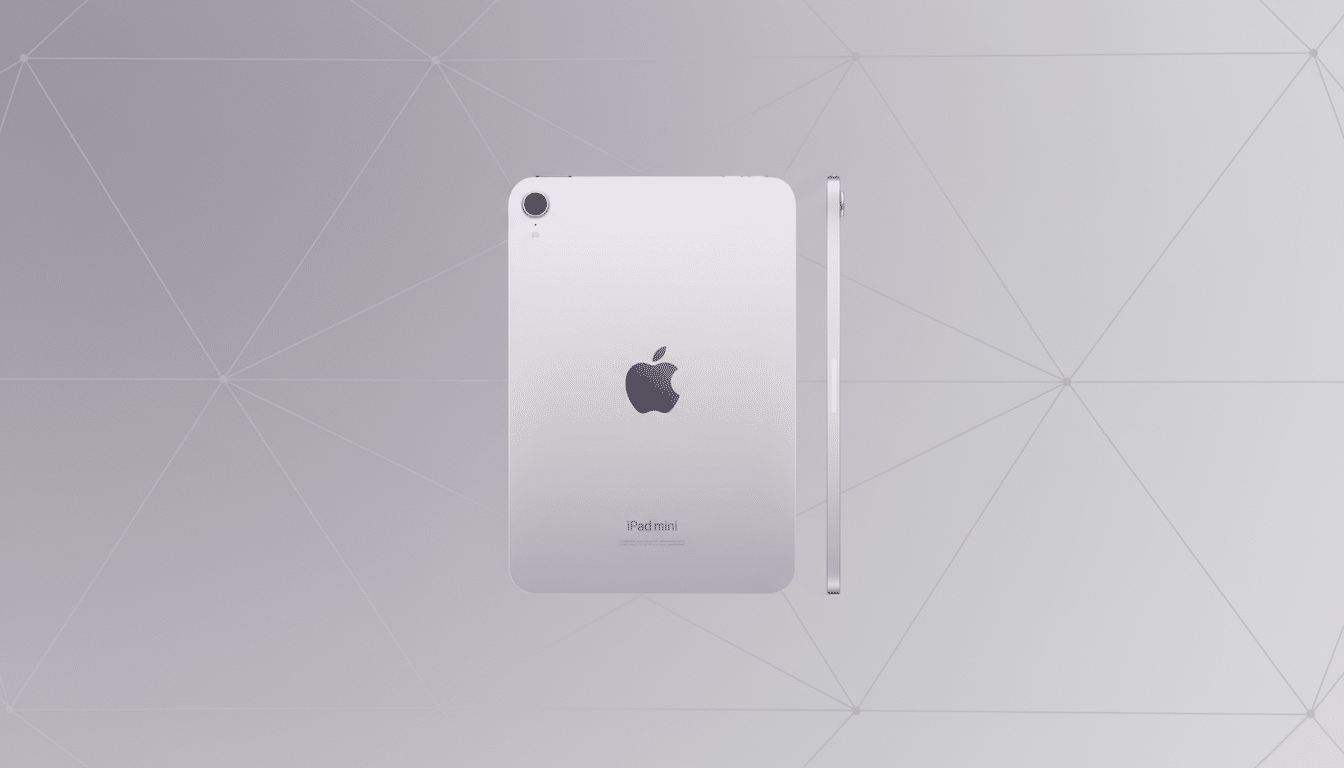
The Mini’s 8.3-inch display simply fits more words per page than a 6–7-inch e-ink panel, reducing constant page turns. At 2,266×1,488 resolution and 326 ppi, type looks pin-sharp, and the laminated glass makes fine serif details pop. In practice, I can run a slightly larger font with generous margins and still see a full, airy page.
True Tone and Night Shift help more than spec sheets suggest. With a warm color temperature after sunset and brightness around 10–20%, eye comfort feels comparable to my front-lit e-ink devices. Harvard Medical School has long noted blue light’s impact on melatonin; using a strong amber shift and dimmer levels curbs that risk without sacrificing readability.
One-handed use isn’t a deal-breaker either. A simple stick-on grip and a light folio case let me hold the Mini securely and page-tap with the same hand.
Reading Beyond Novels: PDFs, Comics, and More
Here’s where the Mini quietly changes the game. My reading diet is not just books—it’s PDFs from journals, travel guides with maps, cookbooks, and comics. Color and contrast matter. E-ink struggles with shaded diagrams, dense tables, and full-color panels. On the Mini, images and charts are legible at a glance, and double-tapping to zoom is instant.
Annotation is faster too. With Apple Pencil support, I highlight, scribble marginalia, and export notes directly into research apps. That makes the Mini not only a reader but a lightweight study and reference tool.
Any Book From Any Store: Flexibility Across Apps
On the Mini, I’m not locked into one ecosystem. I keep Apple Books for purchased titles, the Kindle app for my back catalog, Libby for library loans, and Kobo and Google Play Books for deals. That marketplace flexibility matters when prices vary by store or when formats differ.
The library angle is bigger than it sounds. OverDrive, the company behind Libby, reported more than 600 million digital checkouts in 2023, a sign that borrowing on phones and tablets is now mainstream. Managing multiple holds and formats on a single device is simply easier on iPadOS.
Speed, Tools, and Accessibility That Enhance Reading
Page turns, dictionary lookups, and search are near-instant. I use system-wide features—Speak Screen for text-to-speech, Focus modes to silence notifications, and live translation—to adapt to whatever I’m reading. For language study, split-screen with a notes app beats any single-purpose reader.
Audiobooks are seamless as well. I can jump from an ebook to the audio version in apps that support it, hand off to AirPods, and keep a single timeline when I’m commuting or cooking.
Eye Strain and Sleep Concerns Are Manageable
LCD skeptics are not wrong about glare and blue light, but the fix is straightforward.
- Use a matte screen protector
- Keep brightness low
- Enable Night Shift with a strong warm bias after dusk
- Switch to dark mode for white-on-black text when appropriate
Studies in journals like PNAS show evening blue light delays melatonin; the goal is to minimize exposure, not eliminate screens outright.
With those settings dialed in, I’ve had no headaches or dry eye flare-ups, even during long sessions.
Battery and Distractions in Real Life, Managed Simply
Kindle’s weeks-long battery is unbeatable, but a Mini’s 10-hour window translates into many nights of reading per charge. I top up every few days, which is a small trade for the versatility I gain.
Distractions are solvable. I read in Airplane Mode or a reading-focused Focus profile. That turns the Mini into a calm, single-purpose device when I want it to be one.
Value That Outlasts Sticker Shock Across Uses
Yes, the Mini costs more upfront. But it replaces multiple devices: ebook reader, PDF annotator, audiobook player, and even a travel tablet for maps and streaming. If your reading life extends beyond plain text, the Mini’s utility compounds quickly.
The Bottom Line: Why I’m Not Going Back to E-ink
Kindle is still excellent for pure, long-form reading. I just read more widely than that, and the iPad Mini matches how and what I read today. After the switch, I’m turning more pages, finishing more books, and not looking back.
