


I built an iOS app end to end in two days using only my voice, and the rush was real. The catalyst was Xcode 26.3’s new agentic coding features, which turned the IDE into a fast-moving collaborator that could plan, write, refactor, build, and fix—while I dictated tasks and reviewed progress. It felt less like typing lines of Swift and more like directing a capable team with a shared mission and a tight deadline.
What Changed In Xcode 26.3 To Enable Agentic Coding
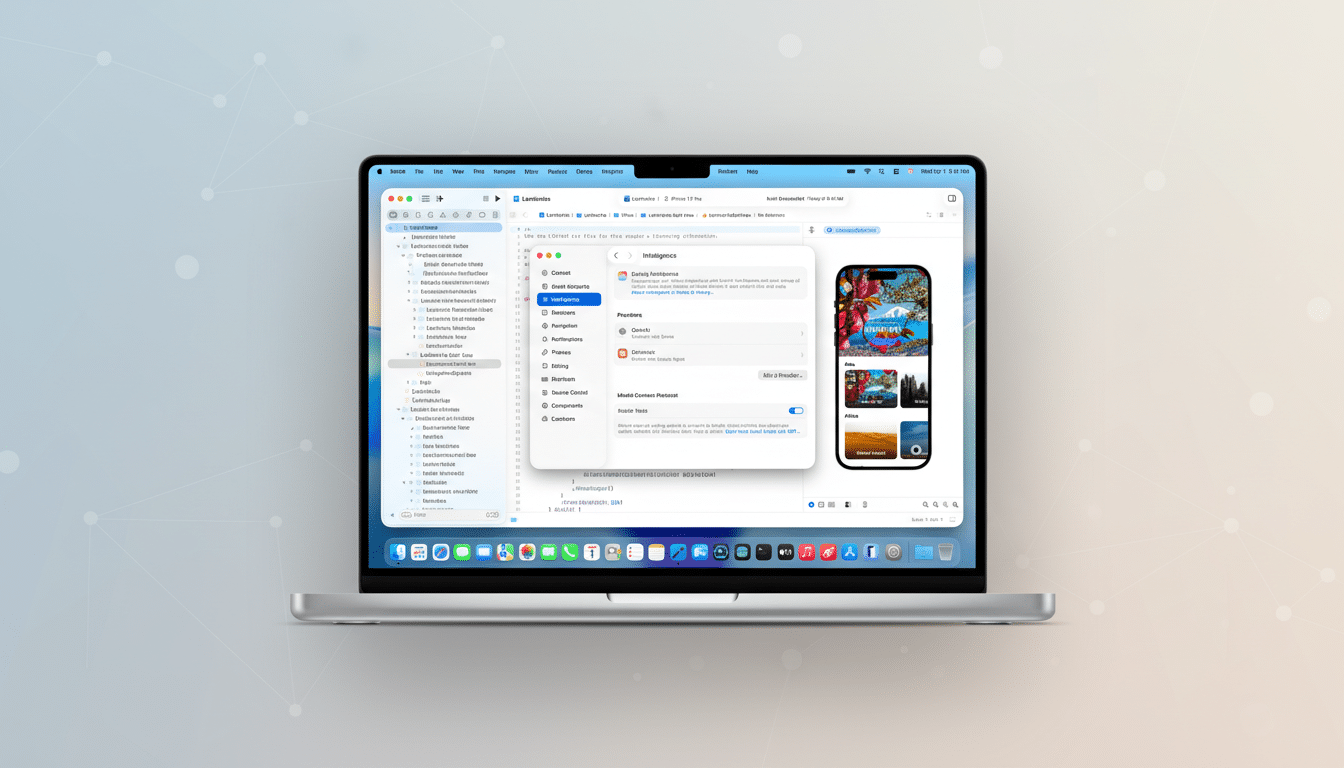
The leap is Apple’s tighter integration of an AI assistant that can execute multi-step operations, consult platform documentation in context, and perform builds to validate its own work. In practical terms, that meant I could ask for a feature, paste a reference image, and watch as Xcode wrote code, set entitlements, added Info.plist keys, and adjusted targets—then compiled and iterated until it ran.
- What Changed In Xcode 26.3 To Enable Agentic Coding
- A Real App, Not A Demo: Sewing Pattern Manager Built
- Voice‑first Workflow And Tools For Faster Development
- Agentic Speed With Caveats From Concurrency And Control
- On‑device ML That Actually Helps With Pattern Capture
- Two Days Instead Of Months For A Usable iOS Prototype
- Practical Takeaways For Devs Using Xcode’s AI Assistant
- Bottom Line: Agentic, Voice‑driven Development Feels Real
Earlier attempts with 26.1 felt brittle beyond toy apps. With 26.3, voice coding finally crosses from novelty to usable, with caveats I’ll get to. Small touches matter, too: being able to Command‑V images straight into the assistant keeps you in flow, and seeing builds initiated by the AI makes debugging conversational instead of procedural.
A Real App, Not A Demo: Sewing Pattern Manager Built
The project wasn’t a “Hello, world.” I built a sewing pattern manager that tracks paper envelope patterns, digital PDFs, and pattern books. It uses NFC tags for physical inventory, high‑resolution image capture for front and back covers, and on‑device machine learning to deskew, crop, and extract key metadata for indexing.
This market is bigger than many tech folks realize. The Craft Industry Alliance estimates roughly 30 million sewists across the US and Canada. They care deeply about the envelope artwork and the details: vendor names like Simplicity or McCall’s, pattern numbers, sizes, and yardage requirements. The app’s core job is to capture that richness and make it instantly searchable.
Voice‑first Workflow And Tools For Faster Development
I dictated most prompts using Wispr Flow, which offers a mode tuned for coding. About 75% of my interaction with Xcode’s assistant was by voice, which kept me moving quickly even when I wasn’t at the keyboard. Voice removed friction—I could describe intent, constraints, and acceptance criteria in natural language, then adjust scope mid‑flight without breaking concentration.
That conversational loop—state the goal, let the agent propose steps, review partial results, refine—became the core rhythm. It’s also a reminder that prompt engineering is just product thinking said out loud.
Agentic Speed With Caveats From Concurrency And Control
Speed came from letting the assistant tackle the heavy lift: migration and refactoring. I cloned a prior inventory app and redirected its entire data model from 3D filament spools to sewing patterns. The AI ripped through renames, schema changes, and configuration fixes—adding well over 50,000 lines and pruning around 10,000 across hundreds of files—far faster than I could have safely managed solo.
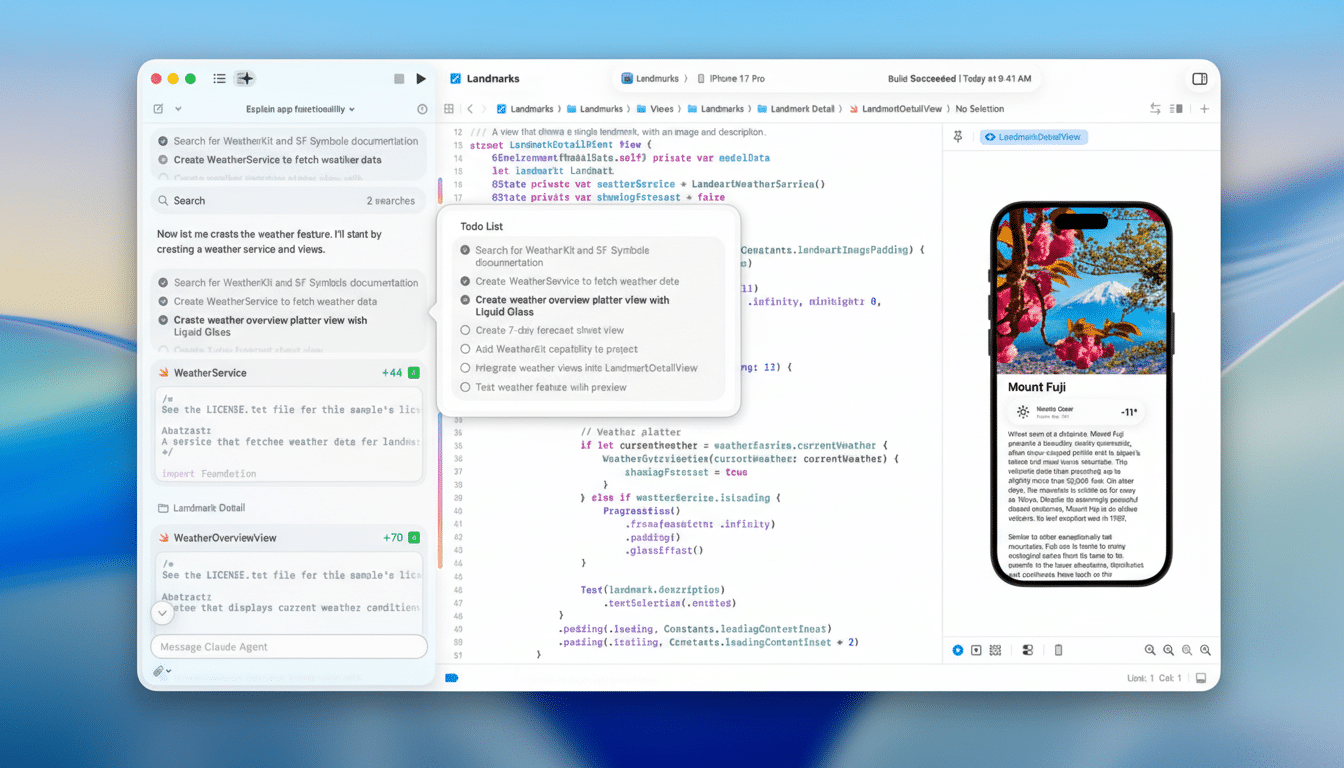
But agentic concurrency can bite. Parallel background tasks occasionally stalled with no visibility, and I watched usage caps climb while “stuck” sessions kept context alive. The fix was procedural: I added project instructions to forbid background agents, require frequent progress updates, and limit long‑running steps. With those guardrails, productivity snapped back and the IDE felt predictable.
Developers will want dashboard‑level controls to view, pause, or kill agent tasks, plus clearer token budgeting. That’s table stakes if this is going to scale in enterprise settings where cost and traceability matter.
On‑device ML That Actually Helps With Pattern Capture
The most satisfying piece was the ML pipeline. Using Apple’s Vision and Core ML APIs, the app captures high‑quality images of pattern envelopes, detects the document bounds, deskews and crops, and runs OCR to extract brand and pattern numbers. Because barcodes muddied the results, I had the assistant add barcode detection and filter those digits out of the candidate set.
All recognized text gets stored as a searchable field so a user can later find a pattern using any word that appears on the cover. I also save the barcode value and an image of it for future integrations. The AI assistant not only wrote the code but also instrumented it, built, and iterated until the detection thresholds were reliable.
Two Days Instead Of Months For A Usable iOS Prototype
I don’t code full time, so I judge progress by outcomes. Building this much functionality—data model overhaul, UI, NFC support, image processing, OCR, and search—would normally be a months‑long solo effort. With Xcode 26.3’s assistant, I got to a usable prototype in two focused days. That’s the AI force multiplier people talk about, now happening inside the IDE we already use.
Practical Takeaways For Devs Using Xcode’s AI Assistant
- Set boundaries for your agent: avoid uncontrolled background tasks, insist on periodic status, and keep a project‑level instruction file that encodes your conventions.
- Paste images and design references directly into the assistant.
- Let it build early and often so it can self‑correct.
- Reserve voice for high‑bandwidth tasks—architecture decisions, migration plans, and code reviews—where natural language shines.
Bottom Line: Agentic, Voice‑driven Development Feels Real
Xcode 26.3 finally makes agentic, voice‑driven development feel practical and, yes, exhilarating. It still needs better task governance and cost transparency, but the velocity is undeniable. If you’ve been waiting for AI inside the IDE to move beyond demos, this release is the turning point.
