


If you have been holding off on iOS 26, you are not alone. Third-party analytics show adoption ranging from roughly 16% (StatCounter) to about 60% (TelemetryDeck), a slower climb than previous cycles. Many iPhone owners cite the same reasons for staying put: fear of visual changes, concerns about battery life, and a sense that there are no must-have features.
Yet this is the rare update where the reasons to move fast clearly outweigh the reasons to wait. Apple has already shipped multiple follow-on releases that crush dozens of bugs, reinforce core privacy protections, and smooth early rough edges. Here are four concrete reasons to upgrade now.
Security Patches Close Dozens Of Vulnerabilities
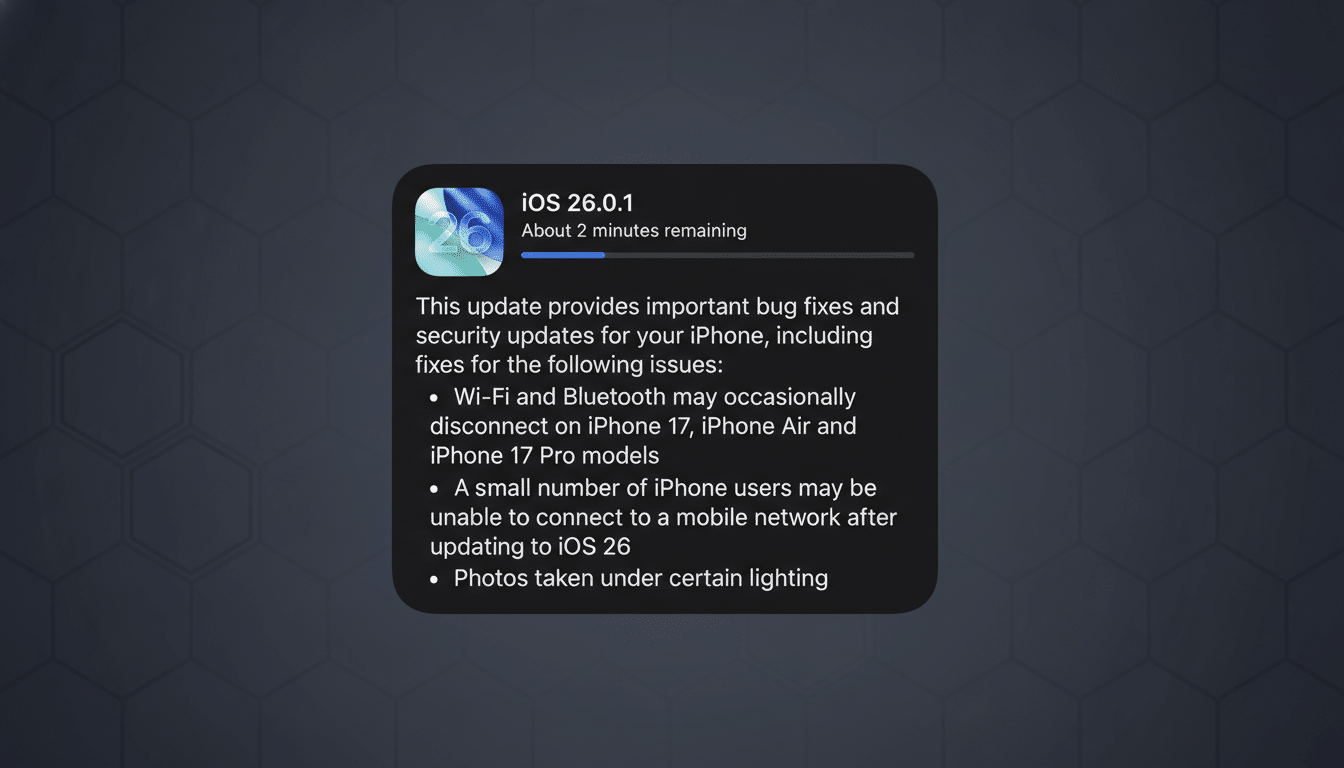
The headline reason is security. Since iOS 26 landed, Apple’s security notes detail a steady drumbeat of fixes across the stack. iOS 26.0.1 addressed a flaw in the FontParser framework that could let a malicious font corrupt memory and potentially crash apps. iOS 26.1 resolved more than 51 documented vulnerabilities. And iOS 26.2 closed another 25, spanning components such as FaceTime, Messages, Photos, and the App Store.
Most importantly, Apple flagged two zero-day issues in iOS 26.2 as exploited in the wild. Those represent real-world attacks, not lab curiosities. Security teams track these via CVE entries, and they are often linked to highly targeted campaigns against journalists, activists, executives, and public officials. If you are still on a pre–iOS 26 build, you could be missing the only available fixes for those exact threats.
Security pros will tell you the fastest way to reduce risk is to patch promptly. Apple, independent researchers, and national vulnerability databases all agree on that basic playbook. iOS 26 is simply the current patch train—if you are not on it, you are standing on the platform while attackers keep moving.
AirDrop Gains Safer Sharing Beyond Contacts
AirDrop’s new one-time code option in iOS 26.2 is a practical quality-of-life upgrade with security benefits. Previously, you could share only with contacts or open yourself to Everyone for a brief 10-minute window. Now, you can securely exchange with non-contacts by using a single-use code, without leaving your device broadly discoverable.
That tweak matters in the real world: think classrooms swapping project files, conference check-ins distributing PDFs, or teams handing off media in the field. The feature narrows exposure while making legitimate sharing easier—exactly the kind of change that reduces user workarounds that can create new risks.
Battery And Performance Stabilize After Housekeeping
Many users report a dip in battery life immediately after major updates, and iOS 26 is no exception. The culprit is predictable: background “housekeeping” like Spotlight reindexing, Photos analysis, and app updates. Apple has long acknowledged this post-update activity, and it typically subsides after a day or two of regular use.
The payoff comes once the dust settles. Performance normalizes, battery drain eases, and you benefit from the latest efficiency tweaks. A practical routine is to update in the evening on Wi‑Fi with at least 50% charge (or while plugged in), then give the phone time overnight to finish its indexing. By the next day, most users see battery behavior return to baseline.
Liquid Glass Controls Let You Make The UI Yours
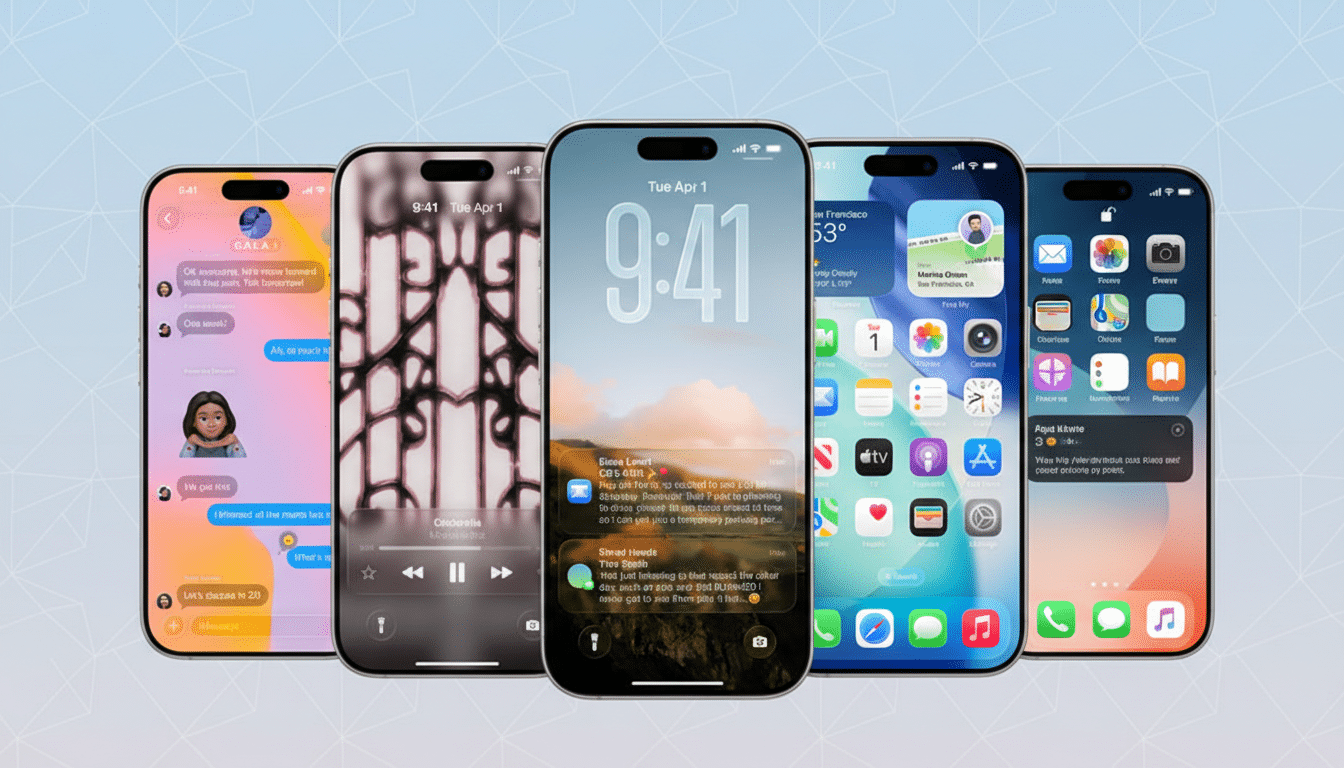
iOS 26’s Liquid Glass look has been polarizing, but iOS 26.1 added new controls to tone it down. A tint option lets you reduce the high-gloss feel and add depth without the glare. If the new aesthetic turned you off, this switch effectively de-escalates the shine while preserving the layout changes under the hood.
Small as it sounds, visual comfort matters. Readability, contrast, and motion can affect fatigue over long sessions. Tuning the UI to your preference now means you get the security and stability upgrades without living with a design you dislike.
Bottom line: iOS 26 is less about flashy features and more about resilience. Between dozens of bug fixes, two active zero-day patches, a smarter AirDrop flow, and real controls over the new UI, the case for upgrading is straightforward. Back up your device, verify you have space, then head to Settings > General > Software Update. The fastest route to a safer iPhone starts with this tap.
