


Apple releases its next major iPhone update, iOS 26, with the Liquid Glass interface and unified versioning across platforms. For most users, the big question is simple: does your iPhone make the cut — and, if so, when can you actually download it? Here’s the definitive, no-nonsense guide.
Compatible iPhones in short
If you use an iPhone 11 or newer, you’re in. That cutoff matches Apple’s usual support window and the hardware required for the visual effects and on-device intelligence of iOS 26. Per Apple’s device compatibility advice, the following lines will be compatible with iOS 26: iPhone 17 family (including: Air, Pro and Max), iPhone 16 family, iPhone 15 family, iPhone 14 family, iPhone 13 family (including mini), iPhone 12 family (including mini) and the entire iPhone 11 series.
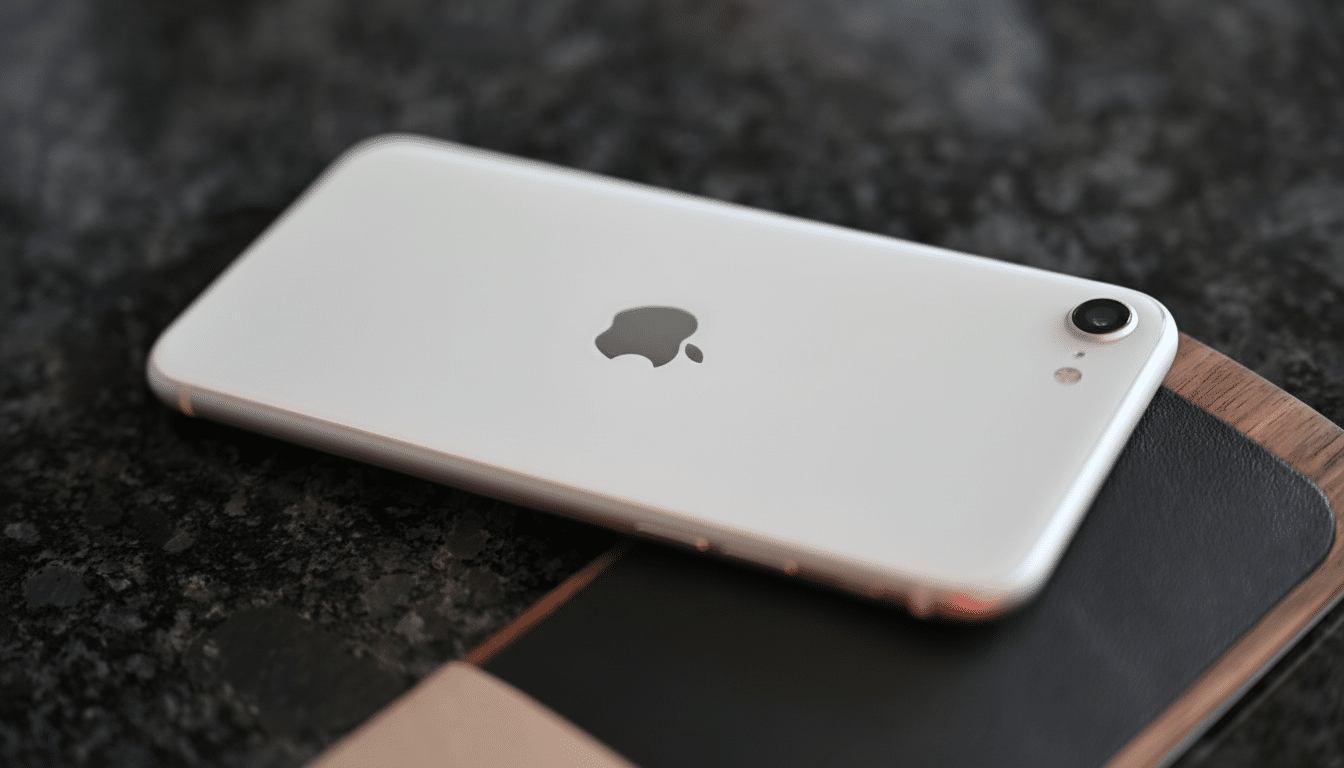
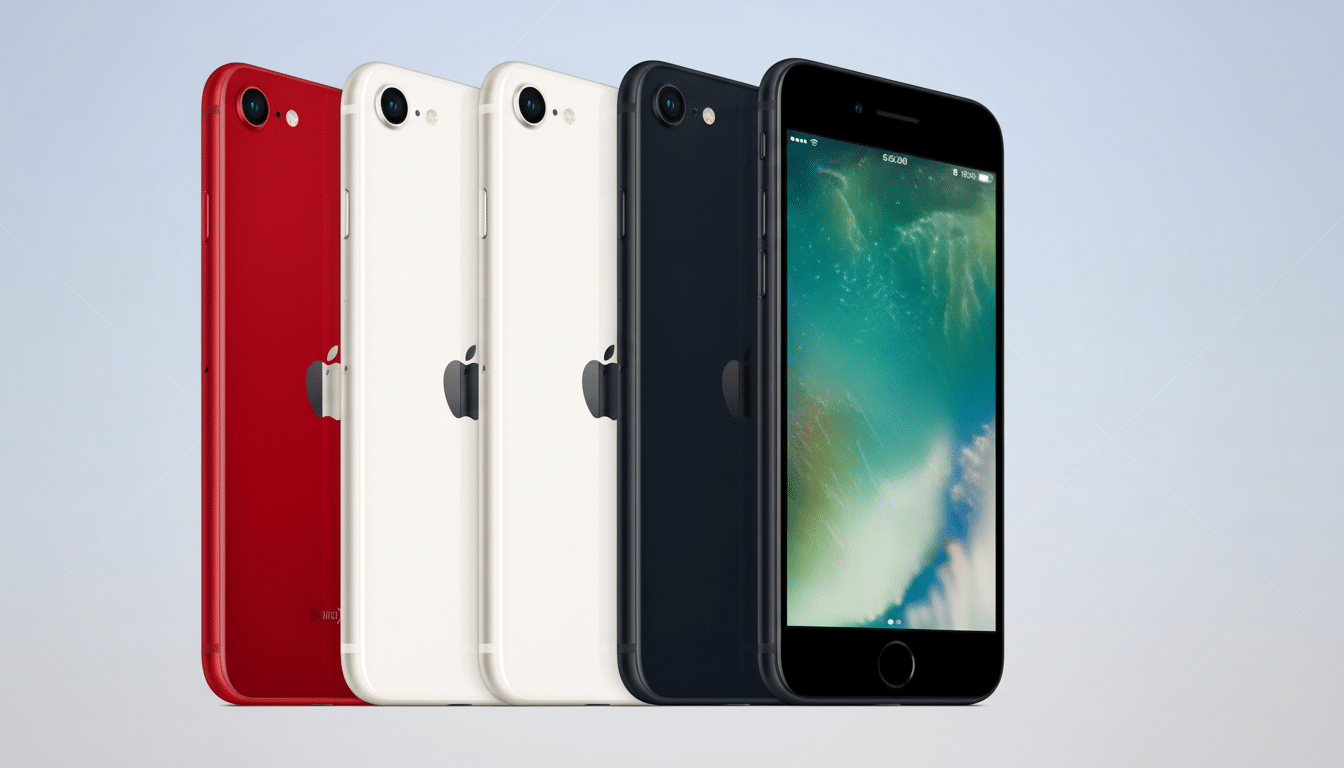
Cheaper models also included are: iPhone SE (2nd generation) and iPhone SE (3rd generation) are also in line for iOS 26. That’s significant in part because the SE line is about extending the lifespan of high-quality software to lower-cost hardware, and Consumer Intelligence Research Partners says this is part of a broader Apple strategy to keep consumers using a two-year-old iPhone longer than any of its competitors manage to make stick.
What doesn’t get into the cut?
iOS 26 is dropping support for iPhone XS, XR and XS Max, iPhone X, iPhone 8 and 8 Plus and the original iPhone SE. In practice, this means the floor is Apple’s A13 Bionic era (iPhone 11 and SE 2). The features behind iOS 26’s Liquid Glass visuals and on-device AI extensions rely on Neural Engine throughput and memory bandwidth that the older chips just can’t keep up with consistently.
Such a cutoff is typical of Apple’s multi-year support schedule as well as security stance. Apple’s Platform Security documentation emphasizes that novel OS protections including updates to memory safety and stronger entitlement models frequently integrate with silicon features. Older devices still work, but they no longer get the latest feature set, and ultimately, they may stop receiving critical security patches.
When you can install
iOS rollouts are primarily divided into three stages: developer beta, public beta and general release. The public beta is already available to anyone who signs up to Apple’s beta program, and the stable build arrives as an over-the-air update to all supported iPhones on day one. The updates are worth downloading now, but the release could be a couple of days away by the time the updates hit Apple’s servers outside the United States.
If it’s live, go to Settings > General > Software Update. If you’re already enrolled in the beta, un-enroll to see the final build. Apple typically flips the switch on at an international level, so availability can sometimes hit a few minutes or even a few hours apart according to a region and a carrier’s own cache.
How to prepare (and not have headaches from updates)
Back up first. iCloud backups are the most straightforward, but an encrypted Finder or iTunes backup retains more app data and login tokes. Apple Support suggests doing a time machine backup prior to a significant OS upgrade.
Free up space. A few free GB above and beyond that often seems to be called for—shoot for 8–10GB, just to be on the safe side, and steer clear of a failed installation dance. Offload unused apps, delete large message attachments or temporarily transfer photos and videos to your computer or an external drive.
Power and connectivity matter. Keep your iPhone on Wi‑Fi and plugged into power, and don’t enable Low Power Mode while the software is installing. If you’re using a VPN, temporarily disable it to avoid update server timeouts.
Update key apps. There’s often a mad rush to ship compatibility updates somewhere around a new iOS. Get them before Day One online service crashes by checking the App Store for updates a couple of days early.
Why Apple cuts it off at the iPhone 11 and beyond
Under the hood, iOS 26 relies on on‑device models, real‑time visual effects and background protections, which work best on A13 Bionic and later. Apple’s security research shows how new silicon provides features such as faster hardware key operations and more isolation between system processes. That amounts to smoother animations, lower power drain and safer app sandboxes — things harder to achieve on older chips.
The numbers are likely to spike rapidly. Mixpanel’s iOS tracking has revealed that well over half of active iPhones usually migrate to a major new release in the space of weeks, buoyed by automatic updates and generations of app compatibility. You could expect a similar path here, not least because of common “26” branding across iPhone, iPad, Mac and Watch that simplifies life for multi‑device homes.
Bottom line: 1 check, confidently update
Having an iPhone 11 or newer — or an iPhone SE from 2020 or later — will get you the software update. Those on an iPhone XS, XR, XS Max or earlier won’t be getting the update and should think about Apple’s or other big retailers’ trade‑in programs if they want to be on a more solid feature and security footing.
When the release goes down, take a step back, create some room, plug in and upgrade. It’s the easiest way to get the new Liquid Glass experience — including the security enhancements that go with it.
