


Apple’s new iOS 26 upgrade quietly beefs up Vehicle Motion Cues, the on-screen system that aims to minimize car, bus and train motion sickness for people who read or work on their devices. It brings dynamic animations, more sensitive visual controls and more intuitive activation — all in all, making the feature less experimental and a lot more essential for those of us with long commutes or families.
Why this upgrade matters for motion-sickness relief
Motion sickness isn’t niche. Medical literature often says that up to a third of people are susceptible under the right conditions, and the National Institutes of Health names it as a sensory mismatch between what the eyes see and what the inner ear feels. That dissonance is most pronounced when you’re a passenger gazing down at a screen while your body moves in another direction.
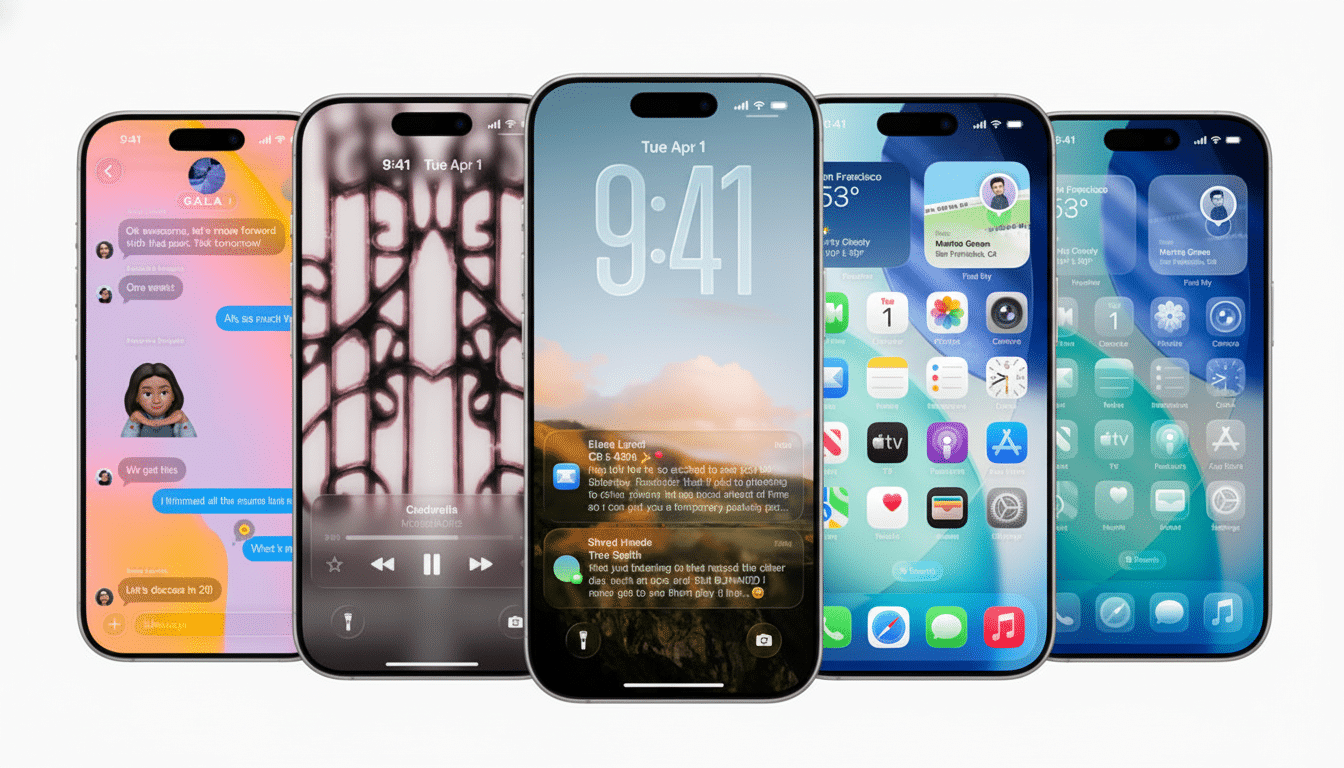
Vehicle Motion Cues solves the issue by providing a small visual “horizon” to your eyes, an animated border of dots that travel in parallel with the car. It is based on the principle that vestibular experts frequently recommend: feed back consistent, peripheral movement information to resolve sensory conflict. It can help reduce nausea and disorientation for many people, especially during reading or scrolling, the Vestibular Disorders Association says.
But the upside is also more than just comfort. Less queasiness leads to more productive commutes, quieter back seats on long car rides and fewer passengers abandoning their screens in the middle of a journey. It’s a tiny interface tweak that could significantly alter how people use devices out and about.
What’s new in iOS 26 for Vehicle Motion Cues
Apple’s original implementation was a steady stream of dots that wrapped around the edge of the display and followed movement. The system in iOS 26 is more flexible and more personal:
- Dynamic patterns: New “dynamic” mode shifts the inimitable repeating pattern animation to respond more immediately and gradually to acceleration and direction changes. It feels less like wallpaper, more live motion feedback linked to your ride.
- Visual tuning: Color and size are now directly adjustable for dots — which is important for being able to see well in different lighting conditions, night driving and differing contrast needs — and testers have even finer control over the level of noise (in essence, coding “clouds” into visual images by upping the quantity and magnitudes of particles present). Bigger dots punch farther out into your peripheral vision; stronger, confident colors come in handy when glare washes out the screen.
- Easier access: It is pinnable to Control Center, and can automatically know when you are in transit in a moving vehicle, resulting in less hunting through menus while getting into the car or on the train.
These new features are available for iPhone and iPad, but Apple has also introduced support for newer Macs, which is handy if you’re on a train or coach where laptops are prevalent.
Behind the scenes of the Vehicle Motion Cues system
Vehicle Motion Cues utilizes the device’s built-in motion sensors — the accelerometer and gyroscope also accessed by the Core Motion framework — to infer acceleration, turns and stops. Then those animated dots slide, shift or ease to indicate that force, providing a constant visual reference in your periphery as you pay attention to text or video at the center of your screen.
And in practice, the border shifts subtly forward when a bus accelerates, rolls with a lane change or settles as a train pulls into a station. The effect is subtle by design; it’s just to let your sensory system know something.
Setup tips and real-world use for Vehicle Motion Cues
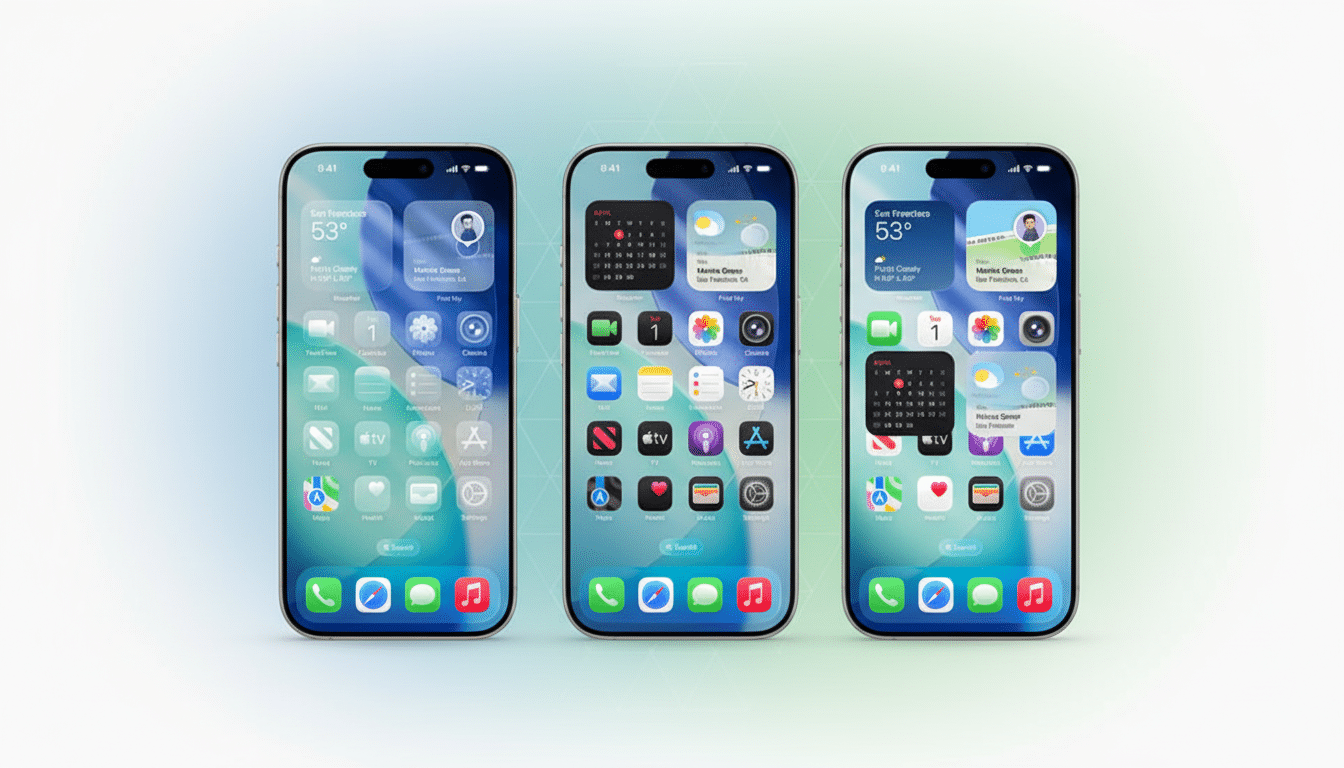
You’ll find Vehicle Motion Cues in Accessibility settings, under Motion, where you can toggle between regular and dynamic patterns and customize color and size. Throw the control into Control Center for quick onboard toggling. If you have a particularly sensitive system, you can combine it with Reduce Motion in the same settings area to scale back other system animations that may exacerbate symptoms.
For buses and trains, experiment with big dots and beautiful bright high-contrast color to counter reflections. Softer colors can help reduce eye strain while driving at night yet still maintain more peripheral vision. Parents say it reduces back-seat nausea, without having to ban screens during long car rides on kids’ iPads.
Research from the University of Michigan Transportation Research Institute has found that reading and use of a screen are two of the most provocative activities for people who are prone to motion sickness. This update directly addresses that situation by making the visual counter-signal more active and more noticeable.
Part of a broader accessibility push across Apple
The upgrade arrives as part of a larger accessibility push, which has seen the addition of eye tracking, music haptics and voice shortcuts in recent months. What’s notable is the speed with which features as profound as Vehicle Motion Cues have become mainstream utilities, rather than niche aids — a trend that is also evident throughout the industry, where companies loosely align themselves under inclusive design standards like WCAG and system-level reduced-motion preferences.
It’s a reminder, too, that simpler design for accessibility can often make the baseline experience more pleasant for all. For travelers who aren’t prone to motion sickness, the lack of movement also means more dependable and comfortable screen time. With iOS 26, the answer is no longer one size fits all; it’s about meeting people where they’re at, how they see and how they move.
If you avoid reading, working or watching on the go because of motion sickness, you might want to give the new Vehicle Motion Cues another try. The iOS 26 upgrade is most useful when you combine the tap-to-open feature with custom settings for personalized feedback.
