


If the battery life on your iPhone suddenly seems like it’s in free fall after you installed iOS 26, you’re not alone. “I’m also seeing sharper-than-normal drops in the battery — 40% or 50% just by early afternoon, after two hours of mixed use,” he wrote in that same subreddit discussion thread. Apple’s position is straightforward: this is normal behavior following a major release, and should settle down over time.
Why Your Battery Drains After Big Updates
Post-update battery drops occur because of a flood of background activity. Spotlight reindexes your files and apps, Photos revisits the library to rescan for people and scenes, Siri suggestions reconstruct on-device models, iCloud services re-sync metadata. Apple’s support docs say these processes will spin up for some time after installation and may have an impact on both power draw and temperature.
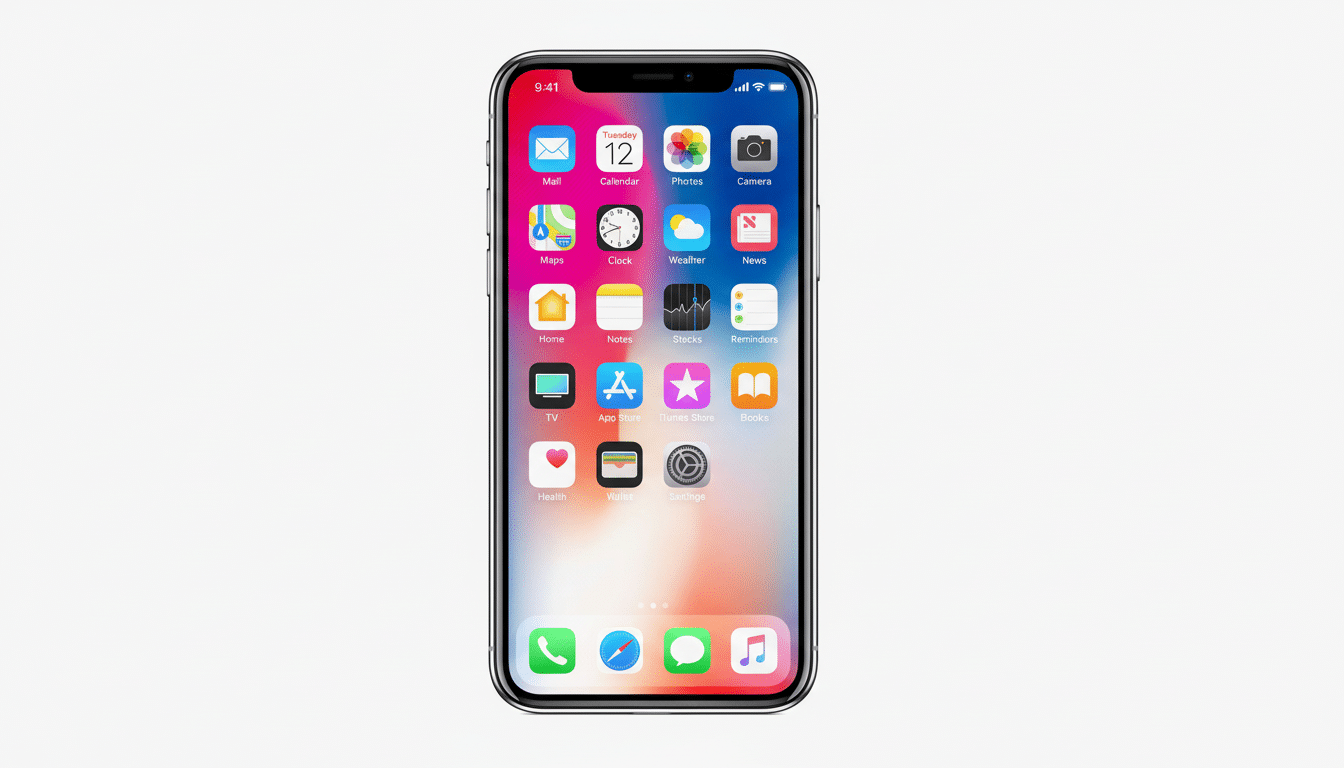
That burst of computation is heavier on the CPU, GPU and Neural Engine than normal, which you often feel as warmth. Lithium‑ion cell efficiency also decreases at high temperature, so the sensation of rapid drain is amplified. Battery science groups like Battery University have for years been explaining that heat boosts internal resistance and can sometimes temporarily cut into usable capacity, so the information is hardly revolutionary.
How Long the Post‑Update Battery Drain Lasts
For most users, things should stabilize over the next 24 to 72 hours as indexing wraps up and machine learning models finish rebuilding. Apple has long described this window as temporary, post-major release. If you mostly charge wirelessly overnight, the system will attempt to time heavy lifting for when the phone is idle and connected to power, reducing disruption.
Adoption is part of the story. There is also the fact that analytics firms watching iOS rollouts often observe rapid pickup in the first few days, which concentrates reports of early battery weirdness. It seems like a crisis because you have all those people hitting the same “post‑update churn” at the same time.
Power‑Themed Features and Tweaks in iOS 26
iOS 26 battery tweaks include a few new ones worth knowing about. OPTIMIZED BATTERY CHARGING: A new, more efficient fast charging capacity when you need it. Power up your battery quickly or in lower charge times so you can optimize and manage within intervals throughout the day. There’s also a new adaptive power mode that dials down performance, reduces background activity and can nudge screen brightness to lower it just a bit when you’re trying to eke out more runtime.
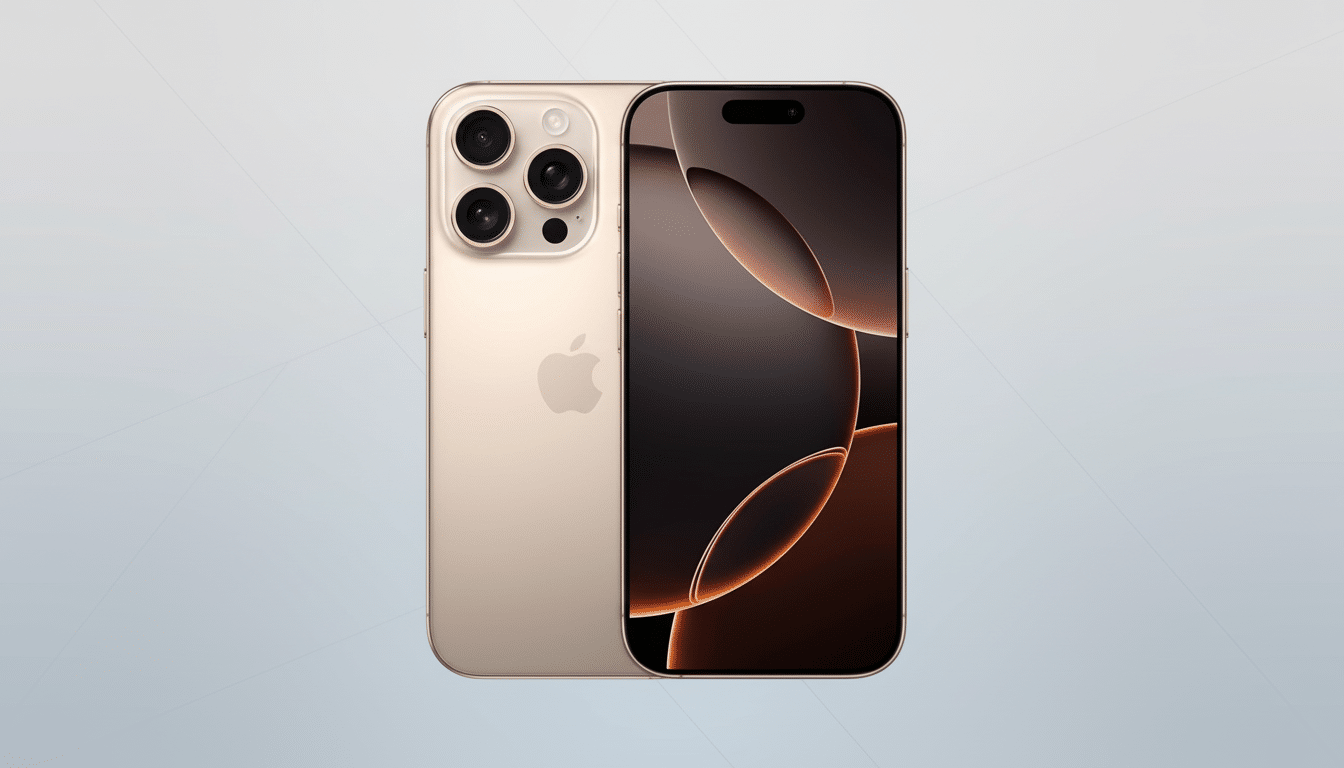
That adaptive mode relies on on‑device intelligence, so it’s only available on recent hardware — Apple says iPhone 15 Pro and later models are needed to get the full set of features. Like any smarter power profile, the price is occasional throttling or delayed background refresh to keep you from a charger for longer.
Quick Fixes While Your iPhone Reindexes After Updates
If you need to eke out battery life over the next couple of days, there are a few painless tweaks that can help without disabling your phone:
- Leave the phone on Wi‑Fi and plugged in overnight, so that Photos analysis, Spotlight indexing and app updates happen quicker.
- Investigate any app spiking usage unexpectedly by going to Settings > Battery; remove or restrict Background App Refresh if guilty.
- Put your iPhone in Low Power Mode temporarily and turn off any Live Activities or always‑on widgets that you don’t need.
- Disable Location Services for infrequently used apps and restrict “Precise Location” when it’s unnecessary.
- Don’t game or 4K video capture when it already feels warm; heat accelerates drain and slows the background catch‑up.
When It’s Not Regular Use of the Battery
If battery life continues to seem off after three days — like, say, double-digit percentage drops per hour with light use — dig deeper.
Go to Settings > Battery and look at the 24‑hour and 10‑day breakdowns for runaway apps, and check out Battery Health to make sure your maximum capacity is not so reduced that it warrants replacement.
Also try a clean reboot, and check a second time for updates to your apps; after a big iOS release like this one, developers often have to push quick fixes. If the issues continue, gather a diagnostic summary, then contact Apple Support or submit feedback using the built‑in tools. Apple’s own notes admit that new features do sometimes consume resources they should not; real bugs slide through the cracks, and early point releases typically clean them up.
The bottom line: iOS 26’s early battery hit is the expense of that also reindexing of those indexes/models/assets — standard, loud and short-lived. Let your iPhone run through a few charge cycles and do its housekeeping over Wi‑Fi; you should see battery life return to normal without any compromises.
