


Apple has begun deploying iOS 26.2 to iPhone 11 and 2nd‑generation iPhone SE devices and later, sprucing up the Liquid Glass interface, making AirDrop a little more private for strangers, and adding offline lyrics to Apple Music. This is not a blockbuster release, but it does make our everyday experience juicier — and this “everyday experience” means, more specifically, the things we prod and touch daily.
Liquid Glass Lock Screen Polish With Opacity Controls
Liquid Glass: Apple’s new material aesthetic from iOS 26.1, now with exacting controls for the Lock Screen. And a new slider makes it possible to adjust the opacity of the clock so that your portrait wallpapers can shine — without having to sacrifice legibility. Users can maintain a completely solid clock for best contrast, or dial translucency down low enough to allow background highlights to peek through.
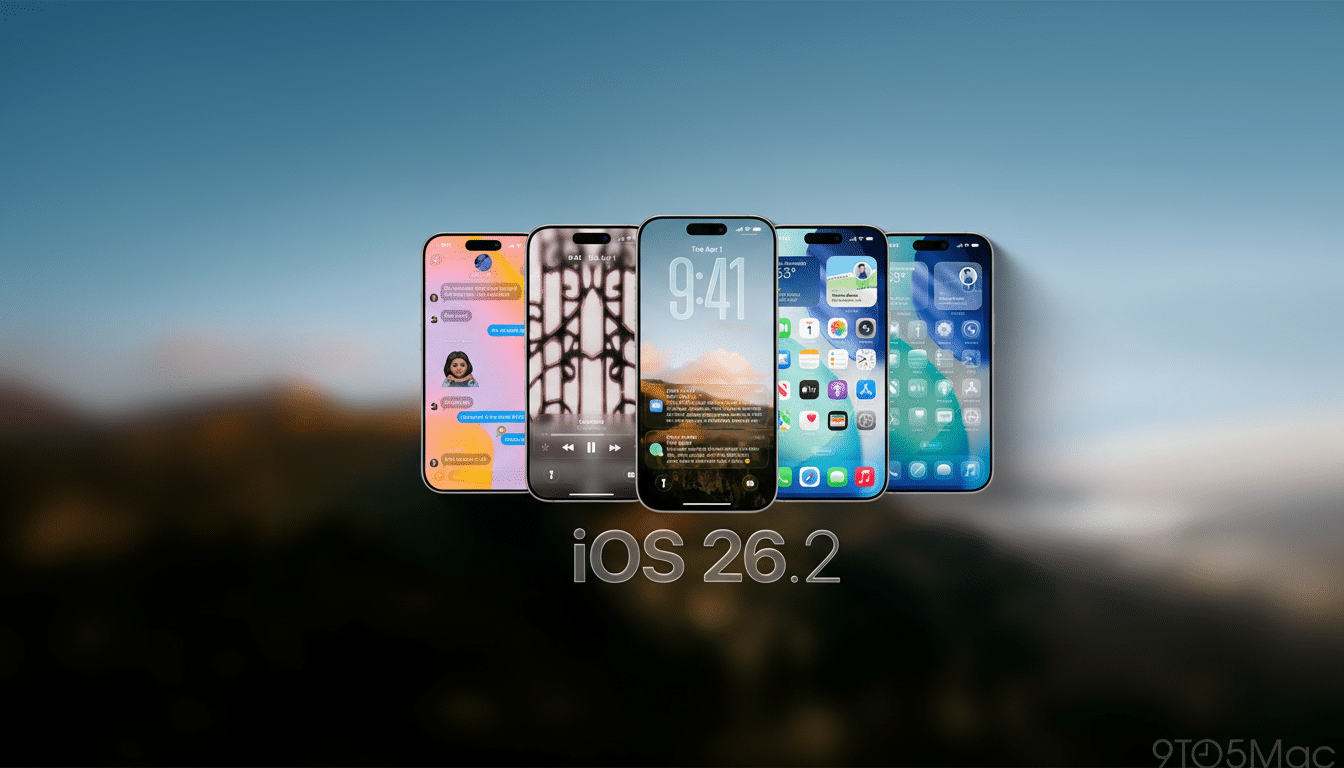
Outside of the Lock Screen, Apple is weaving Liquid Glass into system utilities like Measure, establishing a cohesive visual language that reacts to depth and light. The approach mirrors Apple’s tendency to weight material cues, as in the transition from skeuomorphism to translucency in earlier iOS days; here it gives users finer control than the Clear/Tinted toggle that shipped in 26.1.
Why it matters: small readability gains lead to small glance times. In usability testing, a few points of contrast and clarity can shave interaction time by easily measured amounts. For commuters or outdoor laborers who unlock phones dozens of times a day, it adds up.
Sharing Tightens With One-Time Codes in AirDrop
There’s now a code-based verification step when AirDrop is used with people we don’t know. On the destination, you generate an AirDrop code, which is then read on the sending iPhone, or manually entered on it in order to effect the transfer. After that, the two devices can AirDrop with each other for 30 days before the trust window closes automatically.
This builds on Apple’s multi-year campaign to stop AirDrop spam in public places. And after adding the 10 Minute Everyone function to thwart drive-by sharers, today’s code‑gate will get educators, enterprise admins, and event organizers a more practical way for them to sign off on ad‑hoc transfers (you know: letting that trade show booth visitor copy your 4K Demo Reel) without greenlighting every pop‑up window that tries to bump against you in a crowded exhibit hall.
Security experts have recommended out-of-band verification as a way to counter misdirected or spoofed device names. Apple’s approach maintains lightweight flow while grounding it in user intent. It also brings a better audit trail for IT staff responsible for shared devices, a use case highlighted by those covering enterprise deployment trends.
Offline Lyrics in Apple Music for On-the-Go Listening
With iOS 26.2, you get lyrics for the music you love — even when you’re offline.
Great for flights, underground subways, or rural roads without signal. Once a track is downloaded, users can view synced lyrics even without a data connection. That also means features like karaoke‑style sing‑alongs are possible on the go, not just over Wi‑Fi.
Expect holes in coverage — some of your rights holders may not have added timed lyrics — though Apple’s catalog has gradually swollen its lyric support over the years. Historically ranking among the leading global music services by subscriber share (as measured by firms like MIDiA Research), as important as widely appealing upgrades that improve stickiness on travel may be in influencing listening hours and churn, for example, there is always the likelihood that any new features added to Apple Music are heard back at camp.
Practical tip: To take advantage of that, download a full album or playlist in advance and make sure “View Full Lyrics” shows up for those. After caching, it looks and feels just like connected mode.
Quality‑Of‑Life Extras Round Out The Build
The Reminders app adds an optional alarm for when a task is due (toggle Urgent while creating the reminder), and a Live Activity countdown on the Lock Screen, with quick actions to complete or reschedule.
It’s a tiny change with big behavioral benefits for time-related tasks.
Some features vary by region. EU users get live translation to AirPods, which falls in line with regional regulations around transparency and user control. In the United States, Enhanced Safety Alerts can also show guidance during events such as floods or earthquakes, adding to Apple’s larger push around device-enabled safety.
Who Gets iOS 26.2 and How to Update Your iPhone
iOS 26.2 is available on iPhone 11, iPhone SE (2nd generation), and later. As always, back up your device before going to Settings > General > Software Update. Be sure to have at least 50% battery or be on a charger, and know that download size may differ from your model and previous version.
Early reports from developer notes and coverage by Apple‑focused publications suggest there are no broad problems with performance regressions, and if anything the UI polish and security wins make this a clear recommendation.
If you’re a Liquid Glass user in 26.1, the new Lock Screen controls alone make it worth installing right now.
Bottom line: iOS 26.2 isn’t flashy, but it smartly refines the things you touch every day — what you see, how you share, and how you listen.
