


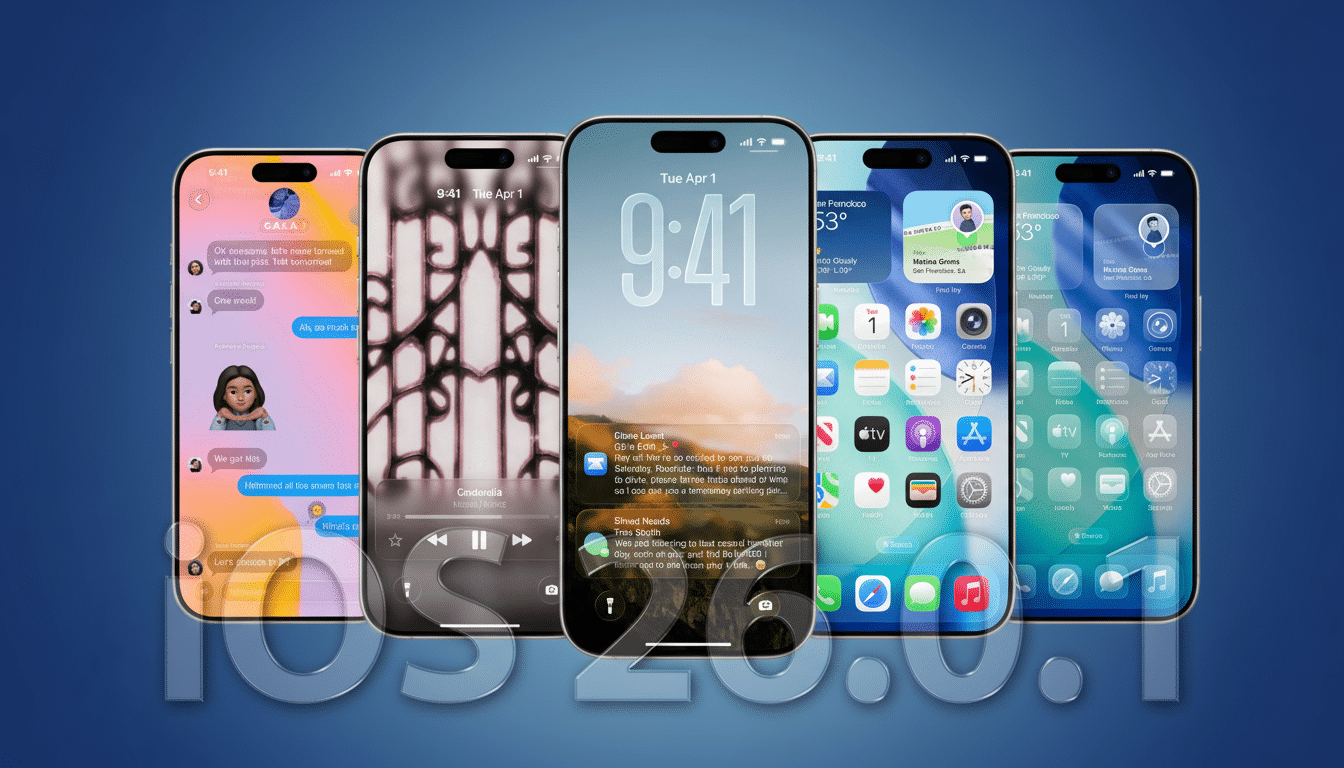
Apple’s first maintenance release for iOS 26 targets two headaches that have affected early adopters: an unstable Wi‑Fi connection on certain iPhone 17 models and a font‑related flaw that could crash apps. The update, iOS 26.0.1, also resolves a few secondary issues concerning connectivity and image capture.
What Apple says is fixed in the iOS 26.0.1 maintenance update
Apple’s official release notes for iOS 26.0.1 state that the update fixes an issue where Wi‑Fi and Bluetooth could be disabled intermittently.
- What Apple says is fixed in the iOS 26.0.1 maintenance update
- The font vulnerability in iOS 26.0.1 and how Apple fixed it
- Why Wi‑Fi bugs often strike new phones and how they manifest
- What to do now to update and troubleshoot your iPhone 17
- What this means for builders and creators
- Bottom line: why iOS 26.0.1 is a priority for iPhone 17 owners
Users reported drops on otherwise good networks and were only able to regain connectivity by toggling radios or power cycling their device.
Apple also acknowledges a “small number” of devices lost cellular connectivity after updating to iOS 26 and says this build restores network access. On camera behavior, the company says pictures taken under certain lighting conditions on iPhone 17 models could show unusual artifacts; that has been fixed.
The font vulnerability in iOS 26.0.1 and how Apple fixed it
The patch for the headline security bug is indexed as CVE‑2025‑43400. Apple puts it succinctly: processing a maliciously crafted font may lead to arbitrary code execution. That generally means input validation and bounds‑checking improvements in the text rendering pipeline.
Apple says it is unaware of evidence indicating that anyone has exploited the vulnerability in the wild. But font engines are a common attack surface because many apps (browsers, messaging clients, document viewers) parse fonts without user intervention. There have been similar cases documented by security researchers over the years, including the 2018 crash when some Telugu characters caused issues with the way iOS processed text input.
Apple is issuing simultaneous patches against the same CVE for iPadOS, macOS, and visionOS, and is keeping coverage active for some older iPhone models now on an older iOS release. The cross‑platform nature of that suggests the problem is in an underlying component such as CoreText or a related font library.
Why Wi‑Fi bugs often strike new phones and how they manifest
Intermittent Wi‑Fi dropouts on a brand‑new phone are often related to radio stack tuning that accompanies the introduction of new chipsets, antennas, and software all at once. The iPhone 17 range also brings a few changes in spectrum sharing between Wi‑Fi and Bluetooth, which may expose edge cases with band steering (2.4GHz/5GHz to 6GHz) and with roaming across mesh nodes. WPA3 authentication and power‑saving transitions are other points of friction until vendors tune firmware and drivers.
Apple’s mention of Bluetooth drops when Wi‑Fi drops suggests coexistence logic—timing bugs can percolate into brief disconnections on one link or the other when both radios jockey for airtime. The fix in iOS 26.0.1 should steady those interactions without requiring users to resort to workarounds such as turning off Private Wi‑Fi Address or switching off 6GHz bands.
What to do now to update and troubleshoot your iPhone 17
For customers, the first step is to update to iOS 26.0.1 through Settings > General > Software Update. First, back up your iPhone to iCloud or iTunes, plug in to power, and download the update over a dependable Wi‑Fi connection. If you’re still seeing dropouts, forget and re‑join the networks in question, make sure your router’s firmware is up to date, and as a last resort try resetting Network Settings.
For IT admins, fast‑track deployment with your MDM to iPhone 17 fleets, especially for environments with WPA3‑Enterprise or dense mesh deployments that roam frequently. On the security front, list CVE‑2025‑43400 as resolved once devices check in with 26.0.1 build levels. If you’ve gone the route of tracking risk with crash telemetry, watch for a drop in text rendering crashes after this patch rolls out.
What this means for builders and creators
App developers who rely on custom fonts, Dynamic Type, or web fonts delivered by a server will see the best results after 26.0.1 and should retest their rendering paths to ensure stability and performance.
While Apple’s remedy is at a system level, apps that preprocess or subset fonts can still unwittingly re‑expose corner cases; it is best to validate inputs and avoid untrusted font payloads.
Photographers and filmmakers making iPhone 17 their main camera should also notice cleaner images in challenging artificial light that previously introduced artifacts. If you captured anomalies earlier, compare shots after updating to verify that the imaging pipeline change has resolved them.
Bottom line: why iOS 26.0.1 is a priority for iPhone 17 owners
iOS 26.0.1 is a must‑install for iPhone 17 owners. It should solve Wi‑Fi and Bluetooth disconnects, restore cellular service for a small number of users, sort out a camera artifact, and patch a font‑parsing issue that could cause apps to crash. With matching patches arriving across Apple platforms, this is an important stability and security mop‑up release to prioritize.
