


Apple’s first maintenance update for the company’s latest mobile OS comes with a clear directive: stamp out those aggravating bugs quickly, and patch a security vulnerability that can’t be ignored. iOS 26.0.1 focuses mostly on stability—including connectivity, camera, accessibility, and Home Screen customization fixes—but it also includes a patch to fix the recently disclosed FontParser bug. Whether you already updated to iOS 26 — or if you waited on the last few updates — this is the update to get.
What iOS 26.0.1 fixes across connectivity, camera, and more
At the top of your list should be connectivity. There were also some reports by iPhone 17 owners that Wi‑Fi would drop and reconnect every time they woke their devices, causing disruptions in CarPlay. The problem reportedly occurred in a few cases, such as when an Apple Watch was connected or when a VPN profile was activated. iOS 26.0.1 aims to fix that root behavior, and Wi‑Fi handoffs from one access point to another should soon be back on track, as should CarPlay reconnections more generally.
Apple also fixes an issue that allowed a phone to lose cellular registration if moving to iOS 26. The new build helps to fix network attach routines, decreasing the probability of bars disappearing and calls not going through.
One of the photos from an iPhone 17 I took in difficult mixed lighting for the camera sensor revealed artifacts, such as banding and coloring, that a computational photograph should not exhibit nowadays. In iOS 26.0.1, Apple optimizes its image pipeline to suppress those artifacts, particularly in edge cases where exposure and tone mapping used to be overcorrecting.
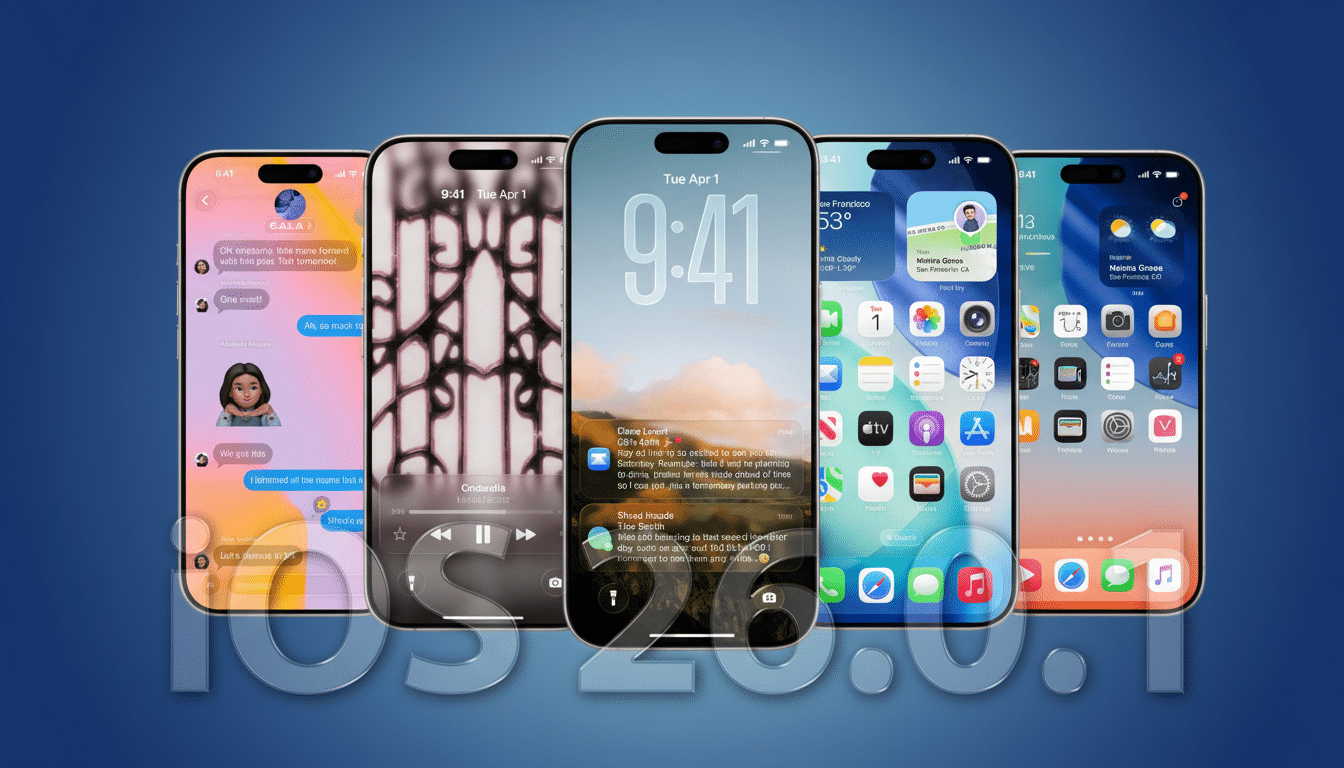
Customization gets a polish, too. Some users who set custom Home Screen tints saw app icons render as blank squares. A few icons have been redrawn to ensure they display correctly according to themes and tints.
Accessibility reliability is also improved. VoiceOver, which reads the words on your screen out loud, was pausing without explanation for some people after installing iOS 26. VoiceOver is solid again in the 26.0.1 update, so navigation should be reliable for those of us who depend on that feature.
Why the iOS 26.0.1 security patch should not be missed
The update patches a vulnerability in Apple’s FontParser framework, which has the complex task of interpreting fonts across the system. Ever gotten a call from a liability lawyer or security team member about some of the code paths you traveled half a decade ago and thought, “Who is still using that years-old version?” With fonts—the thing pretty much every app processes in some way without hitting refresh—there are multiple points of processing where parsers get hit by memory corruption given any specifically crafted font, and the time to exploit seems to diverge very little between disparate systems.
The vulnerability has been described as a memory safety bug in Apple’s security notes and could cause application crashes, or even allow code execution if it was exploited. There is no cause for panic, but this sort of behind‑the‑scenes patching is why point updates are needed. Use it early.
How to safely and quickly update your iPhone to 26.0.1
On your iPhone, go to Settings -> General -> Software Update. If you have low battery, charge up or make sure you have more than 50 percent. Download size varies by device and previous version.
For effortless installation: Create a speedy iCloud or Finder backup, free up some headroom on your drive, and turn off any VPN if the download stalls. If there’s no update available, try restarting the device and looking again. Indexing and background tasks need a few hours to calm down after installation before we can assess battery life.
Related updates throughout Apple platforms
The cleanup is not limited to iPhone. iPadOS 26.0.1 also includes the same VoiceOver fix, as well as a fix for a floating keyboard that might jump locations. For desktop, macOS Tahoe 26.0.1 fixes an upgrade block that prevented some Mac Studio M3 Ultra devices from upgrading and includes the FontParser security patch.
Apple Watch users will want to see watchOS 26.0.2 as the most recent release; there was a previous 26.0.1 edition that only affected Series 3 models.
Apple TV owners should install tvOS 26.0.1, and Vision Pro users need the visionOS 26.0.1 file to upgrade. Having the same overall ecosystem up to date also minimizes cross‑device wrinkles — from handoff hiccups to continuity oddities.
Why this iOS 26.0.1 point release is important now
Given the nature of major OS launches, corner‑case issues are inevitable once millions of users start hitting real‑world networks, cars, and accessories. That’s where Apple tightens those screws in earlier point releases like 26.0.1. Independent analytics companies that monitor iOS adoption regularly report on the relatively quick adoption of these maintenance updates as they introduce value‑adding features and important security fixes.
If you moved to iOS 26 and saw some strange Wi‑Fi or cellular behavior, weird issues with photos, hiccups in sending email, unreliable light dimming, or even erratic VoiceOver operations, 26.0.1 is just for you. Even if everything was fine, the FontParser patch alone should make you update today.
