


Hyprland’s rise from niche tiling experiment to headline Wayland compositor is accelerating, and four Linux distributions now make trying it refreshingly simple. Each ships a ready-to-use Hyprland session with sane defaults, while one delivers a level of polish that feels, frankly, glorious.
The timing is right: Wayland is now default across major desktops, NVIDIA’s recent drivers have closed key gaps, and the broader stack—PipeWire for audio, modern input methods, HDR and fractional scaling support—has matured. Hyprland’s GitHub project has amassed more than 10,000 stars, reflecting its momentum and the community’s appetite for keyboard-first workflows.
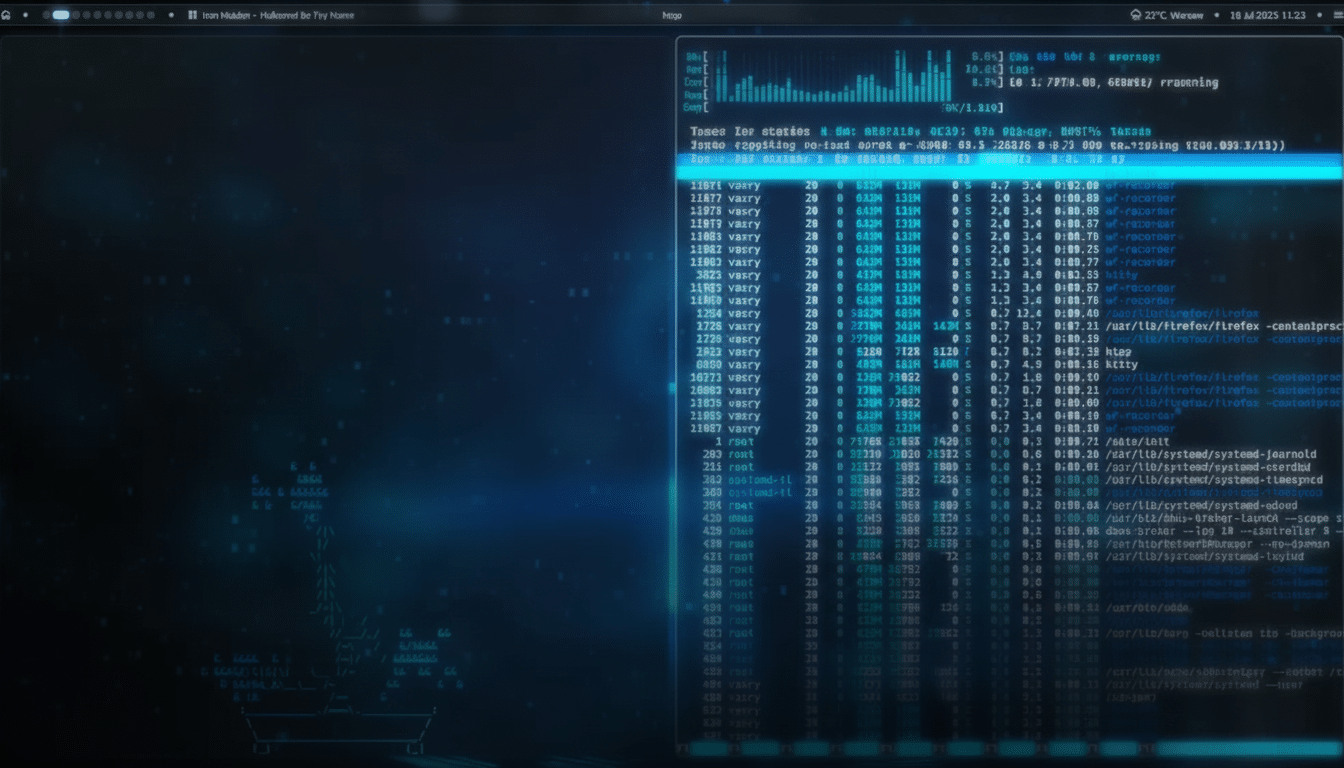
StratOS Is the Showstopper Among Hyprland Distros
Based on Arch, StratOS offers a Hyprland spin that feels crafted rather than assembled. The theming is coherent from the greeter to notifications to Waybar, animations are restrained and responsive, and a built-in shortcuts guide lowers the learning curve for new tiling converts.
Out of the box, it balances performance with aesthetics, avoiding the “demo wallpaper” syndrome that plagues many first-run configs. The only notable omission is a graphical app store; power users won’t miss it, but newcomers can add a GUI package manager like Pamac from the AUR in minutes. The result is a desktop that looks premium and stays out of your way—easily the standout in this roundup.
Garuda Hyprland for Power Users and Extra Polish
Garuda’s Hyprland edition leans into performance and eye candy without apology. You get the Zen kernel, Btrfs with automated snapshots and rollbacks, GPU-friendly defaults for both AMD and NVIDIA, and a buffet of themes for users who like to rice their workflow.
It is not lightweight—you’ll want modern hardware—but the trade-off is a system that feels fast, looks sharp, and “just works” after install. The snapshot tooling is a quiet hero: one bad tweak to your configs and you can roll back in a click, a safety net that makes experimenting with Hyprland far less intimidating.
CachyOS Hyprland for Speed, Tuning, and Gaming
CachyOS pairs a tuned Arch base—microarchitecture-optimized packages, LTO builds, multiple kernel options—with a preconfigured Hyprland session that favors speed. The distribution has hovered near the top of DistroWatch’s page-hit charts, a rough but telling proxy for user interest.
For gamers, the pitch is straightforward: robust driver support, performance-centric defaults, and a compositor that thrives on keyboard precision. With Linux’s share on the Steam Hardware Survey hovering around 1.5% in recent months according to Valve, the ecosystem’s steady growth plus CachyOS’s optimizations make this a compelling choice if your library lives in Proton and your hands live on WASD.
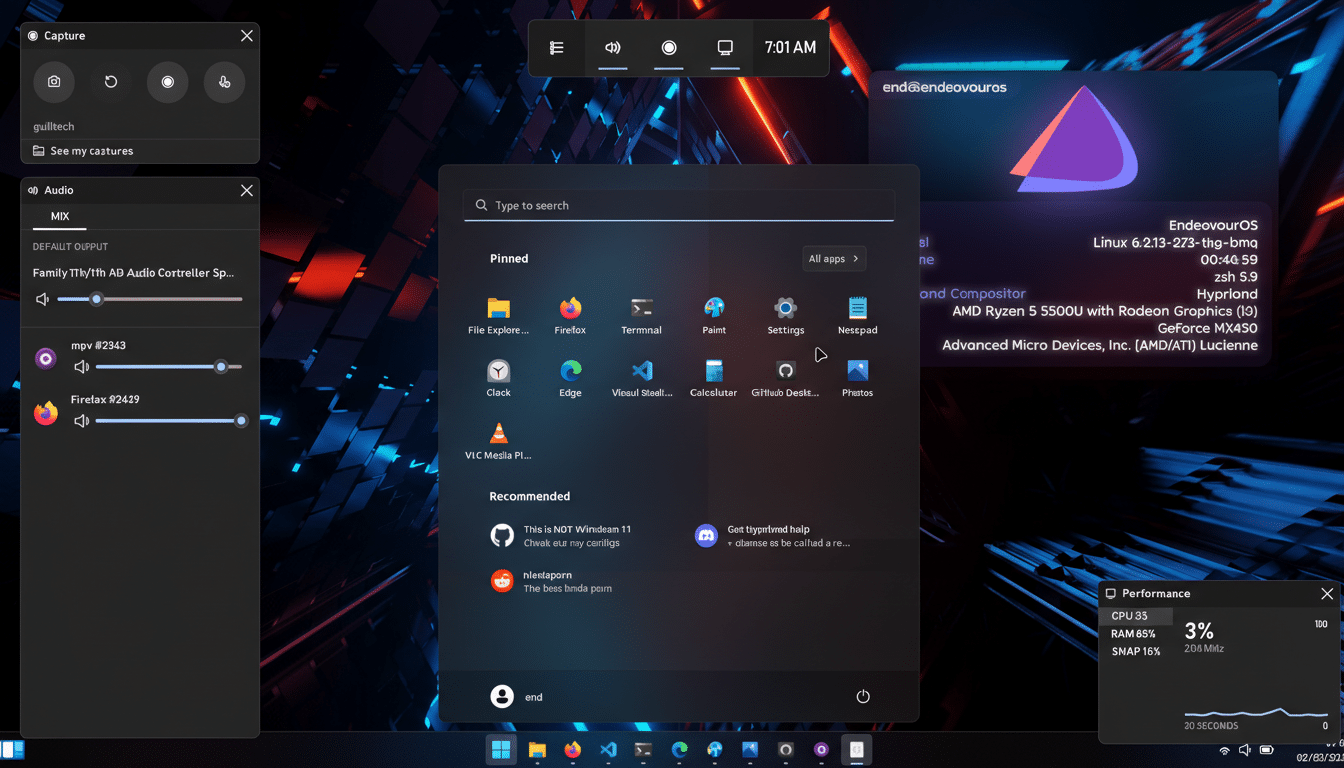
Omarchy, the Thoughtful Omakase for Hyprland
Omarchy popularized the “omakase” approach for Hyprland: opinionated defaults that are beautiful and practical on day one, yet flexible if you want to customize later. It removes the pain points of manual setup—compositor quirks, input methods, notifications, power management—and gives you a cohesive environment immediately.
It ships a sensible suite of apps for work and play, so you can get productive without a marathon package hunt. And because the defaults are measured rather than maximalist, it runs well on a broad range of hardware while leaving headroom for your own dotfiles.
Why Hyprland Clicks Now for Many Linux Users
Hyprland’s appeal is simple: tiling speed with Wayland-era smoothness. Keyboard-driven window management shortens context switches, while modern Wayland features—per-monitor scaling, dynamic rendering, precise frame timing—keep animations crisp. With KDE Plasma 6 and recent GNOME releases standardizing on Wayland, compositor-level tooling and driver support have improved across the board, a shift documented extensively by projects like freedesktop.org and covered by outlets such as Phoronix.
Getting Started Fast with These Hyprland Distros
Pick the image that matches your priorities: StratOS for design coherence, Garuda for power features, CachyOS for performance and gaming, Omarchy for polished simplicity. On NVIDIA, use current proprietary drivers; all four distros handle them well. Enable Btrfs snapshots where offered before heavy tweaking.
Spend ten minutes with the built-in shortcuts guide, then version your configs so you can iterate safely. Most spins include a pragmatic core—Waybar, wofi or rofi, hypridle, hyprpaper—so you can refine rather than rebuild.
The verdict: Hyprland is no longer just for hobbyists. These four distros make it a low-friction, high-reward upgrade—and StratOS, with its meticulous finish, is the one that genuinely dazzles.
