


Linux is still known for running skinny, but the latest desktops, browsers, and creator tools have raised the floor. I measured usage against several common workloads, desktop environments, and apps, melding the collective data I’d generated to answer, without conjecture: how much RAM do you actually need in 2025?
The real-world baseline for desktop memory usage
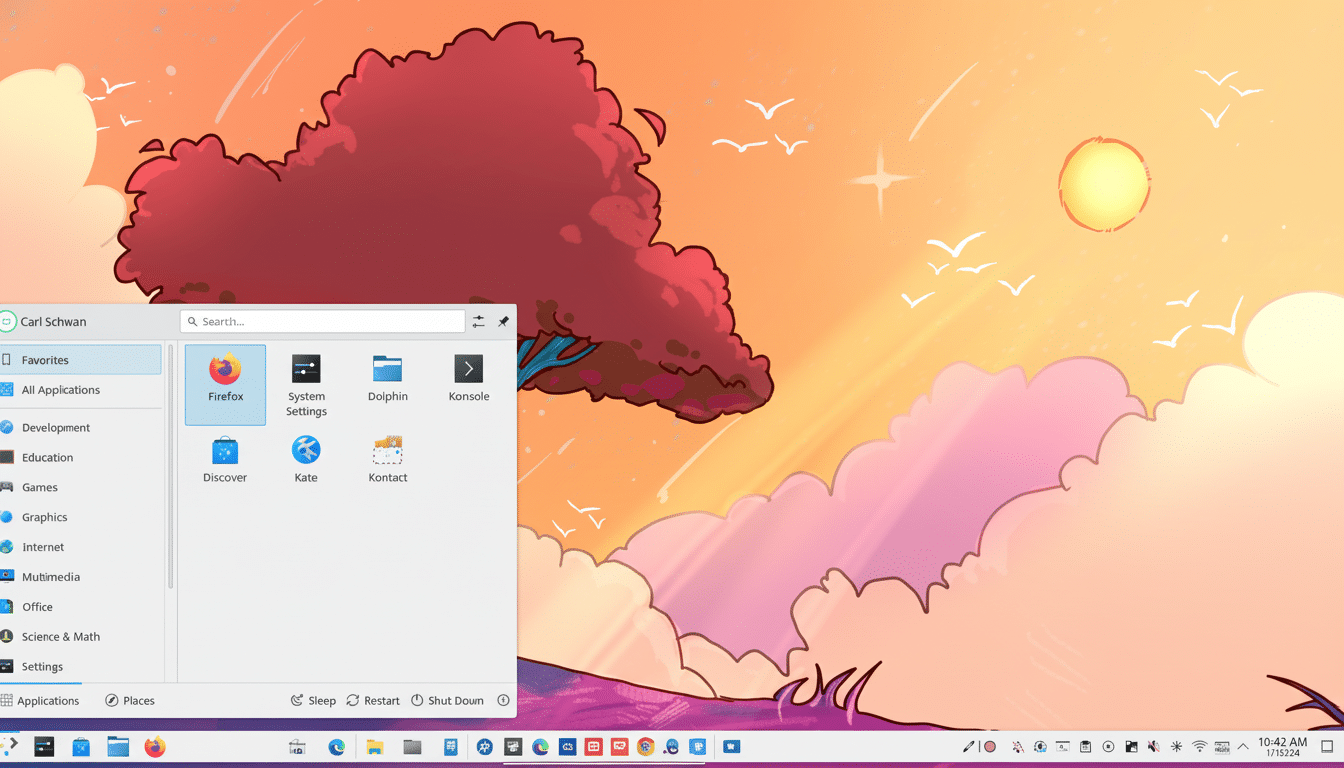
Canonical lists 4 GB as the minimum for an Ubuntu Desktop. You can boot and browse, but that’s a survival spec, not a comfort spec. On a fresh boot, GNOME puts you at 1.2–1.8 GB; KDE Plasma 6 will be around the 0.8–1.3 GB region; XFCE tends to sit around the 0.6–0.8 GB range; and LXQt can drop down near the 0.4–0.6 GB mark. That’s without even a heavy browser tab, Electron app, or container spun up.
And here is the elephant in the room. Latest telemetry and ad hoc testing put “average” tabs at ~150–250 MB apiece for the script-heavy sites of today, and that’s only getting worse with media/canvas pages going higher. Ten live tabs can devour 2–3 GB. Individual Electron apps (hello, Slack, Discord, and VS Code) add 300–600 MB apiece; multiple workspaces pile up the megabytes fast.
Linux will happily fill free memory with file cache, and it feels snappy. That’s good; it’s reclaimable. Additionally, a number of distros provide zRAM enabled by default (Fedora and Ubuntu being among those), compressing memory at around a 1.5–2.5:1 ratio. Useful, yes—but under prolonged pressure, it’s still going to exhibit stalls as the kernel balances pages.
The math: typical usage scenarios and memory needs
Light use (email, a few tabs, office suite, streaming) on XFCE or LXQt: OS + services ~0.8 GB; five tabs ~1 GB; office app ~0.3 GB; player ~0.2 GB; background bits ~0.4 GB.
Call it ~2.7 GB. 8 GB should feel at home with headroom; 4 GB will live in zRAM and patience.
Everyday multitasker on GNOME or KDE (10–15 tabs, one Electron app, cloud sync, photos, chat): desktop ~1.5 GB; tabs ~2–3 GB; Electron app ~0.5 GB; sync tools and chat ~0.5 GB; cache/buffers ~0.5–1 GB. You’re at 5–6.5 GB in a blink. Here, 16 GB is the happy medium: fast today and still plenty of swap tomorrow.
Content creators, gamers: 4K timeline, nonlinear editing in Kdenlive and Olive can spike up to 8–12 GB during cache/effects. Blender scenes vary widely, though they can be more than 10 GB of geometry and textures. New games via Proton can take up 8–12 GB by themselves. Now stack on top of that a game plus voice chat overlay and a browser—suddenly 16 GB is running out. With this group, 32 GB smooths out spikes and ensures the desktop is responsive mid-render or mid-match.
Developers, containers, and VMs: memory considerations
IDEs and language servers are memory-piggish—a fair few extensions for VS Code and you can be sitting near 1 GB. Rust, C++, or Java have parallel builds that each take 1–2 GB. Node- or other JS-based toolchains during bundling can gulp a few gigs. A small Docker Compose stack (database, API, frontend) sits at around 3–6 GB idle. For most devs, 32 GB buffers builds and services without hitting swap.
Virtualization multiplies needs. A snappy Linux VM likes 4–8 GB, a Windows VM needs around 8–12 GB. With 2–3 running VMs you’ll blow past 32 GB in no time. If you use several VMs or a fair amount of heavy Kubernetes workloads, the floor starts to become about 64 GB.
What benchmarks and surveys indicate for 2025 users
Community testing from performance-oriented outlets, however, demonstrated desktop memory footprints have increased as browsers and compositors have developed. The Steam Hardware Survey suggests 16 GB is the norm for gamers (though only just), and that 32 GB systems are still growing—matching what Proton-era titles call for. Forums of creators and user community reports suggest the same thing: scenes and timelines are larger than they once were.
Quick recommendations for RAM capacity in Linux
- 8 GB: Fine for light work and moderate use on ultra-light desktops. Works for the basics, but tab discipline is key.
- 16 GB: The mainstream target. Perfect for everyday multitasking on GNOME or KDE, light photo editing, and casual gaming.
- 32 GB: For creators, developers, and others who work on larger files. Allows you to render, compile big projects and Docker stacks, and play Proton titles without slowing down.
- 64 GB+: If you need to run multiple VMs, handle huge datasets, local AI models, or professional-grade pipelines that can max out your memory.
Sizing your own system based on real workloads
Try running your typical workload and watch “available” memory (run free -h or use tools like htop) for at least an hour. If you consistently have less than 3–4 GB free, then you’re cutting it too close. Track swap activity: if it’s not constant use but the system feels okay, that may be pressure. If the heaviest thing you do now makes you have to stop doing everything else, then add a tier—and jumping straight from 16 GB to 32 GB is where that experience changes most.
Bottom line: The Linux kernel remains efficient, but the modern stack does not. 16 GB is the just-enough-for-most these days, 32 GB is what hungry creators and developers are going to want to try for, and 64 GB+ is multi-VM or specialist workload territory. Do the math against your apps—not just, like Sir Isaac’s apple thrown into the walls of Apple Park, your installer’s minimum—and your computer will remain snappy for years to come.
