


Your home Wi‑Fi is probably leaking more data than you think. Out-of-the-box settings favor convenience over privacy, and that leaves a trail—DNS lookups your internet provider can see, smart gadgets that phone home, and routers that expose more than they should. The good news is you can close big gaps with six no-cost moves that take minutes, not money.
Regulators and researchers have warned for years that network metadata is highly revealing. A Federal Trade Commission report found major internet providers combine browsing, location, and app usage data for profiling. Meanwhile, browser makers say HTTPS now covers the vast majority of web traffic—Chrome’s transparency data shows well above 90%—but your DNS still exposes where you’re going unless you lock it down. Here’s how to fix the defaults.
- Strengthen Your Router Basics to Close Easy Privacy Gaps
- Encrypt DNS on Every Device to Hide Revealing Lookups
- Block Trackers Network-Wide to Quiet Ads and Telemetry
- Segregate IoT Devices on a Guest Network With Isolation
- Turn Off Cloud Features and UPnP to Reduce Exposure
- Keep Firmware Updated or Use OpenWrt for More Control
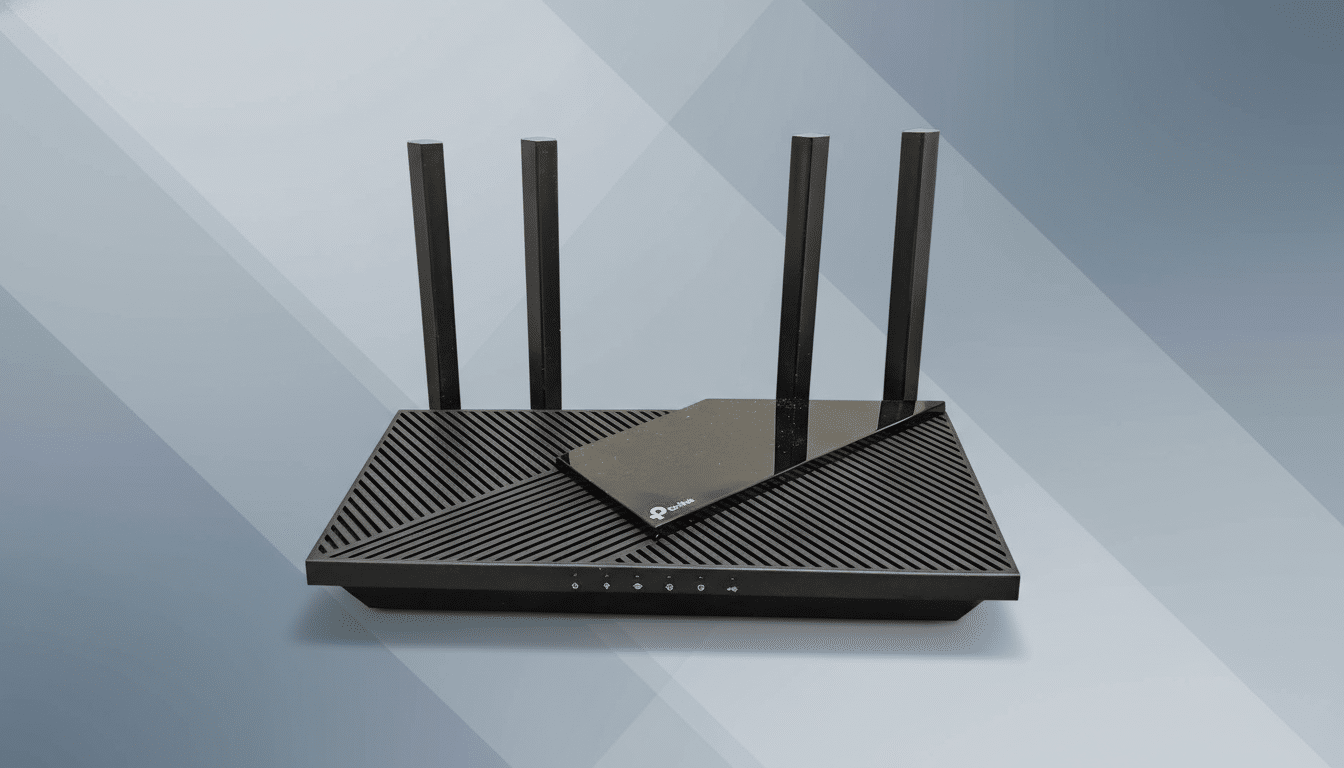
Strengthen Your Router Basics to Close Easy Privacy Gaps
Start where attackers start: your router. Change the admin username and password, and rename the Wi‑Fi network so it doesn’t reveal the brand or model. Enable WPA3 if available, or at minimum WPA2-AES, and disable WPS. The Wi‑Fi Alliance notes WPA3’s handshake resists offline password guessing, a common way neighbors and drive-by snoops capture traffic from weak networks.
These tweaks reduce who can get on your network and who can passively sniff it. Agencies like CISA consistently recommend this baseline, because privacy is impossible if anyone can quietly join or eavesdrop.
Encrypt DNS on Every Device to Hide Revealing Lookups
Even with HTTPS, unencrypted DNS reveals the sites you look up. Turn on DNS-over-HTTPS (DoH) or DNS-over-TLS (DoT) at the router if supported. Many newer gateways let you specify privacy-focused resolvers such as Cloudflare (1.1.1.1), Quad9 (9.9.9.9, with malware blocking), or NextDNS. If your router can’t do it, enable DoH in each device or browser—Mozilla has shipped it as a default for many users, and Android supports Private DNS system-wide.
This closes a major visibility gap. ISPs routinely log DNS queries; encrypting them shrinks how much browsing metadata leaves your home.
Block Trackers Network-Wide to Quiet Ads and Telemetry
Browser add-ons help, but they don’t catch everything on TVs, game consoles, or apps. A free network-wide blocker like Pi-hole or AdGuard Home acts as a local DNS sinkhole, cutting off known ad and tracking domains for every device. Princeton’s Web Transparency project has shown that third-party trackers are embedded across a large share of popular sites; blocking at the DNS layer strips out much of that background chatter.
Real-world dashboards commonly show 10–30% of DNS requests blocked. Expect to whitelist a few domains for streaming or banking apps, but your baseline exposure plummets.
Segregate IoT Devices on a Guest Network With Isolation
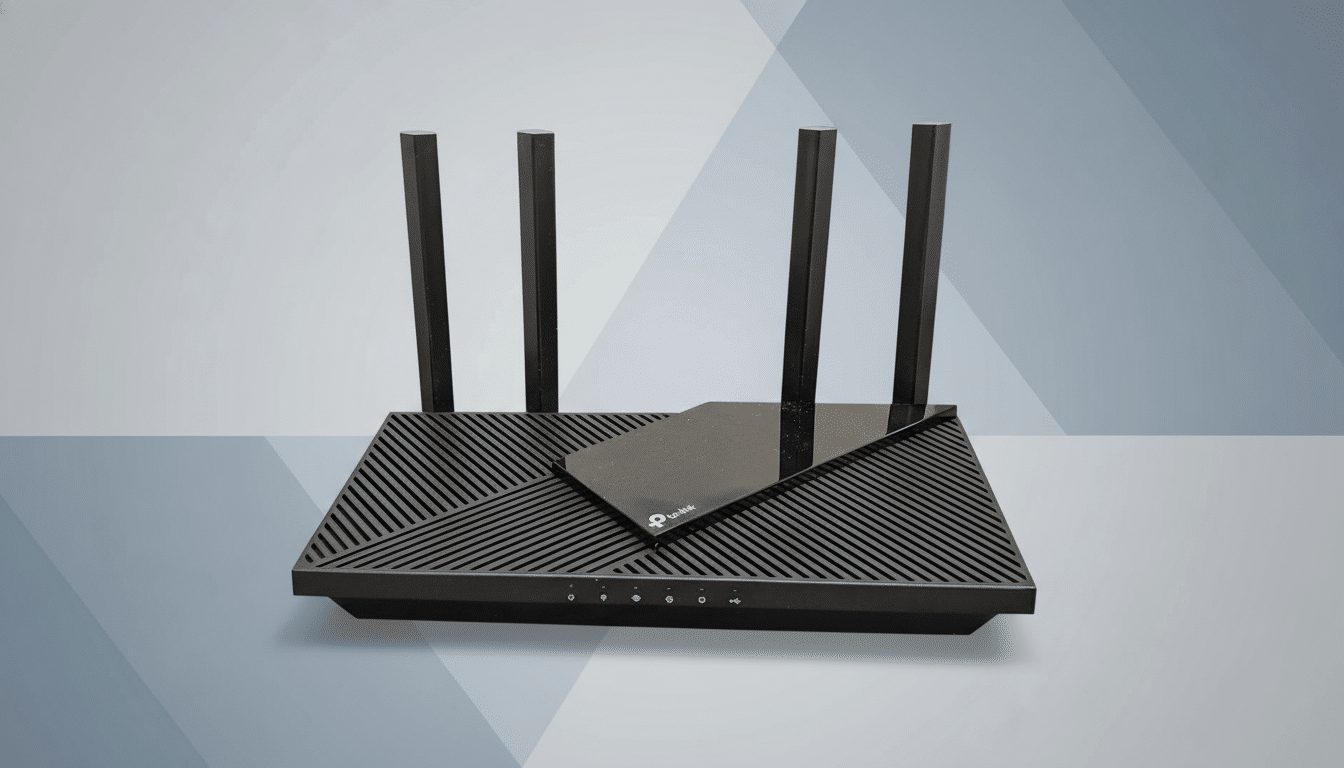
Put smart TVs, speakers, cameras, and plugs on a separate SSID with client isolation and “LAN access” disabled, so they can reach the internet but not your laptop or NAS. Many consumer routers label this a Guest network; on mesh systems, ensure the guest mode actually blocks local device-to-device traffic.
There’s good reason to isolate. Security researchers at Unit 42 have reported that a large share of IoT traffic lacks robust encryption and that many devices expose unnecessary services. Keeping them cordoned off prevents telemetry-heavy gadgets from profiling the rest of your home.
Turn Off Cloud Features and UPnP to Reduce Exposure
Many routers quietly enable cloud management, “remote administration,” diagnostics, or analytics that send data upstream. Turn off WAN administration, disable vendor cloud control unless you rely on it, and prefer local HTTPS access to the router. Also disable Universal Plug and Play (UPnP) unless you absolutely need it; UPnP lets devices punch holes in your firewall without telling you, which can leak services onto the internet.
These switches are free, immediate privacy wins. They reduce who can see your network and who can change it without your knowledge.
Keep Firmware Updated or Use OpenWrt for More Control
Check for firmware updates in your router’s admin page and enable automatic updates if offered. Patches often include fixes for data leaks and improved encryption handling. If your hardware is supported, consider flashing OpenWrt, a free, community firmware that adds features like DoH/DoT at the router, robust firewalling, VLAN segmentation, and built-in ad-blocking lists.
Open-source firmware isn’t for everyone—follow device-specific instructions carefully—but it gives you transparency and fine-grained control rarely found in stock software.
None of these steps requires a subscription or new hardware. Together, they tighten who can see your traffic, what leaves your network by default, and how much your devices can learn about one another. Start with the easy wins—router basics and encrypted DNS—then add a Pi-hole and real segmentation. The result is a home Wi‑Fi that finally matches the privacy you assumed you had.
