


Google is now launching Gemini right in Chrome for iPhone and iPad: it brings the AI assistant to the address bar, allowing you to summarize pages, ask questions, and run an on-screen search without leaving the app. The integration is included with Chrome 143 on iOS and replicates what the Android version and desktop already offer.
What’s new in Chrome on iOS: Gemini integration details
Once it shows up, the Google Lens icon to the left of Chrome’s address bar transforms into what looks like a Gemini spark. Tap it and you’ll get two main options: search your screen, and talk to Gemini. The latter pulls up a prompt box with quick menu options, among them a one-tap “summarize this page” and the ability to “create an FAQ about this topic,” using related sources.
- What’s new in Chrome on iOS: Gemini integration details
- How to get it on iOS and who can access Gemini in Chrome
- What it’s useful for on iPhone and iPad inside Chrome
- Why this matters on iPhone and iPad for Chrome users
- Privacy and data controls when using Gemini in Chrome
- How it compares to Android and desktop Chrome today
- What to watch next as Gemini rolls out on iOS Chrome
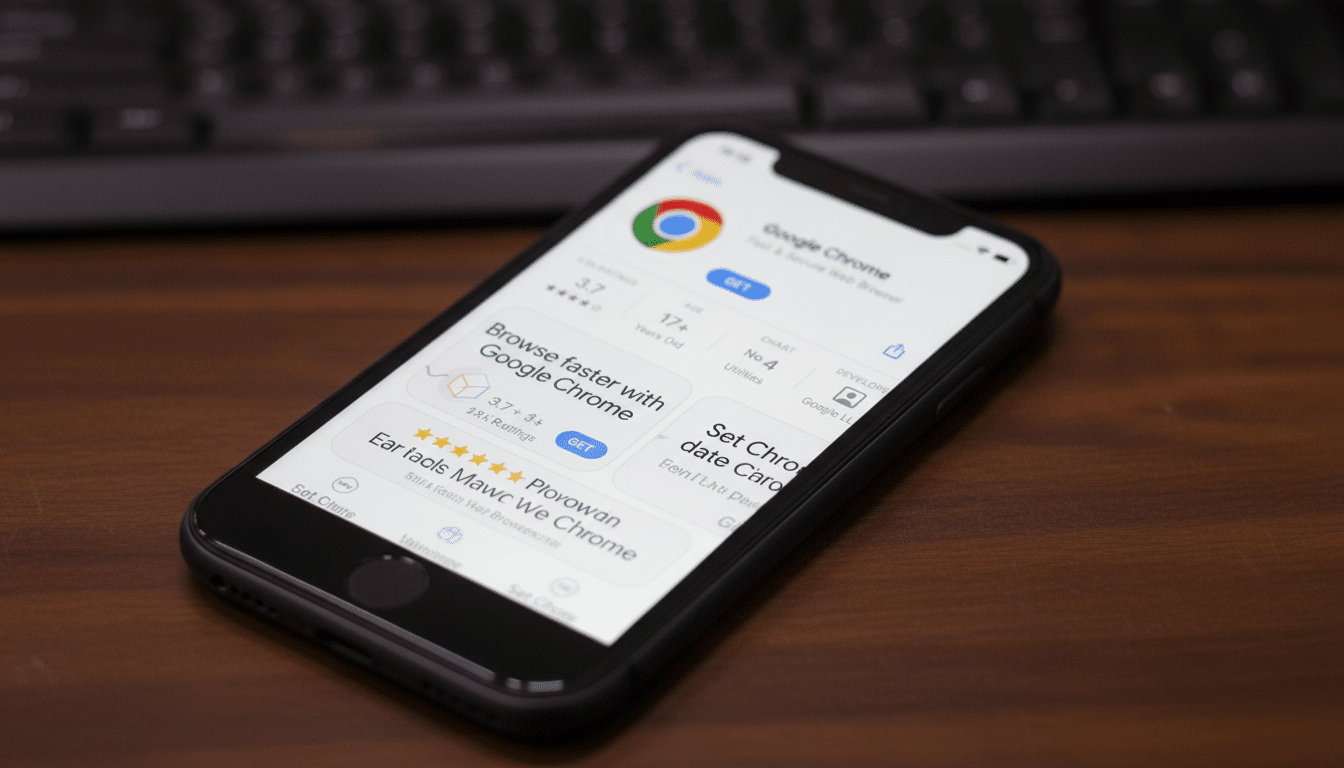
You can also use the feature via Page Tools. Crucially, when you summon Gemini within Chrome, it shares the structure of your current page with the assistant so that it can answer questions based on what you’re seeing. If you would like to stop sharing a page for a session, you can tap the Stop button.
How to get it on iOS and who can access Gemini in Chrome
The feature is being rolled out as part of Chrome 143 for iPhone and iPad throughout the US, according to industry reports on 9to5Google. Google says the distribution is rolling out slowly, so it may not show up right away. You’ll need to be logged in to Chrome, using English, and over 18. You will not find the option for Gemini in Incognito mode.
If you don’t see that spark of Gemini yet, check the App Store for an update to Chrome and relaunch your browser. When it’s available, the icon swap in the address bar is also the fastest way to check that you’ve got the feature.
What it’s useful for on iPhone and iPad inside Chrome
With long-form articles, Gemini’s page summary cuts the most important points down to scannable bullets. If you are researching a product, the FAQ generator can prompt and elicit common questions and answers from comparable coverage to expedite due diligence. When you’re mapping a trip, “search your screen” can pick up on landmarks of interest in an itinerary and suggest additional information — like reviews or maps — without opening another tab.
Because Gemini reads the page you’re on, its follow-up prompts are more focused. Ask “compare this to last year’s model” on a review page or “show pros and cons from this section,” and the responses are pinned to what’s visible in Chrome, cutting down copy-paste friction that often dogs mobile workflows.
Why this matters on iPhone and iPad for Chrome users
Apple forces all iOS browsers to run the WebKit engine, so Chrome for iPhone appears and works differently than Chrome for Android. Google’s new release sees feature parity at the interface level instead of depending on engine-level support, and it keeps users within Chrome where the context is richest.
It also increases the competition with Safari. Apple makes a big deal of Safari’s privacy stance, while Google is wagering that AI-powered conveniences—summaries, screen search, and context-aware prompts—will help drive engagement and retention for Chrome users on iOS. (StatCounter and other market trackers indicate that Safari on iOS is way ahead; friction-free AI inside the browser gives Chrome a more distinct point of differentiation.)
Privacy and data controls when using Gemini in Chrome
Whenever you use Gemini within Chrome, the page you’re looking at is shared with the assistant in order to ground responses. If you do not want to share the context, then tap Stop to stop sharing the page for that interaction. Since Incognito does not support the feature, privacy-sensitive browsing will never show you Gemini.
Enterprise users: Companies that manage Google Workspace or Cloud Identity can apply additional data protection policies, but access options may vary depending on admin settings.
How it compares to Android and desktop Chrome today
On desktop and Android, the quick actions from Gemini in Chrome existed already. This shuts the gap and makes sure summaries, context Q&A, and screen search behave as one would expect across devices. That’s important for anyone who bounces around a work laptop, say, and an Android phone, as well as an iPad — their workflow doesn’t have to relearn where the AI is or how it processes whatever page you’re currently on.
What to watch next as Gemini rolls out on iOS Chrome
That’s just the start — you can expect expanded language support, quicker rollout beyond US shores, and deeper tie-ins with Google services such as Search and Workspace in the future. Google has indicated that it’s not racing ads into Gemini experiences, which means near-term efforts will leverage utility and accuracy. As models become better equipped to handle on-page context, iOS users should see improved citations, more robust summaries, and fewer “hallucinations” when the content is ambiguous.
“At least, the punch line is a relatively simple one,” said Jeremy Pullen, Molotsky’s work friend and adviser in the months before he went full-time on Gemini.
For now, that bottom line is pretty simple: Update Chrome on your iPhone or iPad; look for that Gemini spark in the address bar; ask questions about what you’re looking at.
It’s a relatively small UI change with an outsize impact on how quickly you can go from reading to grasping.
