


Google Wallet holders on Android can now enjoy a native, auto-updating boarding pass from American Airlines — albeit without NFC service on hand to tap then and there. It’s a minor change with major convenience implications, and it puts the carrier in line with its competitors that already support Google’s electronic pass system.
What’s New for American Flyers on Android
Customers can now save an American Airlines mobile boarding pass to Google Wallet from the confirmation email or from AA.com after checking in for a flight. Once the pass is added, it updates automatically with changes to departure times, gates or seat assignments, eliminating the need to refresh the airline app or juggle screenshots at the checkpoint.
Until now, American’s support for Apple Wallet left Android users dependent on the airline’s app or image saves. Through Wallet support on your Android device, you can see the pass about to arrive on your lock screen when it’s near departure and quickly access a high-contrast view that makes checking in easier at TSA and ticket checkpoints.
What Google Wallet Support Means for Travelers
Digital passes help lower friction at the most time-sensitive points of a journey. If a gate swap occurs on a tight connection, an auto-updating Wallet pass can help travelers make their way to the correct concourse without reopening email or fishing for the airline app. Fewer rescans and misdirected passengers mean speedier boarding and more on-time performance for airlines.
Industry data underscores the shift. IATA’s Global Passenger Survey has consistently found that the vast majority of travelers would rather manage their trips on their phones, while about three in four are comfortable with storing travel documents digitally. Worldwide, more than half of passengers are already using mobile boarding passes and this number will only grow as airlines add wallet capabilities.
The move also helps to close the platform parity gap. iPhone users have enjoyed now-you-see-it Apple Wallet passes on American since forever, but Android is — as the research firms that track installed devices report it — a meaningful part of the American smartphone base. Wallet support ensures a consistent experience on your travels without needing customers to have one airline app workflow.
How to Add the Wallet Pass on Android and Use It
When it comes time to check in, the Add to Google Wallet button will appear on your American Airlines email or your boarding pass web page if checking in that way. Tap it, verify the details and the pass will show up in Google Wallet with your name, flight number, departure time and barcode or Aztec code.
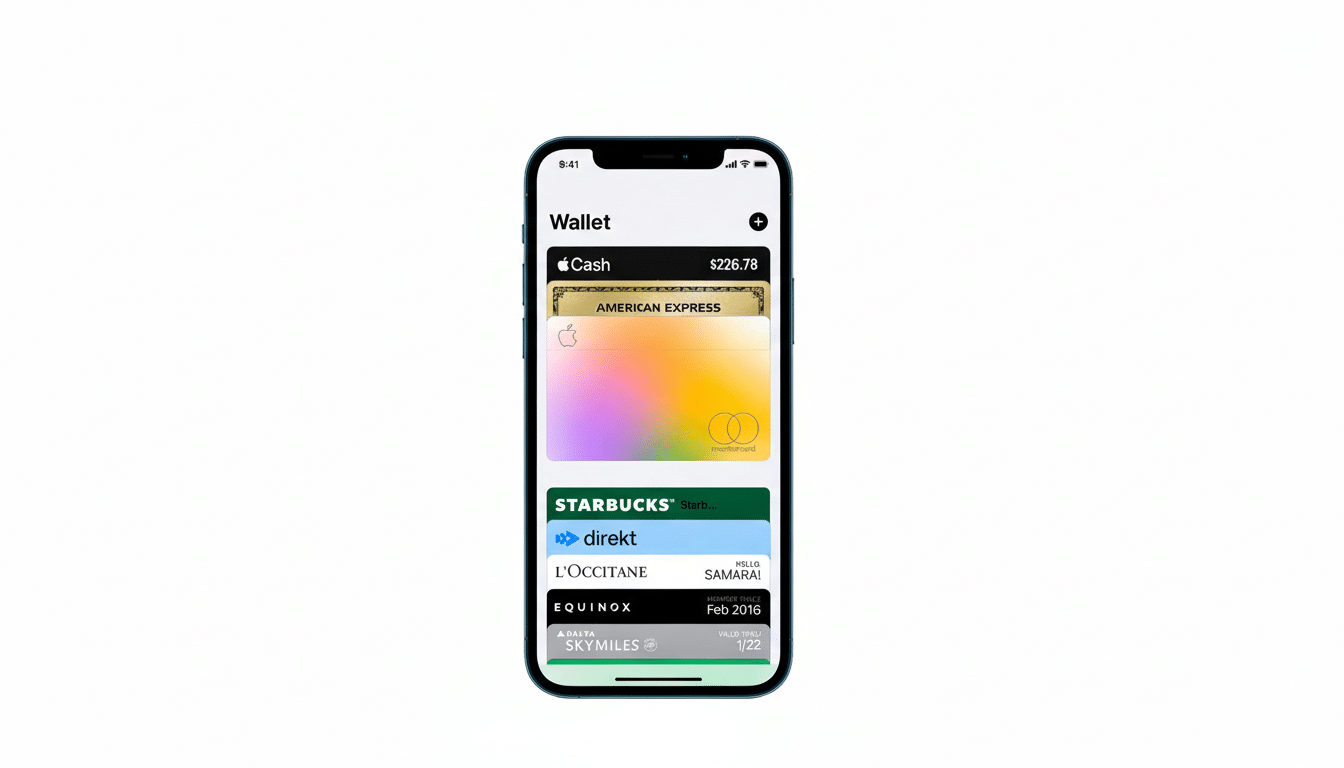
At the airport, open Google Wallet from either the lock screen suggestion or app drawer and tap your phone to show security officers and to board. If your flight is updated, the pass will update automatically, and Wallet can send a notification. The pass is available even when the phone is temporarily out of network range, and most Wear OS watches will also show eligible passes on the Wallet companion for fast scanning.
And for travelers who prefer to save a screenshot or use the airline’s app, those options still stand. The difference is Wallet passes are dynamic and centrally managed, meaning less duplicate versions and out-of-date barcodes strewn across multiple devices.
Compatibility and Practical Notes for Google Wallet
Google Wallet can be found on many Android devices with Google Play services. Boarding pass formats currently supported by American are all read reliably at TSA checkpoints and gates, even with the screen dimmed to save battery power. If you are traveling with someone on the same reservation, both of you will need to add your own pass for seamless scanning at the gate.
Pass management: Wallet stores passes on device and uses best practices for security, including the requirement of a valid screen lock at the device level. Like any digital boarding pass, make sure your phone is charged; airports increasingly have plentiful USB-C and AC outlets, and many airlines provide in-seat power on mainline aircraft.
How It Fits in the Airline Landscape and Competition
By integrating Google Wallet, American follows other U.S. carriers that have already backed Android-native passes such as Delta and United. More than a marketing gesture, however, the change is designed to eliminate friction for the millions of passengers who expect their phones will fully guide them through the journey — from check-in to boarding — without workarounds.
According to the Bureau of Transportation Statistics, American remains the biggest U.S. carrier of passengers, so even small-seeming UX upgrades have big ripple potential. It’s the small things like this that can make travel on a busy day a little more bearable, and having one boarding pass card that was auto-updating in Google Wallet was something frequent flyers and occasional travelers would have appreciated.
